No luck installing on my Pixel 2 (walleye)
-
No luck installing on my Pixel 2 (walleye). I started with the August 2019 9.0.0 factory image, installing from Debian 10. The system never booted into Ubuntu Touch after following @Flohack's instructions in the "Call for testers" thread.
I would get the Google splash screen for ~30 seconds-2 minutes, and then the phone would reboot ad infinitum (well past the 2 reboots threshold).
Any suggestions or success stories Pixel 2 (walleye) installs are appreciated!
-
me2.
pixel2 xl 128g. android 9 factory image.
after flash halium-boot.img, vendor.img.then
fastboot boot twrp.img can't boot trwp. -
Okay I do not have walleye, only taimen here. We might need to work on this a bit, its not hopeless
 first thing I want you to check is if during the reboot sequence you see a USB device coming up on your host. Do a dmesg -w on commandline, plug the phone and see what happens.
 -
@flohack In one of the last reboots it did show up under dmesg -w, before then nothing. This is the output I get:
[ 1406.708600] usb 1-3: new high-speed USB device number 14 using xhci_hcd
[ 1406.861398] usb 1-3: New USB device found, idVendor=18d1, idProduct=4ee0, bcdDevice= 1.00
[ 1406.861403] usb 1-3: New USB device strings: Mfr=1, Product=2, SerialNumber=3
[ 1406.861406] usb 1-3: Product: Android
[ 1406.861409] usb 1-3: Manufacturer: Google
[ 1406.861411] usb 1-3: SerialNumber: HT7B91A02053
[ 1438.401554] usb 1-3: USB disconnect, device number 14
After that, I get a message in fastboot to the effect of "Slot unbootable".
-
@Flohack is this helpful information? I can check other things with some guidance.
-
Same problem here
pixel 2Google splash screen for 2 minutes, rebooting multiple times, and eventually reboots to bootloader with
ERROR: Slot Unbootable: Load Erroron the bottom -
I will check if I forgot some commits from the XL to be put on 2...
-
Ok guys it seems the reason was that there are actually 2 kernel config files, and I did not edit the version for walleye, also its named muskie, but thats not important
I´ve uploaded a new version of the file halium-boot.img into the above location. Could you please redownload this file, and flash in fastboot and see what happens then? Thx!
Good Luck

-
@flohack Similar issue to before, after flashing and executing "adb reboot" the phone boots to the Google logo, sits there for 10-15 seconds, then enters a bootloop that eventually stops after 6-10 times in the bootloader with the message "ERROR: Slot Unbootable: Load Error".
dmesg -w did seem to see the device, here is a sample of the last few lines of output.
Device= 1.00 [ 1873.652354] usb 1-2: New USB device strings: Mfr=1, Product=2, SerialNumber=3 [ 1873.652358] usb 1-2: Product: Android [ 1873.652361] usb 1-2: Manufacturer: Google [ 1873.652363] usb 1-2: SerialNumber: HT7B91A02053 [ 1928.488153] usb 1-2: USB disconnect, device number 18 [ 1934.316312] usb 1-2: new high-speed USB device number 19 using xhci_hcd [ 1934.466876] usb 1-2: New USB device found, idVendor=18d1, idProduct=d001, bcdDevice= 4.04 [ 1934.466882] usb 1-2: New USB device strings: Mfr=1, Product=2, SerialNumber=3 [ 1934.466885] usb 1-2: Product: AOSP on walleye [ 1934.466888] usb 1-2: Manufacturer: Google [ 1934.466890] usb 1-2: SerialNumber: HT7B91A02053 [ 1988.502910] loop: module loaded [ 1988.556171] EXT4-fs (loop0): mounted filesystem with ordered data mode. Opts: (null) [ 2202.191956] usb 1-2: USB disconnect, device number 19 [ 2596.561839] usb 1-2: new high-speed USB device number 20 using xhci_hcd [ 2596.710679] usb 1-2: New USB device found, idVendor=18d1, idProduct=4ee0, bcdDevice= 1.00 [ 2596.710686] usb 1-2: New USB device strings: Mfr=1, Product=2, SerialNumber=3 [ 2596.710690] usb 1-2: Product: Android [ 2596.710693] usb 1-2: Manufacturer: Google [ 2596.710695] usb 1-2: SerialNumber: HT7B91A02053 -
@wilson can you please do the following: Boot recovery, rename the file /data/android-rootfs.img to smth .bak or so, and then see if it boots ? If that wont help, also rename rootfs.img to .bak and try again, we need to get to a point where the kernel at least is booted.
-
@flohack From a fresh Android install renaming the files to .bak boots into Android with no issue.
-
@flohack When I renamed both files to .bak and then followed the steps to flash Ubuntu Touch the phone booted, gave the Google logo for a brief second, then entered the bootloader with the message "ERROR: LoadImageAndAuth Failed: Load Error".
-
@wilson Ok no idea. will think how wwe can solve that
-
Same issue here, can test whenever as it's not my primary device.
-
Alright sorry took some time. As 2 XL kinda works now, I want to turn my attention to Pixel 2 again. As I do not own the device I need someone with a bit of curiosity to debug the reboot issue for me, if its still persisting. Please head over to https://forums.ubports.com/topic/6251/beta-pixel-2-installer-config and report me back any new findings.
I hope the reboot does not appear anymore
-
@flohack I dusted off my old pixel 2 and gave it a try. After reverting to android 9, I tried the installer from the command line with the new config file. That seemed to work well, going through all of the prompts. Once finished, I got the UB ports avatar and a message stating it was updating. Once finished, it rebooted and got stuck on the Google logo. I let it hang for about 10 minutes and tried two more times with fresh wipes. No luck.
-
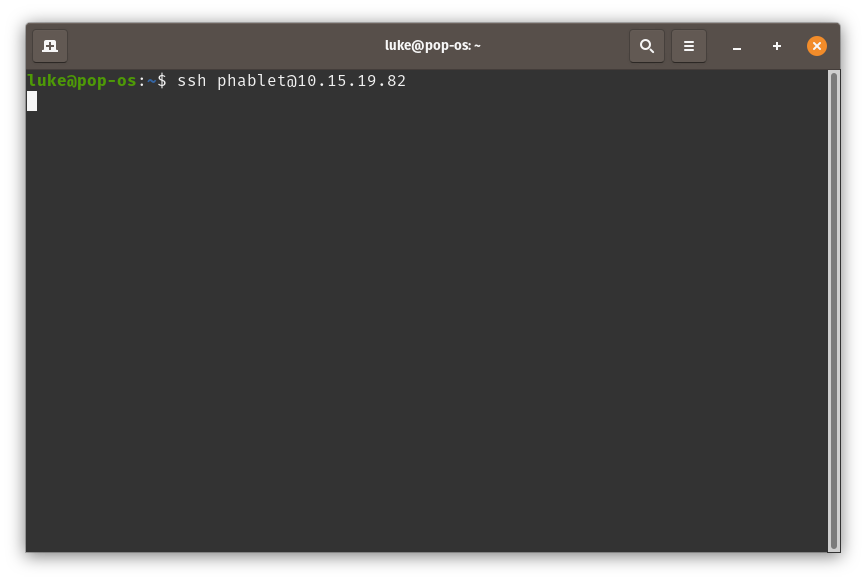
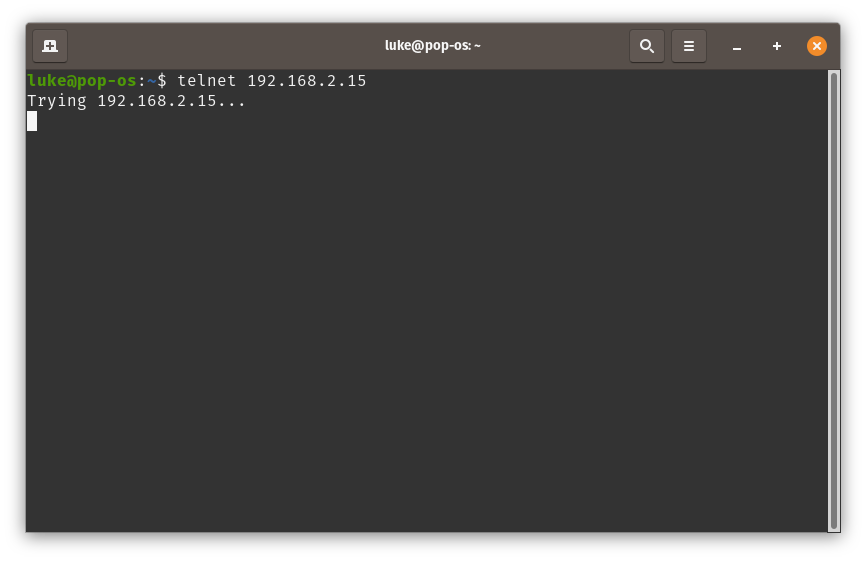
@ljrichards1066 Alright can you please let it get stuck on the Google screen, and then try either telnet 192.168.2.15 or ssh phablet@10.15.19.82 ? THanks!
-
@flohack I tried both commands. Both hang without resolution.
-
Alright, I will think about a debug possibility...
What Android was installed before?
-
@flohack I had a lineage build based on Android 9 on it. When I get off work today, I can try it from stock android 9 and see if the results are better.

Hello! It looks like you're interested in this conversation, but you don't have an account yet.
Getting fed up of having to scroll through the same posts each visit? When you register for an account, you'll always come back to exactly where you were before, and choose to be notified of new replies (either via email, or push notification). You'll also be able to save bookmarks and upvote posts to show your appreciation to other community members.
With your input, this post could be even better 💗
Register Login