Flash halium vendor on redmi note 8t (willow)
-
Hello everyone .
This is my first post in ubports community .
.
First thank you @kaiyes for your post about porting , i've started from this post :party_popper:Important First do full backup of your device
Not Working :
- WiFi does not work
Device
- Flash Ginkgo Vendor if you are using Redmi Note 8
- Flash Willow Vendor if you are using Redmi Note 8T
Step 0 : FLash Android 9.0
- Flash stock android 9 vendor (for example i used V11.0.10.0.PCOMIXM)
Download your preferred rom from here
You have many options here for example you can Flash via:
- Xiaomi Flash Tool
- Or Fastboot
Fastboot instructions (Linux user) :
Enter into fastboot for me (power + volume down) or
adb reboot bootloader
fastboot devices
flashing script
tar -xzvf willow_android9_path.tgz && cd willow_android9_path
sudo chmod +x flash_all.sh
./flash_all.sh #flash android 9 vendor
it take times when it's done reboot your device and configure android basics then activate activate again developer options
(1. oem/unlocking , 2.usb debugging, 3.usb security debugging )Step 1 : Flashing twrp
Download twrp app for example i used this one
Download vbmeta for example i used this oneEnter fastboot and then flash twpr
fastboot flash vbmeta vbmeta.img
fastboot erase recovery
fastboot flash recovery twrtp*.img
fastboot reboot recovery
or you can enter twrp mode via (Power + VolumeUp )
Step 2: How to Flash
Enter into twrp mode (Power + VolumeUp ) and wipe your dataDownload these ubport files on your pc
-
halium-ramdisk: link
-
kernel: link
-
GSI V10: link
-
ginkgo patches: link
go to advanced -> adb sideload and load these downloaded files and from your pc load there file
adb sideload halium-ramdisk.zip
adb sideload ginkgo_Kernel_4.14-20201015-0455.zip
adb sideload ubports_GSI_installer_v10.zip
adb sideload ginkgo-postinstaller.zip
or if you have sd card copy these 4 file your sd card from pc and then go twpr -> install -> select storage -> micro sd storage -> and install these zips follow "sideload" sequence
-
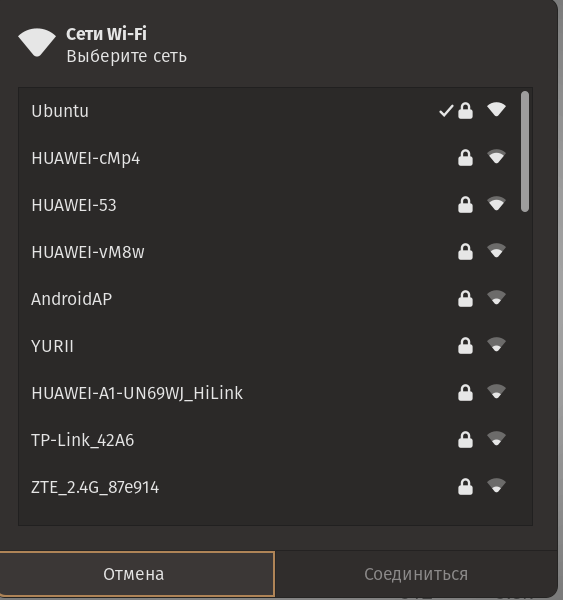
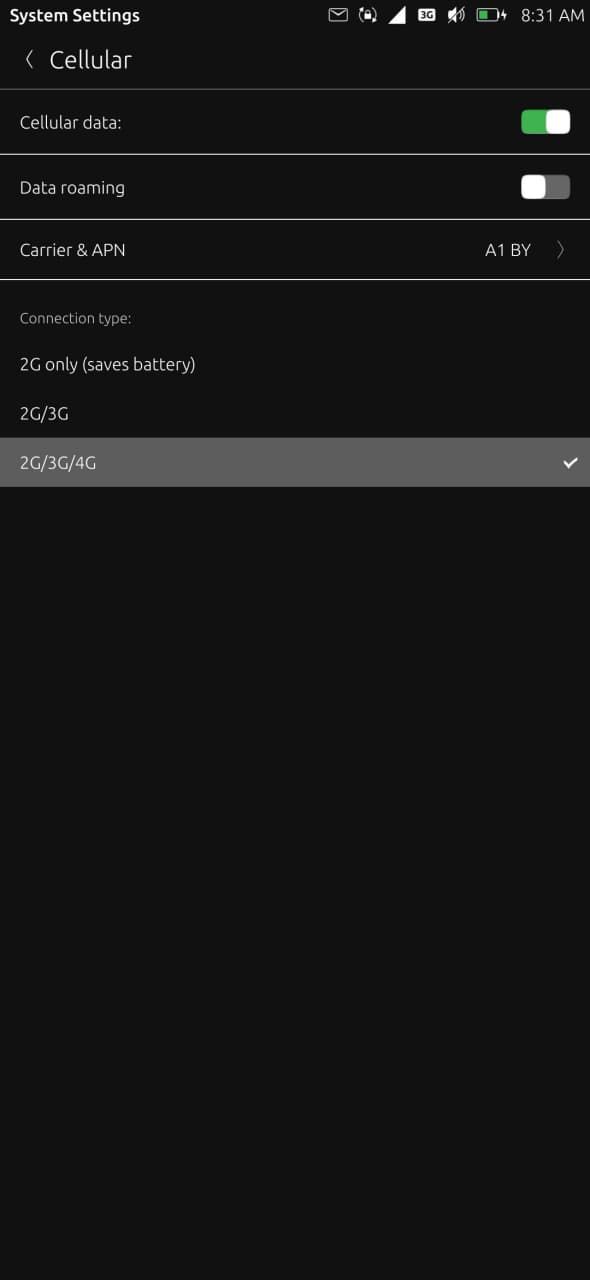
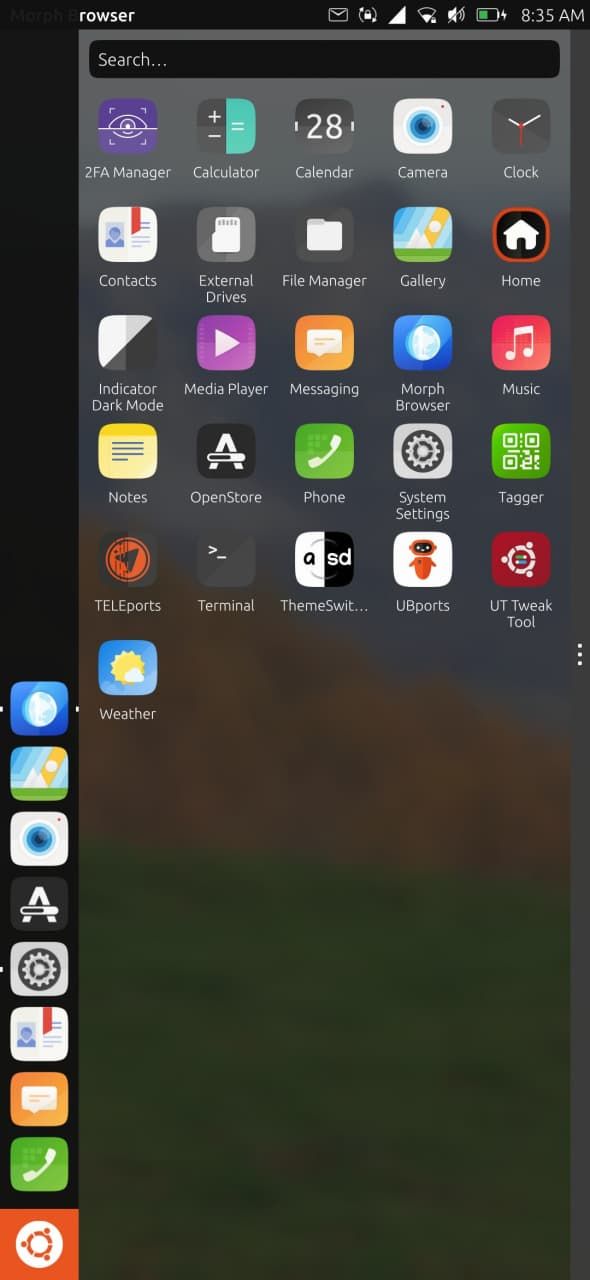
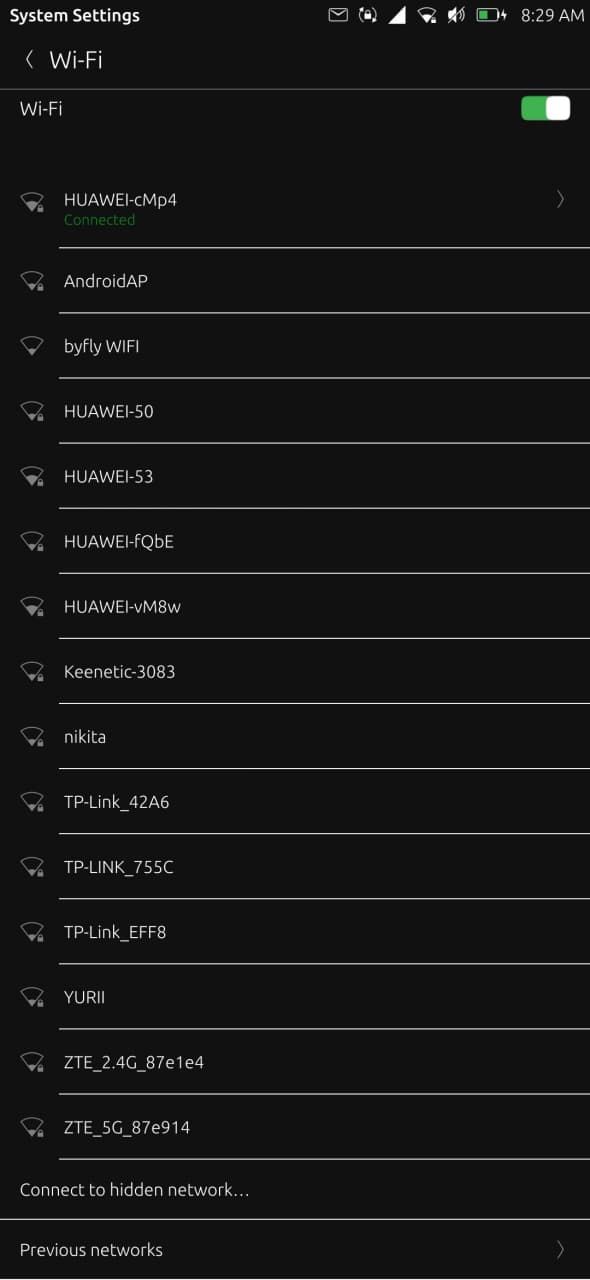
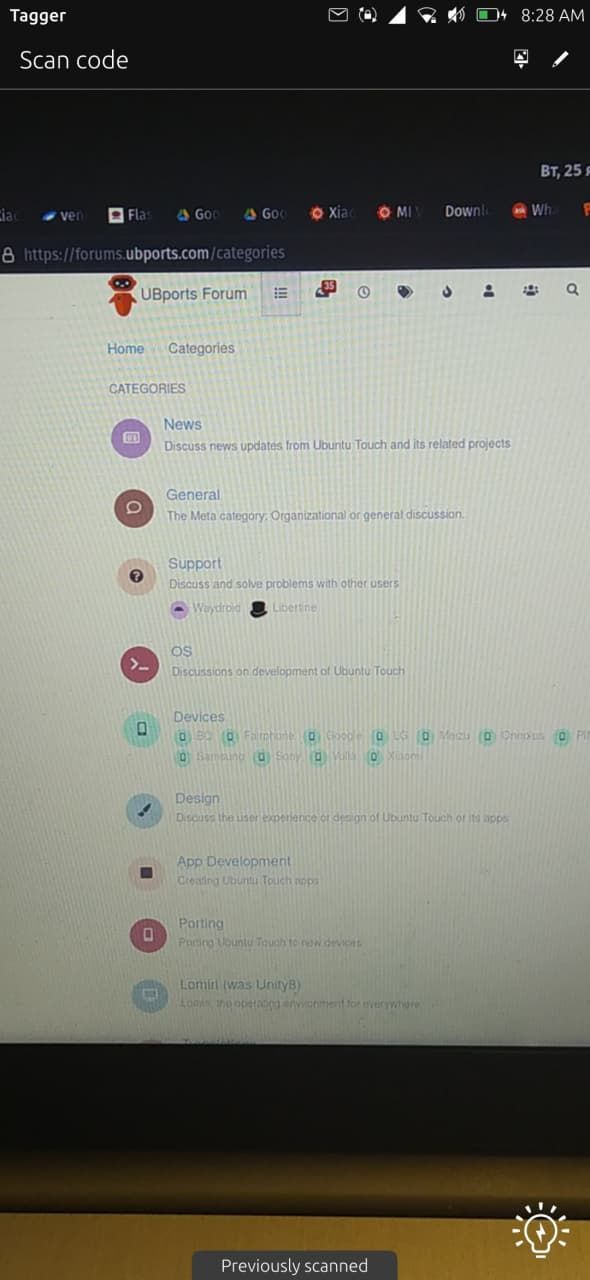
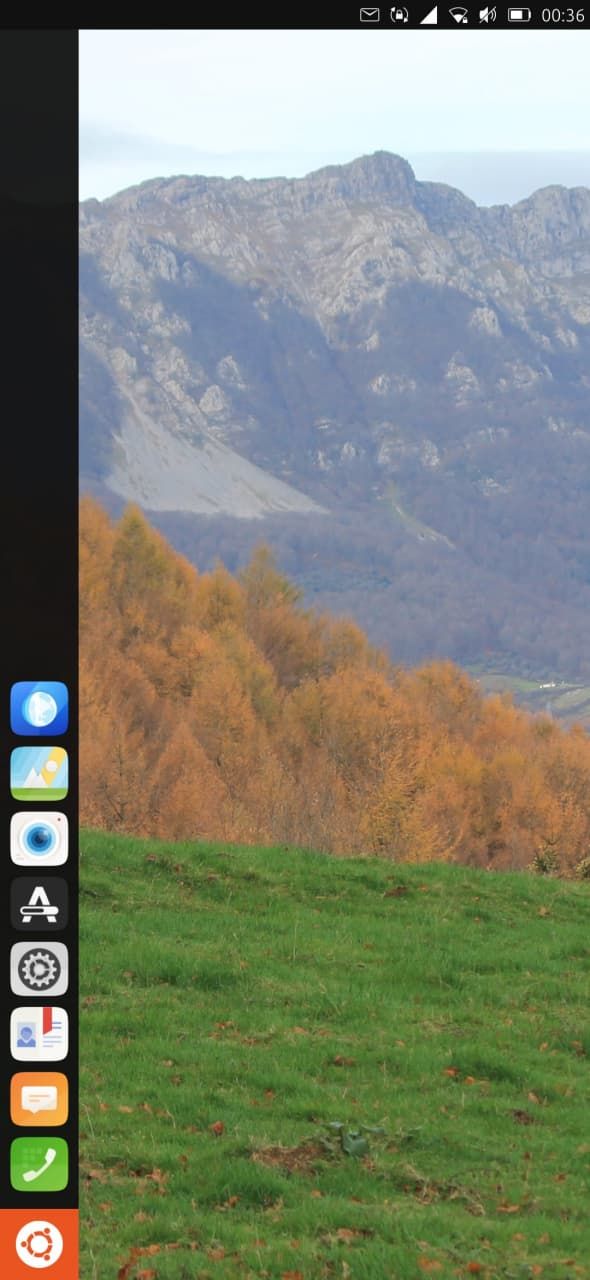
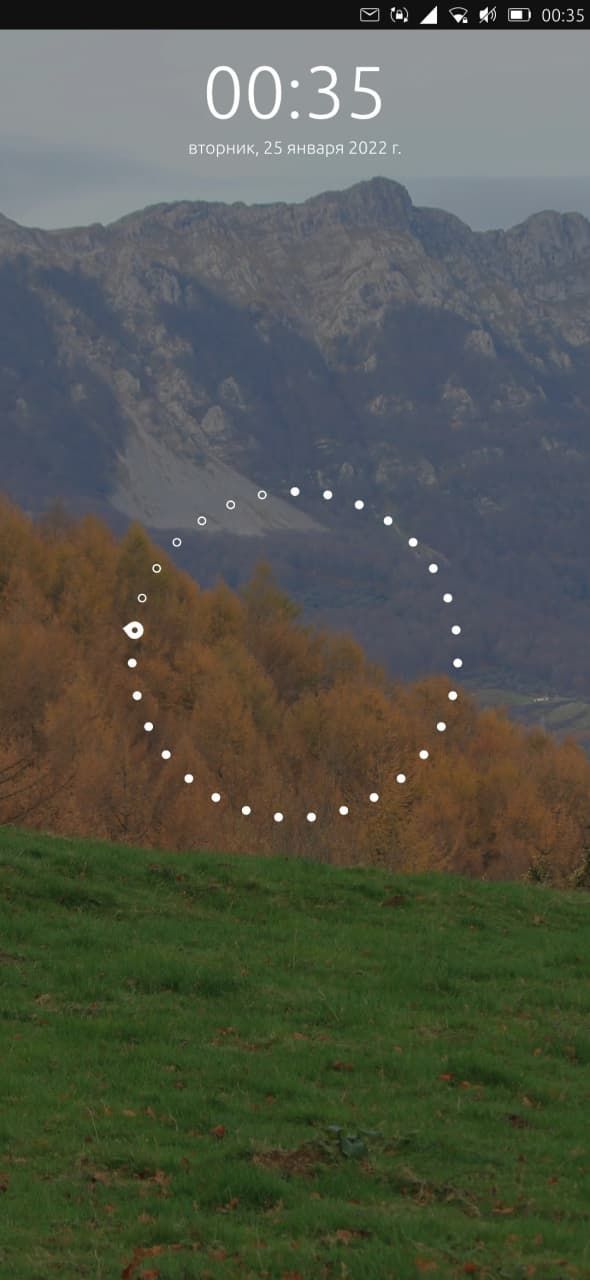
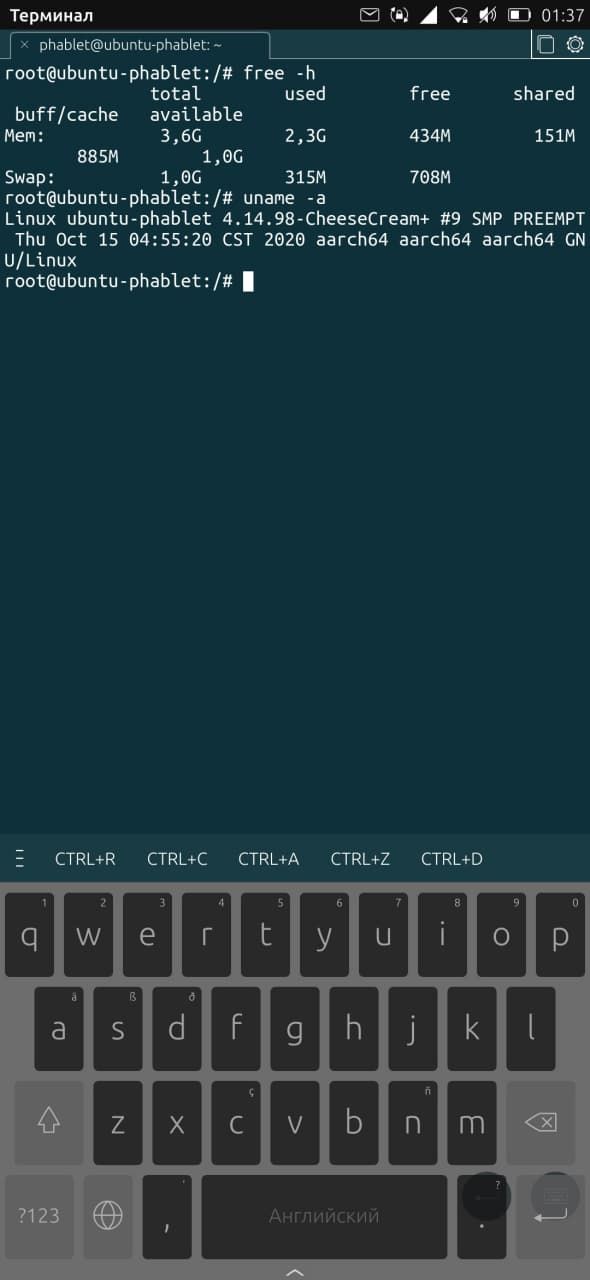
Thank you, ubuntu touch works good on my redmi note 8, only some apps from open store isn't working(UT tweak tool(White screen), telegram port) and file manager, front camera. I think i found how to solve wi-fi problem on willow devices, try to flash vendor from ginkgo(Can't check this cause i have ginkgo devise, not willow).(I have found this solution here https://4pda.to/forum/index.php?showtopic=976545&st=8380#entry101745944).
and here some screenshots(after updating camera app, it stopped working...used tagger to show camera work)
-
@lighty Thanks for this solution , I try and give response
-
@j3dyy Does it work?
-
@lighty I solved only wi-fi problem right now
Hello! It looks like you're interested in this conversation, but you don't have an account yet.
Getting fed up of having to scroll through the same posts each visit? When you register for an account, you'll always come back to exactly where you were before, and choose to be notified of new replies (either via email, or push notification). You'll also be able to save bookmarks and upvote posts to show your appreciation to other community members.
With your input, this post could be even better 💗
Register Login