How can I launch apps I installed with libertine
-
Hello everyone, I haven't been working with Ubuntu Touch for a long time. I just installed LibreOffice with libertine in a newly created container on my BQ Aquaris M10. But I don't know how to start LibreOffice. It is not located in the apps in the sidebar on the left.
Many thanks for your help in advance! -
@NilaLo I tried this, but it doesn't work. I'm not able to drag something from the bottom of the main screen. To install the libertine scope with the command line didn't work either.
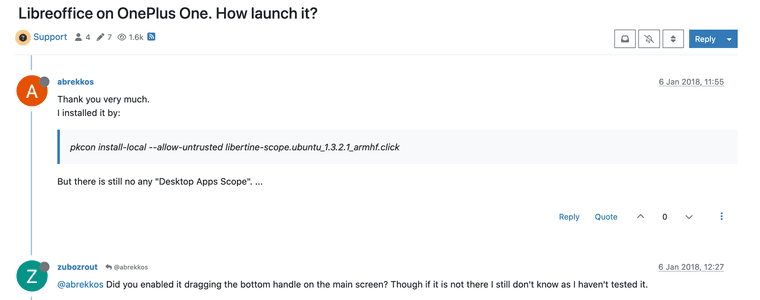
-
@NilaLo open the Dash by tapping on the Ubuntu icon on the Launcher. Then pull down to refresh the content. The LibreOffice icons should now appear.
If they will launch properly is another matter, as Libertine has some issues on 16.04 that will not be fixed ,as development has ceased for that version of the OS.
-
@arubislander Thank you very much, that was helpful.
-
N NilaLo has marked this topic as solved on

Hello! It looks like you're interested in this conversation, but you don't have an account yet.
Getting fed up of having to scroll through the same posts each visit? When you register for an account, you'll always come back to exactly where you were before, and choose to be notified of new replies (either via email, or push notification). You'll also be able to save bookmarks and upvote posts to show your appreciation to other community members.
With your input, this post could be even better 💗
Register Login