Libertine OTA-3 always failed in dnsmasq
-
I'm new in Ubuntu Touch.
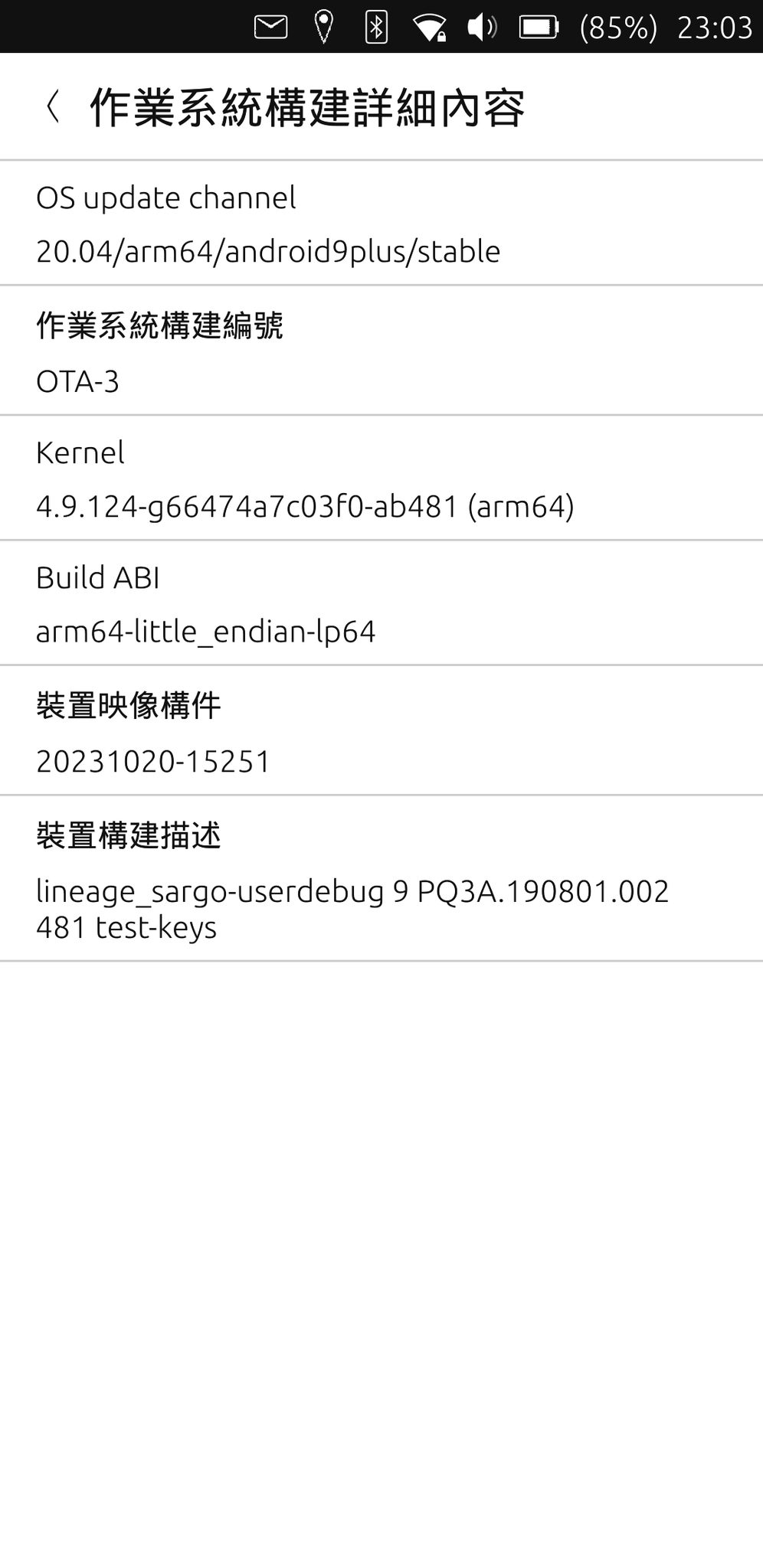
I have flashed UT to my Pixel 3a and used for a week.
Everything works great until I tried to use desktop apps.
Libertine container always create failed.
here is the log:
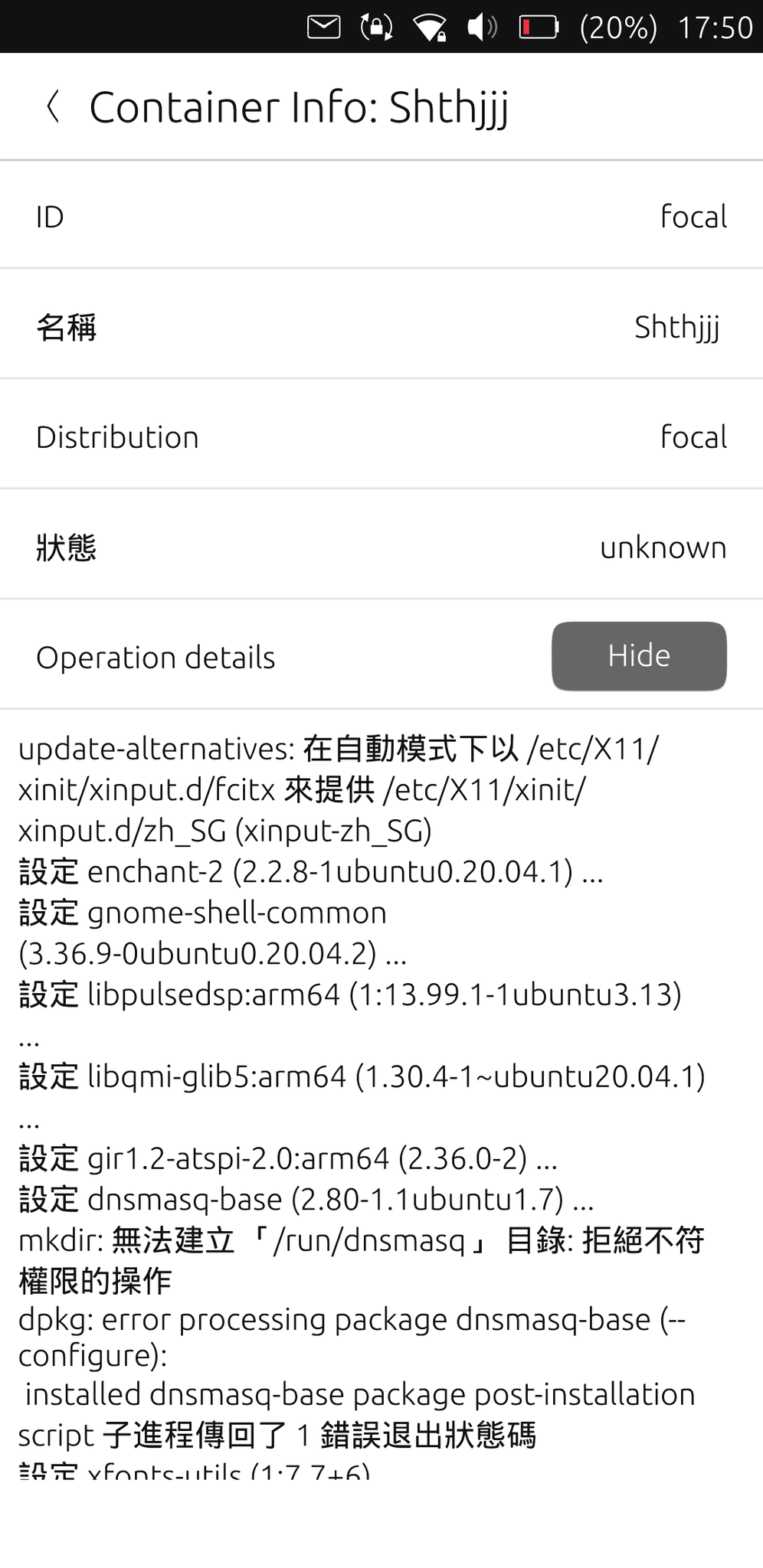
mkdir: cannot create directory /run/dnsmasq
I've tried:sudo su mkdir ~/.cache/libertine-container/my-container-name/rootfs/run/dnsmasq chmod -R 777 ~/.cache/libertine-container/my-container-name/rootfs/runbut the problem still existed.
Everytime "mkdir: cannot create directory /run/dnsmasq" log appeared,
create procedure stopped and ~/.cache/libertine-container folder was empty.
Can anyone help me solve this?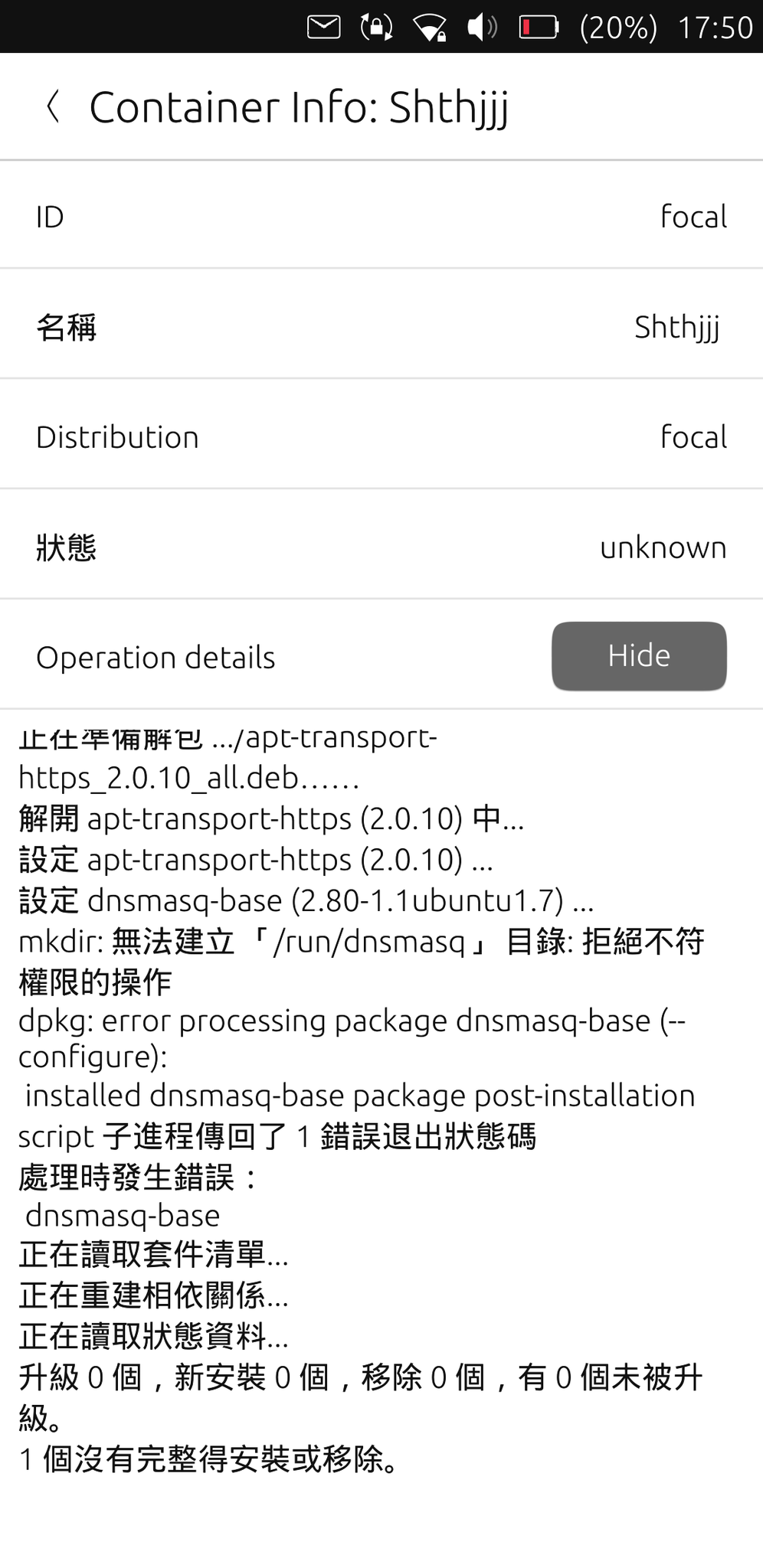
-
I solve this problem finally.
I found when I use Chinese locale , libertine container always create failed.
I switch to English locale and everything works fine. -
Switch to English solve this problem, as long as if you did not change back to Chinese Traditional and update your libertine container at the same time.
If you update your container in Chinese Traditional locale, you will break your container installation as it tries to install dnsmasq-base again.
So the problem of trying to install dnsmasq-base in Chinese Traditional is still unsolved. -
OK, actually found the solution to fix dnsmasq problem.
- Switch to English
- Create the Libertine container
- Open the terminal, and edit
/home/phablet/.cache/libertine-container/focal/rootfs/etc/nsswitch.confand add theextrausersto the first 4 line to fixgroups: cannot find name for group IDandI have no name!prompt
(Note! If you have changed your container name, then replacefocalwith your container name.)
passwd: files systemd extrausers group: files systemd extrausers shadow: files extrausers gshadow: files extrausers- Now, using
sudo -E bashto preserve user environment and enter the container to have working root
phablet@ubuntu-phablet:~$ sudo -E bash [sudo] password for phablet: root@ubuntu-phablet:~# lish config.py:91: WARNING: _get_maliit_address_from_dbus(): org.freedesktop.DBus.Error.NoReply: Did not receive a reply. Possible causes include: the remote application did not send a reply, the message bus security policy blocked the reply, the reply timeout expired, or the network connection was broken. (focal)root@ubuntu-phablet:~#- Install
dnsmasq-baseviaapt. This time it should install successfully
(focal)root@ubuntu-phablet:~# apt update; apt install dnsmasq-base- exit the container and change the owner back to
phableton container folder
(Note! If you have changed your container name, then replacefocalwith your container name.)
(focal)root@ubuntu-phablet:~# exit exit root@ubuntu-phablet:~# chown -hR phablet:phablet .cache/libertine-container/focal/ root@ubuntu-phablet:~#- Switch back to Chinese Traditional
- Go to Libertine container settings->choose container you created->click Container actions(from upper-right options icon)->click Manage Container->Click "Update..." from update container.
Now you should be able to update the container without encounter failure of dnsmasq installation.
reference: https://forums.ubports.com/topic/9698/cannot-get-root-shell-in-new-libertine-container
-
@wynn1212 Thank you for your help.
But I can't use command lish.
It says command not found.
But edit nsswitch.conf really solve the I have no name! problem.
Did I missed something? -
@Phoenix Install
Libertine Tweak ToolfromOpenStore, then launchLibertine Tweak Tool, and toggle onLibertine Shell - lish
Or alternative, you can simply typelibertine-launch -i focal /bin/bashin terminal aftersudo -E bash
(Note! If you have changed your container name, then replacefocalwith your container name.) -
@wynn1212 Awesome! It works! Thank you.
Hello! It looks like you're interested in this conversation, but you don't have an account yet.
Getting fed up of having to scroll through the same posts each visit? When you register for an account, you'll always come back to exactly where you were before, and choose to be notified of new replies (either via email, or push notification). You'll also be able to save bookmarks and upvote posts to show your appreciation to other community members.
With your input, this post could be even better 💗
Register Login