How to resize root directory on Redmi Note7
-
I used the obsolete Redmi Note7 to change the DC direct power supply, and used OTG to build a home Nas but the root directory space is not enough after installing the admin panel, how can I expand the root directory space?
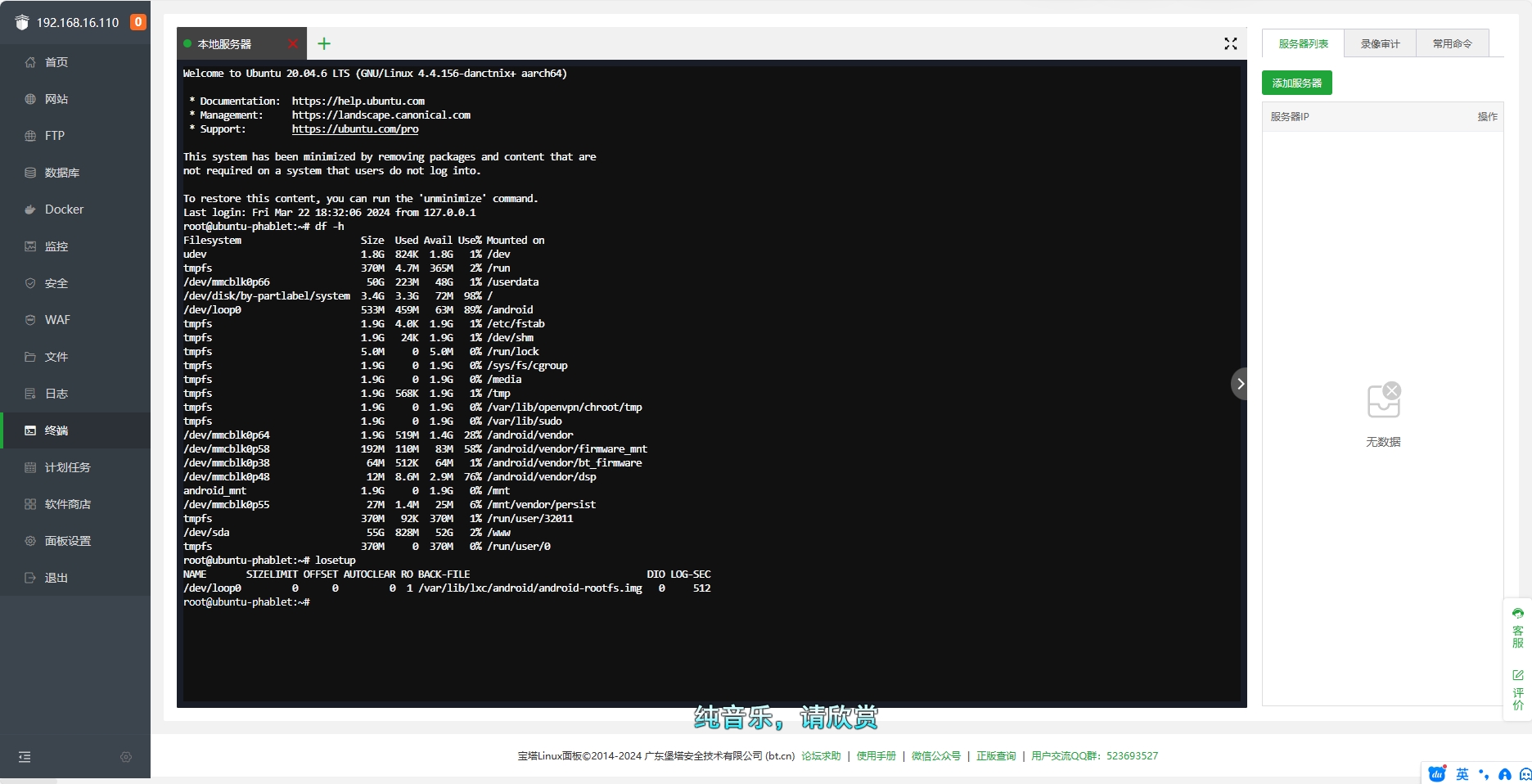
-
From what did you install ?
directly https://ubuntu.com/download/server/arm ?if so, then when installing Ubuntu in the step of selecting the disc you can set ( change ) the size of /
-
@OtaDr Installation of Ubuntu Touch via Termina
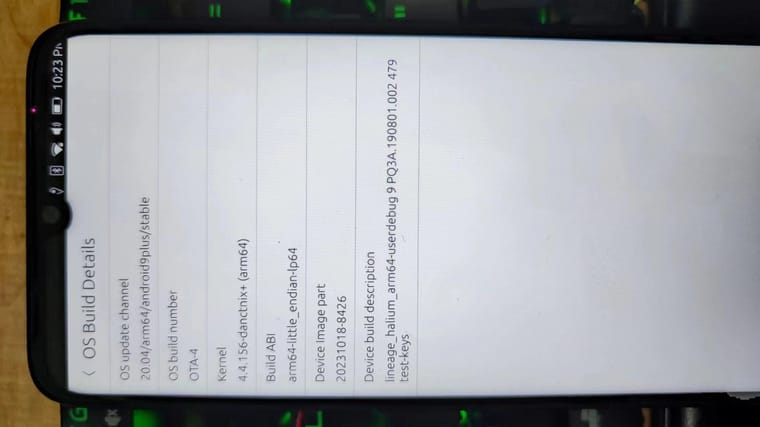 l
l -
I'm just guessing can you run the installation like on a PC or is it fully automatic?
-
我也用redmi note 7,我将system分区扩展到了12G。
#* 把Ubuntu Touch的parted存到电脑上
$ adb shell which parted
/usr/sbin/parted
$ adb pull /usr/sbin/parted ./#* 手机重启到recovery,比如TWRP或OrangeFox
$ adb reboot recovery#* 稍等片刻,等待手机进入recovery,
#* 将电脑上存的parted传入recovery
$ adb push ./parted /sbin#* 进入 adb shall,启动parted
$ adb shell
$ chmod 755 /sbin/parted
$ sudo parted /dev/mmcblk0#* 默认单位改成B
(parted) unit B#* 查看目前分区状况
(parted) print#* 将system分区及其以后的分区信息妥善保存,比如这样:
#* 63 1140850688B 13958643711B 12817793024B ext4 system
#* 64 13958643712B 16106127359B 2147483648B ext2 vendor
#* 65 16106127360B 17179869183B 1073741824B ext4 cust
#* 66 17179869184B 62491773951B 45311904768B ext4 userdata#* 删除vendor分区
(parted) rm 64
#* 删除cust分区
(parted) rm 65
#* 删除userdata分区
(parted) rm 66#* 查看目前分区状况
(parted) print#* 将system分区的结尾位置改成13GiB,
(parted) resizepart 63 13GiB
(parted) print#* 重建vendor分区,位置为13GiB~15GiB
(parted) mkpart vendor ext2 13GiB 15GiB
(parted) print#* 重建cust分区,位置为15GiB~16GiB
(parted) mkpart cust ext4 15GiB 16GiB
(parted) print#* 重建userdata分区,位置为16GiB~以前的结尾位置
(parted) mkpart userdata ext4 16GiB 45311904768B
(parted) print退出
(parted) quit

Hello! It looks like you're interested in this conversation, but you don't have an account yet.
Getting fed up of having to scroll through the same posts each visit? When you register for an account, you'll always come back to exactly where you were before, and choose to be notified of new replies (either via email, or push notification). You'll also be able to save bookmarks and upvote posts to show your appreciation to other community members.
With your input, this post could be even better 💗
Register Login