Media Player - change video display resolution (aspect ratio) / storage location
-
I tried to play videos in UT / Media Player but it is displayed in the wrong format. There are two black sections left and right and the picture is compressed. The earth in my example should be round!
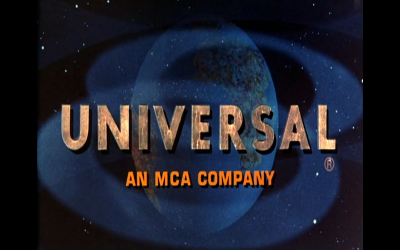
Is it possible to choose the format in Media Player, like in other programs? Example:
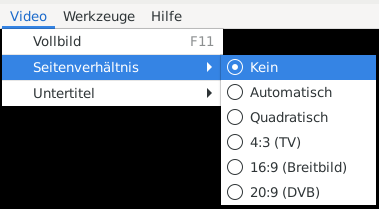
I did not find a menu to change it.Another point is the storage location. I have the video on the external SD card and after some endless tests (also with UrPlayer) to open the video I got the message "out of memory". So I noticed in the .cache folder of the internal memory copies of the video ??? There should be no need to copy the video, if it is only read from the external SD card?
Hello! It looks like you're interested in this conversation, but you don't have an account yet.
Getting fed up of having to scroll through the same posts each visit? When you register for an account, you'll always come back to exactly where you were before, and choose to be notified of new replies (either via email, or push notification). You'll also be able to save bookmarks and upvote posts to show your appreciation to other community members.
With your input, this post could be even better 💗
Register Login