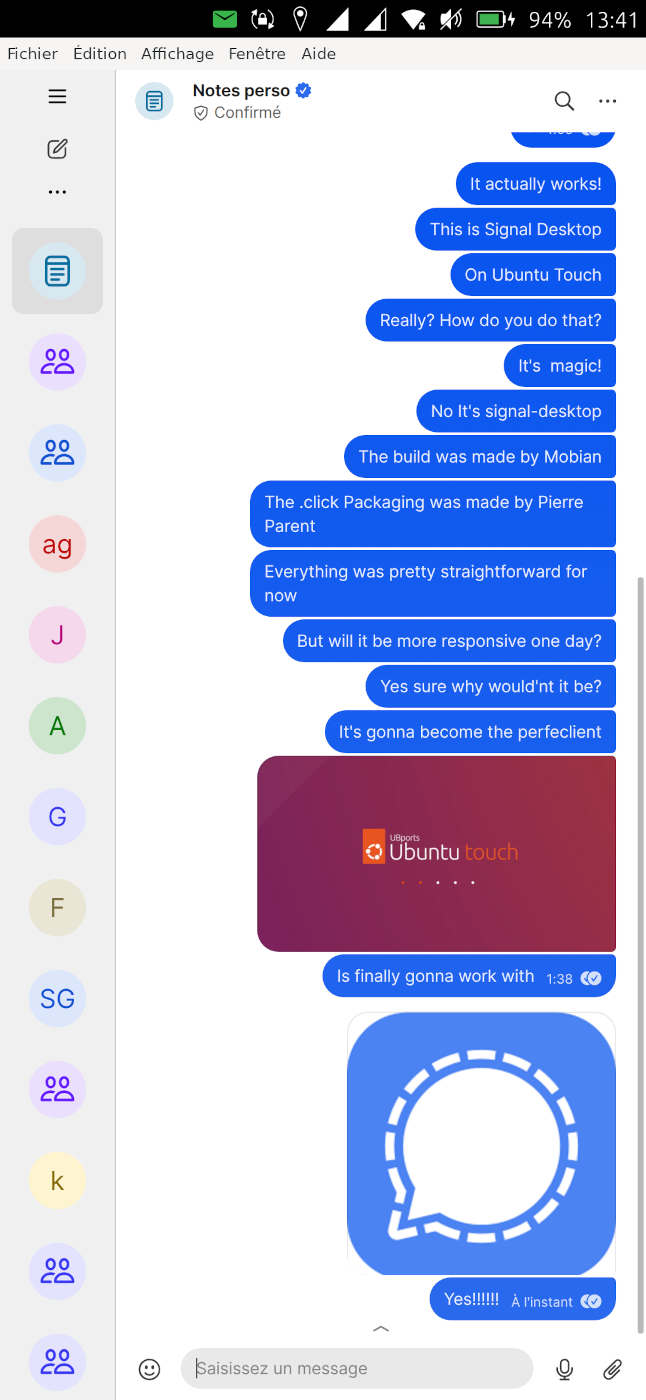
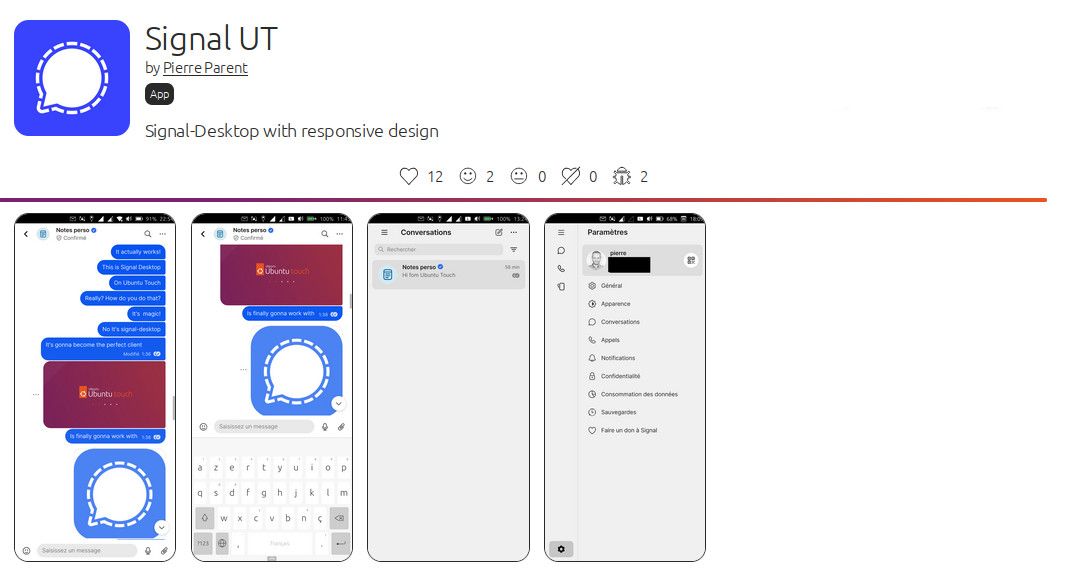
Signal UT: Signal-Desktop for Ubuntu Touch
-
Signal UT 8.2.0-1 is available! The improvements are:
-Bump to version 8.2.0
-Calibrate keyboard height, to real height measured on first startAny feedback to confirm everything is working is welcome!
Your keyboard height problem should be solved on latest revision can you test?
I just updated. The app starts but immediately closes/crashes. Don't see Signal Desktop load.
The only error I see in the service log is along the lines of
/utils/mic-permission-requester/Main.qml:68 Invalid property assignment: color expected.Edit: Happens after a reboot too, so not some lingering Electron process.
-
@projectmoon confirm on volla quintus with 24.04-1.2: app crashes immediately.
-
@projectmoon @messayisto
Ok small mistake sorry, I've published version 8.2.0-2 that should fix it. -
@projectmoon @messayisto
Ok small mistake sorry, I've published version 8.2.0-2 that should fix it.Working now. Thanks!
-
Here will be the goals for next revision:
- Investigate and understand why Signal is randomly crashing (SIGSEGV), when uploading files for ContentHub, while other electron / XWayland apps are not in the same situation, and if possible fix it.
- Correct action of the search button in the chat
- Allow access to the Medias panel in the contact info page.
-
@projectmoon yes, working! thanks @pparent
-
Working great on the X23, also the keyboard is brilliant now.
Thanks a lot! -
I'd like to change the function of the return key from send to new line. I guess it's hidden somewhere in the menus.
Is there a chance of the menus being accessible at some point? -
@vishcompany said:
15 minutes agoI'd like to change the function of the return key from send to new line. I guess it's hidden somewhere in the menus.
No it's not a feature offered by Signal Desktop. There is no interesting feature in the top bar menu, everything is in the left menu. You can acheive what you want by expanding the editing area by typing on the small arrow.
-
Thank you, that works fine.
Regarding the left menu, if it has not been mentioned yet: On my X23 I can access only the left part of the menu, when in portrait mode. In landscape mode, the right half becomes visible, but any scrolling only moves the left half, so the lower parts of the right half are not accessible.
-
Read the tip and tricks section!

-
Yesterday I started with a Oneplus 5t with UT. I tried to videocall with my mother on Signal UT. We could talk and I could see her, but see couldn't see me.
I also have family abroad, so it is a pretty important function for me.Also do I have a very big local community here on Signal (>500p, 20 groups and also more specific topicgroups non-local). It is important for me to put off sound-notifications for some groups and not for others. I couldn't find how to do that. Is this already somehow possible?
-
-
@pparent There was a signal update this morning on android, Since then signal app on UT crashes when trying to send a picture as attachement. greetings!
-
It has probably nothing to do with the Android uprade, there is currently a know random crash when uploading files specifically a Picture. I've investigated and found where the bug comes from, I will try to fix it next week.
Try again several times and you will probably observe that sometimes it crashes sometimes not.
-
@pparent thanks a lot!
-
I've published version v8.3.0-1, it brings the following improvements:
- Significantly improve the reliability of ContentHub.
- Fix the issue with searching for messages in conversations.
- Fix access to the media panel in contacts.
- Fix the message menu opening inappropriately when scrolling.
- Fix the application for the 24.04-1.x daily branch.
- Improve reactivity at startup.
- Update to Signal Desktop 8.3.0.
Don't hesitate to report if everything works well for you!
-
@pparent yea, it has improved, thanks! one question: was it before that one can only send one single picture?
-
@pparent Looks good!
I have a question... I recently tried running SignalUT on UT version 24.04.2.x and it would not run. Is that still the case?
My reason for wanting to run the 'bleeding edge' version is that it gave me great improvements in battery life.
Is currently using an Op5t
Also owns an Op1, a BQ E4.5, an Xperia X, a Nothing Phone 1, and a Rabbit R1 as well as a BQ tablet and a Pinetab2. Please, someone... make it stop. -
I have a question... I recently tried running SignalUT on UT version 24.04.2.x and it would not run. Is that still the case?
No Idea about the state of 24.04.2.x for now, I can only say that this version works with current 24.04-1.x daily branch!

They are constantly doing updates on the bleeding edge branches, that impact XWayland apps, it's hard to keep updated all the time.




Hello! It looks like you're interested in this conversation, but you don't have an account yet.
Getting fed up of having to scroll through the same posts each visit? When you register for an account, you'll always come back to exactly where you were before, and choose to be notified of new replies (either via email, or push notification). You'll also be able to save bookmarks and upvote posts to show your appreciation to other community members.
With your input, this post could be even better 💗
Register Login