-
After playing with UBTouch I decided to try PMos too but unfortunately I didn't like it and I would like to go back and install UBtouch.
The phone is no longer reachable via ADB/Fastboot or even EDL by shorting the pins on the motherboard. I took it to an authorized Xiaomi center and they couldn't even flash the Android ROM again.
I believe the problem is due to pmos installation which requires loading custom u-boot, custom kernel boot partition and deleting the factory dtbo partition.
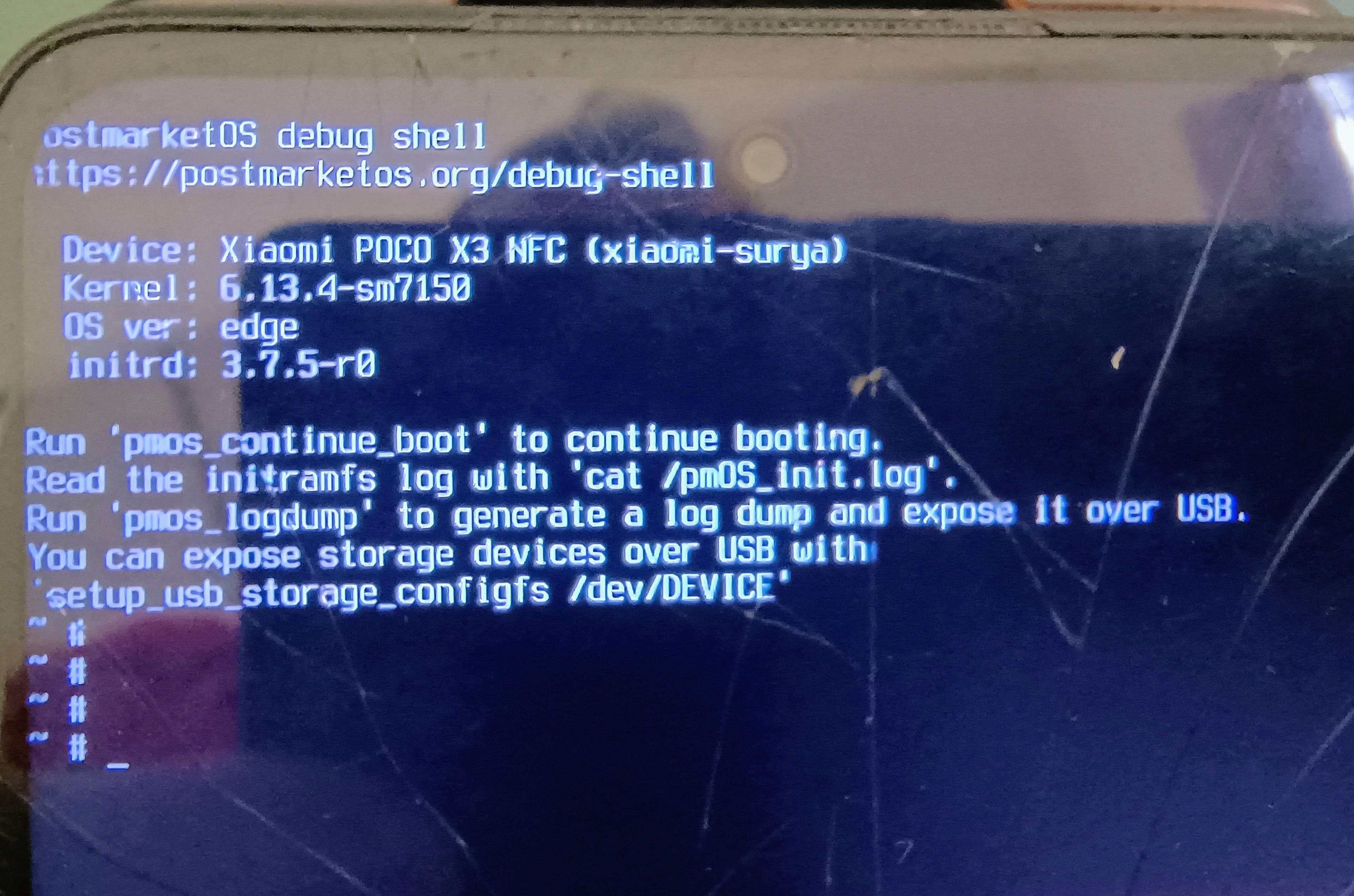
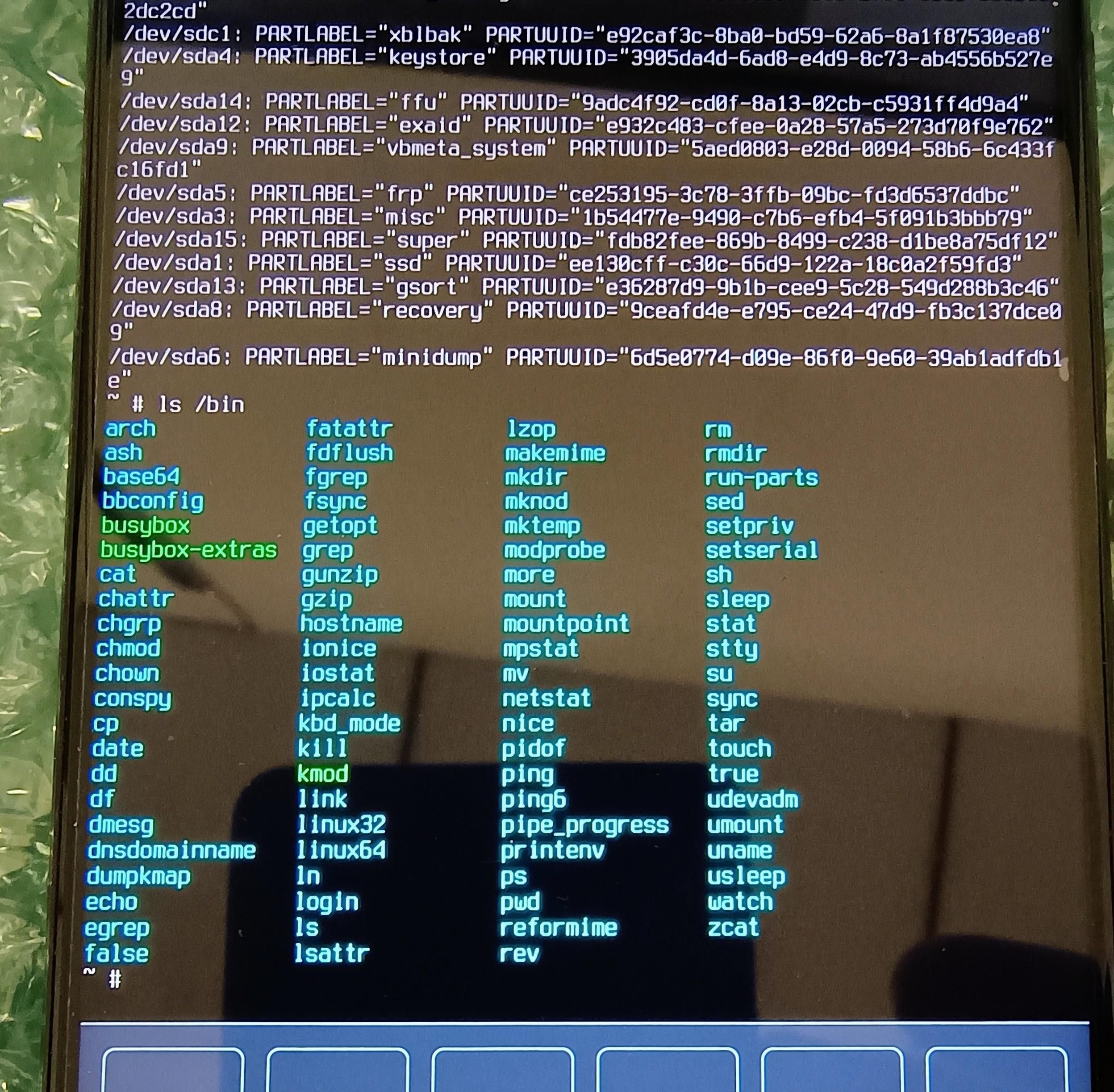
I tried a wipe from Recovery but I complicated the situation because I deleted the boot partition and I'm stuck in debug shell.
I'd like to know if it's possible to reload the boot partition using a micro SD or SSD connected via USB. The debug shell commands are limited, and I don't have the advanced experience to do so.
Thanks so much to anyone who can help.
-
 C CiberSheep moved this topic from Xiaomi Poco X3 NFC on
-
@toniox
Hello.
Normally, installing UT requires Android to be installed first.
Do you think this is possible given the state of the phone?
https://devices.ubuntu-touch.io/device/surya/ -
@Vlad-Nirky I've tried everything, but I can't install the stock Android ROM because the phone no longer appears through fastboot/adb/edl.
It could be a motherboard malfunction, but before throwing the phone in the trash, I wanted to see if anyone has experience using the debug shell to restore Android partitions.
-
@mrt10001
Any idea? -
@toniox EDL is different on Xiaomi devices. You have to use the MIFlash tool and use a MI account to log in (a complete f*&*&^$$ around to put it politely to get that done), then download the latest fastboot ROM for that device and I mean the latest fastboot ROM, unzip it and direct the MI flash tool to that. Hold Volume UP and Volume down together and plug the device into the PC and it has to be a Windows PC, MiFlash will not work otherwise, ensure you leave the bottom right box ticked for clean and install, do NOT lock the bootloader. Then start the process. If it fails, keep trying, it will work eventually. Unbricked my Mi A3 using this and it took a lot of attempts.
The other EDL mode is mutch the same, but requires opening the back, removing the mainboard cover and shorting the two EDL points, which requires fashioning a tool to do so so you can short the points and plug the USB cable in without requiring 4 pairs of hands.
EDL mode should work as it is the lowest point of entry to reflash the stock ROM and as the phone boots with that dialogue it should work.
What I cannot understand is an Xiaomi repair centre couldn't do this procedure! Any pro repair shop should be able to do this.
The other alternative is to buy a broken one and swap mainboards to get a functioning device.
It depends how far you want to take this.
-
@toniox if the phone is mediatek, use spflashtool.
its a pain in the *** to do, i recommend using windows for rhis because otherwise you'll need a custom kernel and all the tutorials will use windows.the steps go like this:
- download drivers, and set them up
- use bootrom bypass tool
- flash with sp flash
i recommemd dumping nvdata,nvram,nvcfg,protect1,protect2 from NAND using spflashtool before flashing anything at all (think of it like youre phones ID it is needed for service ,wifi ,bluetooth)
there is also ways to regenerate the checksums so with lockee xiaomi bootloader you can run custom code but i dont really remember how i managed that one.



Hello! It looks like you're interested in this conversation, but you don't have an account yet.
Getting fed up of having to scroll through the same posts each visit? When you register for an account, you'll always come back to exactly where you were before, and choose to be notified of new replies (either via email, or push notification). You'll also be able to save bookmarks and upvote posts to show your appreciation to other community members.
With your input, this post could be even better 💗
Register Login