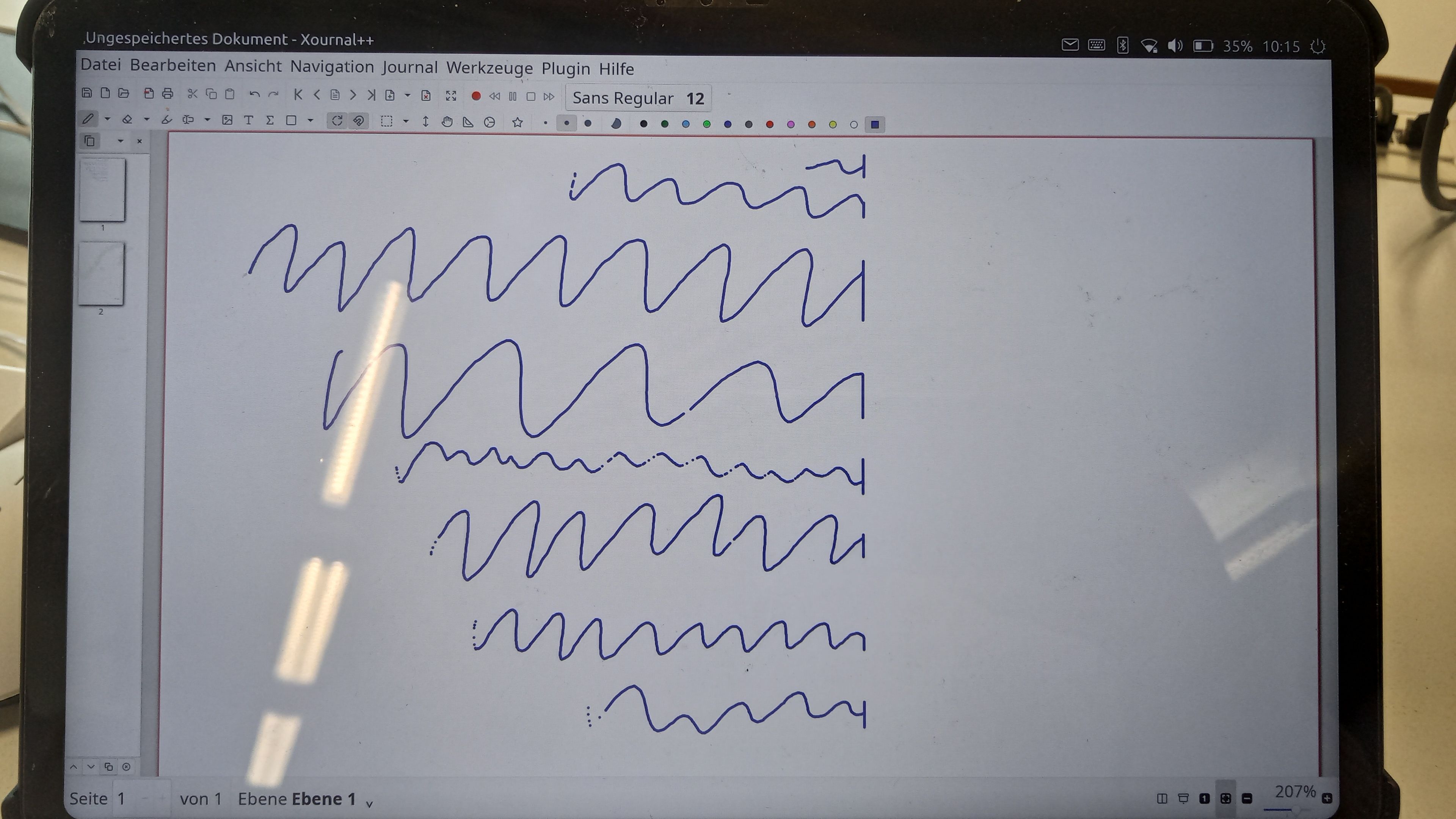
input events in right third of screen in landscape mode are not registered (only in libertine container)
-
On the Volla Tablet landscape mode is the preferred way to use, esp. when connected to a keyboard.
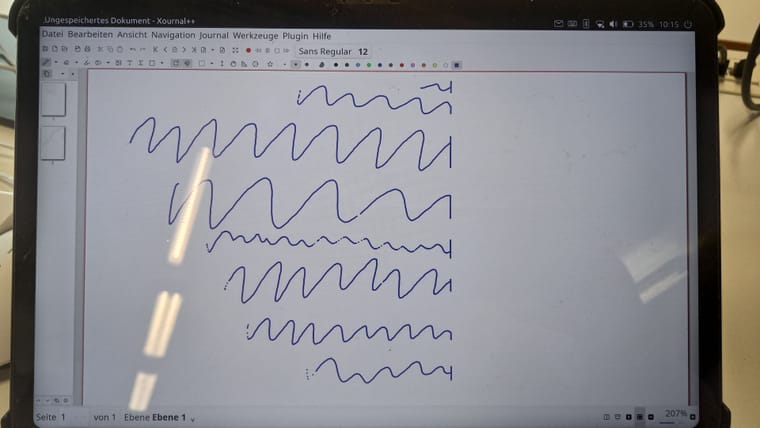
When using apps in a libertine container (Firefox ESR, Xournal++, IntelliJ IDEA, ...) touch events are not registered on the right side of the screen. The picture shows where the stylus stops working (the stylus is also registered as touch event as is the mouse, it is the only way to get the stylus working. I will later write an instruction how to get the stylus working). When moving the mouse / stylus too far right, it stops at the line which is approx the width of the screen when in portrait mode.
When I try to select text in firefox with the mouse or click a button, the coordinates are off, both in x and y direction.In portrait mode inside the container and outside the container the apps register input events as they should.
Is there a way to fix the screen orientation in the desktop-starter? I don't know, but I assume that the problem is related to the screen orientation. Is there a way to confirm my assumption? I'm welcome for any suggestions to fix this.
Thx.
-
@tusch001 does the same happen if you use these apps as snaps? As most (all?) of these have snap equivalents.
-
Snaps or direct installation work. No input problems there. But unfortunately then the DPI is so off, that menus are by far too small. The only fix for the DPI related problems, was to install the apps into containers and use libertine-tweak-tools for adjusting the DPI.
It's a trade off. Also: not all apps have snap versions. -
T tusch001 referenced this topic on
Hello! It looks like you're interested in this conversation, but you don't have an account yet.
Getting fed up of having to scroll through the same posts each visit? When you register for an account, you'll always come back to exactly where you were before, and choose to be notified of new replies (either via email, or push notification). You'll also be able to save bookmarks and upvote posts to show your appreciation to other community members.
With your input, this post could be even better 💗
Register Login