-
Hello, did someone get this to work?
What I have to fill in here?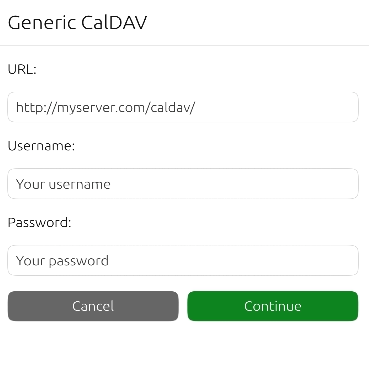
I have access to my CalDAV on DMS with: https://<test>.synology.me:5001/calendar/
Apparently UT removes "https://" automatically and puts the username before it.
-
I found it out by my self.
Take the CalDAV adress which Synology recommends for Thunderbird (not macOS / iOS):
Synolgoy Calendar: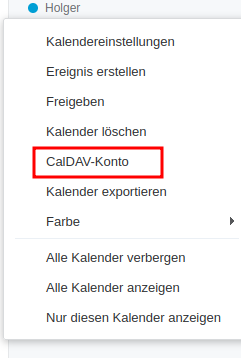
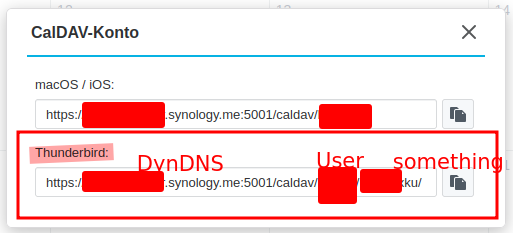
Put the the server address, user and password in the dialog above (Ubuntu touch: Settings -> Accounts)
-
 C CiberSheep moved this topic from General on
-
@holgerlxxiii Oh, I found this late.
I was able to add my CalDav account and see the calendar on my server but I don't think it syncs (either way phone-computer nor computer-phone)I didn't test it properly, I should delete other calendar accounts and try how it works
Hello! It looks like you're interested in this conversation, but you don't have an account yet.
Getting fed up of having to scroll through the same posts each visit? When you register for an account, you'll always come back to exactly where you were before, and choose to be notified of new replies (either via email, or push notification). You'll also be able to save bookmarks and upvote posts to show your appreciation to other community members.
With your input, this post could be even better 💗
Register Login