Problem with updating and working with the app store
-
I installed the latest version of Ubuntu Touch on my Google Pixel 3a. Everything works, except for the update services and the app store. The Internet works, websites open, but the rest of the apps are stuck in an endless loading loop. I have already tried with VPN and without it, but still no results. I have also tried reinstalling Ubuntu Touch, but to no avail.

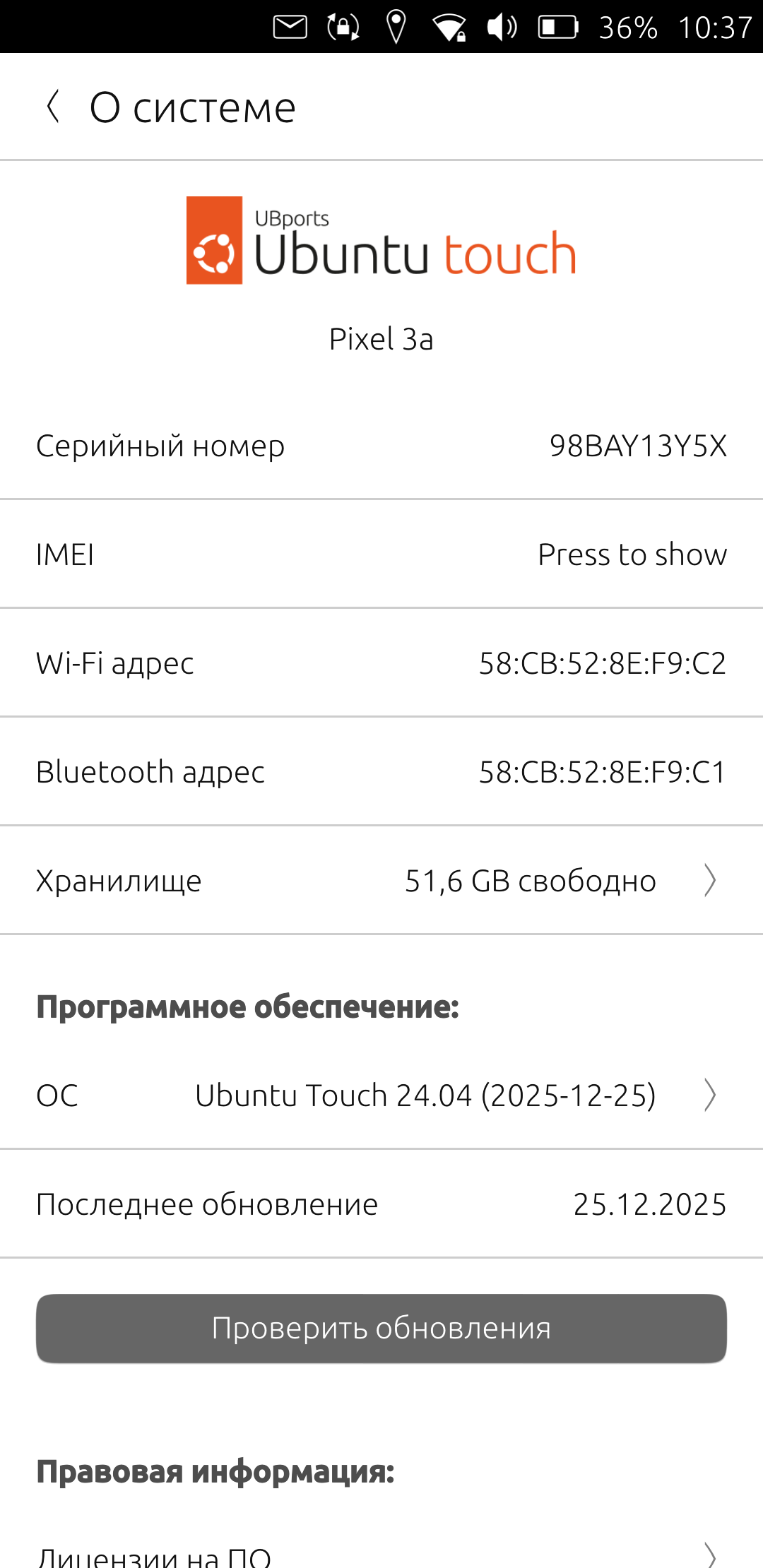


-
 K Keneda moved this topic from Support on
-
could you try to navigate to
https://open-store.io/api/v4/discover
using your browser ?
FTR using a recent Firefox it displays a nice formatted structure that one can browse and explore, while on default UT browser it should display a huge wall of Json text beginning with '{"success": true'
For fun I tried it on the more recent Qt6 browser (that you can't access if you can't use the store obviously) and it's the same as with the current (old) Morph.
-
@gpatel-fr said in Problem with updating and working with the app store:
could you try to navigate to
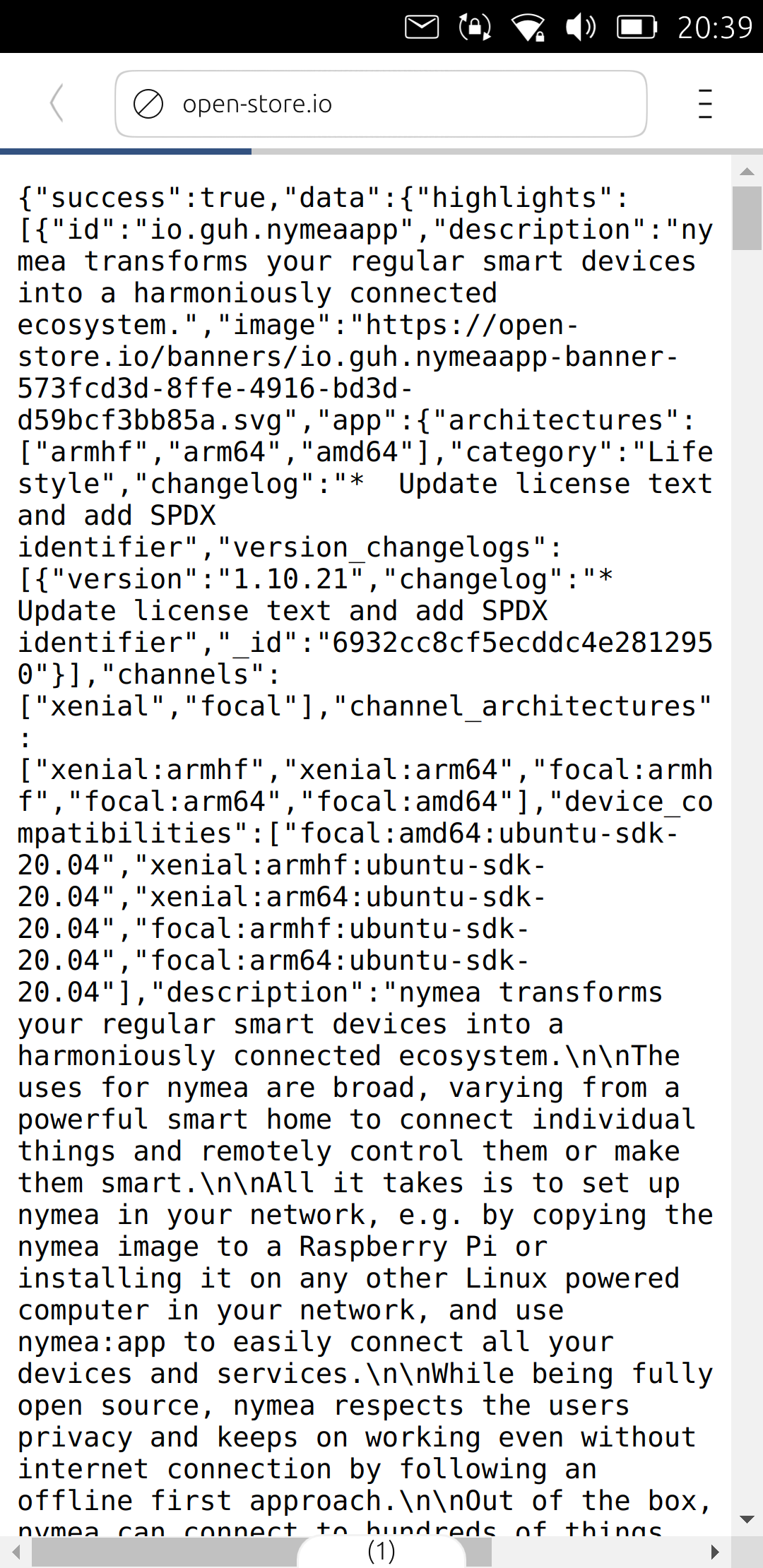
The page opened, although everything loaded very slowly.
However, OpenStore still does not want to load correctly. -
@alexanderzhirov said in Problem with updating and working with the app store:
The page opened, although everything loaded very slowly
I remember that at some point I had an extremely low performance cellular link and trying to open the store led to exactly your problem - it never succeeded to open. After switching to wifi where I got at least > 5 Mb/s, the store opened normally. There may be a software problem in the store app when the link is abnormally slow.
Hello! It looks like you're interested in this conversation, but you don't have an account yet.
Getting fed up of having to scroll through the same posts each visit? When you register for an account, you'll always come back to exactly where you were before, and choose to be notified of new replies (either via email, or push notification). You'll also be able to save bookmarks and upvote posts to show your appreciation to other community members.
With your input, this post could be even better 💗
Register Login