Settings app not loading / crashing
-
Hi there,
I've just made the update to 24.04 and discovered i can't open the settings anymore - no matter the enty point: settings, battery settings, network.. I had a quick look on the forum and then checked some logs with AI. Before i do something stupid I thought i'd ask if anyone has ever encountered this:
Device: Volla Phone 22 (yggdrasil)
Ubuntu Touch channel: 24.04-1.x/arm64/android9plus/stable
Build: tag=24.04-1.1, version=2 (rootfs timestamp 2025-11-18, device 20251110-26930)Issue: System Settings (“lomiri-system-settings”) won’t open — shows spinner then closes immediately.
Logs:
lomiri-system-settings: library "libpq_cust.so" not found
then systemd reports crash: Main process exited, code=killed, status=11/SEGV (segfault)
Already tried:
Checked /etc/os-release (shows Ubuntu 24.04.3 LTS base; UT channel info confirmed via /etc/system-image/channel.ini)
grep -R "libpq_cust" -n /usr/lib /usr/share returns nothing (so not referenced in plain config/QML files)Thanks and have a good day
-
strange. An internet research for libpq returns references to Postgresql, a thing unlikely to be used on a phone, let alone for UT system settings. I find nothing of this name on my phone (FP5 with the same software as you) where the system settings are launching fine.
What is the output of
ldd /usr/bin/lomiri-system-settings ?
If you are posting from a phone you could have trouble posting a long list, in this case use
ldd /usr/bin/lomiri-system-settings | grep pq
-
thanks for the quick reply
here is the output:ldd /usr/bin/lomiri-system-settings linux-vdso.so.1 (0x000000708c4ee000) /usr/lib/aarch64-linux-gnu/libtls-padding.so (0x000000708c430000) libQt5Widgets.so.5 => /lib/aarch64-linux-gnu/libQt5Widgets.so.5 (0x000000708bd20000) libLomiriSystemSettings.so.1 => /lib/aarch64-linux-gnu/libLomiriSystemSettings.so.1 (0x000000708bcf0000) libLomiriSystemSettingsPrivate.so.0.0 => /lib/aarch64-linux-gnu/libLomiriSystemSettingsPrivate.so.0.0 (0x000000708bcb0000) libglib-2.0.so.0 => /lib/aarch64-linux-gnu/libglib-2.0.so.0 (0x000000708bb30000) libQt5Quick.so.5 => /lib/aarch64-linux-gnu/libQt5Quick.so.5 (0x000000708b550000) libQt5Gui.so.5 => /lib/aarch64-linux-gnu/libQt5Gui.so.5 (0x000000708aeb0000) libQt5Qml.so.5 => /lib/aarch64-linux-gnu/libQt5Qml.so.5 (0x000000708a9e0000) libQt5Core.so.5 => /lib/aarch64-linux-gnu/libQt5Core.so.5 (0x000000708a430000) libstdc++.so.6 => /lib/aarch64-linux-gnu/libstdc++.so.6 (0x000000708a1a0000) libgcc_s.so.1 => /lib/aarch64-linux-gnu/libgcc_s.so.1 (0x000000708a160000) libc.so.6 => /lib/aarch64-linux-gnu/libc.so.6 (0x0000007089fa0000) /lib/ld-linux-aarch64.so.1 (0x000000708c4b1000) libm.so.6 => /lib/aarch64-linux-gnu/libm.so.6 (0x0000007089ef0000) libQt5DBus.so.5 => /lib/aarch64-linux-gnu/libQt5DBus.so.5 (0x0000007089e30000) libpcre2-8.so.0 => /lib/aarch64-linux-gnu/libpcre2-8.so.0 (0x0000007089d80000) libQt5QmlModels.so.5 => /lib/aarch64-linux-gnu/libQt5QmlModels.so.5 (0x0000007089cd0000) libQt5Network.so.5 => /lib/aarch64-linux-gnu/libQt5Network.so.5 (0x0000007089ae0000) libGLESv2.so.2 => /lib/aarch64-linux-gnu/libGLESv2.so.2 (0x0000007089a90000) libpng16.so.16 => /lib/aarch64-linux-gnu/libpng16.so.16 (0x0000007089a30000) libz.so.1 => /lib/aarch64-linux-gnu/libz.so.1 (0x00000070899f0000) libharfbuzz.so.0 => /lib/aarch64-linux-gnu/libharfbuzz.so.0 (0x00000070898c0000) libmd4c.so.0 => /lib/aarch64-linux-gnu/libmd4c.so.0 (0x0000007089890000) libdouble-conversion.so.3 => /lib/aarch64-linux-gnu/libdouble-conversion.so.3 (0x0000007089850000) libicui18n.so.74 => /lib/aarch64-linux-gnu/libicui18n.so.74 (0x00000070894d0000) libicuuc.so.74 => /lib/aarch64-linux-gnu/libicuuc.so.74 (0x0000007089290000) libpcre2-16.so.0 => /lib/aarch64-linux-gnu/libpcre2-16.so.0 (0x00000070891f0000) libzstd.so.1 => /lib/aarch64-linux-gnu/libzstd.so.1 (0x0000007089130000) libdbus-1.so.3 => /lib/aarch64-linux-gnu/libdbus-1.so.3 (0x00000070890b0000) libgssapi_krb5.so.2 => /lib/aarch64-linux-gnu/libgssapi_krb5.so.2 (0x0000007089040000) libGLdispatch.so.0 => /lib/aarch64-linux-gnu/libGLdispatch.so.0 (0x0000007088eb0000) libfreetype.so.6 => /lib/aarch64-linux-gnu/libfreetype.so.6 (0x0000007088dd0000) libgraphite2.so.3 => /lib/aarch64-linux-gnu/libgraphite2.so.3 (0x0000007088d90000) libicudata.so.74 => /lib/aarch64-linux-gnu/libicudata.so.74 (0x0000007087010000) libsystemd.so.0 => /lib/aarch64-linux-gnu/libsystemd.so.0 (0x0000007086f10000) libkrb5.so.3 => /lib/aarch64-linux-gnu/libkrb5.so.3 (0x0000007086e30000) libk5crypto.so.3 => /lib/aarch64-linux-gnu/libk5crypto.so.3 (0x0000007086de0000) libcom_err.so.2 => /lib/aarch64-linux-gnu/libcom_err.so.2 (0x0000007086db0000) libkrb5support.so.0 => /lib/aarch64-linux-gnu/libkrb5support.so.0 (0x0000007086d80000) libbz2.so.1.0 => /lib/aarch64-linux-gnu/libbz2.so.1.0 (0x0000007086d50000) libbrotlidec.so.1 => /lib/aarch64-linux-gnu/libbrotlidec.so.1 (0x0000007086d20000) libcap.so.2 => /lib/aarch64-linux-gnu/libcap.so.2 (0x0000007086cf0000) libgcrypt.so.20 => /lib/aarch64-linux-gnu/libgcrypt.so.20 (0x0000007086be0000) liblz4.so.1 => /lib/aarch64-linux-gnu/liblz4.so.1 (0x0000007086ba0000) liblzma.so.5 => /lib/aarch64-linux-gnu/liblzma.so.5 (0x0000007086b50000) libkeyutils.so.1 => /lib/aarch64-linux-gnu/libkeyutils.so.1 (0x0000007086b20000) libresolv.so.2 => /lib/aarch64-linux-gnu/libresolv.so.2 (0x0000007086af0000) libbrotlicommon.so.1 => /lib/aarch64-linux-gnu/libbrotlicommon.so.1 (0x0000007086ab0000) libgpg-error.so.0 => /lib/aarch64-linux-gnu/libgpg-error.so.0 (0x0000007086a60000)let me know if you need anything else
-
(
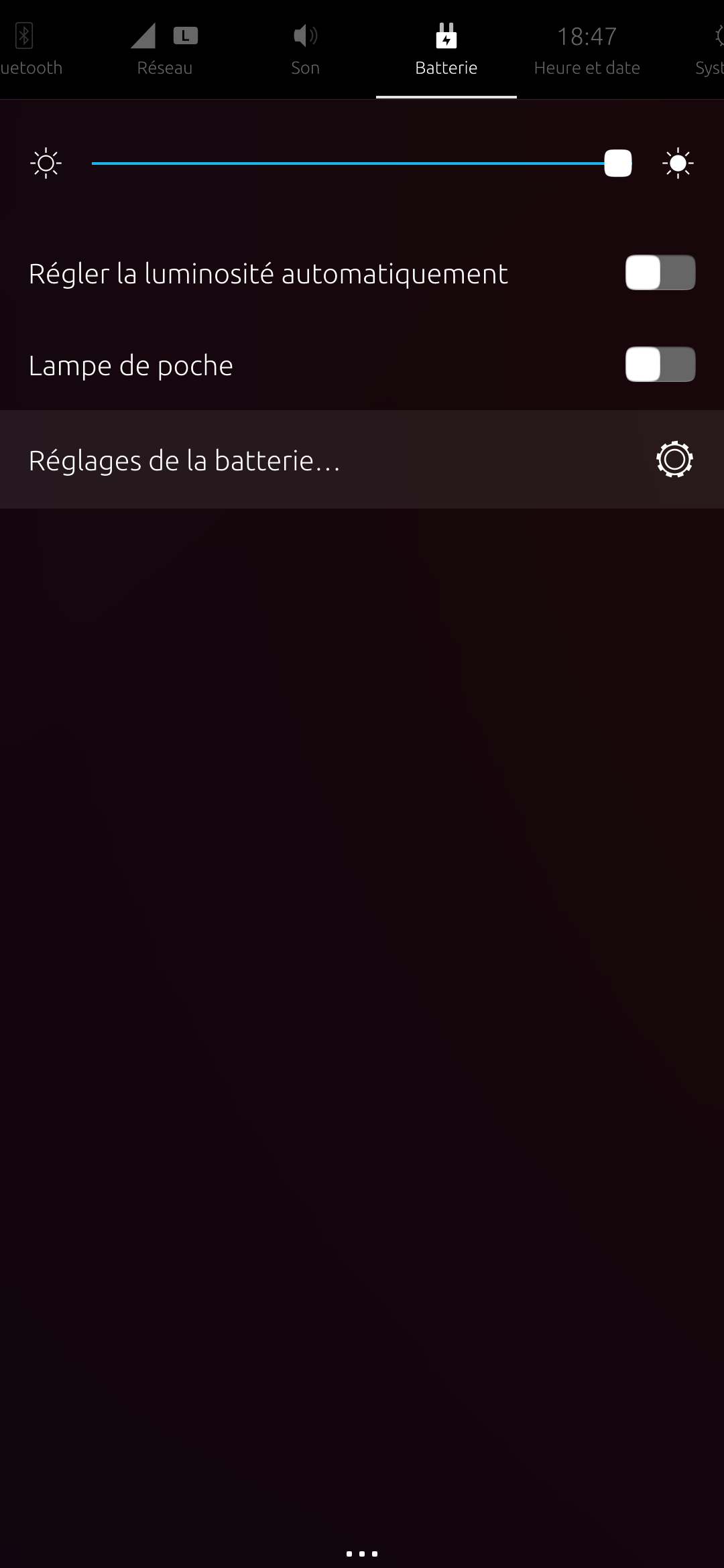
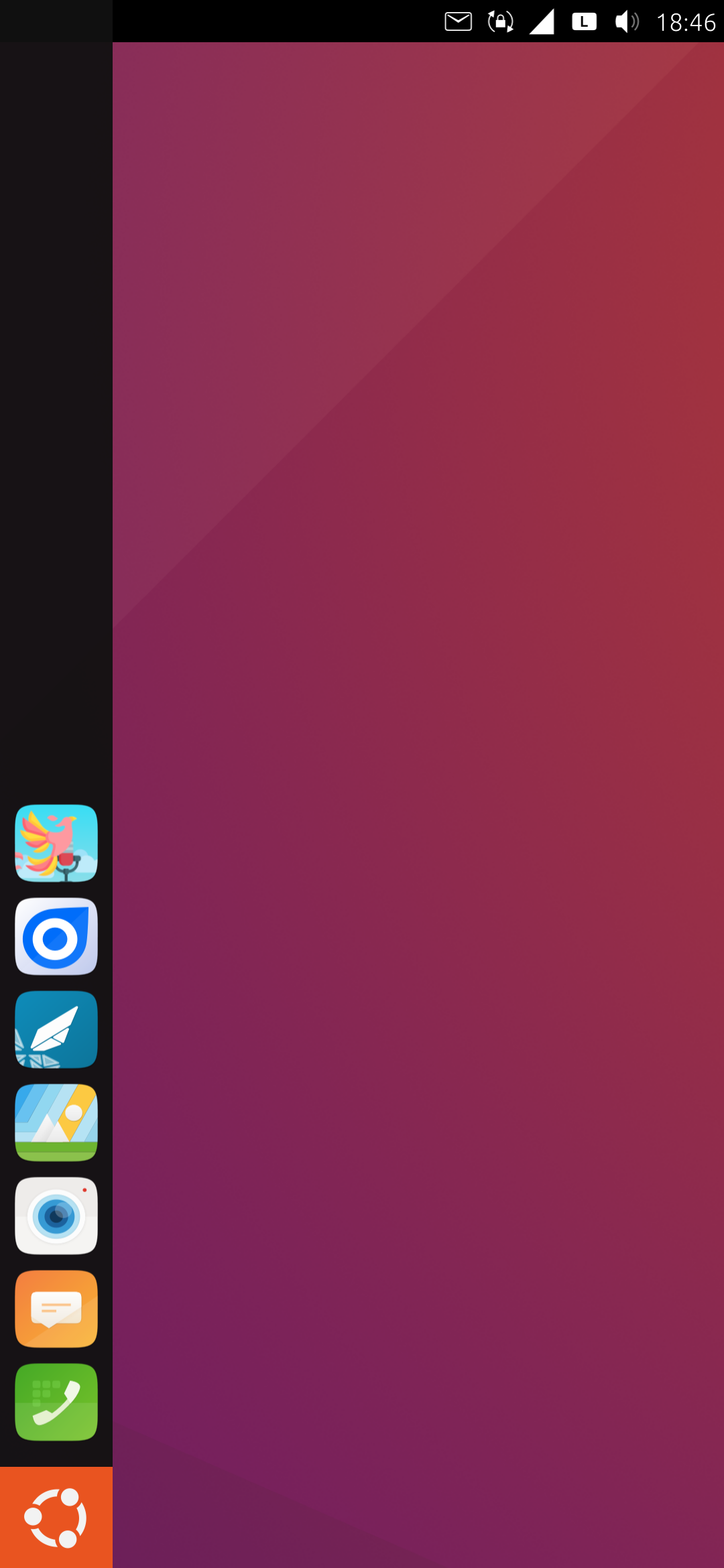
also it might be related but i have no access to the battery settings or way of knowing how much is left.
-
@marco said in Settings app not loading / crashing:
here is the output:
huh, there is no missing library here, nor any reference to the mysterious libpq_custom.
Now I think only of it, but running /usr/bin/lomiri-system-settings in the terminal displays all the console error messages. There are quite a few for me even if the app works, but there could be more interesting things in the output on your phone.@marco said in Settings app not loading / crashing:
way of knowing how much is left.
try to run this in the terminal (or via ssh):
gsettings set org.ayatana.indicator.power show-percentage true -
@gpatel-fr
Well i turned the phone off all night and this morning the battery showed up in the bar and it can access the settings.. i d turned the phone off multiple times yesterday but it hadn't helped..
i ll just consider this some mystery..thanks for the support anyways
-
M marco marked this topic as a question on
-
M marco has marked this topic as solved on
Hello! It looks like you're interested in this conversation, but you don't have an account yet.
Getting fed up of having to scroll through the same posts each visit? When you register for an account, you'll always come back to exactly where you were before, and choose to be notified of new replies (either via email, or push notification). You'll also be able to save bookmarks and upvote posts to show your appreciation to other community members.
With your input, this post could be even better 💗
Register Login