On test it says:
No problems detected.
You don’t have IPv6, but you shouldn’t have problems on websites that add IPv6 support.
As for the sim yes it is super recent, from february
On test it says:
No problems detected.
You don’t have IPv6, but you shouldn’t have problems on websites that add IPv6 support.
As for the sim yes it is super recent, from february
@gpatel-fr
Well i turned the phone off all night and this morning the battery showed up in the bar and it can access the settings.. i d turned the phone off multiple times yesterday but it hadn't helped..
i ll just consider this some mystery..
thanks for the support anyways
(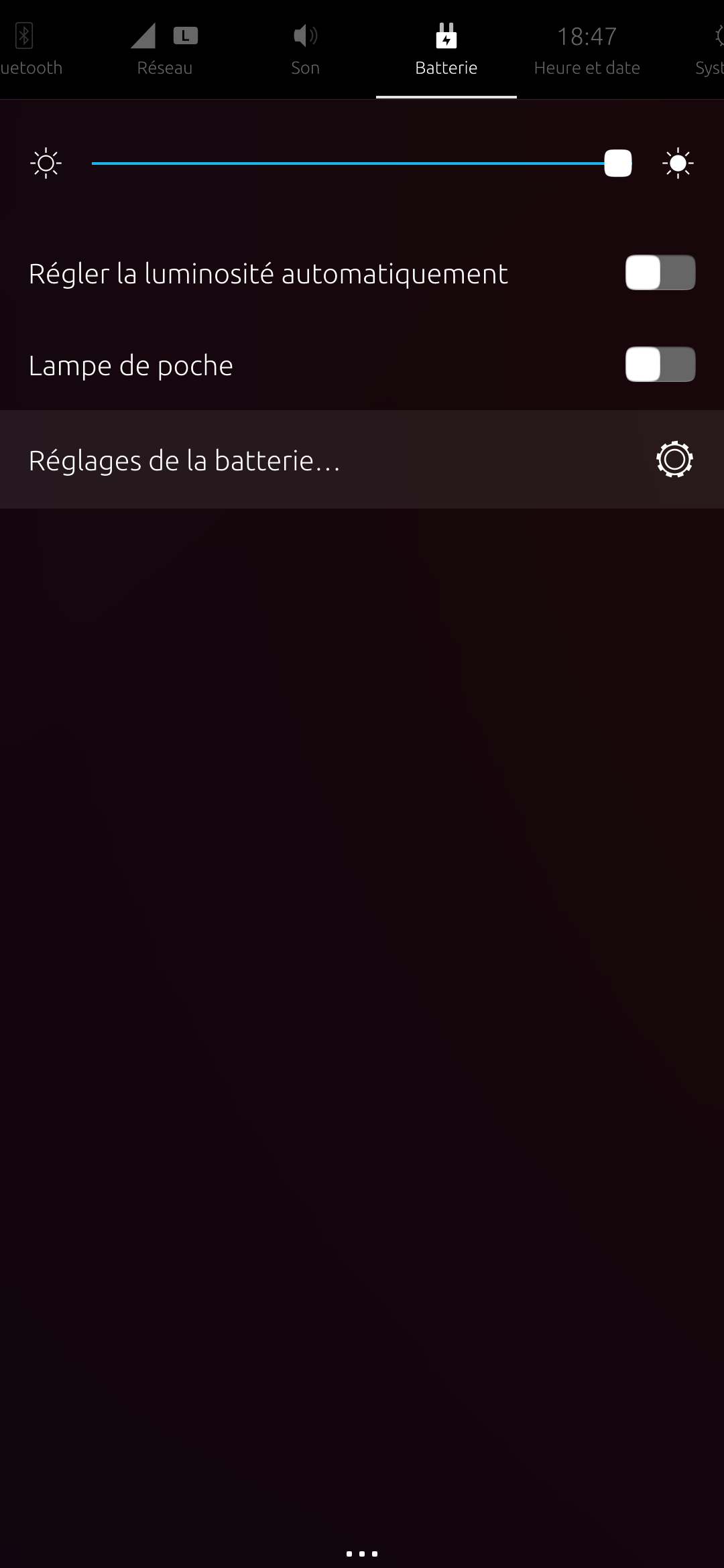
also it might be related but i have no access to the battery settings or way of knowing how much is left.
thanks for the quick reply
here is the output:
 ldd /usr/bin/lomiri-system-settings
        linux-vdso.so.1 (0x000000708c4ee000)
        /usr/lib/aarch64-linux-gnu/libtls-padding.so (0x000000708c430000)
        libQt5Widgets.so.5 => /lib/aarch64-linux-gnu/libQt5Widgets.so.5 (0x000000708bd20000)
        libLomiriSystemSettings.so.1 => /lib/aarch64-linux-gnu/libLomiriSystemSettings.so.1 (0x000000708bcf0000)
        libLomiriSystemSettingsPrivate.so.0.0 => /lib/aarch64-linux-gnu/libLomiriSystemSettingsPrivate.so.0.0 (0x000000708bcb0000)
        libglib-2.0.so.0 => /lib/aarch64-linux-gnu/libglib-2.0.so.0 (0x000000708bb30000)
        libQt5Quick.so.5 => /lib/aarch64-linux-gnu/libQt5Quick.so.5 (0x000000708b550000)
        libQt5Gui.so.5 => /lib/aarch64-linux-gnu/libQt5Gui.so.5 (0x000000708aeb0000)
        libQt5Qml.so.5 => /lib/aarch64-linux-gnu/libQt5Qml.so.5 (0x000000708a9e0000)
        libQt5Core.so.5 => /lib/aarch64-linux-gnu/libQt5Core.so.5 (0x000000708a430000)
        libstdc++.so.6 => /lib/aarch64-linux-gnu/libstdc++.so.6 (0x000000708a1a0000)
        libgcc_s.so.1 => /lib/aarch64-linux-gnu/libgcc_s.so.1 (0x000000708a160000)
        libc.so.6 => /lib/aarch64-linux-gnu/libc.so.6 (0x0000007089fa0000)
        /lib/ld-linux-aarch64.so.1 (0x000000708c4b1000)
        libm.so.6 => /lib/aarch64-linux-gnu/libm.so.6 (0x0000007089ef0000)
        libQt5DBus.so.5 => /lib/aarch64-linux-gnu/libQt5DBus.so.5 (0x0000007089e30000)
        libpcre2-8.so.0 => /lib/aarch64-linux-gnu/libpcre2-8.so.0 (0x0000007089d80000)
        libQt5QmlModels.so.5 => /lib/aarch64-linux-gnu/libQt5QmlModels.so.5 (0x0000007089cd0000)
        libQt5Network.so.5 => /lib/aarch64-linux-gnu/libQt5Network.so.5 (0x0000007089ae0000)
        libGLESv2.so.2 => /lib/aarch64-linux-gnu/libGLESv2.so.2 (0x0000007089a90000)
        libpng16.so.16 => /lib/aarch64-linux-gnu/libpng16.so.16 (0x0000007089a30000)
        libz.so.1 => /lib/aarch64-linux-gnu/libz.so.1 (0x00000070899f0000)
        libharfbuzz.so.0 => /lib/aarch64-linux-gnu/libharfbuzz.so.0 (0x00000070898c0000)
        libmd4c.so.0 => /lib/aarch64-linux-gnu/libmd4c.so.0 (0x0000007089890000)
        libdouble-conversion.so.3 => /lib/aarch64-linux-gnu/libdouble-conversion.so.3 (0x0000007089850000)
        libicui18n.so.74 => /lib/aarch64-linux-gnu/libicui18n.so.74 (0x00000070894d0000)
        libicuuc.so.74 => /lib/aarch64-linux-gnu/libicuuc.so.74 (0x0000007089290000)
        libpcre2-16.so.0 => /lib/aarch64-linux-gnu/libpcre2-16.so.0 (0x00000070891f0000)
        libzstd.so.1 => /lib/aarch64-linux-gnu/libzstd.so.1 (0x0000007089130000)
        libdbus-1.so.3 => /lib/aarch64-linux-gnu/libdbus-1.so.3 (0x00000070890b0000)
        libgssapi_krb5.so.2 => /lib/aarch64-linux-gnu/libgssapi_krb5.so.2 (0x0000007089040000)
        libGLdispatch.so.0 => /lib/aarch64-linux-gnu/libGLdispatch.so.0 (0x0000007088eb0000)
        libfreetype.so.6 => /lib/aarch64-linux-gnu/libfreetype.so.6 (0x0000007088dd0000)
        libgraphite2.so.3 => /lib/aarch64-linux-gnu/libgraphite2.so.3 (0x0000007088d90000)
        libicudata.so.74 => /lib/aarch64-linux-gnu/libicudata.so.74 (0x0000007087010000)
        libsystemd.so.0 => /lib/aarch64-linux-gnu/libsystemd.so.0 (0x0000007086f10000)
        libkrb5.so.3 => /lib/aarch64-linux-gnu/libkrb5.so.3 (0x0000007086e30000)
        libk5crypto.so.3 => /lib/aarch64-linux-gnu/libk5crypto.so.3 (0x0000007086de0000)
        libcom_err.so.2 => /lib/aarch64-linux-gnu/libcom_err.so.2 (0x0000007086db0000)
        libkrb5support.so.0 => /lib/aarch64-linux-gnu/libkrb5support.so.0 (0x0000007086d80000)
        libbz2.so.1.0 => /lib/aarch64-linux-gnu/libbz2.so.1.0 (0x0000007086d50000)
        libbrotlidec.so.1 => /lib/aarch64-linux-gnu/libbrotlidec.so.1 (0x0000007086d20000)
        libcap.so.2 => /lib/aarch64-linux-gnu/libcap.so.2 (0x0000007086cf0000)
        libgcrypt.so.20 => /lib/aarch64-linux-gnu/libgcrypt.so.20 (0x0000007086be0000)
        liblz4.so.1 => /lib/aarch64-linux-gnu/liblz4.so.1 (0x0000007086ba0000)
        liblzma.so.5 => /lib/aarch64-linux-gnu/liblzma.so.5 (0x0000007086b50000)
        libkeyutils.so.1 => /lib/aarch64-linux-gnu/libkeyutils.so.1 (0x0000007086b20000)
        libresolv.so.2 => /lib/aarch64-linux-gnu/libresolv.so.2 (0x0000007086af0000)
        libbrotlicommon.so.1 => /lib/aarch64-linux-gnu/libbrotlicommon.so.1 (0x0000007086ab0000)
        libgpg-error.so.0 => /lib/aarch64-linux-gnu/libgpg-error.so.0 (0x0000007086a60000)
let me know if you need anything else
Hi there,
I've just made the update to 24.04 and discovered i can't open the settings anymore - no matter the enty point: settings, battery settings, network.. I had a quick look on the forum and then checked some logs with AI. Before i do something stupid I thought i'd ask if anyone has ever encountered this:
Device: Volla Phone 22 (yggdrasil)
Ubuntu Touch channel: 24.04-1.x/arm64/android9plus/stable
Build: tag=24.04-1.1, version=2 (rootfs timestamp 2025-11-18, device 20251110-26930)
Issue: System Settings (“lomiri-system-settings”) won’t open — shows spinner then closes immediately.
Logs:
lomiri-system-settings: library "libpq_cust.so" not found
then systemd reports crash: Main process exited, code=killed, status=11/SEGV (segfault)
Already tried:
Checked /etc/os-release (shows Ubuntu 24.04.3 LTS base; UT channel info confirmed via /etc/system-image/channel.ini)
grep -R "libpq_cust" -n /usr/lib /usr/share returns nothing (so not referenced in plain config/QML files)
Thanks and have a good day
On test it says:
No problems detected.
You don’t have IPv6, but you shouldn’t have problems on websites that add IPv6 support.
As for the sim yes it is super recent, from february
@marco said in No MMS on Vollaphone with Free Mobile ?:
@domubpkm Yes it works with MMS both sending and receiving. I can access my phone at the moment but i'll post the settings as soon as i can
ok so
name: mms
access point name: mmsbougtel.com
mmsc: http://mms.bouyguestelecom.fr/mms/wapenc
proxy: 62.201.129.226
port 8080
no username or pass
connection type selected is 4G
cell data on
@domubpkm Yes it works with MMS both sending and receiving. I can access my phone at the moment but i'll post the settings as soon as i can
@Emphrath Hi, I have just configured my volla - i'm also in france, it's bouygues telecom not Free but it seems i was able to send mms even with the wifi activated