-
Hi im going to install the OS on my main phone but i want to boost my user experience by making the OS like the uploaded images and i want to disable the left bar
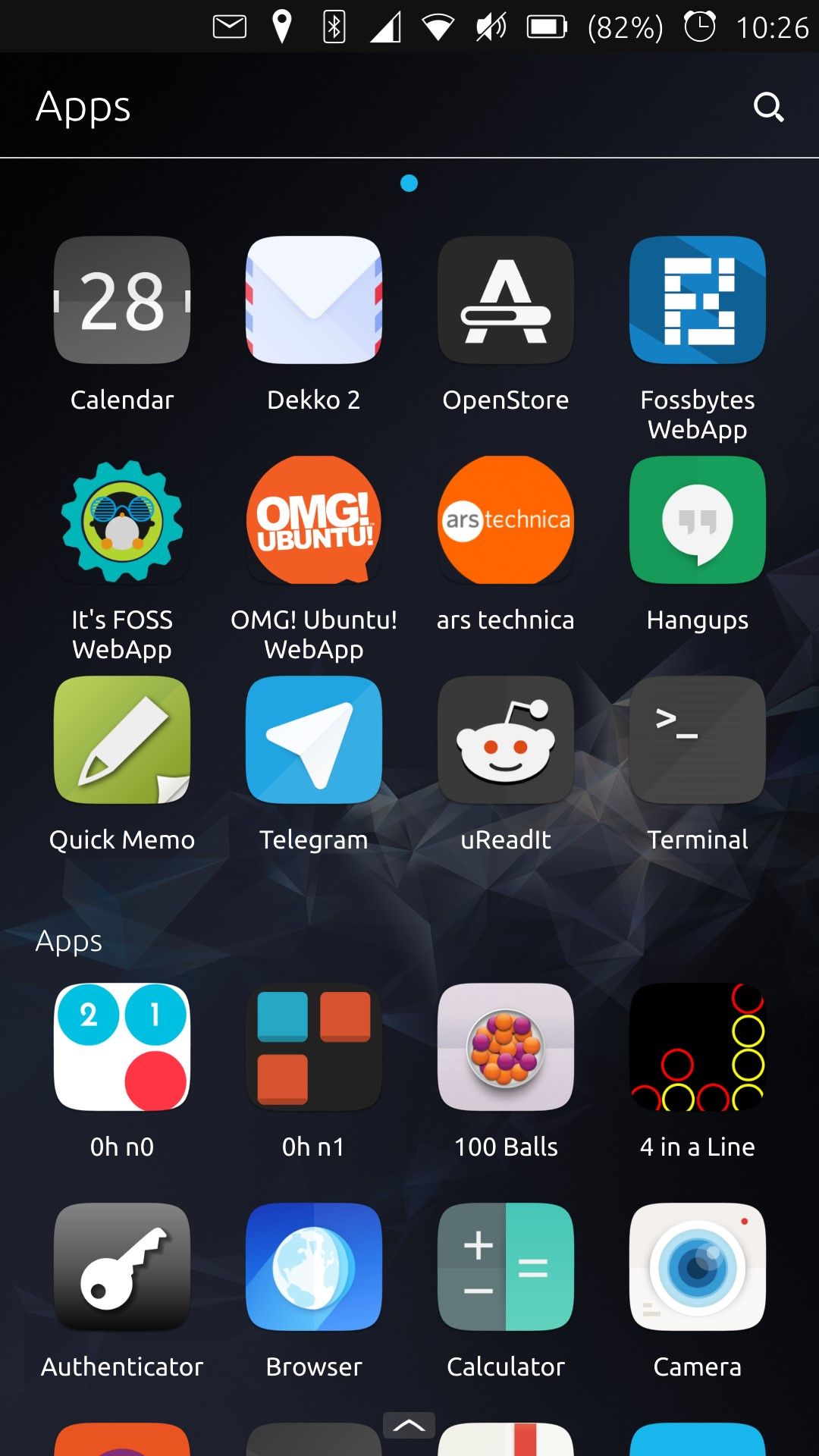
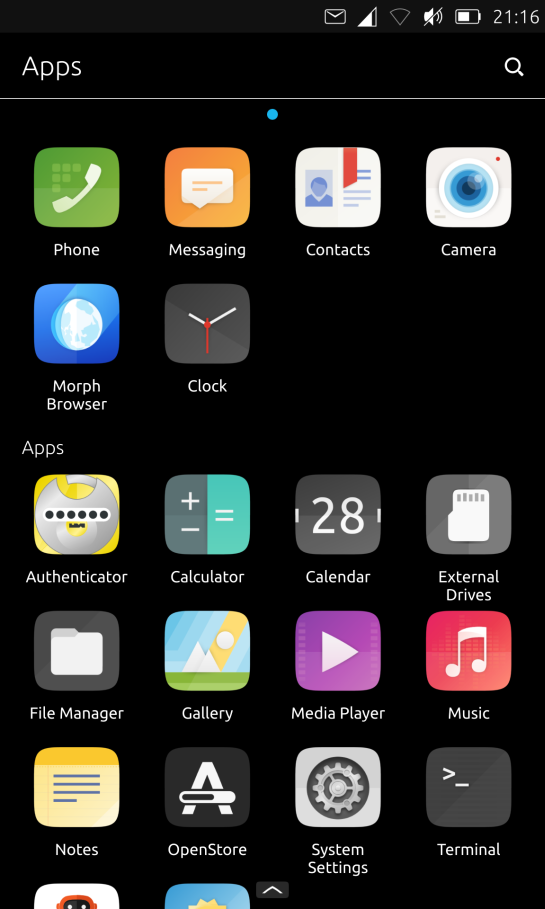
and add a search bar for the new ui
i hope you can help
thx -
That was the old UI and doesn't exists anymore. You can modify the code if you're familiar with QML/JS. Or you can download home screens app like Launcher Modular from the store but those acts like a normal app.
You also can't disable the Launcher (left side bar) since it is integral to the overal design. May I know what you're trying to achieve and why the current Launcher and App drawer isn't enough?
-
 C CiberSheep moved this topic from Design on
Hello! It looks like you're interested in this conversation, but you don't have an account yet.
Getting fed up of having to scroll through the same posts each visit? When you register for an account, you'll always come back to exactly where you were before, and choose to be notified of new replies (either via email, or push notification). You'll also be able to save bookmarks and upvote posts to show your appreciation to other community members.
With your input, this post could be even better 💗
Register Login