Put ubuntu touch on pixel 3a XL failed!
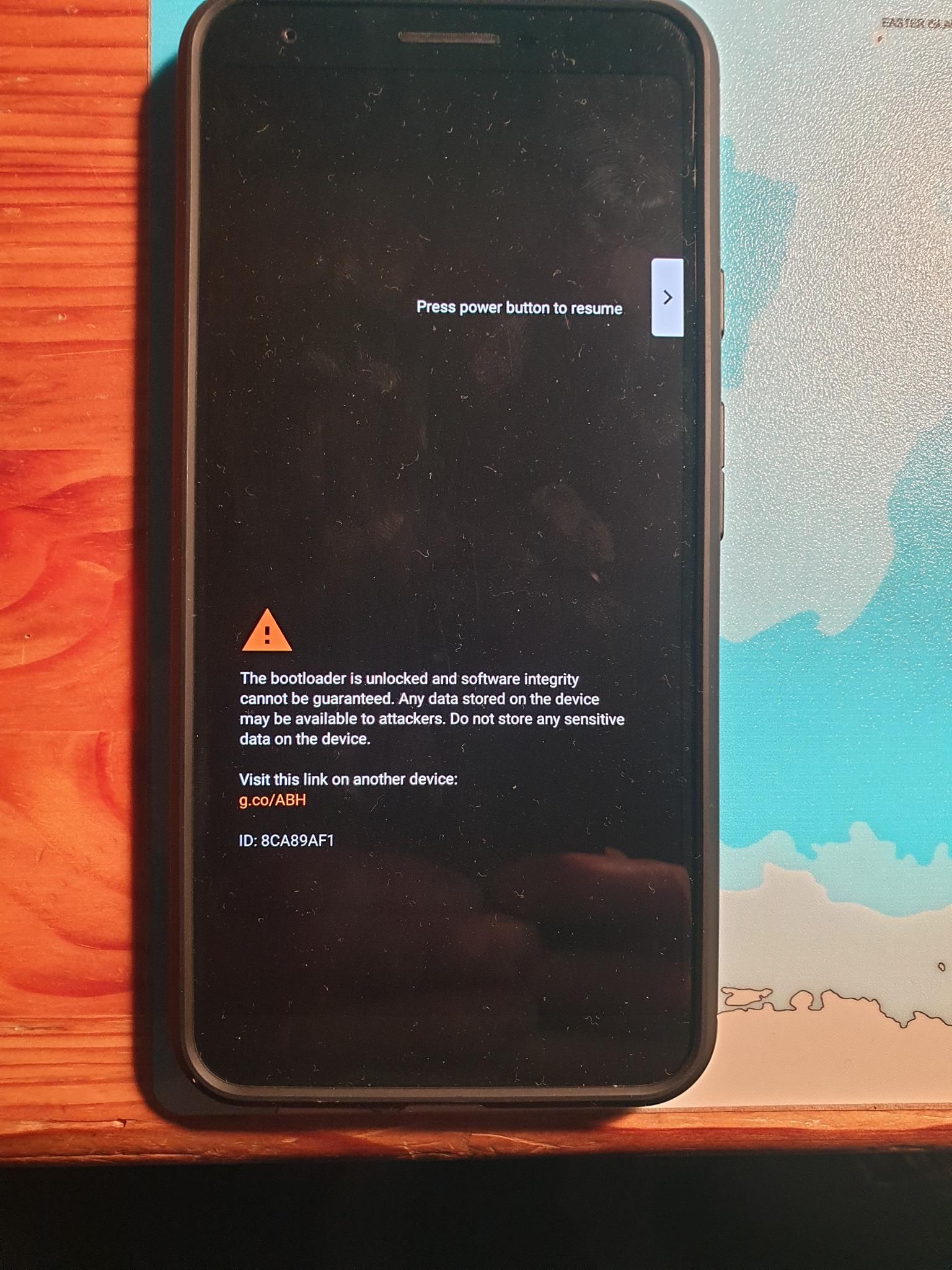
-
@MrT10001 Sorry, what means fastboot terminal?
-
@stefancito70 Usually you open up a terminal in your folder were fastboot and ADB is situated. I use Windows :anxious_face_with_sweat: ,and I have Android Studio installed, so open a terminal in the platform-tools folder.
-
@MrT10001 After solving the problem to find the path for fastboot (/usr/lib/android-sdk/platform-tools) it worked like you described. But the slot B was already active.
Additional information: At this search I found out, that ADB was not installed and so I installed it.
Thanks a lot
Stefan -
@stefancito70 If slot B is active, change it to slot A.
If booting after changing the Slot, boot into recovery and wipe the cache and reboot.
-
@MrT10001 I changed the slot and now the phone boots to recovery mode!
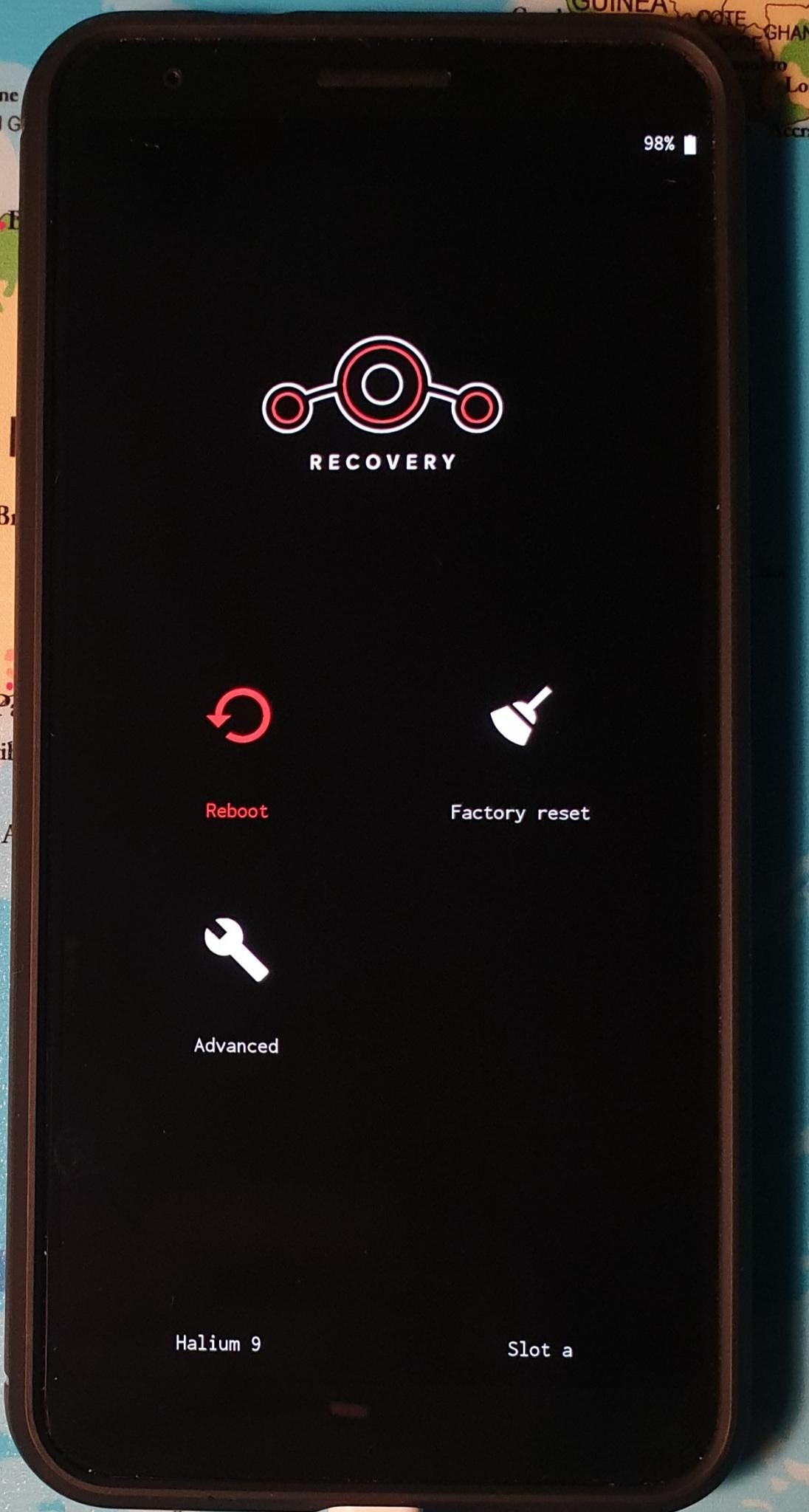
I have the following andvanced options:
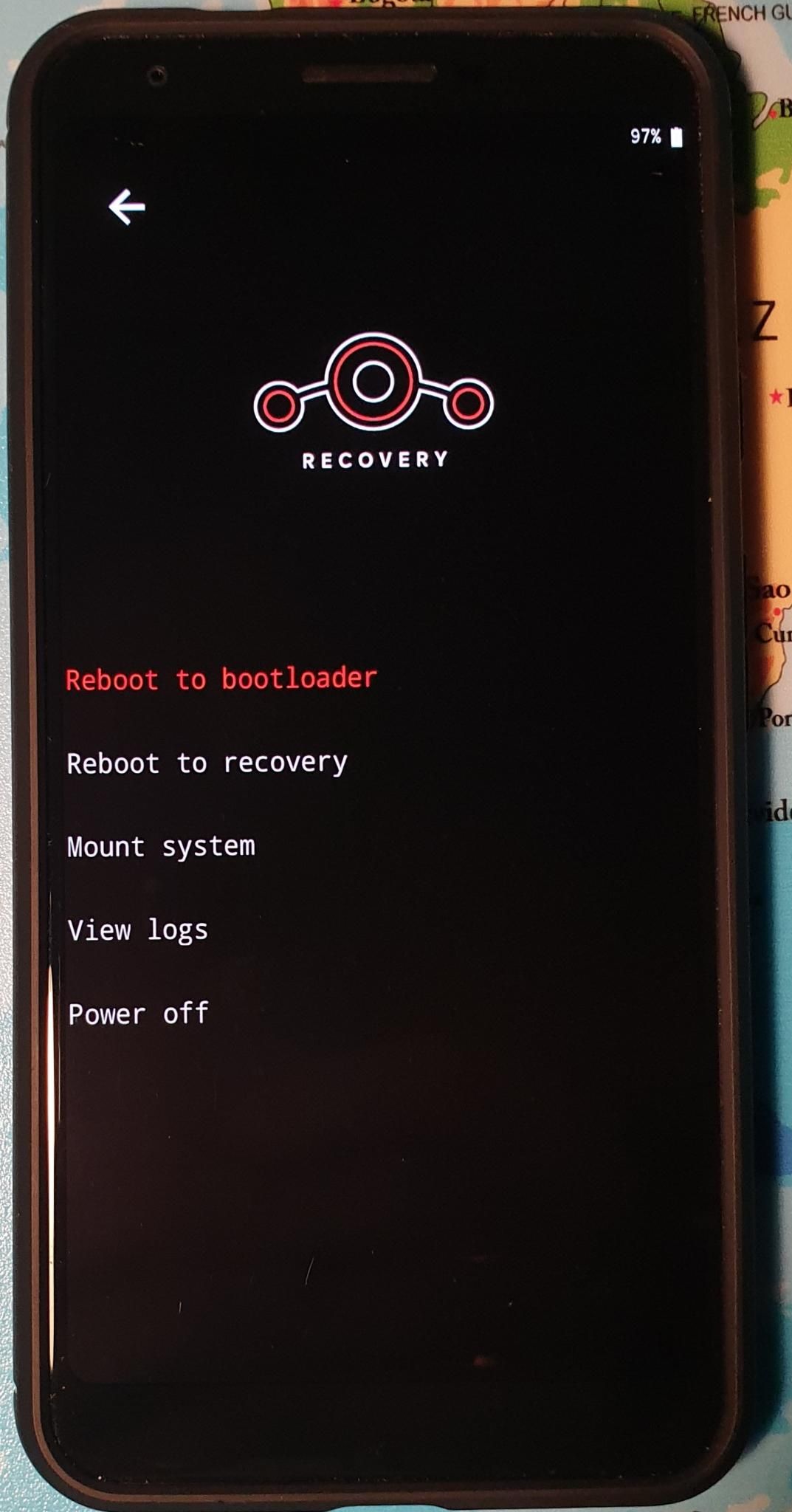
What shall I do now? (I ask because the last time I tried something in the advanced options I could never enter again to this mode) -
@stefancito70 That means your Android installation is on the other slot, but hasn't installed correctly. You may have to try again.
-
@MrT10001 I installed Android again with google flash tool and now it works! (Perhaps because now ADB is installed on my PC)
Thank you very much for your help!!!
Tomorrow I try to install ubuntu touch again, hopefully without any problem
Have a nice evening,
Best wishes
Stefan

Hello! It looks like you're interested in this conversation, but you don't have an account yet.
Getting fed up of having to scroll through the same posts each visit? When you register for an account, you'll always come back to exactly where you were before, and choose to be notified of new replies (either via email, or push notification). You'll also be able to save bookmarks and upvote posts to show your appreciation to other community members.
With your input, this post could be even better 💗
Register Login