trouble unlocking Oneplus Nord N10 5G phone
-
I am trying to install UT on a Oneplus Nord N10 5G phone.
Been having trouble unlocking the phone - been banging my head on the wall.
Please help before it cracks.Preliminary: In settings, I have on
- developer mode
- OEM Enabled
- USB Enabled
- Wireless ADB Debugging on
I am using linux computers (linux mint and neon) with adb and fastboot installed via Synaptic Package Manager.
After entering fastboot mode, I type and get
$ fastboot oem unlock
FAILED (remote: 'Flashing Unlock is not allowed
')
fastboot: error: Command failed
I also tried
$ fastboot flashing unlock
FAILED (remote: 'Flashing Unlock is not allowed
')
fastboot: error: Command failed
What am I missing? an utility???
Thank in advanced for your help.
Sheng-Chieh
-
I'm new at this myself. My phone was unlocked. However, I had to unlock the bootloader using a bin file from the primary carrier of the phone, which in my case was T-Mobile.
-
-
@shengchieh are you in the USA? The US devices seem to behave issues unlocking the bootloader. If not, have you enabled developer mode and enabled OEM unlocking there? Edit: I see you have, but double check. If you have downgraded the Android version it automatically relies the bootloader.
-
@shengchieh
On Computer input adb reboot fastbootIn fastboot menu on phone select English or Chinese
Select advanced reboot to fastboot.You should see original fastboot menu, not fastboot2 on the phone.
On computer, enter fastboot flashing unlock. It will either prompt you for a token, or ask you to select yes to unlock.
-
Thank for helping. Unfortunately, same error.
I entered fastboot via computer and got the same error.
I still get
$ fastboot flashing unlock
FAILED (remote: 'Flashing Unlock is not allowed
')
fastboot: error: Command failed
I also tried and got (same error)
$ fastboot oem unlock
FAILED (remote: 'Flashing Unlock is not allowed
')
fastboot: error: Command failed
Am I missing an utility??? What does the error message means?
Sheng-Chieh
-
@shengchieh It usually means the "OEM unlock" toggle in Developer options has not been set to enable. Other scenarios include old versions of ADB and fastboot on the PC, if in the US, no token .
-
@shengchieh Are you booting to fastboot where the phone just shows the select English or Chinese option? Or are you getting to the multicolored text only screen that says fastboot and other info? If you are not seeing that text filled screen on the phone, then on the computer try the comand: fastboot reboot fastboot.
-
@rocket2nfinity fastboot reboot fastboot will put you to fastbootd and you cannot unlock the bootloader from there.
-
I, a non-geek, must be doing something stupid. I never used android (privacy concern).
I decided to post a bunch of pictures. Hopefully someone can see something wrong.
First I login to the phone and look at setting: about phone. When I tap build number, I see
a box that say "No need, you are already a developer."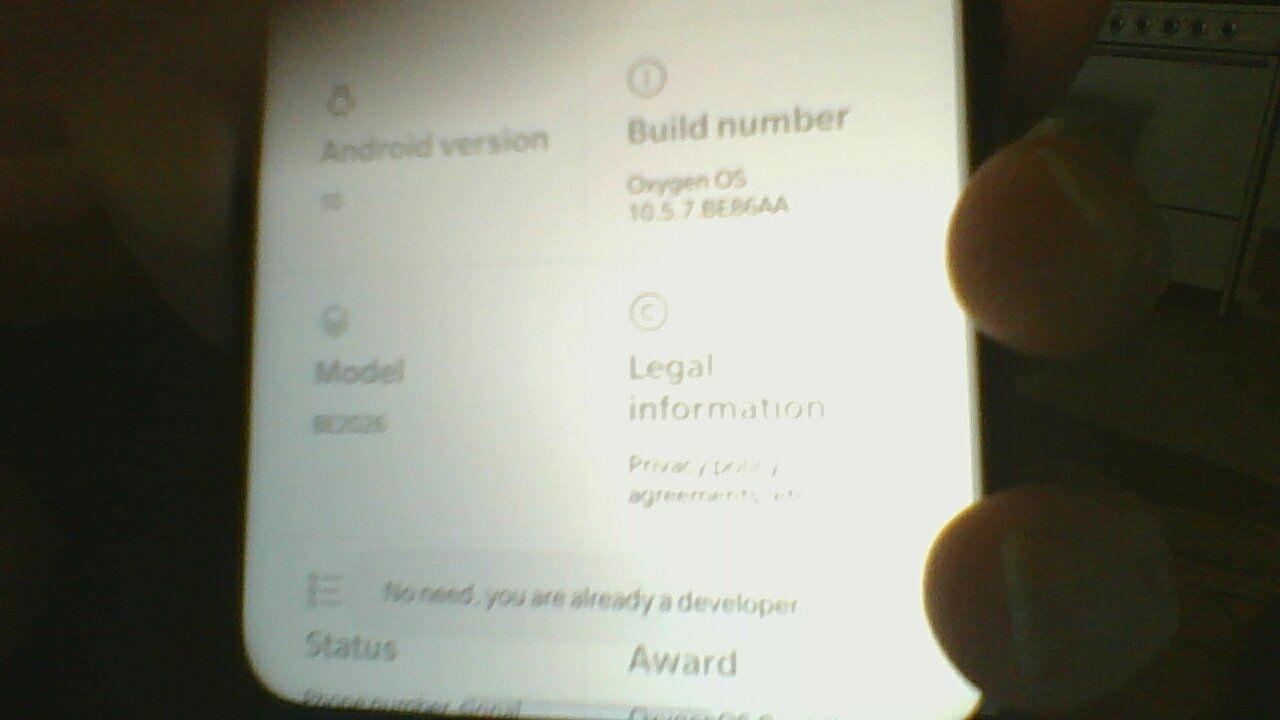
When I search for oem, I see "OEM unlocking: Allow the bootloader to be unlocked."
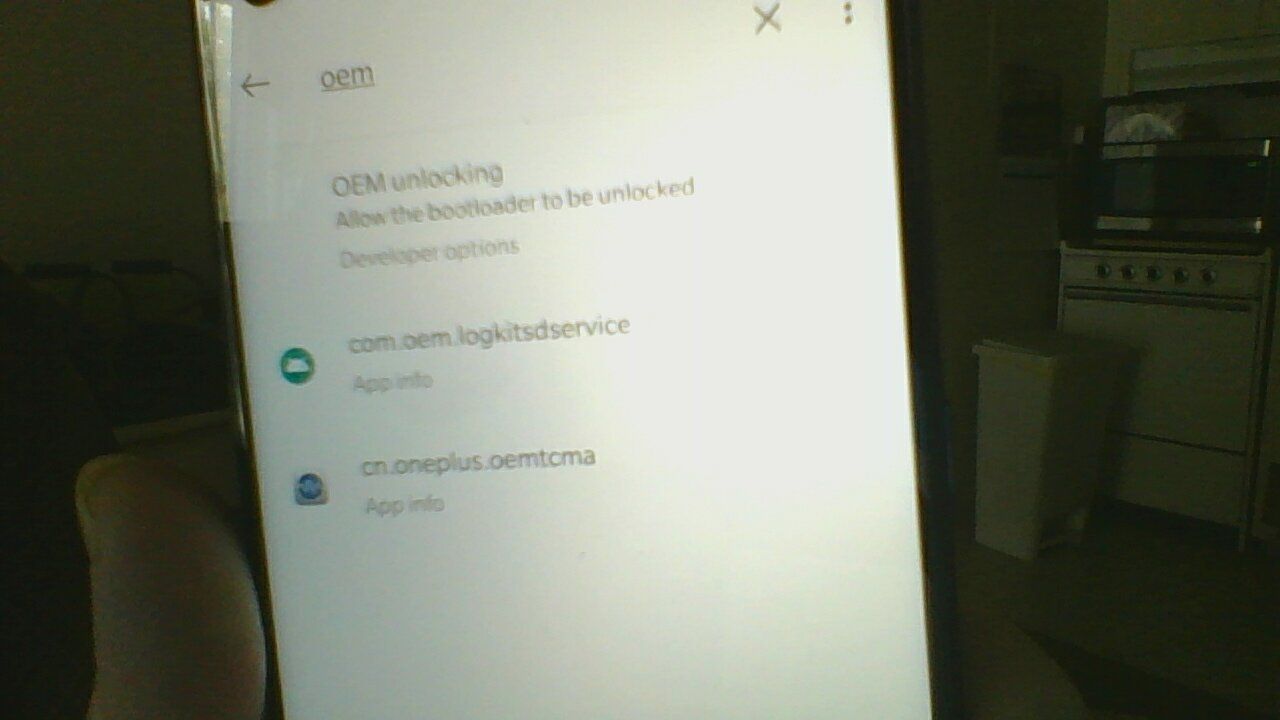
If I click it, I see it is "ON".
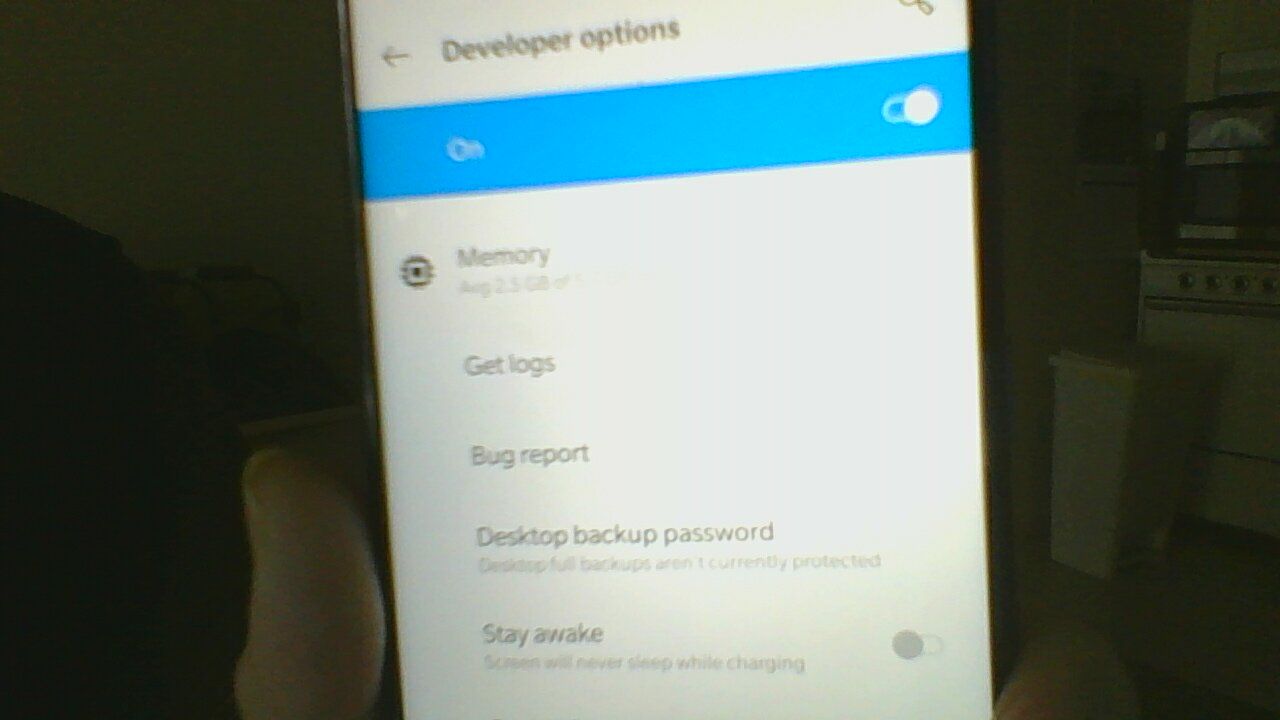
I plug the USB cable into the computer, enter "adb reboot fastboot". On the phone,
-> select "English"
-> select "Advanced"
-> select "reboot to fastboot"I see
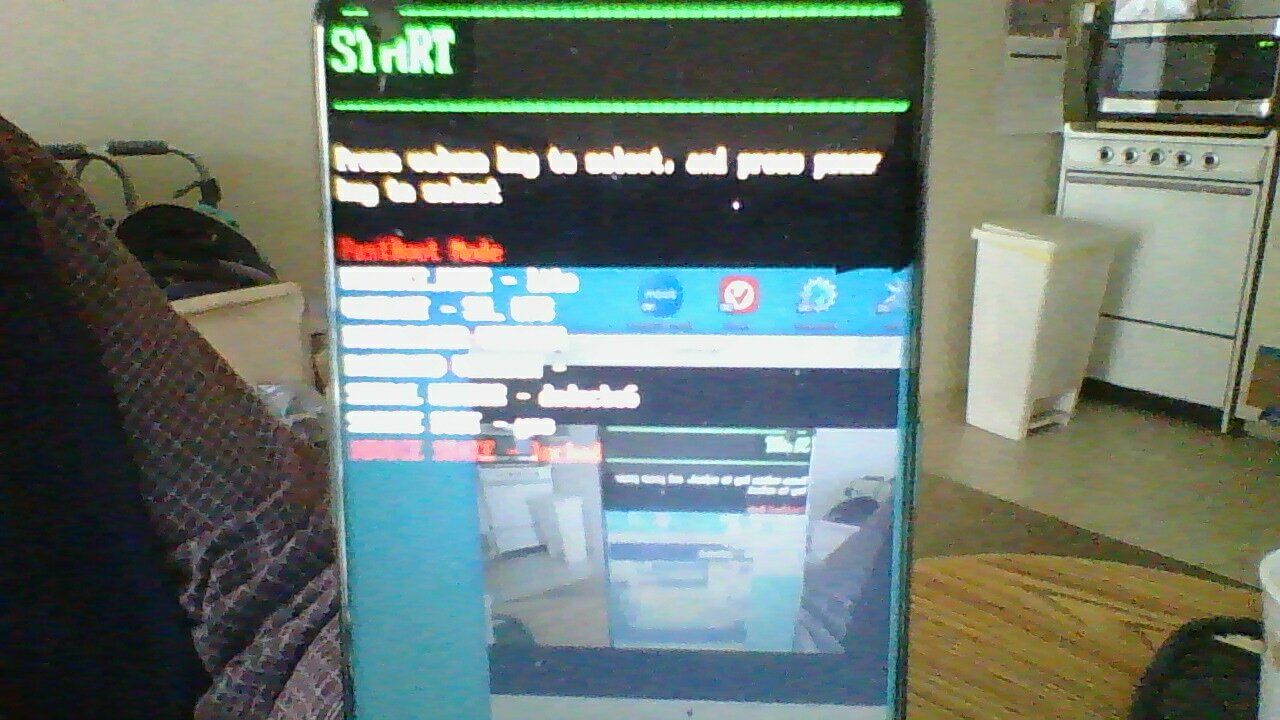
On computer, I type and get
$ fastboot flashing unlock
FAILED (remote: 'Flashing Unlock is not allowed
')
fastboot: error: Command failed
Again, this phone was brought "new factory unlocked" from ebay. And it is a BE2026 model.
Also I am in USA - west coast (earthquake land).Can you spot if I did something stupid?
Thank in advanced for helping.
Sheng-Chieh
 -
@shengchieh Wish that last image was in focus. I'm suspecting you do not have the correct ROM on your device.
I would suggest getting the global ROM package Ruben specifies on the UT devices page and flash it using EDL mode and MSMdownloadTool. Then try again because you are following the steps correctly.
Just FYI, it's easier to help you via the N. American Issues UT Telegram group.
-
@rocket2nfinity Thank for replying. I thought I redo the picture in fastboot mode.
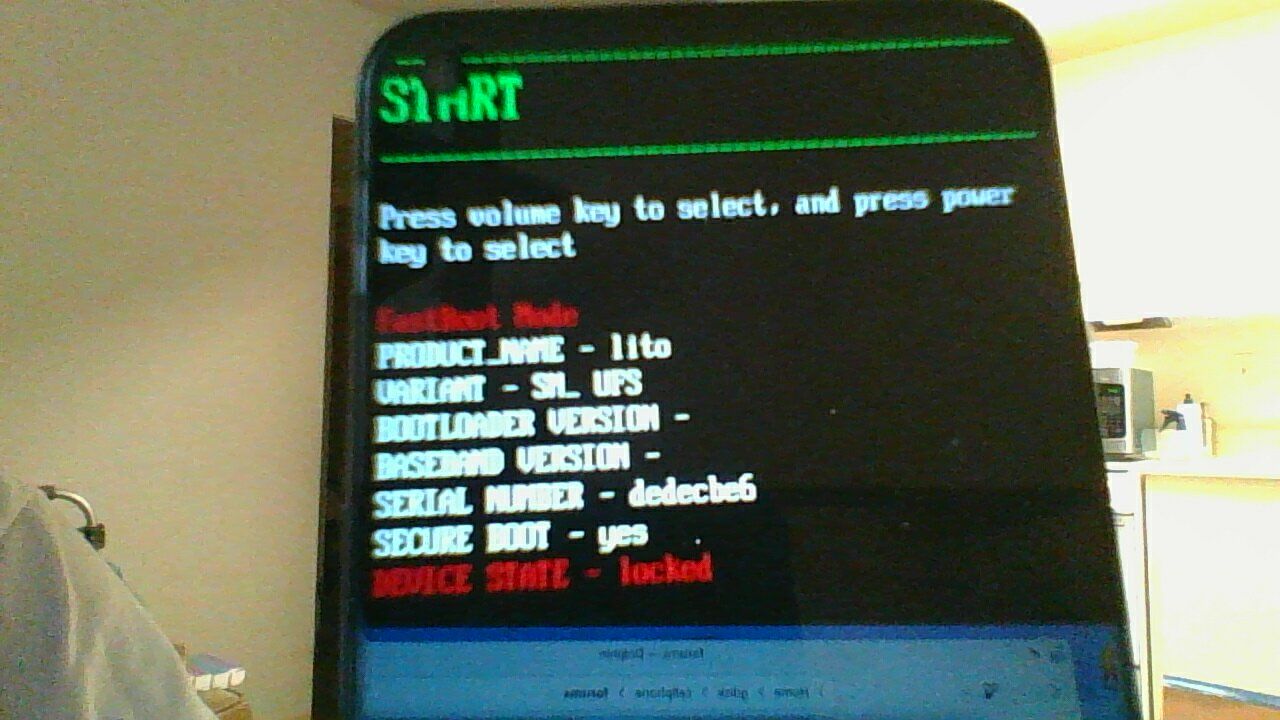
Sheng-Chieh
p.s. I'll look at global ROM, etc.
-
Hi. I am using a Ubuntu computer to try to install Ubuntu Touch to a new Oneplus N10. I have unlocked the OEM, and unlocked the device, as seen from the response below. But I cannot unlock the Critical partitions. If the bootloader is locked, the result is below:
fastboot oem device-info
(bootloader) Verity mode: true
(bootloader) Device unlocked: true
(bootloader) Device critical unlocked: false
(bootloader) Charger screen enabled: trueWhen I try to unlock critical partitions and bootloader us unlocked, I get:
fastboot flashing unlock_critical
FAILED (remote: ' Device already : unlocked!')Any ideas? What am I missing?
-
@UT-downunder It's already unlocked. But, if this is not the global build specified on the devices page, you should flash that with EDL mode and MSMdownloadtool (which is included in the build). Then unlock again.
-
Excuse my ignorance, but how do I flash with EDL mode? As mentioned, I am using Ubuntu.
-

Hello! It looks like you're interested in this conversation, but you don't have an account yet.
Getting fed up of having to scroll through the same posts each visit? When you register for an account, you'll always come back to exactly where you were before, and choose to be notified of new replies (either via email, or push notification). You'll also be able to save bookmarks and upvote posts to show your appreciation to other community members.
With your input, this post could be even better 💗
Register Login