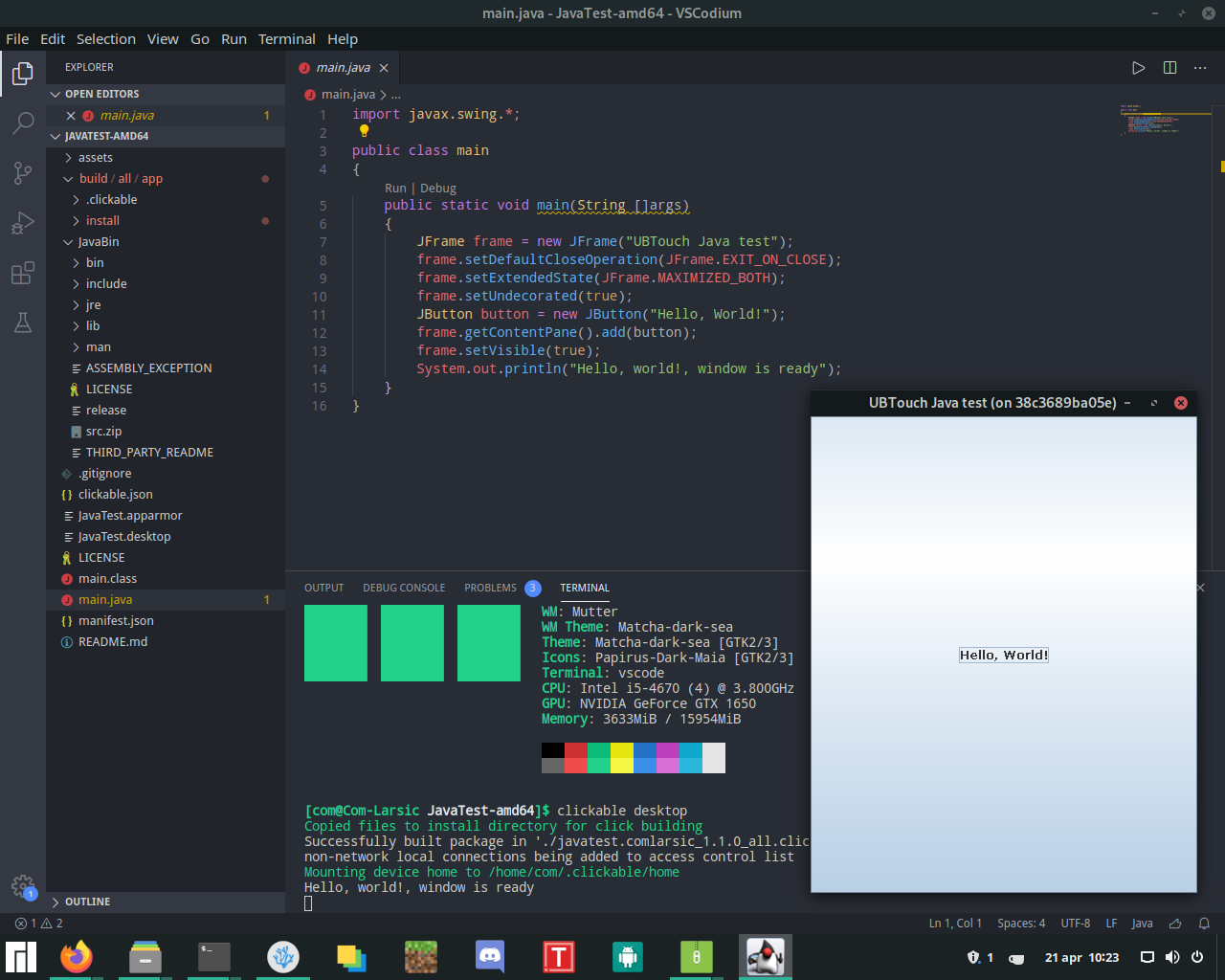
Getting java working on UBTouch
-
@dobey i tried adding thr line to the .desktop file but it still closes on launch.
you mentioned something about a log file, i am sorry if this is a bit of a newbie question but where could i find the log file?
-
@ComLarsic
Hi,You can use this app as a convenience : https://open-store.io/app/logviewer.neothethird
And you can have a look in.cache/upstart/ -
After adding the line to the desktop file i seem to still not be able to run the app.
i checked the .desktop file in /home/phablet/.local/share/applications
and tried running the line behind
Exec=
Manually in the terminal like so:
aa-exec-click -p javatest.comlarsic_JavaTest_1.5.0 -- JavaBin/bin/java -jar main.jar
and i get the erroraa-exec: ERROR: profile 'javatest.comlarsic_JavaTest_1.5.0' does not existHere is the .desktop file that shows in the applications folder:
[Desktop Entry]
Name=Java-test
Exec=aa-exec-click -p javatest.comlarsic_JavaTest_1.5.0 -- JavaBin/bin/java -jar main.jar
Icon=/opt/click.ubuntu.com/.click/users/phablet/javatest.comlarsic/assets/logo.svg
Terminal=false
Type=Application
X-Ubuntu-Touch=true
X-Ubuntu-XMir-Enable=true
Path=/opt/click.ubuntu.com/.click/users/phablet/javatest.comlarsic
X-Ubuntu-Old-Icon=assets/logo.svg
X-Ubuntu-Application-ID=javatest.comlarsic_JavaTest_1.5.0
X-Ubuntu-UAL-Source-Desktop=/opt/click.ubuntu.com/.click/users/phablet/javatest.comlarsic/JavaTest.desktop
what seems to be going wrong here?
-
@ComLarsic Try uninstalling the app, and then installing it again. Or change the version number and building a new click, and installing that.
You did edit the original
.desktopfile and build a new click, rather than editing the.desktopin~/.local/share/applications/right? -
@dobey no, i did not edit the .desktop in the applicion folder manually. i have tried reinstalling it and i still get the same error. i will try to rebuild it and completly remove the app using UTTweak tool
-
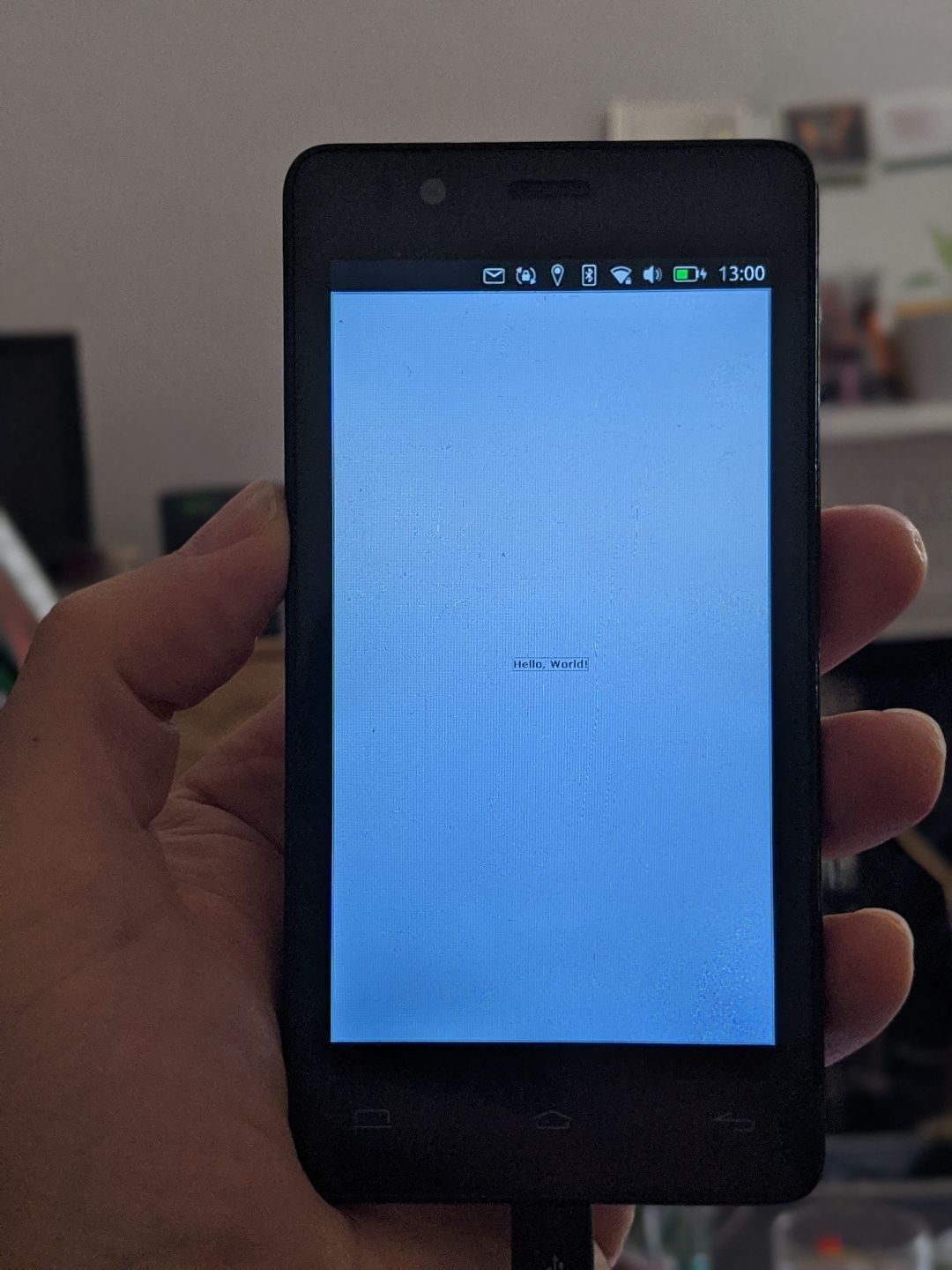
I just had a bit of a play with this and was able to get it working with just the following changes to the original repository:
- Set
X-Ubuntu-XMir-Enable=truein the .desktop file - Remove the policy groups from the AppArmor profile and set
"template": "unconfined",instead
It seems x-mir-helper isn't able to launch confined, perhaps there should be a discussion about adding an AppArmor policy for these use cases?
- Set
-
@Elleo said in Getting java working on UBTouch:
It seems x-mir-helper isn't able to launch confined, perhaps there should be a discussion about adding an AppArmor policy for these use cases?
If that's true, probably a good idea to open an issue about it at https://github.com/ubports/apparmor-easyprof-ubuntu
-
@dobey Okay, will do!
-
-
is that a working version of java for a nexus arm7



Hello! It looks like you're interested in this conversation, but you don't have an account yet.
Getting fed up of having to scroll through the same posts each visit? When you register for an account, you'll always come back to exactly where you were before, and choose to be notified of new replies (either via email, or push notification). You'll also be able to save bookmarks and upvote posts to show your appreciation to other community members.
With your input, this post could be even better 💗
Register Login