How can I change the resolution of the extended display
-
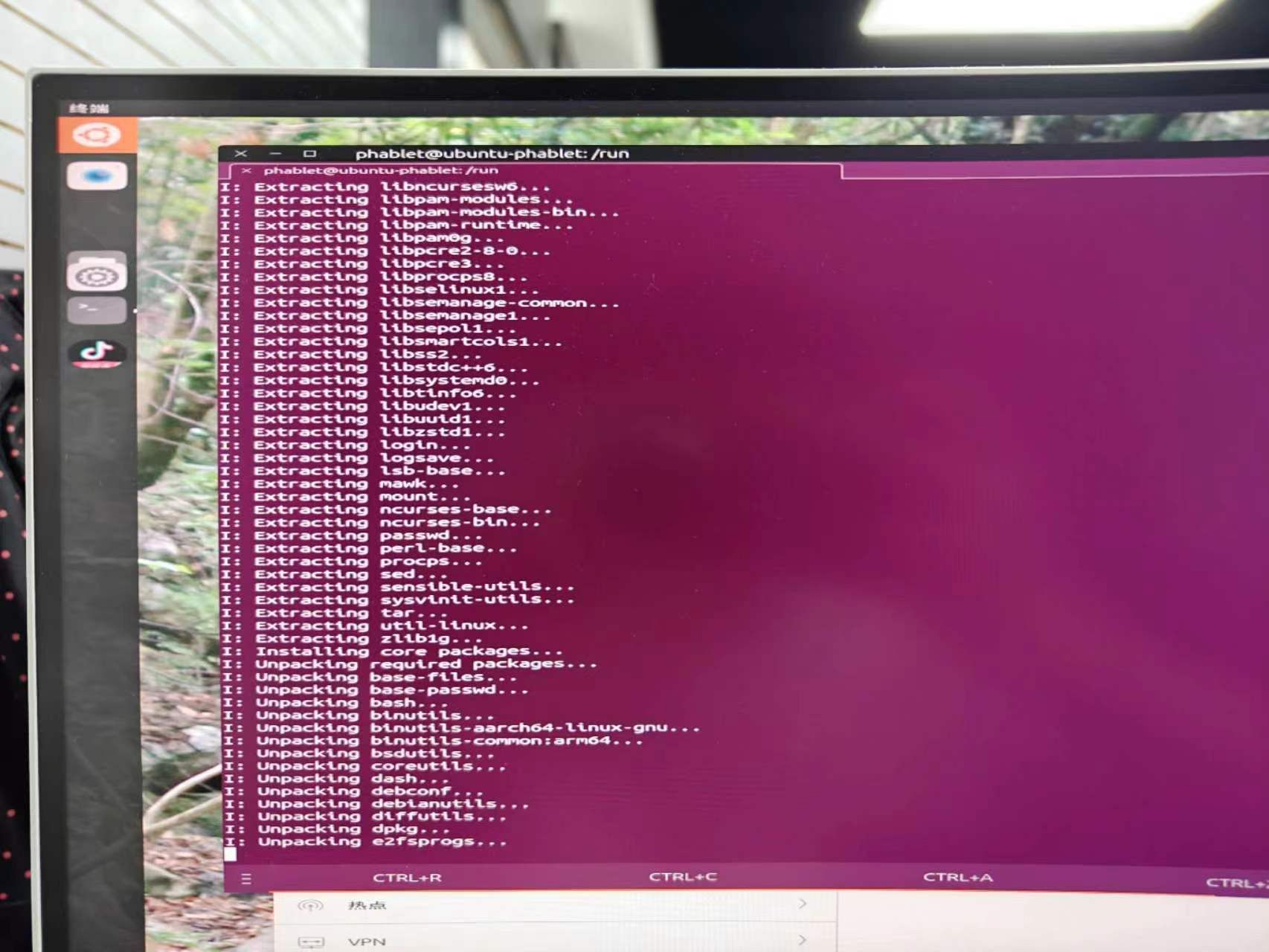
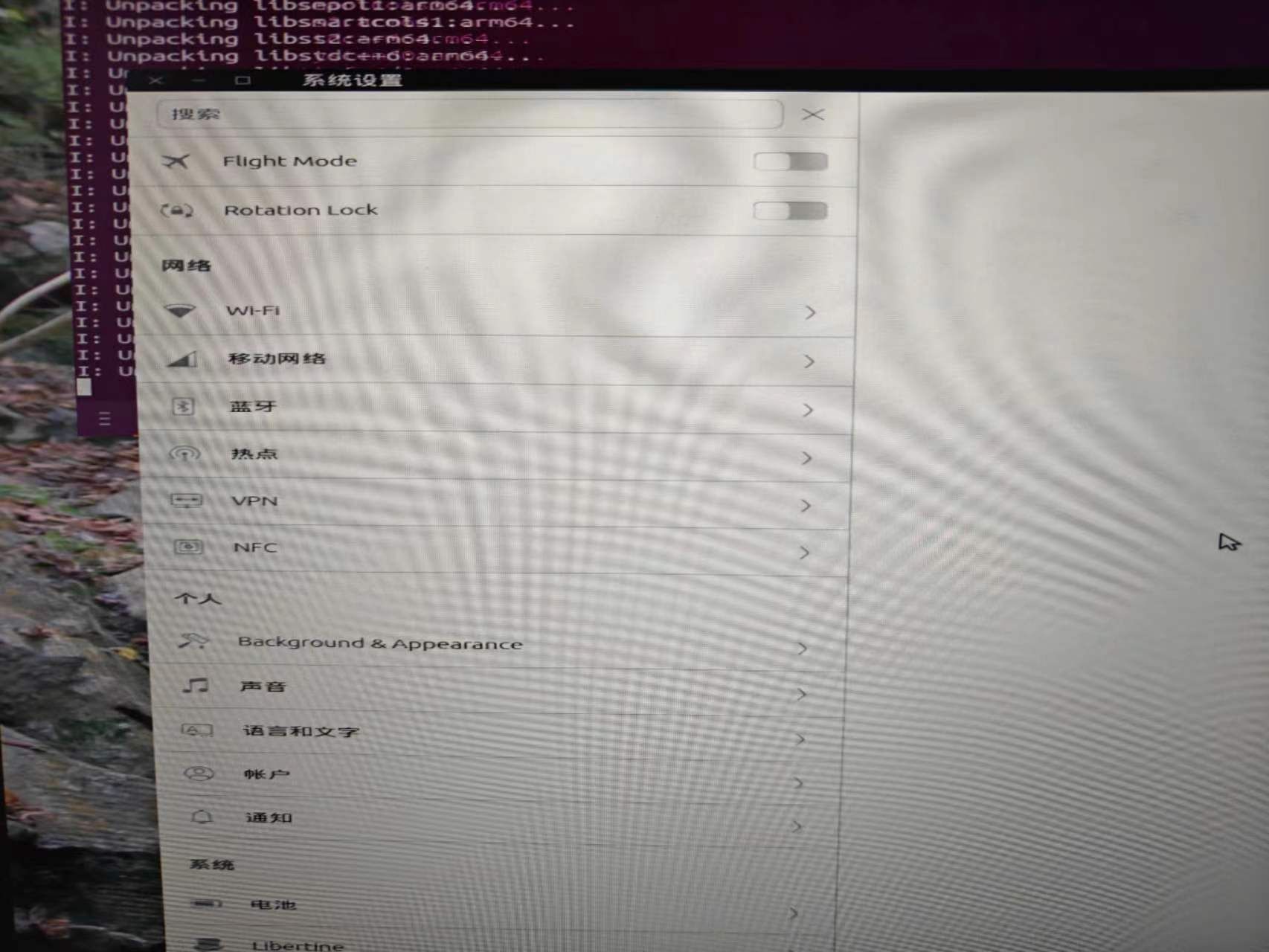
As you can see above, the width is not coordinated with the height on both of my 4k monitors. How can I change the resolution of the extended display?
The phone is fairphone4 and ubuntu touch is using the latest version.
Thanks.
-
 K Keneda moved this topic from Support on
-
@gudaoxuri said in How can I change the resolution of the extended display:
The phone is fairphone4 and ubuntu touch is using the latest version.
Latest focal ?
-
@Keneda said in How can I change the resolution of the extended display:
@gudaoxuri said in How can I change the resolution of the extended display:
The phone is fairphone4 and ubuntu touch is using the latest version.
Latest focal ?
Ubuntu Touch 20.04(OTA-2)
-
@gudaoxuri There's no settings to adjust the resolution yet. However, the aspect ratio should be displayed properly. Perhaps, it's a setting of your display? Though maybe it also depends on what resolutions/aspect ratio FP4 supports. I've only tried on 16:9 so not sure how it works on other aspect ratio.
Hello! It looks like you're interested in this conversation, but you don't have an account yet.
Getting fed up of having to scroll through the same posts each visit? When you register for an account, you'll always come back to exactly where you were before, and choose to be notified of new replies (either via email, or push notification). You'll also be able to save bookmarks and upvote posts to show your appreciation to other community members.
With your input, this post could be even better 💗
Register Login