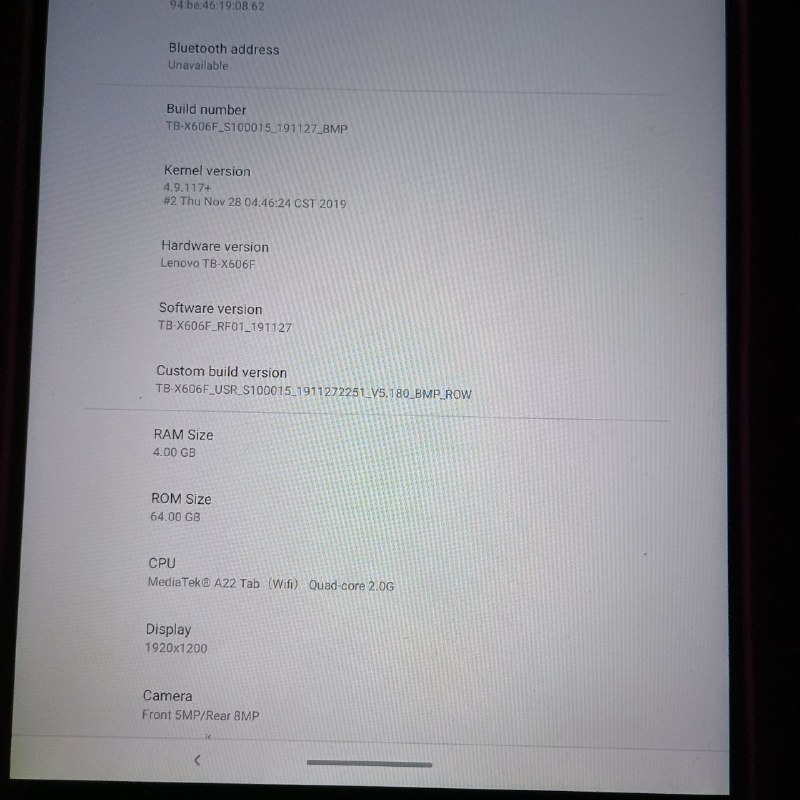
@arubislander yeah I switched up the codenames it’s focal and noble
Y
Offline
Posts
-
RE: Android 9 ROM for Lenovo TB-X606F
-
RE: Location of Android 9 images for Lenovo M10 x606F?
@Moktrull Yeah you need to download the SP Flash Tool and an Android 9 image for your device: https://drive.usercontent.google.com/download?id=18_vFVhQia5Zkedjy9Vz05x_wlNrN-sxe&export=download&authuser=0. This works for me (x606f).
I had some issues using SP Flash Tool on Linux, so I recommend downloading the MTK drivers for Windows and flashing from Windows instead.
Then flash that Android 9 image using SP Flash Tool. Unselect preload inside SP Flash Tool, then flash. After verifying in Settings that it’s Android 9, enter fastboot mode.
Next, download the devel-flashable artifacts from here:
https://gitlab.com/yassinrezai71/lenovo-x606/-/jobs/12500903564/artifacts/downloadUnzip it. After unzipping, flash the boot image:
fastboot flash boot out/boot.img(or wherever the
boot.imgis located). Then format userdata:fastboot format:ext4 userdataAfter that, flash the Ubuntu image:
fastboot flash system out/ubuntu.imgFinally, reboot:
fastboot rebootWait until the device boots into Ubuntu Touch.
-
Lenovo TB-X606F got focal/20.04 booting with systemd support etc
I’ve just ported Ubuntu Touch (Focal):
https://gitlab.com/yassinrezai71/lenovo-x606/-/jobs/12500903564You need to download and flash the Android 9 image for your device:
https://drive.usercontent.google.com/download?id=18_vFVhQia5Zkedjy9Vz05x_wlNrN-sxe&export=download&authuser=0This works on my X606F. Flash it using SP Flash Tool and deselect the preloader.
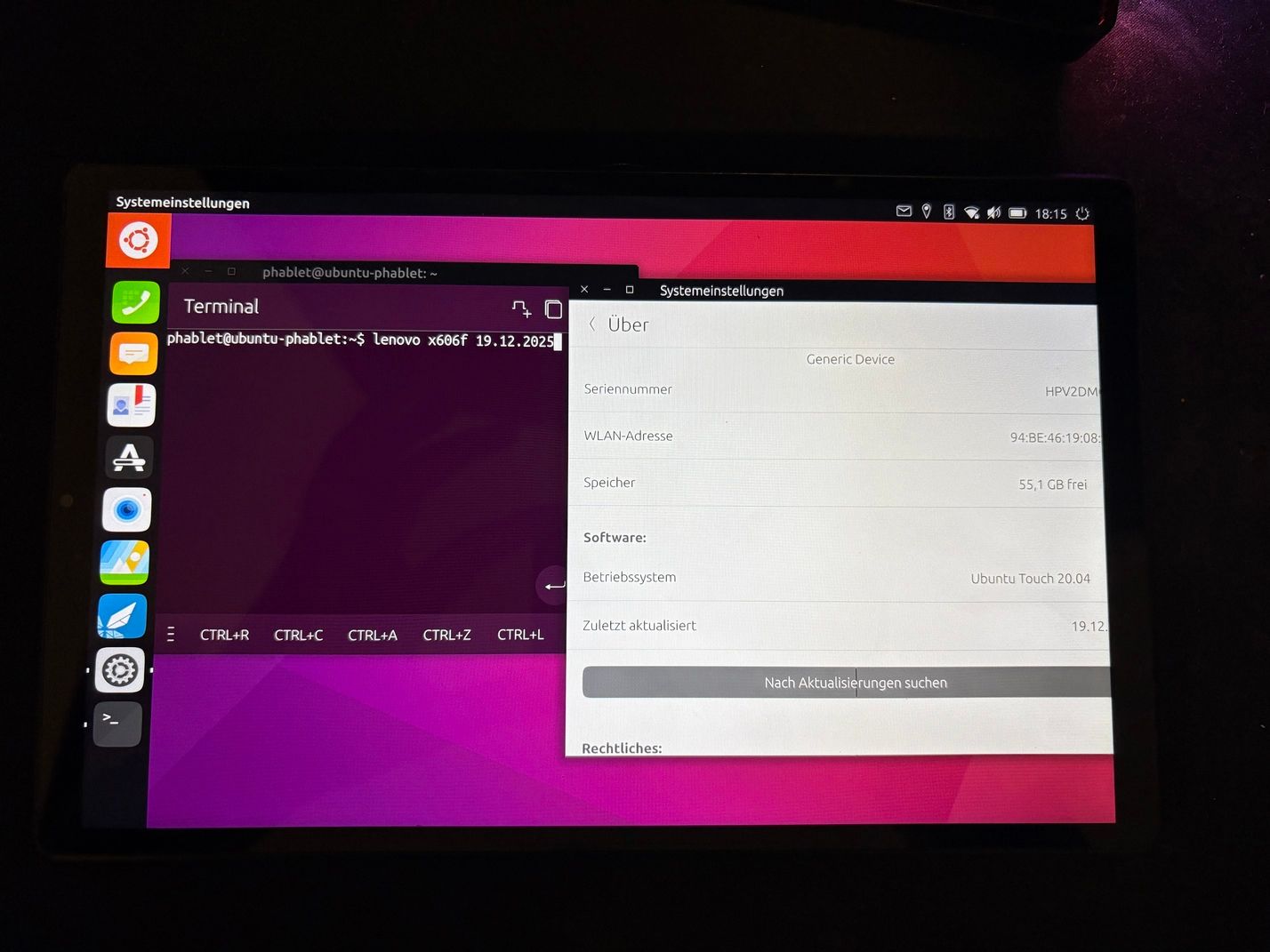
I'll create a pull request once I get noble working the commit history is basically garbage and I also used ai to help me which with stuff but it all works outside of audio/cam ig atm
-
RE: Android 9 ROM for Lenovo TB-X606F
@Dava yeah ive jst ported ubuntu focal Ill get jammy working too hopefully https://gitlab.com/ubports/porting/community-ports/android9/lenovo-tab-m10-fhd-plus/lenovo-x606/-/issues?show=eyJpaWQiOiIyMSIsImZ1bGxfcGF0aCI6InVicG9ydHMvcG9ydGluZy9jb21tdW5pdHktcG9ydHMvYW5kcm9pZDkvbGVub3ZvLXRhYi1tMTAtZmhkLXBsdXMvbGVub3ZvLXg2MDYiLCJpZCI6MTc5MDUyNTA2fQ%3D%3D basically no issues outside of the cam not working ig
-
RE: Location of Android 9 images for Lenovo M10 x606F?
@Luksus I’ve just ported Ubuntu Touch (Focal):
https://gitlab.com/yassinrezai71/lenovo-x606/-/jobs/12500903564 -
RE: Location of Android 9 images for Lenovo M10 x606F?
Re: Location of Android 9 images for Lenovo M10 x606F?
I just searched a lot on google I went on the same site and there two x606f devices listed the drive link wasnt working for some reasong so I just downloaded the file from https://drive.usercontent.google.com/download?id=18_vFVhQia5Zkedjy9Vz05x_wlNrN-sxe&export=download&authuser=0 I downloaded it extracted it to the rom zip folder created by the rescue tool and rescued my device with it now I'm on android 9