Change volume from command line
-
Is there any way to change sink-input-by-media-role:multimedia from the command line?
With
pactl set-sink-mute @DEFAULT_SINK@ toggleI can mute / unmute the general volume but I don't know how to access the multimedia specific volume.Many, many thanks!
OP 5T, stable channel
-
@mihael I don't know with command line but you have https://open-store.io/app/uvolman.mateosalta to do that.
-
@domubpkm Yes, of course, but I am trying to make a script that would mute multimedia and alert volumes based on the position of the try-state-slider on the OP 5T. I looked into the code of uVolMan but couldn't understand how to do it... That works through DBUS or something... I don't know much...
-
@domubpkm I used this app extensively in the past. Sadly it's not available for arm64
-
@emphrath Yes, i have it on my Volla
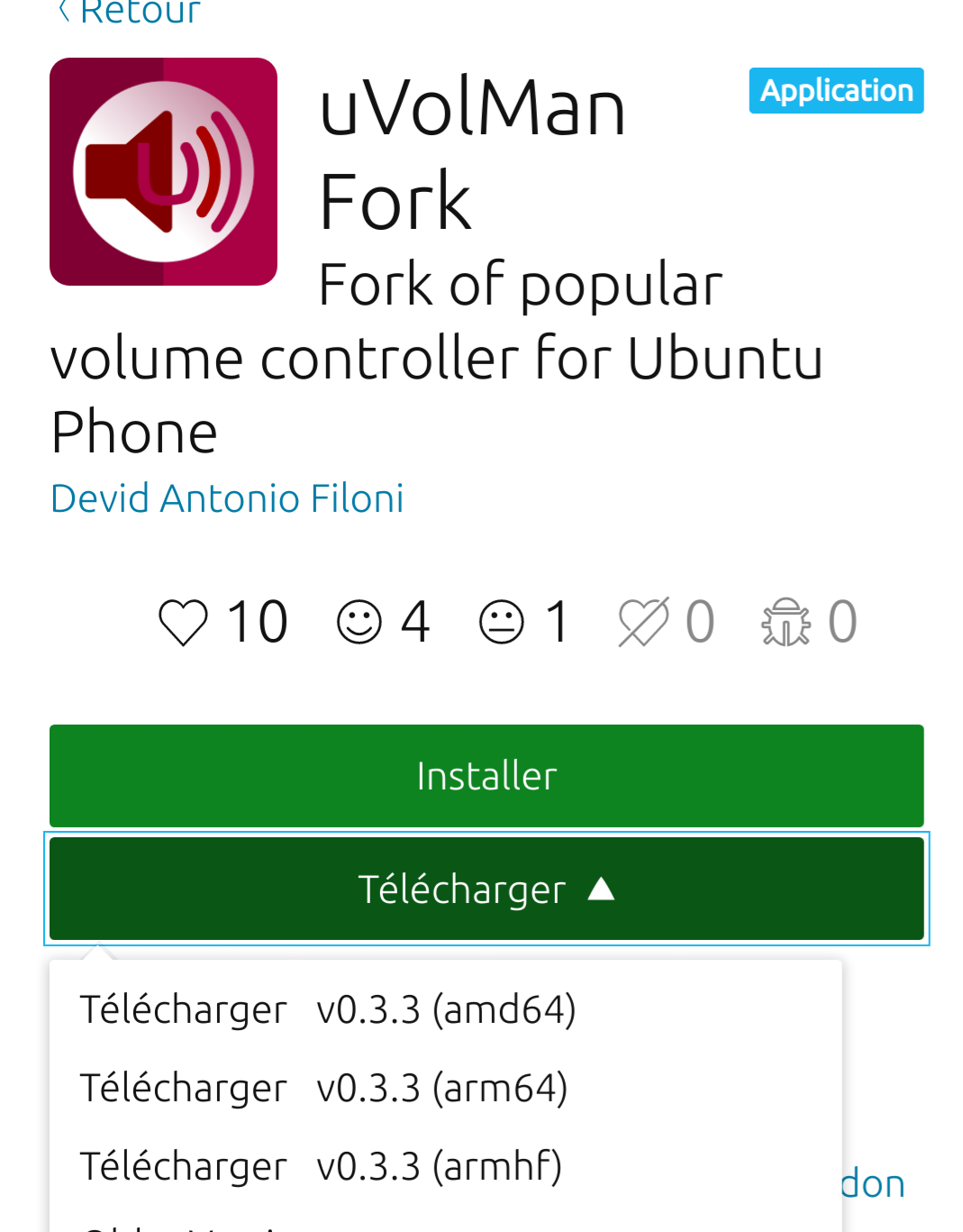
-
@domubpkm indeed ! Thank you, I missed out on that
-
Before this thread goes dead please allow me to ask one more time if anybody can help with changing the volume of multimedia from command line. Thank you.
-
Hello @mihael
The answer was to take a look at uVolMan sources and see how the app does it.
Unless someone with the answer on top of their head come by, I guess this is your best option. -
@applee I tried to do that but that is above my level

-
Find the index number of the multimedia client with
pacmd list-sink-inputsthen mute it (the multimedia client) by running this command:
pactl set-sink-input-volume <index num> 0% -
D digi6622 referenced this topic on


Hello! It looks like you're interested in this conversation, but you don't have an account yet.
Getting fed up of having to scroll through the same posts each visit? When you register for an account, you'll always come back to exactly where you were before, and choose to be notified of new replies (either via email, or push notification). You'll also be able to save bookmarks and upvote posts to show your appreciation to other community members.
With your input, this post could be even better 💗
Register Login