Unable to use Colemak keyboard layout
-
I recently installed Ubuntu Touch 16.04 (OTA-23) on an LG Nexus 5.
In system settings / Language & Text / Keyboard Layouts: I am not able to find an option to activate the Colemak keyboard layout.
However, in the top pull-down menu, I find an option to access keyboard and layout settings:
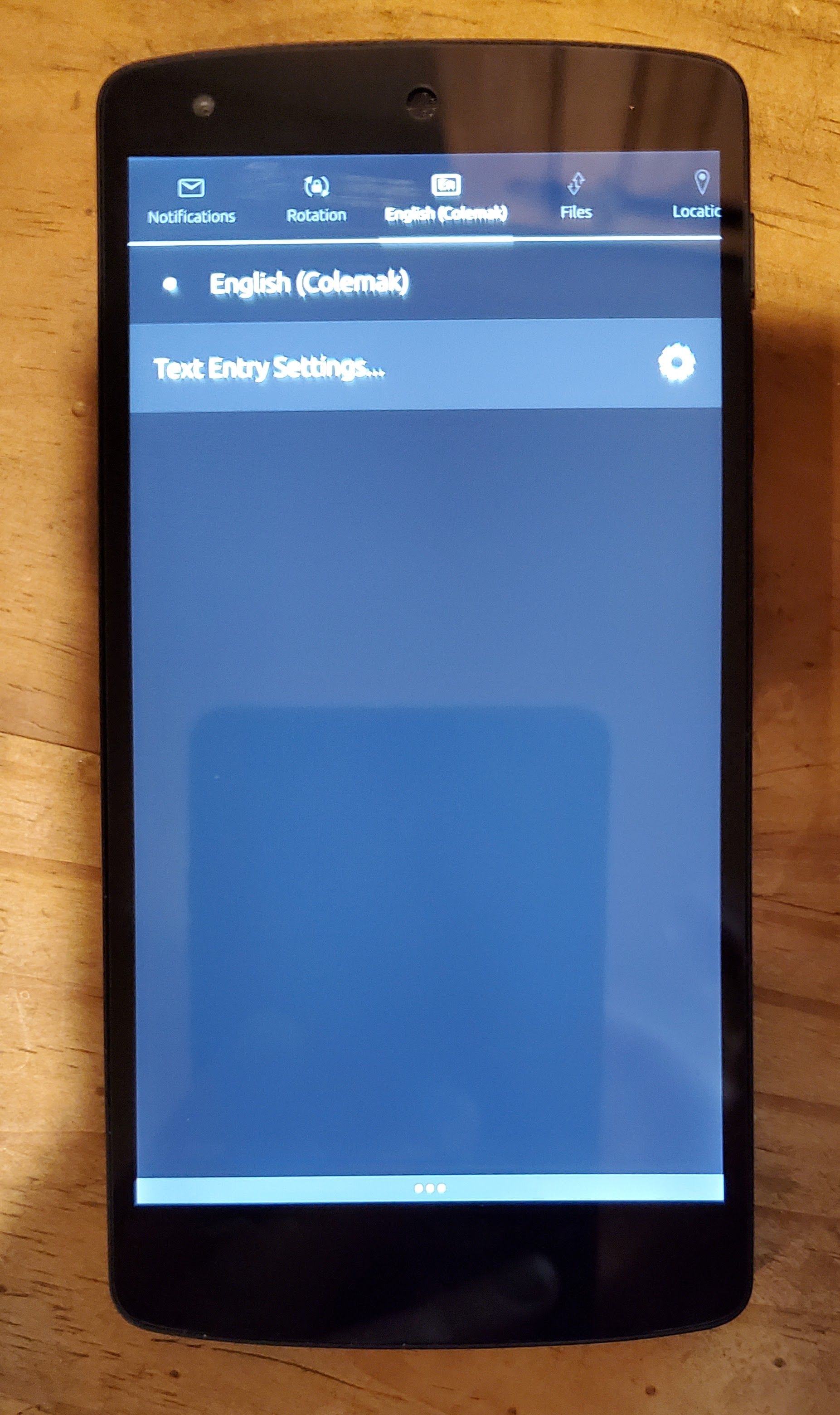
which takes me to this screen, which seems to show all of the available layouts, including Colemak, which I selected:
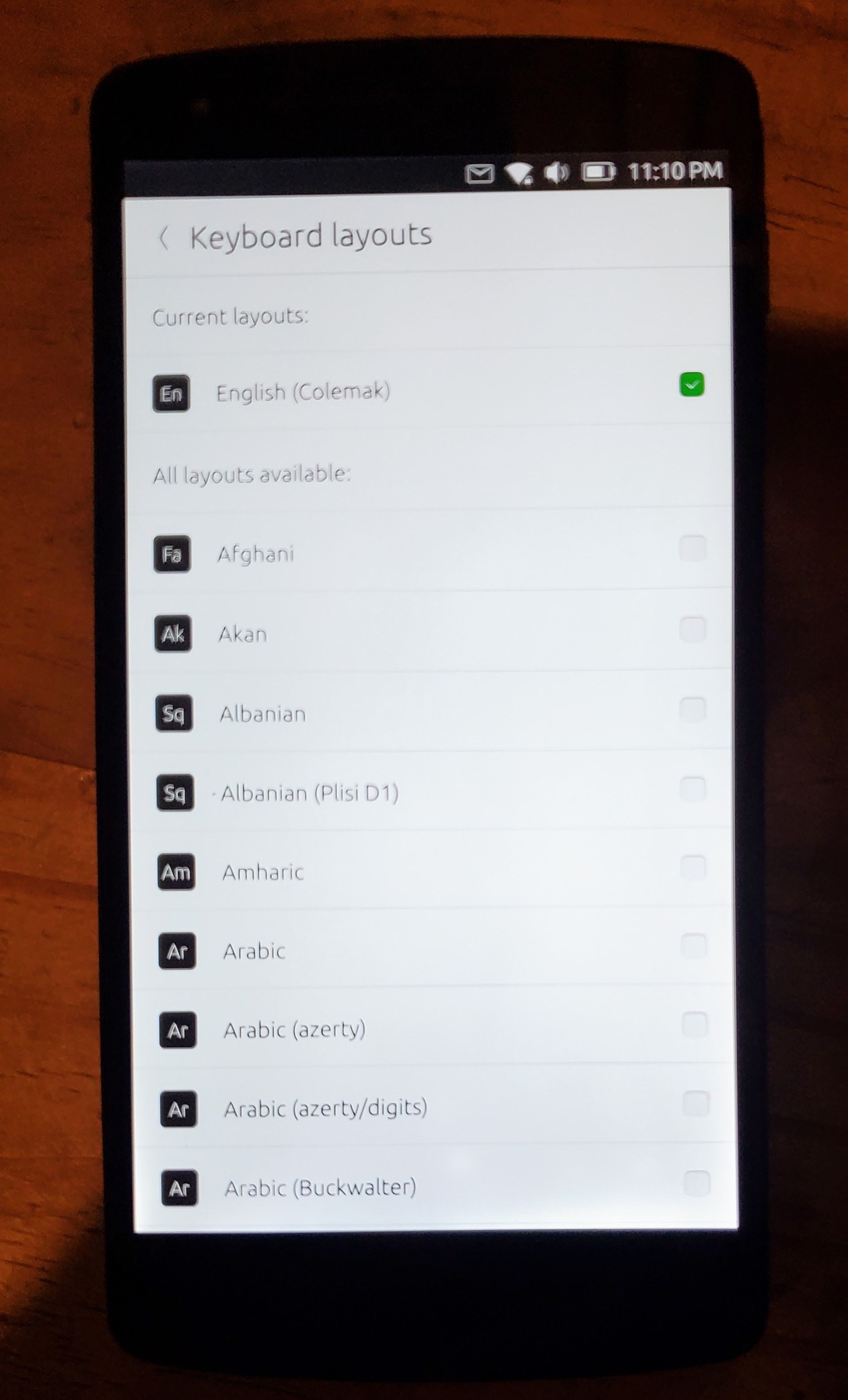
...but here, even with Colemak selected and showing as the "current layout", it does not change my virtual keyboard layout to Colemak, it stays qwerty. And when I return to system settings / Language & Text / Keyboard Layouts, the Colemak that I selected from the pull down menu does not show up as an option.
I also tried several methods standard to desktop linux machines of changing the keymap from the command line in the provided terminal app, but to no avail.
Does anyone know how to successfully change the keyboard layout to Colemak, even if that means editing the key mappings for some other available layout?
I am very impressed so far with how well this OS runs on this 9 year old phone, but if I can't load the keyboard layout that I have exclusively used for the last 10 years, then I won't find much use for this until I can solve this initial problem, thank you for your help.
-
The one in the indicator is indeed confusing but that's actually for physical keyboards. You can check the available languages/layouts for the OSK from the settings apps but sadly I don't think the one you're looking for is available.
-
@exioss
As @kugiigi said, for virtual keyboard there is not yours.
Check here if there is an issue for implementing colemak, and if not, open one for asking to implement it : https://gitlab.com/ubports/development/core/lomiri-keyboard/-/issuesOr, if you have the skill for this, step up with a merge request for implementing one that you could do yourself (check there for all virtual KB for examples).
-
-
I know this is quite old but I was able to add this feature to Ubuntu Touch. It will need to be reviewed but assuming it does get merged we should see Colemak support in upcoming updates!
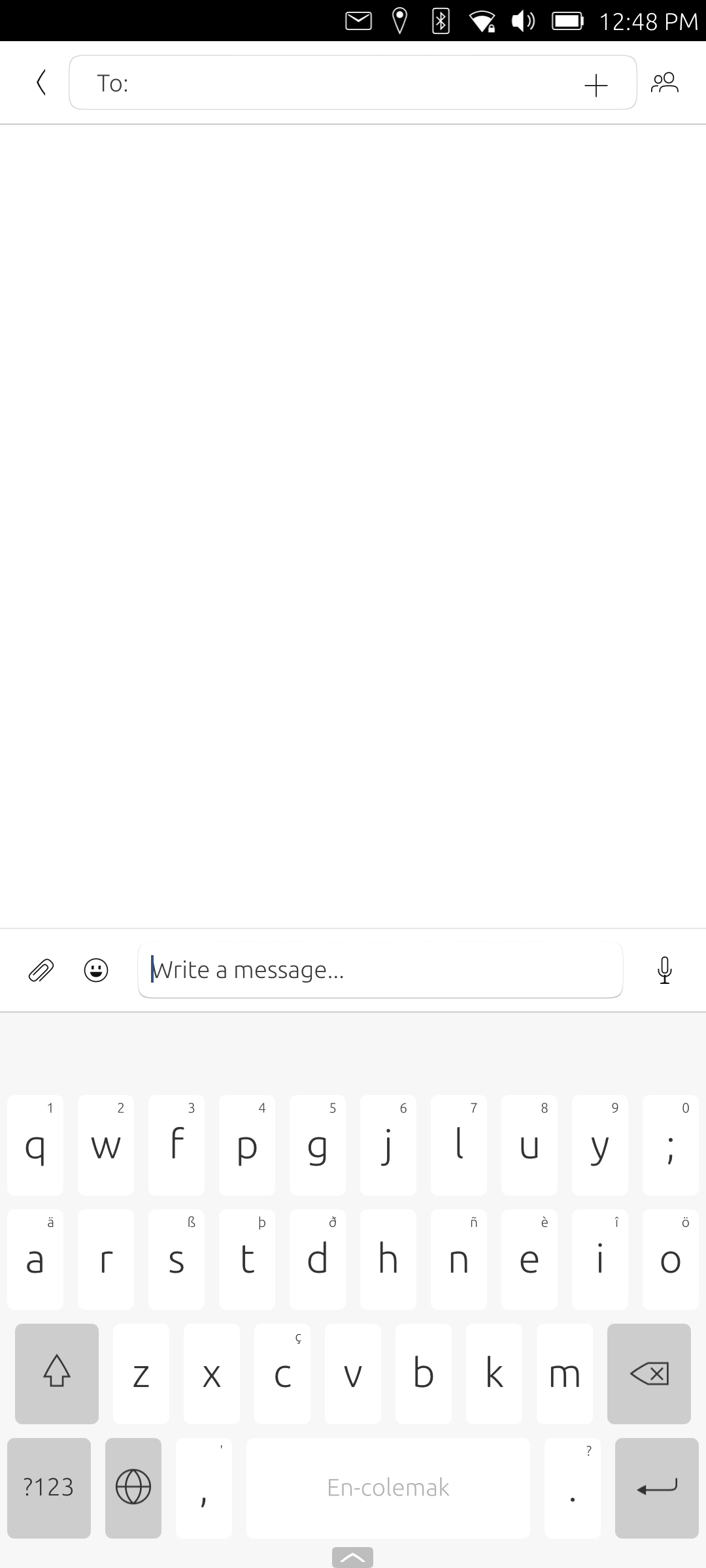
See: https://gitlab.com/ubports/development/core/lomiri-keyboard/-/merge_requests/234

Hello! It looks like you're interested in this conversation, but you don't have an account yet.
Getting fed up of having to scroll through the same posts each visit? When you register for an account, you'll always come back to exactly where you were before, and choose to be notified of new replies (either via email, or push notification). You'll also be able to save bookmarks and upvote posts to show your appreciation to other community members.
With your input, this post could be even better 💗
Register Login