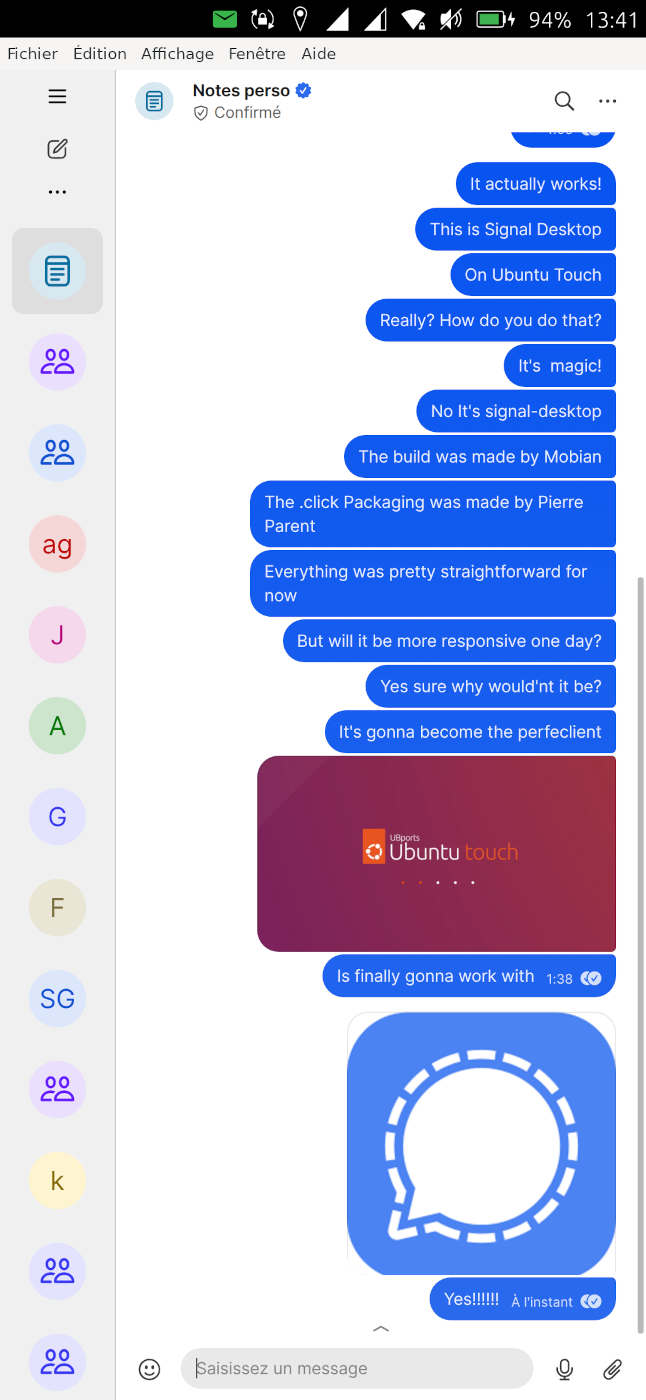
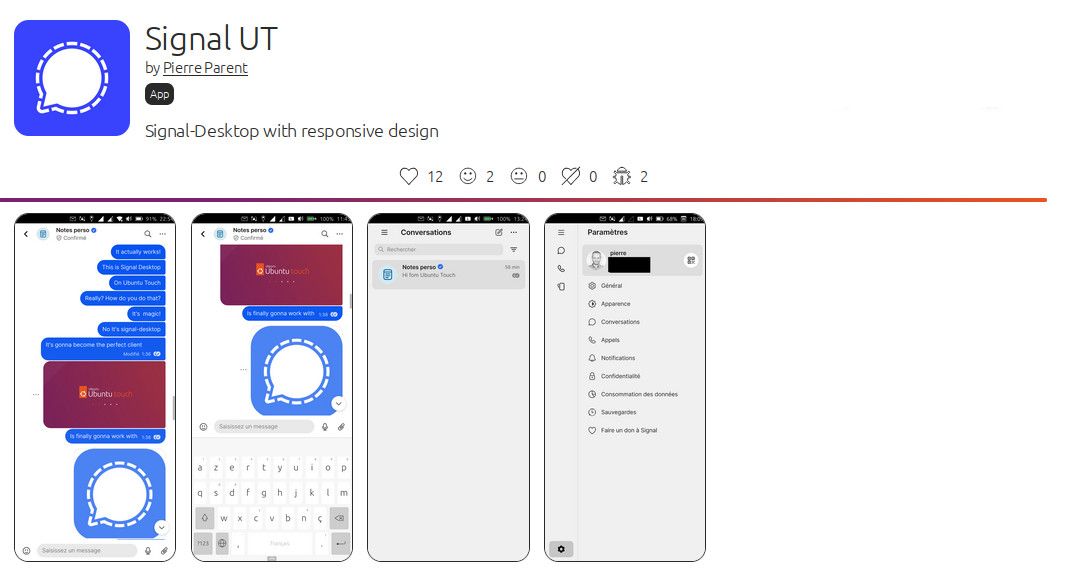
Signal UT: Signal-Desktop for Ubuntu Touch
-
@pparent yea, it has improved, thanks! one question: was it before that one can only send one single picture?
-
@pparent Looks good!
I have a question... I recently tried running SignalUT on UT version 24.04.2.x and it would not run. Is that still the case?
My reason for wanting to run the 'bleeding edge' version is that it gave me great improvements in battery life.
Is currently using an Op5t
Also owns an Op1, a BQ E4.5, an Xperia X, a Nothing Phone 1, and a Rabbit R1 as well as a BQ tablet and a Pinetab2. Please, someone... make it stop. -
I have a question... I recently tried running SignalUT on UT version 24.04.2.x and it would not run. Is that still the case?
No Idea about the state of 24.04.2.x for now, I can only say that this version works with current 24.04-1.x daily branch!

They are constantly doing updates on the bleeding edge branches, that impact XWayland apps, it's hard to keep updated all the time.
-
@Moem I just tried it on 24.04-2.x daily. The app opens, loads messages, briefly shows the chat list and then crashs. On the second start if hangs at the splash screen. So no, broken on 2.x.
-
-
Hum that's true that there is a strange thing happening with uploading PDF. I will try to see that in next revision.
In the mean time from my experience if you try it upload a PDF after uploading a picture first (without necessarily sending it), then it works.
-
@moem All though the app doesn't run 100% on 2.x at the moment, I use it to check messages whenever my Signal bridge is a bit under the weather. It always starts after a couple of tries. (No OSK, but very useful to check if there are any important messages waiting.)
I am so grateful for all the effort you put into this, @pparent , thank you!
-
There's actually a transition problem, with the change they have made on handling XWayland windows. I.e what works on stable does not work on 24.04-1.x daily, and conversely, and provoke crash.
In order to handle the transition I've done a conditional code with a fuzzy check of the version it's running on. So for now I've done the detection based on the current state of 24.04-1.x daily , I've not included 24.04-2.x . It's not trivial to adapt to a constantly evolving base.
BUT normally in few month when 24.04-1.3 will be an old memory I will fully switch to the new way of doing things, and it should be fine on all newer branches.
Also I know that few month ago there was an OSK problem with 24.04-2.x , not sure if it's still the case.
-
-
@pparent yea, it has improved, thanks! one question: was it before that one can only send one single picture?
Ps: I misread your comment I thought you where reporting a bug when uploading PDF files that is indeed present.
But yes, you won't be able to upload more than one file at once, at least until we can switch to Walyand with Mir2.x.
-
@danfro In reality I always get it to work for maximum half a minute at a time before it closes, and without a working keyboard, but long enough to check messages.
-
Well no problem really, I was'nt getting you wrong!
Actually it is possible to do a small edit through the terminal to make sure the app does not crash, I will explain in post bellow.
But if the OSK still does not work I'm not sure it will be very usefull. And the OSK problem in 24.04-2x seem to concern all XWayland apps (including uWold and Chromium for UT)
-
@Ida_ ah, ok. Not iedal, but sometjing. I get less than a second. I am not that quick in reading.

-
Or if you want to use commands in the terminal you can try to paste this in the terminal, it should fix the crash in 24.04-2.x branch (but will not solve the OSK problem):
sudo sed -i "s/\[ \"\$?\" -ne \"0\" \]/\[ \"0\" -ne \"0\" \]/g" /opt/click.ubuntu.com/signalut.pparent/current/launcher.sh sudo sed -i "s/\[ \"\$?\" -eq \"0\" \]/\[ \"0\" -eq \"0\" \]/g" /opt/click.ubuntu.com/signalut.pparent/current/utils/filedialog-deamon.sh -
@pparent thanks a lot for the quick response. Just some feedback in case others try that:
yes, the app now opens, but...
- I can't close it, when swiping into the drawer, it becomes a transparent window which I can't swipe to close
- I couldn't reboot with the power button since that was somehow blocked
I hope that makes some sense to you.
-
I couldn't reboot with the power button since that was somehow blocked
I really don't think this can have anything to do with running Signal UT, including the patch I've shared above. I don't see how the app could have an impact on the effect of your power button. Especially because it's confined.
I can't close it, when swiping into the drawer, it becomes a transparent window which I can't swipe to close
I see that happening from time to time, including with other apps. I think it's more a Lomiri bug. Anyway you can just start another time the app, and kill the launcher indicator, it should kill the remaining transparent window.
-
@pparent my description was maybe not clear enough. The power button itself works. It brings up the power menu, but pressing the buttons failed. But I can't reproduce it right now (after a reboot). So who knows...
-
-
I had SignalUT working okay but then had other issues (with primary Molly, Waydroid) causing me to uninstall (click trash icon in OpenStore) and reinstall several times.
Now, it seems SignalUT won't start (it just hangs indefinitely). I'd like to cleanly uninstall, reinstall and then link to my (now working) Molly Foss within Waydroid.
Is there a more brute force method to cleanly uninstall everything (than trash can icon in OpenStore)? Thanks in advance for your thoughts and suggestions.
-
I had SignalUT working okay but then had other issues (with primary Molly, Waydroid) causing me to uninstall (click trash icon in OpenStore) and reinstall several times.
Now, it seems SignalUT won't start (it just hangs indefinitely). I'd like to cleanly uninstall, reinstall and then link to my (now working) Molly Foss within Waydroid.
Is there a more brute force method to cleanly uninstall everything (than trash can icon in OpenStore)? Thanks in advance for your thoughts and suggestions.
Use UT Tweak Tool, then clear all 3 data locations from that.




Hello! It looks like you're interested in this conversation, but you don't have an account yet.
Getting fed up of having to scroll through the same posts each visit? When you register for an account, you'll always come back to exactly where you were before, and choose to be notified of new replies (either via email, or push notification). You'll also be able to save bookmarks and upvote posts to show your appreciation to other community members.
With your input, this post could be even better 💗
Register Login