Signal UT: Signal-Desktop for Ubuntu Touch
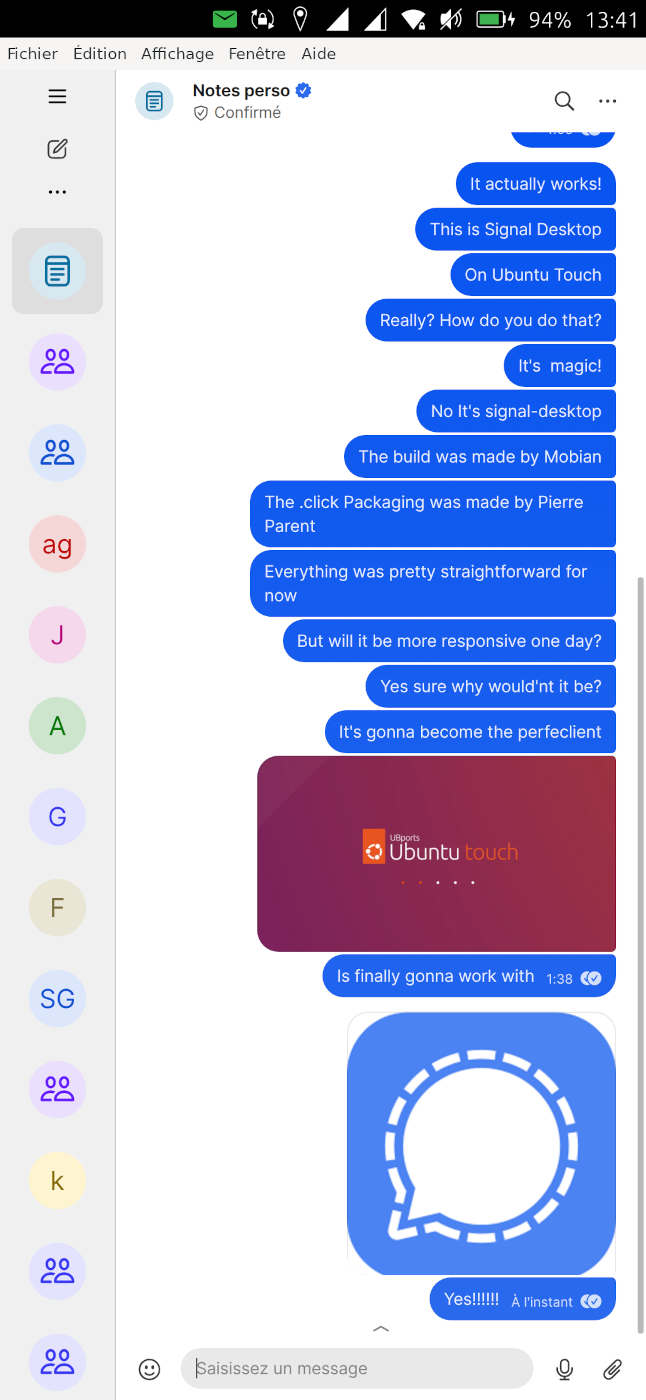
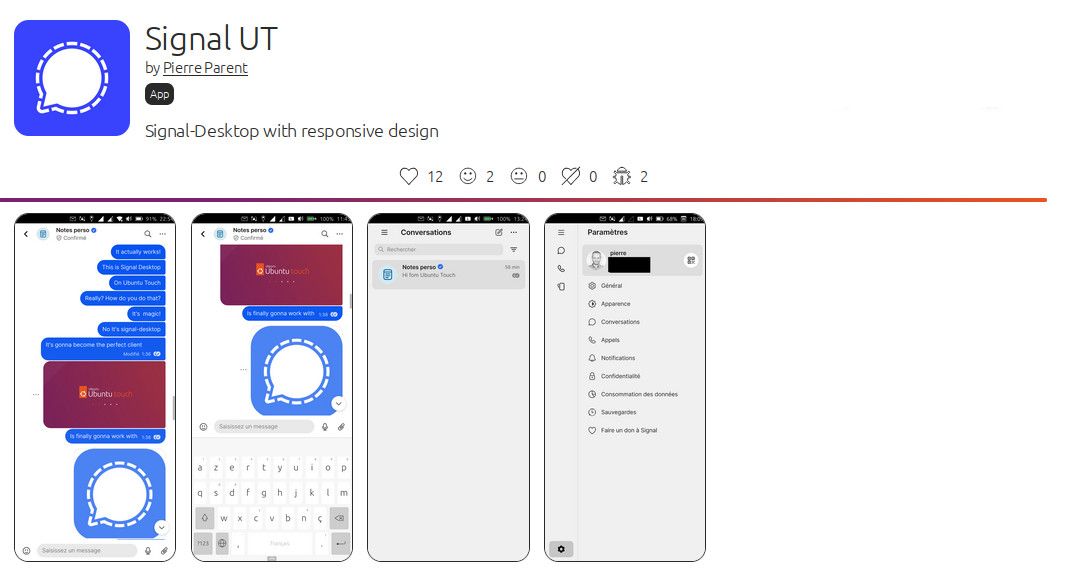
-
@Moem Very nice, could be very cool if Signal Destkop, hence Signal UT, would become a primary client, with no need to link it to an iOS or Android device!
Thank's for sharing!
-
Up to now I didn't find a way to insert a picture from gallery or filemanager into a signal chat - latest UBT with my FP4...
-
You need to open file directly from Signal app, by clicking on the "+" in the bottom right hand corner of a chat, and then select the gallery app, to select the file to import.
It's true that there is currently something that should not be: Signal appears in the application grid in content Hub, as an option to export an image to, it should not, this does not work that way, only the other way around import the picture from the signal app. I will correct that in next revision.
-
@pparent sorry - none of the buttons that appear in the bottom right corner have an effect, except of a short flicker of the keyboard...
-
Can you tell which version of UT are you using, and post a video screenshot? because on all the phones that I own it works fine, so I would need to see visually whats happens on your phone.
-
-
@pparent btw - with gmail-app picture import works fine
-
Ok but could you record the screen when it fails to import the file with:
https://open-store.io/app/screenrecorder.ubports
because I fail to see what could be happening.
-
@pparent Many tries later - with a failed speechmessage too - unexpected: sending a picture works fine up to now. Later I will send you a screencast of the failed picture insert before. Btw: installing the screencast App failed... AppStore always returns to the green "installieren" button!
-
Picture import succeded exactly one time - up to now more...
[20260504_1350_SignalUT_no-picture.mp4](Invalid file type. Allowed types are: .png, .jpg, .bmp, .jpeg, .txt, .log)- how to send You screencasts? -
-
You can publish on youtube or other video platform.
For the record I will publish a new version with update Signal-Desktop version, in early june.
-
I've just released revision 8.13.0-1, it includes the following improvements:
- Better integration of ContentHub
- Better integration of left menu
- Bump to Signal-Desktop 8.13
It took a bit of time as changes upstream broke my way to compile the package and I had to investigate it.
Also I've changed the way ContentHub is handled, now it is hardcoded in Signal-Destkop thank's to a patch. I will make things smoother and more reliable for the user, but it will also prepare the ground for switching to Wayland, with Mir2.x
This version should also not crash on Ubuntu Touch 24.04-2.x, although the virtual keyboard will probably not work, like on all XWayland apps with 24.04-2.x (currently).
I plan to release a new version every 1-2 month, as a Signal-Desktop version is only guarantied to work for a period of 3 months.
A feature I want to add is the ability to configure scaling with fine grain.
Tell me if the new version works well for you!

-
@pparent good update. I am noticing that the keyboard seems to close after every message rather than staying open. And it seems like that when keyboard closes, the text entry still stays halfway up the screen. But that bug was preexisting. The keyboard closing after every message is new.
-
And it seems like that when keyboard closes, the text entry still stays halfway up the screen. But that bug was preexisting.
Yes because for now I cannot detect when the keyboard is really open or not.
The keyboard closing after every message is new.
Ok I guess it might be a change upstream in Signal-Desktop that provoked it. Thank's for reporting I'll see what I can do about it in next revision.
-
-
Sorry for hijacking this thread. But your apps run on Xwayland too, right? I wanted to ask how you manage to get rid of that annoying XWindow? If you could show me how to do that for my pEFL app (see https://forums.ubports.com/topic/9958/custom-builder-for-a-library/10?_=1780999049215), I’d really appreciate it!!!
By the way, great work. If it weren’t for the keyboard issue, Min b
-
Sorry but I'm not sure to understand your message, what you want to achieve, or what keyboard issue you are talking about.
Can you explain more?
-
with my pEFL App, two windows open: one named "pefl" (my app) and one named "X11 Support."
In Min Browser (which also runs via Xwayland, right?), there's only one window. So somehow you managed to get rid of the "X11 Support" window.
In Min Browser, the input from the Maliit Keyboard is sometimes overwritten (for example, I want to open www.google.de, but at some point it turns into www.googlegoogle.de). I think it is this problem: https://github.com/minbrowser/min/issues/2705
-
with my pEFL App, two windows open: one named "pefl" (my app) and one named "X11 Support."
In Min Browser (which also runs via Xwayland, right?), there's only one window. So somehow you managed to get rid of the "X11 Support" window.
Strange maybe you can post a screenshot, on your topic and mention me, I will reply there!
In Min Browser, the input from the Maliit Keyboard is sometimes overwritten (for example, I want to open www.google.de , but at some point it turns into www.googlegoogle.de ). I think it is this problem: https://github.com/minbrowser/min/issues/2705
Yes I plan to work on fixing that soon!

-
Yes I plan to work on fixing that soon!
this would be great

At the moment I study your content-hub implementation. Also great work there


Hello! It looks like you're interested in this conversation, but you don't have an account yet.
Getting fed up of having to scroll through the same posts each visit? When you register for an account, you'll always come back to exactly where you were before, and choose to be notified of new replies (either via email, or push notification). You'll also be able to save bookmarks and upvote posts to show your appreciation to other community members.
With your input, this post could be even better 💗
Register Login