[Release] HomeSpike v1.0 — a real home screen for Ubuntu Touch (multi-page, dock, drag-to-reorder, three placement modes, true multitasking)
-
@Linus67 nope. I haven't seen that
-
The current user interface design of UT is very good.
It is.
But if you hang in there since a long time, what @zer0 try to achieve is a long demand from some part of UT users.
And "home apps" like Launcher Modular or Home, got lot of downloads (xenial versions disappeared but had thousands).So it is very good, but that doesn't mean adding possibilities for people who want more personalization is not a good way to make UI better for some people.
-
@Keneda Please excuse me, but I’ve only been using Ubuntu Touch for about 4 or 5 months. So I’m still pretty new to it. I studied mechanical engineering—I’m not a Smartphone software engineer.
Anyway, my daughter wants to keep HomeSpike on her Pixel 3a (which is also the device I use for experiments).
-
@Linus67 your welcome.
-
True multitasking + reliable home: BFB or the spread home button always returns to HomeSpike; running apps stay alive in the background and resume instantly when re-tapped
So apps are no longer suspended when not in focus? How does this impact how long the battery lasts between charges?
-
@arubislander HomeSpike doesn't actually change app lifecycle. It's loaded inside the Lomiri shell process as the wallpaper layer (z=-2 in Stage.qml), not a separate app. Lomiri still suspends/resumes background apps by its own existing rules. any apps that are not declared background services will still "sleep" in the background.
-
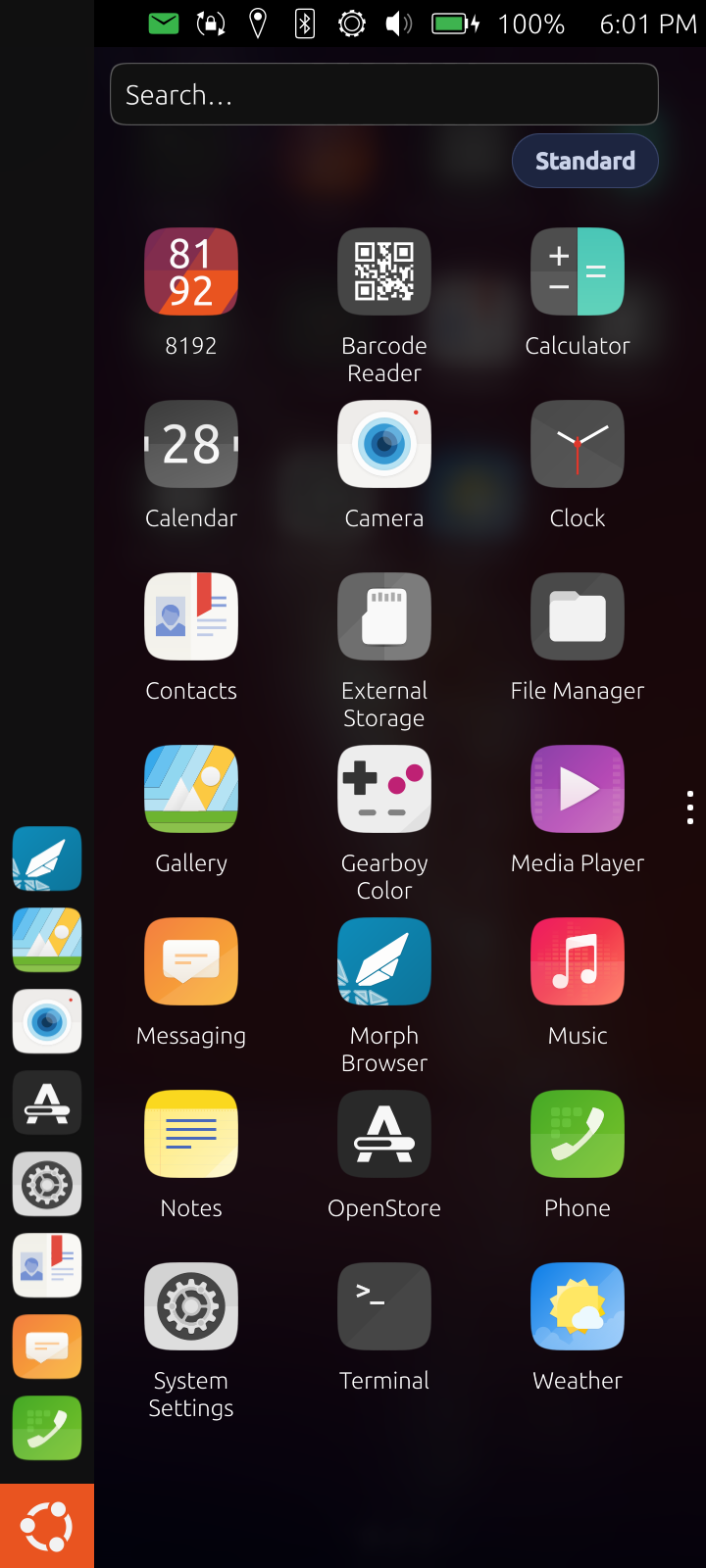
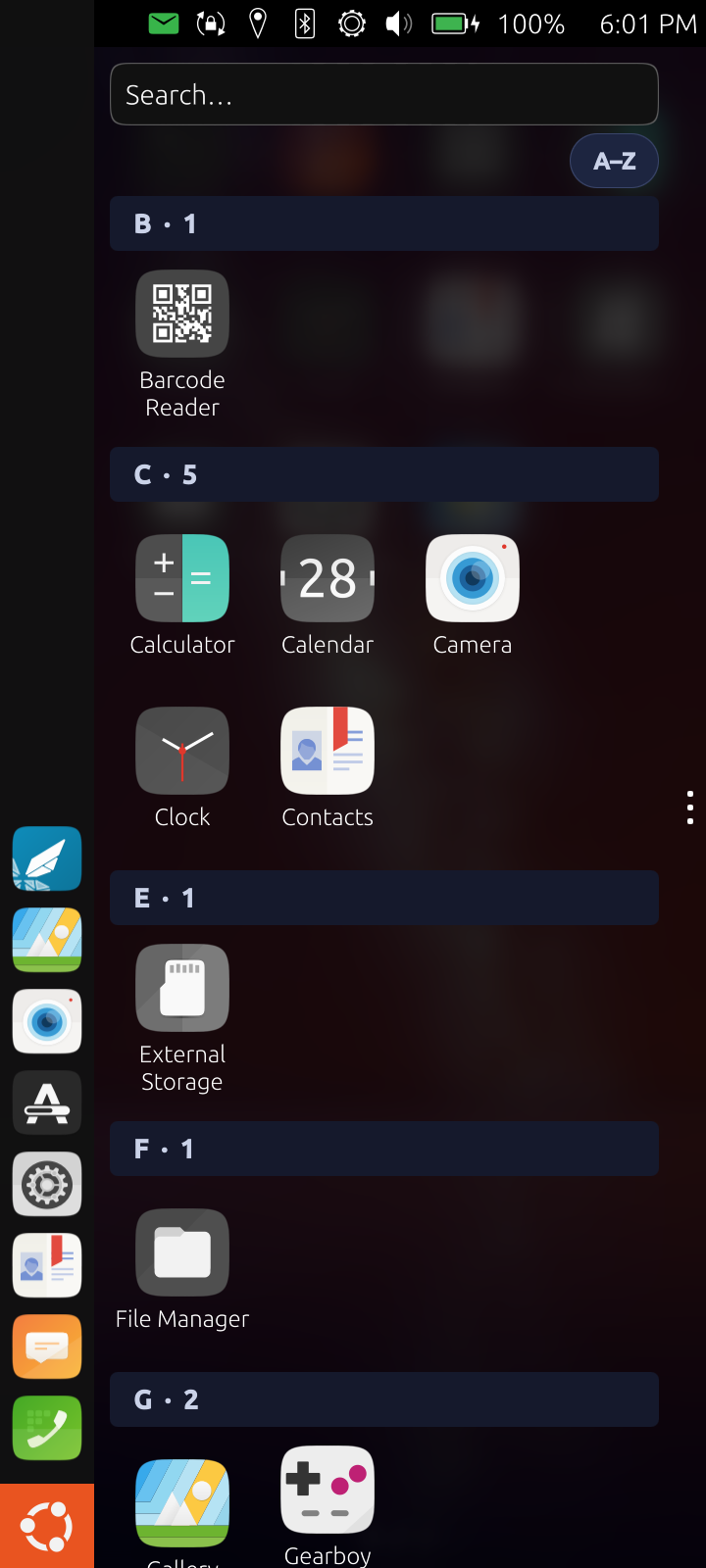
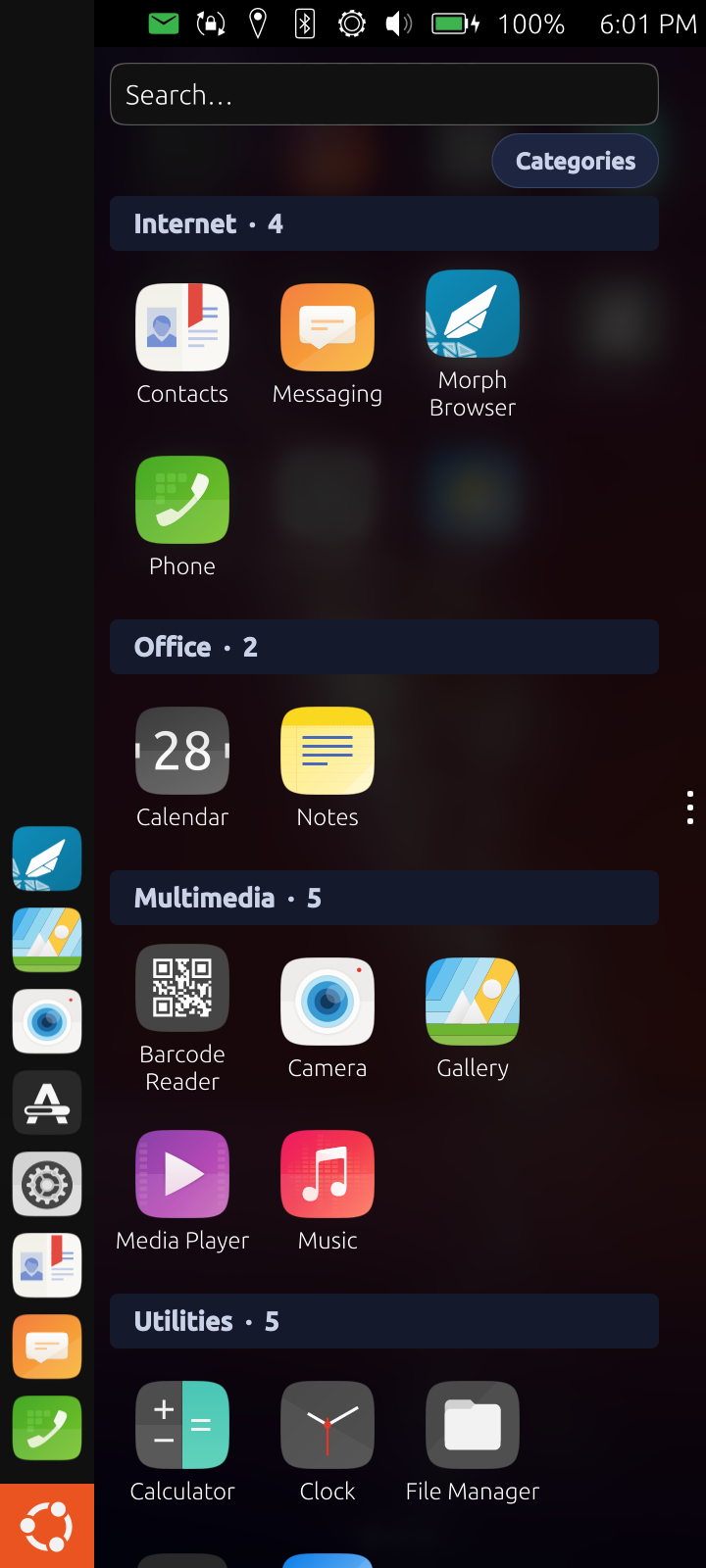
-
@Zer0 Then I don't understand what the section I quoted is actually saying.
-
Just installed this, giving it a try, so far, so good!
-
@Zer0 I follow the development and communication on GitLab. Collaboration and respect among open-source developers should be better. That would also lead to better solutions.
I’ve been trying to develop my own custom app drawer, which is also useful as a home screen. I’d like to share the result. Maybe it will inspire someone with more expertise in QML and software development.
I used the Show Desktop app by @mateo_salta as inspiration. Show Desktop OpenStore
I use the transparent area to display an app drawer as a home screen.
There is a fixed category at the bottom called “Quick Start” (similar to the Bottom Dock).
And the rest of the area is filled with the base category “Unsorted.” This contains all installed apps, just like in the app drawer.It is now possible to create new categories and move and sort apps between categories.
It’s a wonderful way to design your own tidy app drawer that also works as a home screen.See Screenrecording: screen recording
Unfortunately, I wasn't able to automatically import the installed apps into the “Uncategorized” category. I had to hardcode the launch commands into the code.
I also couldn't use app icons, which is why it's “Text Only.”
But I think with your skills (see Spike V1), you can create a perfectly organized app drawer as your home screen.




Hello! It looks like you're interested in this conversation, but you don't have an account yet.
Getting fed up of having to scroll through the same posts each visit? When you register for an account, you'll always come back to exactly where you were before, and choose to be notified of new replies (either via email, or push notification). You'll also be able to save bookmarks and upvote posts to show your appreciation to other community members.
With your input, this post could be even better 💗
Register Login