OnePlus Nord N10 5g OEM Unlock
-
fischer.pocoOnline
fischer.poco
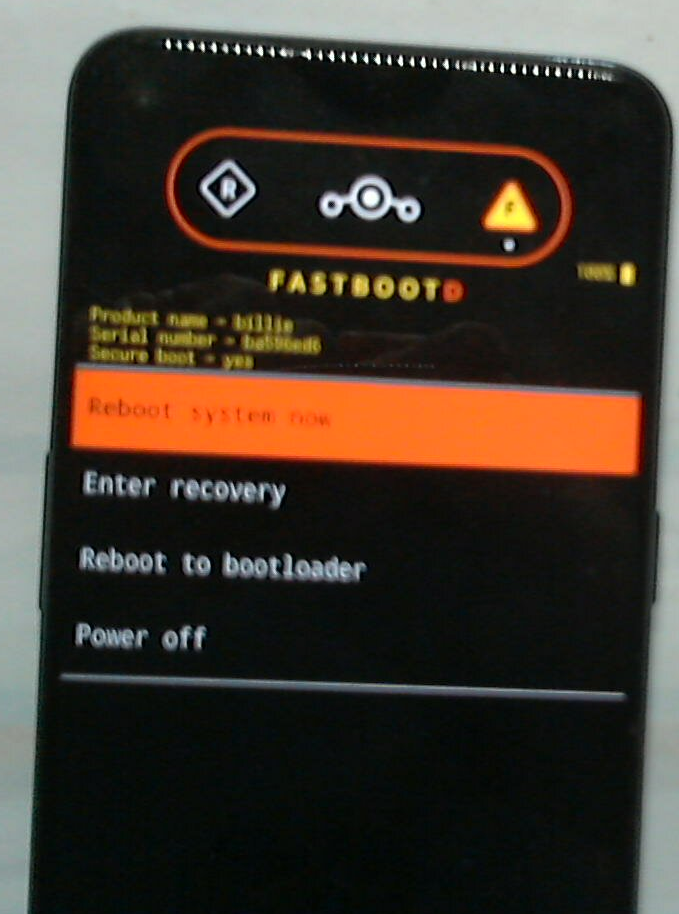
Vor 4 MinutenIch habe die SDK Platform Tools heruntergeladen und auf mein Telefon übertragen. Der folgende Befehl: Im Terminal „adb reboot fastboot“ und ich bin im Bootloader.
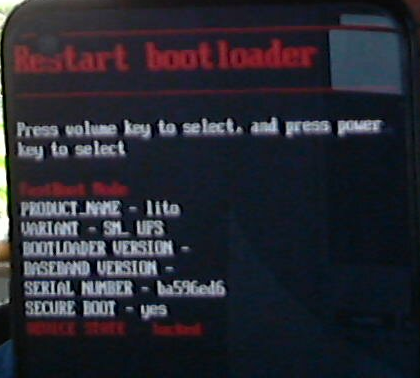 Handy.png
Wenn ich den Befehl „Fastboot OEM Unlock“ eingebe, wird die folgende Meldung angezeigt:
 Terminal.png
Wer kann helfen oder hat eine Idee
-
@fischer.poco Du musst das Handy kurz mit Wifi verbinden um den OEM unlock zu aktivieren. Mit Wifi sollte der Schalter nicht mehr inaktiv sein.
Pixel 3a, works with NextCloud, pihole, Wireguard VPN, Trilium, GhostCloud, Paperless ngx...and a lot of great apps from the Open Store.
Lenovo Tab M10 HD TB-X306X LTE -
Please use english on international parts of the forum

-
@Linus67
I can't select anything anymore; after starting, the Norton is only in boot mode (the phone is empty), but somehow Ubuntu is still installed for the setup, which always aborts during the flashing process?
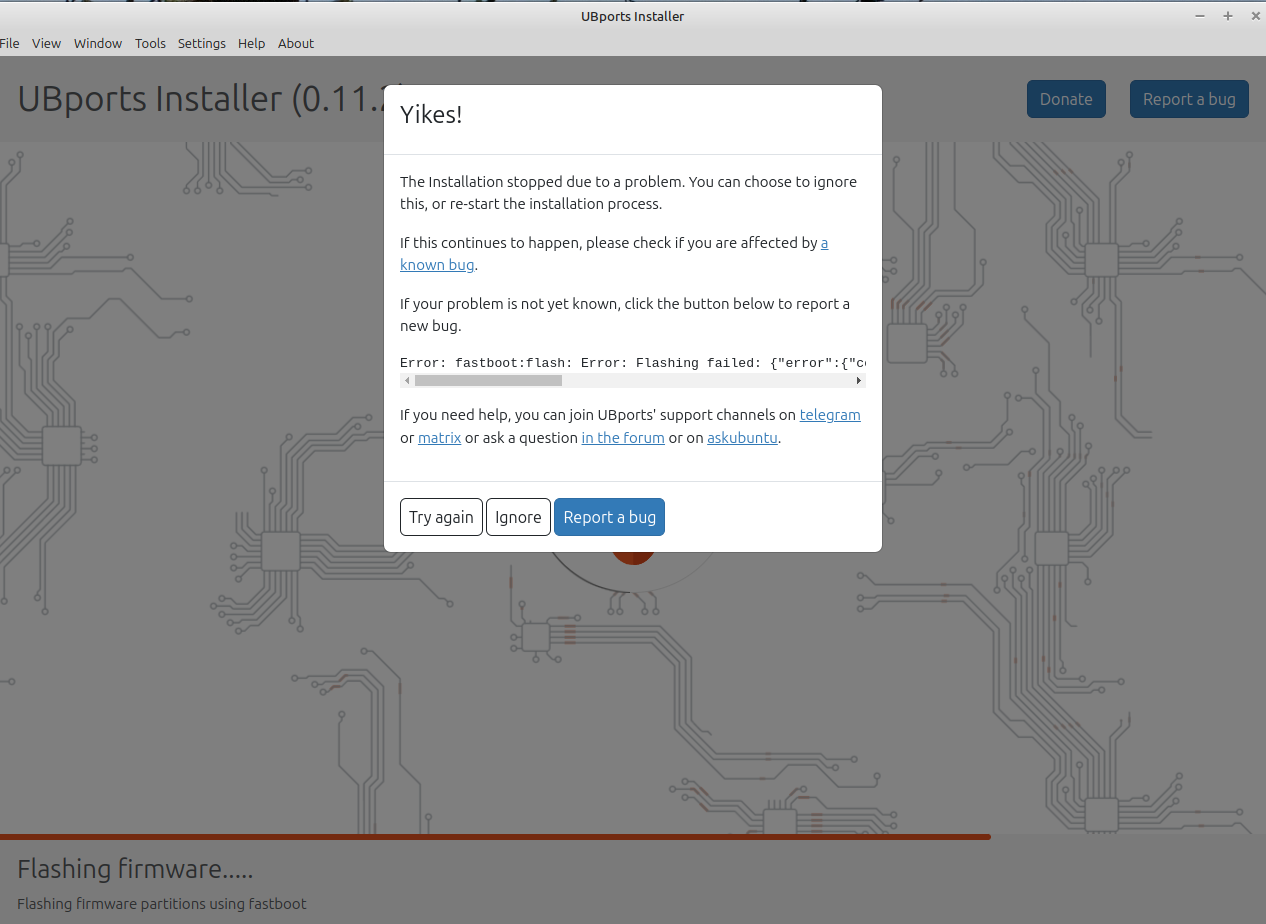
I don't know what to do anymore... -
@fischer.poco Best thing to do is reflash the global ROM using MSMdownloadTool and EDL mode. Then Re-install UT.
-
Best thing to do is reflash the global ROM using MSMdownloadTool and EDL mode. Then Re-install UT.
Hi, Unfortunately, I don't have Windows; is there something similar for Linux?
-
I do know that Type 2 (hosted) Virtualization (VMWare, Virtualbox) does not work as you need USB passthrough (connect phone, adb/fastboot, etc).
Seems that the best is to have a Windows computer (only method I've tried so far). As you said in your post, you don't currently have a Windows computer.
I cannot confirm the following options but they may be worth a try (or perhaps someone else on the forum can confirm it has worked or not worked for them):
-
Type 1 (bare metal) Virtualization (KVM/QEMU on Linux)
USB passthrough is possible using Type 1 (bare metal) Virtualization, but I cannot confirm yet this solution since I currently use Type 2. Use KVM/QEMU on Linux, create a VM. Idea would be to install a Windows OS (maybe 10 or 11), configure KVM/QEMU for USB passthrough (which takes the bare metal physical USB port and connects directly to the VM instance of Windows on KVM/QEMU. See if MSMTools on Windows can work through the physical USB to your phone). -
bootable usb of a Windows OS
With a decently sized USB drive, download and install a Windows OS that can boot from the USB (Rufus is a software that allows .iso file to be written in a bootable way on USB. There are others). Then, install MSMTools on Windows and see if it can connect with your USB ports. This might have issues with read and write speeds. So, that might be a limitation but I don't know for sure.
Again, I haven't confirmed either option, but just throwing out ideas. Also, sorry for the high level nature. I don't have the details but if you have some time and can research various forums (XDAforums for MSMTools, make sure to get correct Oxygen firmware per the Ubuntu Touch website, I think there is a free Windows IoT or LTS version of Windows 10, KVM/QEMU have some decent documentation as well as Youtube videos).
Good luck!
-
-
I noticed in your attempt to "fastboot oem unlock: that you received a message "Flashing Unlock is not allowed".
Do you know what model of phone you have? (e.g. within OnePlus NORD N10 5G there are 4 BE2026, BE2028 (T-Mobile), BE2029 and a 4th one (MetroPCS) I can't remember the number).
Basically, you need BE2026 or BE2029 to directly unlock the bootloader without OnePlus. If you have BE2028, you have to request the bootloader from OnePlus (which has been mixed, sometimes they give you the unlock token, sometimes they don't).
-
@turtle_racer
Thanks for the Answer.
I already have the basics of UbuntuTouch on my phone. The installation always stops at the last point "Flash"... could this be related to a correct USB connection? Since the mobile phone's controls work from the Linux PC via Terminal and ADB, the question is whether the USB connection is lost? Fastboot Mode PROD_NAME = lito, VARIANT = SM_ UFS, SERIALK NR = BA596ED6, SECURE BOOT = YES, DEVICE STATE = UNLOCK Attached are the steps one after the other that I do with the software on the PC (UBports Installer) From picture 2 the USB connection is gone ? and in picture 3 "Fastboot" I select the item "Reboot to Bootloader" and am in FASTBOOT MODE! But without USB connection. Even if I unplug and replug the cable, USB won't connect!Picture 1
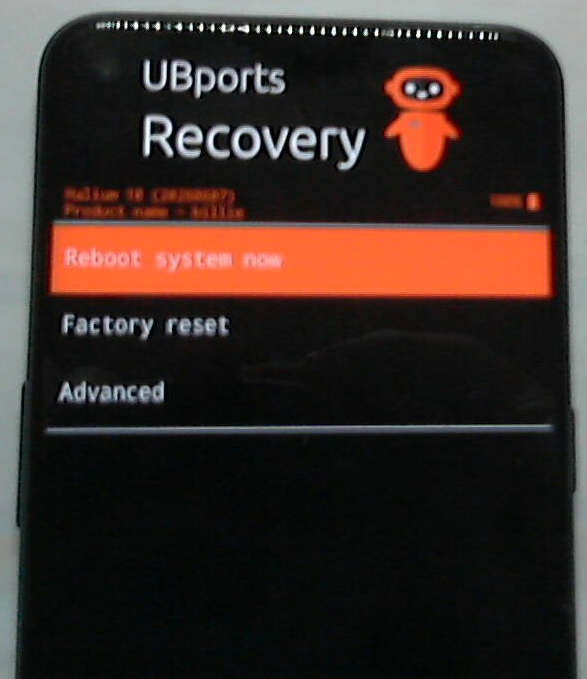
Picture 2
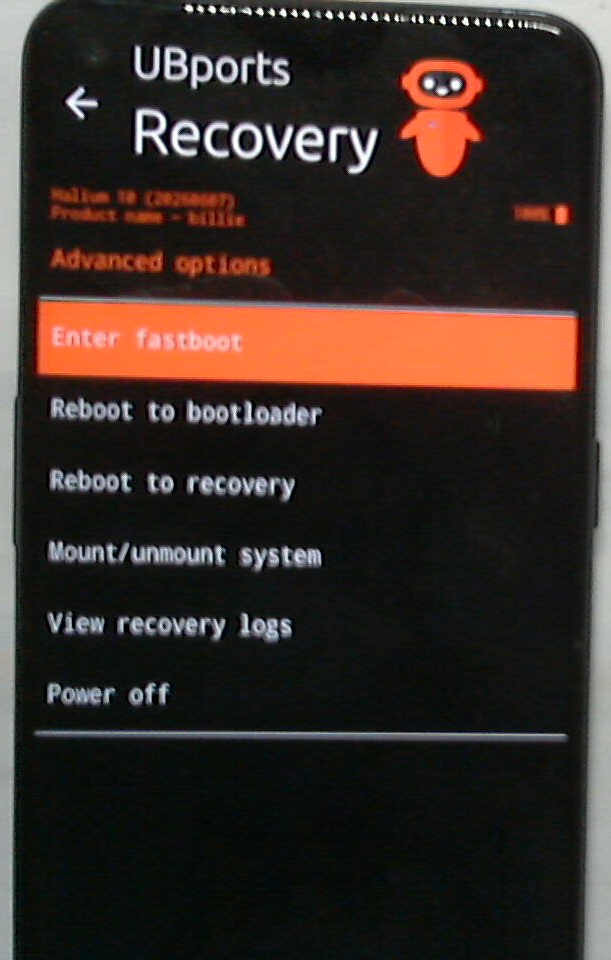
Picture 3
Here is the entire error_line:
Error: fastboot: flash :error Error: Flashing failed : {"error":{"code":1}, "stderr":"FAILED (remote: 'Flashing is not allowed for Critical Partitions')fastboot: error: Command failed"} -
@fischer.poco
Congratulations, you have softbricked your phone.
I tried to do the same thing and install UT on my OP Nord N10 5G using Linux.
Don't bother trying to rescue the phone on Linux, you just can't do it.
I used MSM download tool on Windows 7 in Virtualbox and I am writing this on my OP Nord N10 5G with UT on it.



Hello! It looks like you're interested in this conversation, but you don't have an account yet.
Getting fed up of having to scroll through the same posts each visit? When you register for an account, you'll always come back to exactly where you were before, and choose to be notified of new replies (either via email, or push notification). You'll also be able to save bookmarks and upvote posts to show your appreciation to other community members.
With your input, this post could be even better 💗
Register Login