Any solution to get decent photos?
-
Hi,
When I use my camera, the real-time image that I see is of good quality, but when I make the pictures, independently of the selected setting (Basic, Normal, High, or Fine) I get a very poor image.
Here is a screenshot of my screen when taking the picture:
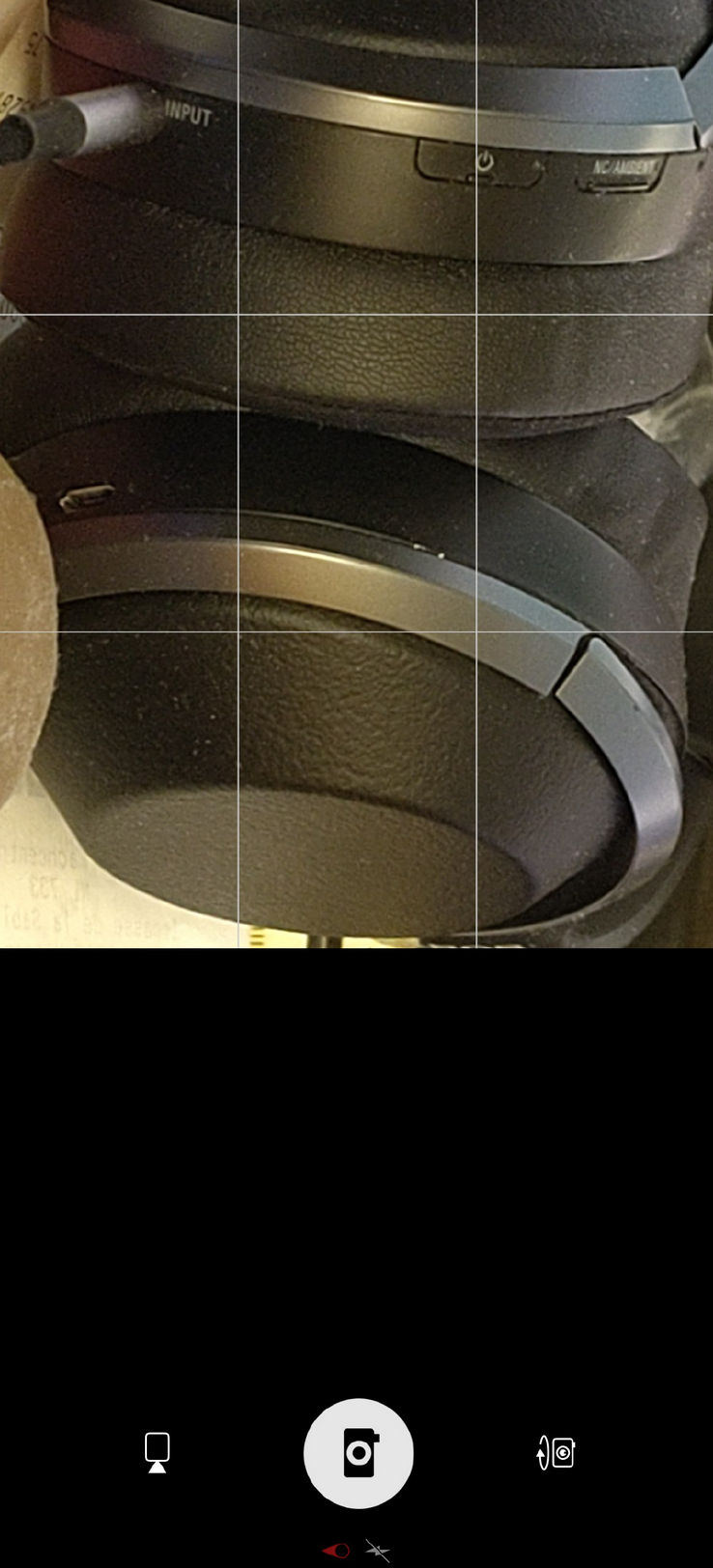
And here is the picture saved (Note, I reduced a bit the image because this forum does not accept 12MP > 2MB images, but the quality is really bad as you can see here:
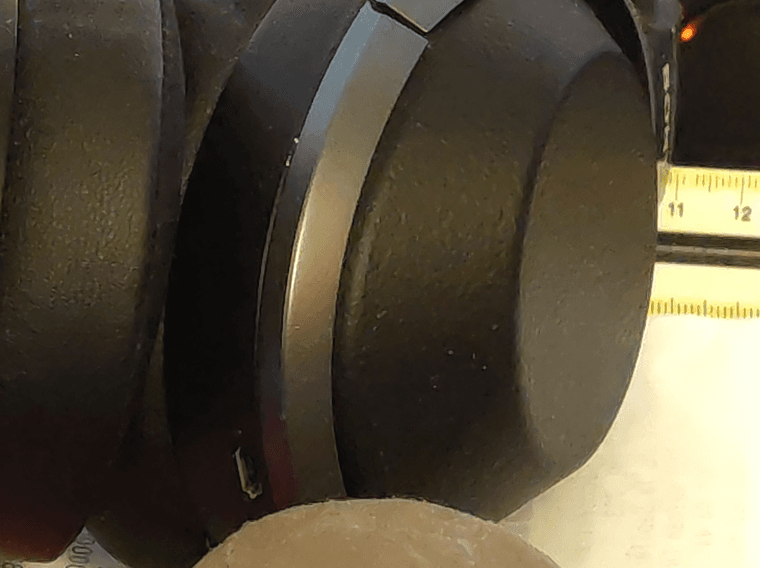
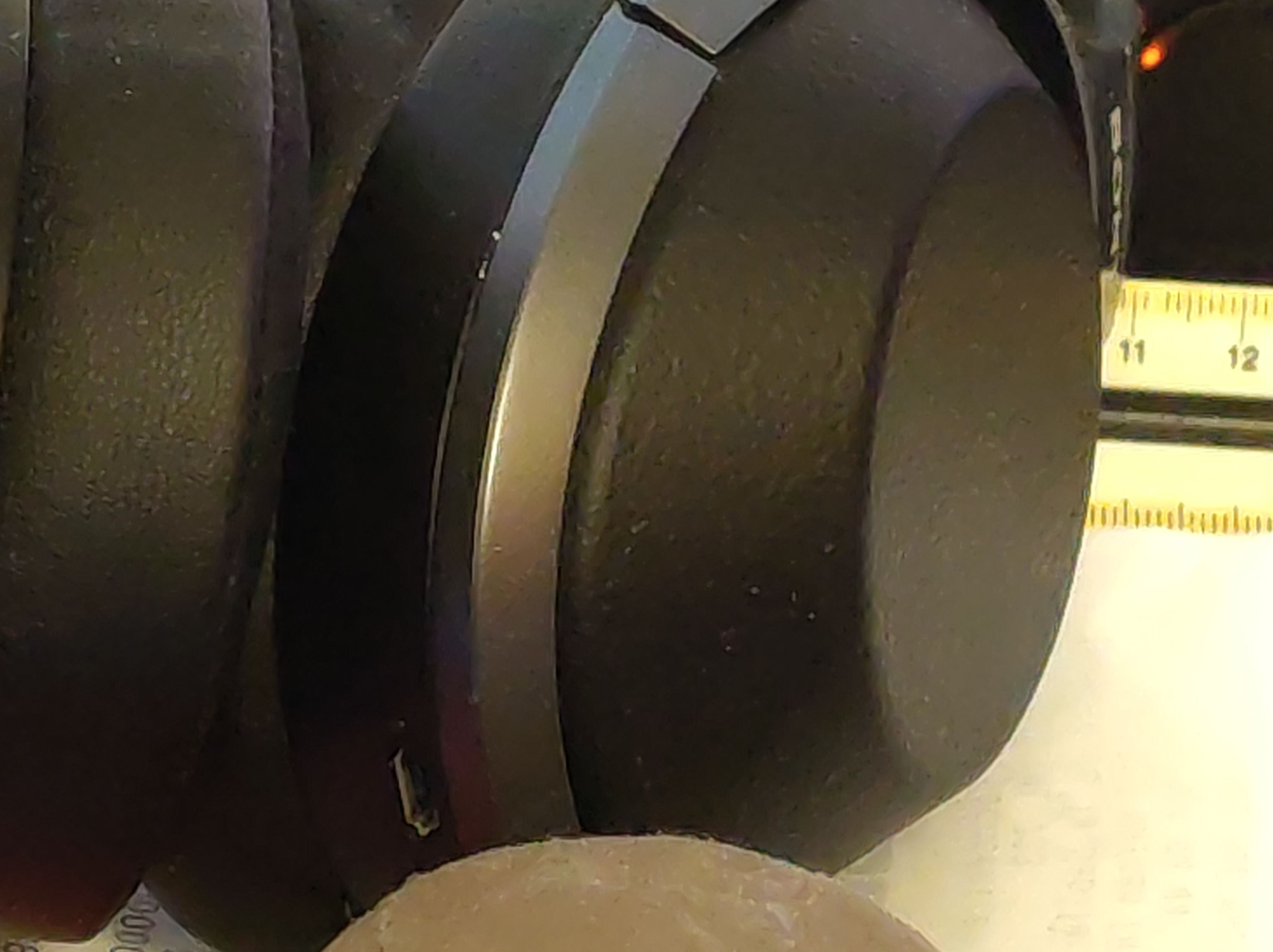
As you can see, all the details of the rubber are gone, it seems pretty much like an AI generated image with very low quality and detail.
-
as a data point here is a photo I just took of the thing I could think of that looks like your photo, the under side of my cooker, indeed made of 'rubber' (well, that's certainly not pure rubber from the hevea tree of course)
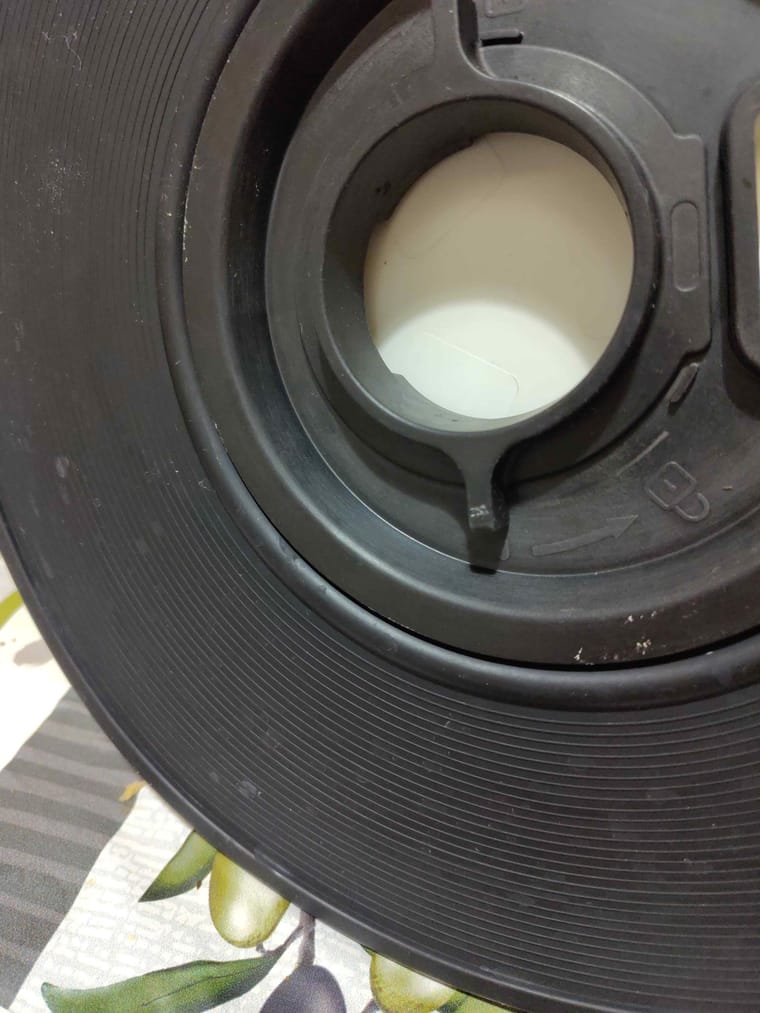
as a reference, while it's an object that I use about 2 times a week since a year, I never noticed before looking at this photo the 'CE' marking and the arrow. I also never noticed before how badly I clean the thing.
So for me the quality is enough at least for my eyes (not of top quality)
Note that the focus for the FP5 photos at short range (<50 cm) usually don't work, I have to switch to film view and then back to photo, the correct focus set for the movie view stays set when switching back to photo mode.
However it can't be your problem, since I can see quite clearly that the focus is terrible in the preview, while your problem is that the preview looks correct while the saved quality is bad. I have never seen that.
For me this photo taken at 12M has a size of 4.5 Mbytes (before compressing it for the forum), is it the same for you ? -
I'm not an expert with photos and I don't really have any experience with modern good phone camera but the FP5 has the best camera I've had with UT. Could it be that when you took the photo, it got out of focus?
BTW, always choose Fine quality, that's the best quality setting.
-
Hello, and thank you for your responses.
@gpatel-fr
Your picture looks good to me. And NO, my picture with 12.6MP is usually between 2 and 3MB, but that could depends on the details on the image.I think that the issue become more apparent with a little bit of zoom, let say 10-15% of the zoom bar (almost no zoom).
So:
Image resolution: any, usually 12 or 12.6MP
Quality: any, but I let it in "Fine"
Flash: no, private: no, Geo: yes, but not sync.
A little bit of zoom.Here is a comparison of the two images side by side:
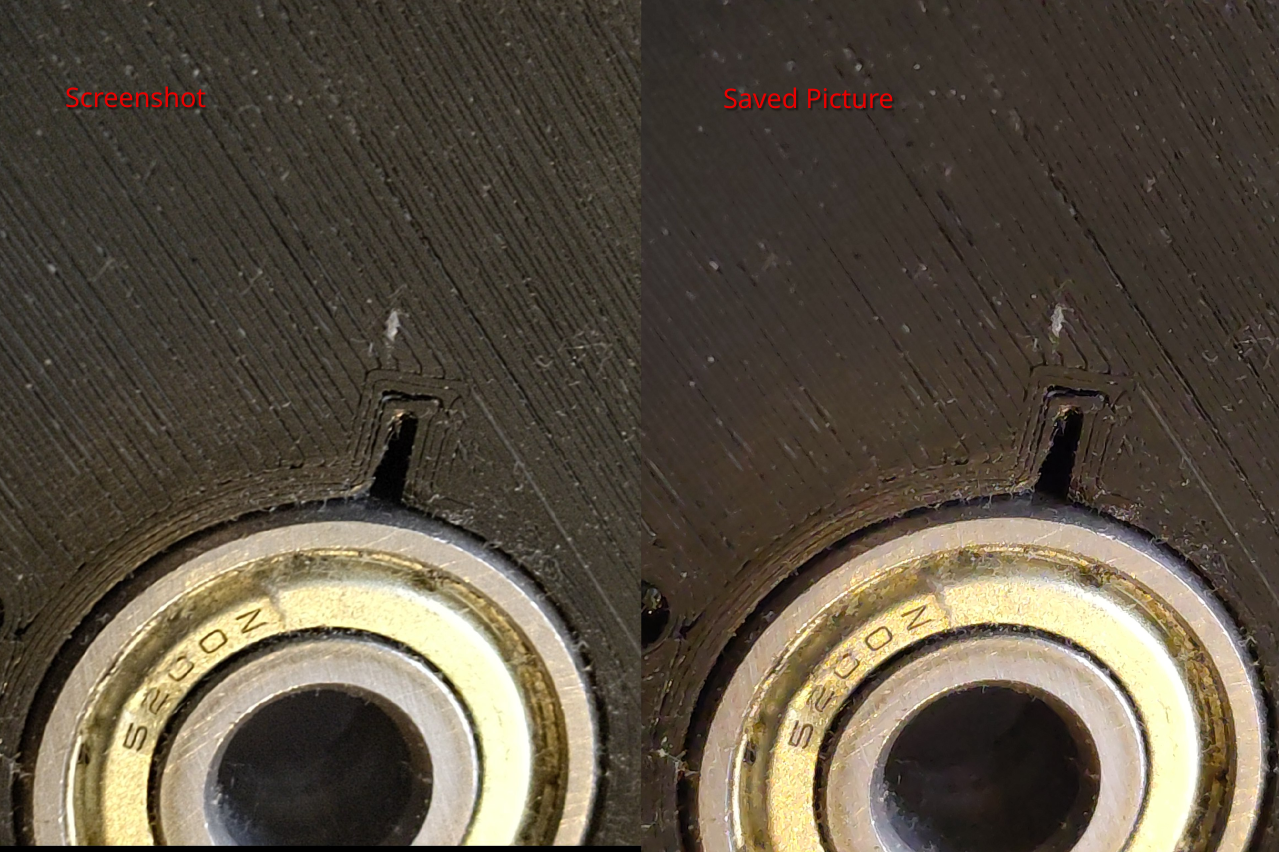
You can see that the detail between the 3D-printed passes are much less visible, most dust has disappeared, and if you zoom the image, details seems like if it was an SVG image (no pixels with noise, but rather small areas with flat colors).
I have several hypothesis:
- The image is saved always with an aggressive compression, indifferently of the Base/Normal/High/Fine quality.
- The picture is passed through some beautifying filter intended for people.
- Some image anti-noise filter is not adjusted properly when using the zoom.
-
@Escain said in Any solution to get decent photos?:
my picture with 12.6MP is usually between 2 and 3MB, but that could depends on the details on the image.
I tried with a zoom and the image is indeed smaller at 2.8 Mb - as could be expected with a zoom done in software, there is less detail.
I played a bit with the zoom (never used it before, for doing near distance photos I find much easier to actually get the phone nearer to the object) and it can indeed throw the focus off, but doing the video/still image switch fixed it.@Escain said in Any solution to get decent photos?:
several hypothesis
compression: my guess is not, 4.5 Mb for a jpeg image is not very aggressively compressed if at all.
beautifying filter: there is nothing of the sort in the app code, as it is using QT controls it could be integrated in these controls, don't know.
problems with zoom: this could be the more likely idea.Maybe you could give a try to the photo app in Waydroid. When faced with the focus problems, before finding the switch to video trick, I found that it focused properly immediately for near distance photos.
Hello! It looks like you're interested in this conversation, but you don't have an account yet.
Getting fed up of having to scroll through the same posts each visit? When you register for an account, you'll always come back to exactly where you were before, and choose to be notified of new replies (either via email, or push notification). You'll also be able to save bookmarks and upvote posts to show your appreciation to other community members.
With your input, this post could be even better 💗
Register Login