UBports Robot Logo UBports Forum
    • 版面
    • 最新
    • 標籤
    • 熱門
    • 使用者
    • 群組
    • 搜尋
    • 註冊
    • 登入

    Xiaomi Redmi 4X (santoni)

    已排程 已置頂 已鎖定 已移動 Xiaomi Redmi 4/4X
    xiaomiredmi
    111 貼文 41 Posters 72.2k 瀏覽 11 Watching
    正在載入更多貼文
    • 從舊到新
    • 從新到舊
    • 最多點贊
      回覆
      • 在新貼文中回覆
      登入後回覆
      此主題已被刪除。只有擁有主題管理權限的使用者可以查看。
      • S 離線
        suoko
        最後由 suoko 編輯

        @Danct12
        I found a way to create the zip, tell me what you think:

        • download the unofficial zip from xda (see post above)
        • remove img files inside
        • download system and boot image from https://github.com/ubports-santoni/ubports-ci/actions/runs/52390878
        • rename halium-boot to boot.img
        • run this script
        wget https://ci.ubports.com/job/xenial-rootfs-armhf/lastSuccessfulBuild/artifact/out/ubports-touch.rootfs-xenial-armhf.tar.gz
        mkdir rootfs-build
        dd if=/dev/zero of=rootfs-build/rootfs.img seek=500K bs=4096 count=0
        mkfs.ext2 -F rootfs-build/rootfs.img
        mkdir -p rootfs-build/cache/system
        mount -o loop rootfs-build/rootfs.img rootfs-build/cache/system/
        cd rootfs-build/cache/system && zcat ../../../ubports-touch.rootfs-xenial-armhf.tar.gz | tar xf -
        
        • put back the img files into the zip according to their original position: system and rootfs into data, and boot into the root position (the rootfs img is in the rootfs-build folder)
        1 條回覆 最後回覆 回覆 引用 0
        • S 離線
          suoko @Danct12
          最後由 suoko 編輯

          @Danct12
          Thanks, it worked, I used the standalone version.

          Recap:

          • https://github.com/JBBgameich/halium-install/releases

          • https://github.com/ubports-santoni/ubports-ci/actions/runs/52390878

          • https://ci.ubports.com/job/xenial-rootfs-armhf/lastSuccessfulBuild/artifact/out/ubports-touch.rootfs-xenial-armhf.tar.gz

          • fastboot flash boot halium-boot.img

          • halium-install-standalone.sh -p ut ./ubports-touch.rootfs-xenial-armhf.tar.gz ./system.img

          • ssh into it (ssh -l phablet x.x.x.x) and run:

          cat /var/lib/lxc/android/rootfs/ueventd*.rc|grep ^/dev|sed -e 's/^\/dev\///'|awk '{printf "ACTION==\"add\", KERNEL==\"%s\", OWNER=\"%s\", GROUP=\"%s\", MODE=\"%s\"\n",$1,$3,$4,$2}' | sed -e 's/\r//' >/usr/lib/lxc-android-config/70-santoni.rules
          

          Cons: neither system nor apps have sound. With the unofficial zipped port in xda at least apps had sound

          Can we try create a script automating the creation of the flashable update zip ?

          1 條回覆 最後回覆 回覆 引用 0
          • M 離線
            mahasenovic @Danct12
            最後由 編輯

            @Danct12 i am on android 10 rom
            can i flash ub directly or i must flash Los 16 first?

            1 條回覆 最後回覆 回覆 引用 0
            • D 離線
              danqo6 @Danct12
              最後由 編輯

              @Danct12 I tried, it didn't help. I will wait probably for ubports installer support, would love to see it soon

              1 條回覆 最後回覆 回覆 引用 0
              • A 離線
                aceclan @suoko
                最後由 編輯

                Hi @suoko ,

                The switch is based on boot image flash (restore from TWRB th boot) and the Ubuntu is just two .img files : rootfs.img and system.img which will be mounted, during the boot. So the partitions won't be touched...
                The locations of img files (browse from TWRP) is on /data/ , while the location of Internal storage that You see in MIUI is /data/sdcard or /data/media/0 .

                Work like a charm...

                Best regards

                1 條回覆 最後回覆 回覆 引用 0
                • A 離線
                  androxtar
                  最後由 編輯

                  Capture.PNG

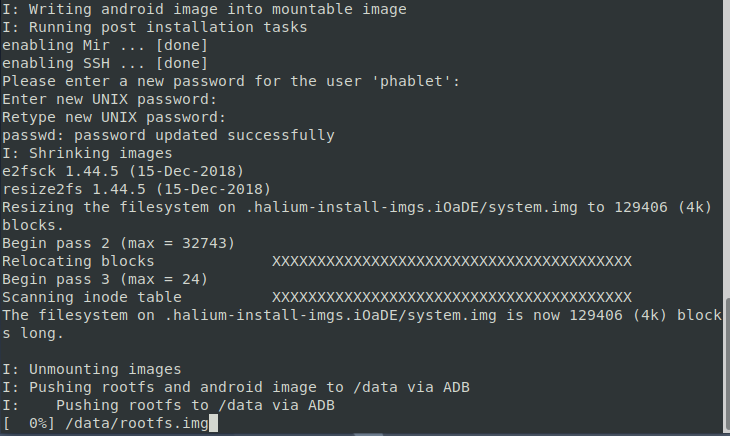
                  it gets stuck here infinitely, no error is shown, its just stuck here
                  what to do pls someone help me regarding this issue

                  1 條回覆 最後回覆 回覆 引用 1
                  • I 離線
                    iaval
                    最後由 編輯

                    Hi,
                    just wanted to confirm - is anbox supported within this build?

                    D 1 條回覆 最後回覆 回覆 引用 1
                    • W 離線
                      WackyFox
                      最後由 WackyFox 編輯

                      此回覆已被刪除!
                      1 條回覆 最後回覆 回覆 引用 0
                      • W 離線
                        WackyFox
                        最後由 編輯

                        此回覆已被刪除!
                        1 條回覆 最後回覆 回覆 引用 0
                        • D 離線
                          djatie.citra @iaval
                          最後由 編輯

                          @iaval mine failed to start anbox

                          1 條回覆 最後回覆 回覆 引用 0
                          • B 離線
                            bablltioyv
                            最後由 bablltioyv 編輯

                            Can anyone please add zip installation or Nandroid backup of ubuntu touch latest for santoni and maintain it (upload latest whenever ubt updates) for people out there who don't have PC and therefore can't install it. Including me.

                            Or any way of installing it without PC ?

                            @Danct12 @danqo6 @aceclan @bisaalz @alex000090 @ub_santoni @Rafa @maciekrz12 @suoko @Lakotaubp

                            I 1 條回覆 最後回覆 回覆 引用 0
                            • I 離線
                              iaval @bablltioyv
                              最後由 編輯

                              @bablltioyv
                              Second this. At least one that's updated once in a while. Thanks in advance

                              1 條回覆 最後回覆 回覆 引用 -1
                              • I 離線
                                iaval
                                最後由 編輯

                                Okay I tried both halium-install method and generating standalone zip based on @suoko instructions. Nothing works.

                                On the halium method, I'm stuck with
                                chroot: failed to run command ‘passwd’: No such file or directory
                                Failed, please try again

                                and installing qemu-user-binfmt did not help.

                                For standalone install, I followed @suoko 's instructions and made a zip file, which installed successfully, but it won't boot (stuck on Mi logo). I think system partition was not patched, because in one instance, TWRP reported "No OS installed, reboot anyway?"

                                Can someone suggest next steps?

                                1 條回覆 最後回覆 回覆 引用 0
                                • I 離線
                                  iaval
                                  最後由 編輯

                                  此回覆已被刪除!
                                  1 條回覆 最後回覆 回覆 引用 0
                                  • L 離線
                                    loopholewin
                                    最後由 編輯

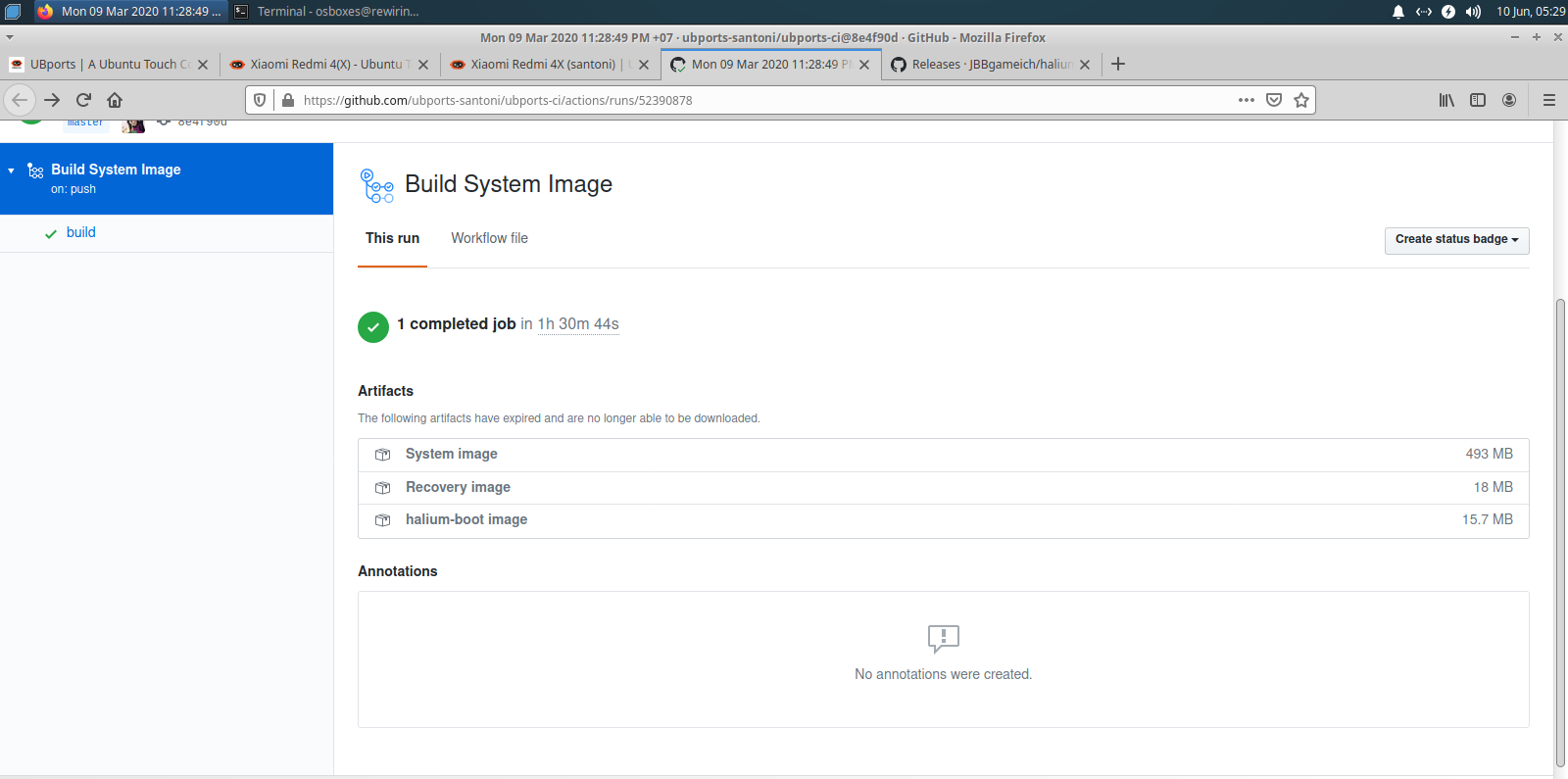
                                    c7b0dfe6-b0c2-486f-b89a-ed6fd861c06b-image.png

                                    its say

                                    The following artifacts have expired and are no longer able to be downloaded.

                                    What to do?

                                    1 條回覆 最後回覆 回覆 引用 0
                                    • dieharddanD 離線
                                      dieharddan
                                      最後由 編輯

                                      From someone using this port how usable is it? daily driver ready?

                                      1 條回覆 最後回覆 回覆 引用 0
                                      • R 離線
                                        ravi275
                                        最後由 編輯

                                        Hiii @suoko & @Danct12
                                        Any one tried : Ubuntu GSI (Generic system image )+ Treble ??

                                        Refer : https://www.xda-developers.com/ubports-gsi-brings-ubuntu-touch-to-any-project-treble-supported-android-device/amp/

                                        1 條回覆 最後回覆 回覆 引用 0
                                        • B 離線
                                          budzkie
                                          最後由 編輯

                                          this specs is all the same with oppo A57. Can i install this on my phone? I will flash this if possible.

                                          1 條回覆 最後回覆 回覆 引用 0
                                          • L 離線
                                            L-00456 已停權
                                            最後由 編輯

                                            此回覆已被刪除!
                                            1 條回覆 最後回覆 回覆 引用 0
                                            • A 離線
                                              aceclan
                                              最後由 編輯

                                              Hi @Danct12 ,

                                              Can You please write a few words about "fixes" or "new features" on new compiled images?

                                              Best regards

                                              1 條回覆 最後回覆 回覆 引用 0
                                              • 第一個貼文
                                                最後的貼文