I can share my connection with Hotspot, but...
-
I share my connection only work without password, If I save a password for WPA2, I can't connect to my hotspot.
Screenshot : https://ibb.co/0XLd79C
screenshot : https://ibb.co/Lk4RT81 -
I assume you want to use the Nexus 5 as an hotspot.
The Nexus 5 hotspot with password works but it's a real lottery for me to activate it at the moment. Maybe with the Halium 7.1 port, the Nexus 5 hotspot will work better but not sure.
My experience with the Nexus 5 makes me say that there are no absolute rules to be sure it's activated: I use a second wifi phone to check that the hotspot is active.
Basically, you can have the hotspot antenna but no hotspot or you can have the hotspot antenna but the hotspot is not recognized by the wifi device even if the password is entered.
Some tips to (try) activate the Nexus 5 hotspot:- reboot the Nexus 5 ;
- several times in succession activating and deactivating the hotspot.
Don't be surprised if because of 'playing' with the hotspot button, the phone will reboot by itself...
The OPO has an access point that works much better.
This is only my experience.
-
Hi mito77, I have a Nexus 5 too, I'll tell you how I always do,
Connect Hotspot:
1º - pulse in wireless network
2º - pulse in Hotspot , not usually give wifi to the first one,
3º - pulse in Hotspot to disconnect it,
4º - pulse in Hotspot again, at this moment it usually connects, if it doesn't you have to follow the same order.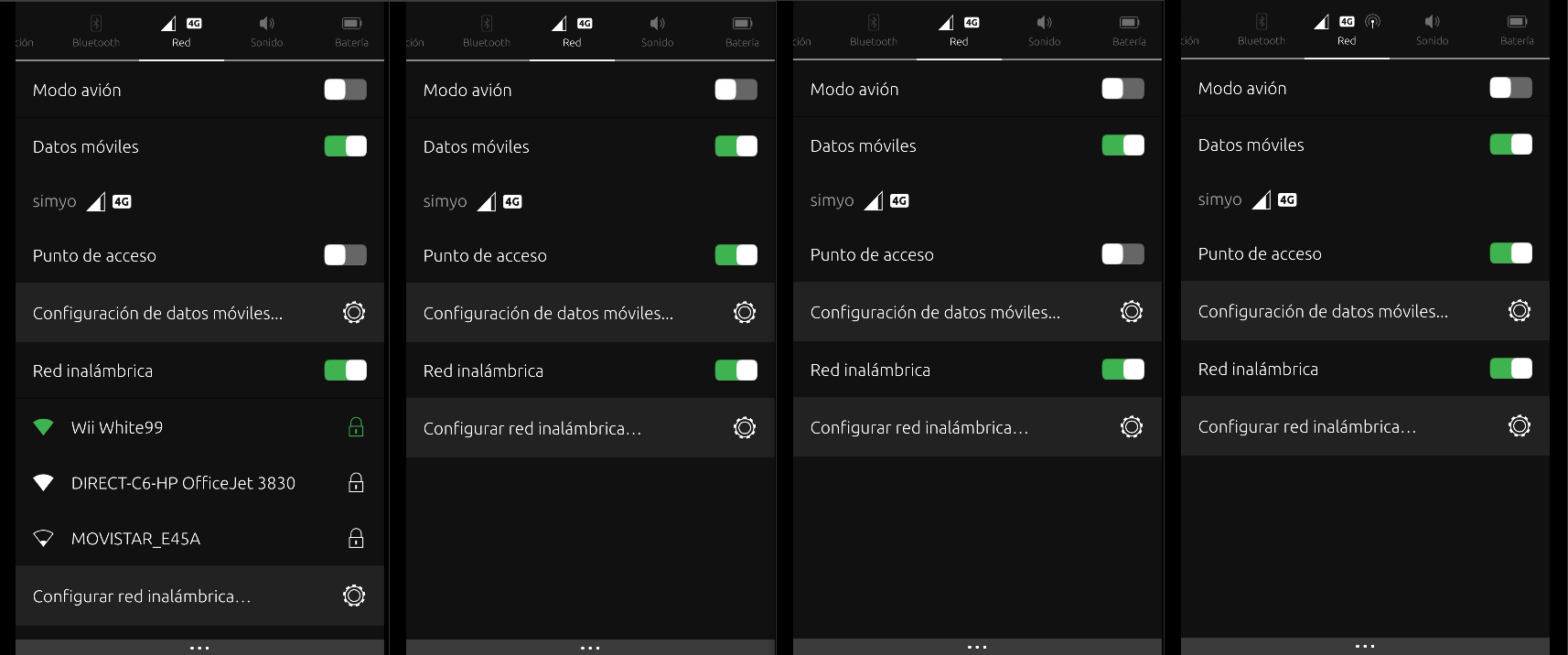
Disconnecting the hotspot I also follow an order:
1º - pulse in the hotspot to disconnect
2º - wireless network pulse to turn off,When I do this the connections usually work well, this happens to me, but it is possible that this solution does not work for you.
greetings...
-
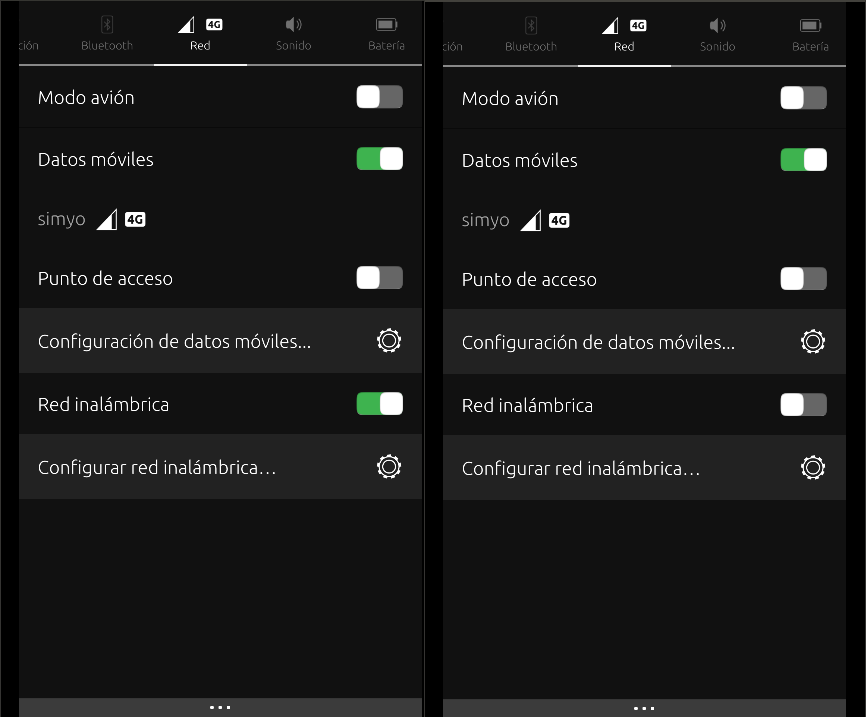
I have N5 too and for me works this:
- From short menu on top screen turn on WiFi and Hotspot.
- Go to Settings menu/Hotspot and several times switch it on/off.
raduspl
-
I managed to get my hotspot to work with my password on sparkylinux and then restarting it no longer worked, here the link of screenshot on my blog : https://tryuoupas.wordpress.com/2020/01/26/souvenir-de-quand-ca-marchait-a-mot-de-passe-et-tout-le-hotspot-woah/


Hello! It looks like you're interested in this conversation, but you don't have an account yet.
Getting fed up of having to scroll through the same posts each visit? When you register for an account, you'll always come back to exactly where you were before, and choose to be notified of new replies (either via email, or push notification). You'll also be able to save bookmarks and upvote posts to show your appreciation to other community members.
With your input, this post could be even better 💗
Register Login