Signal UT: Signal-Desktop for Ubuntu Touch
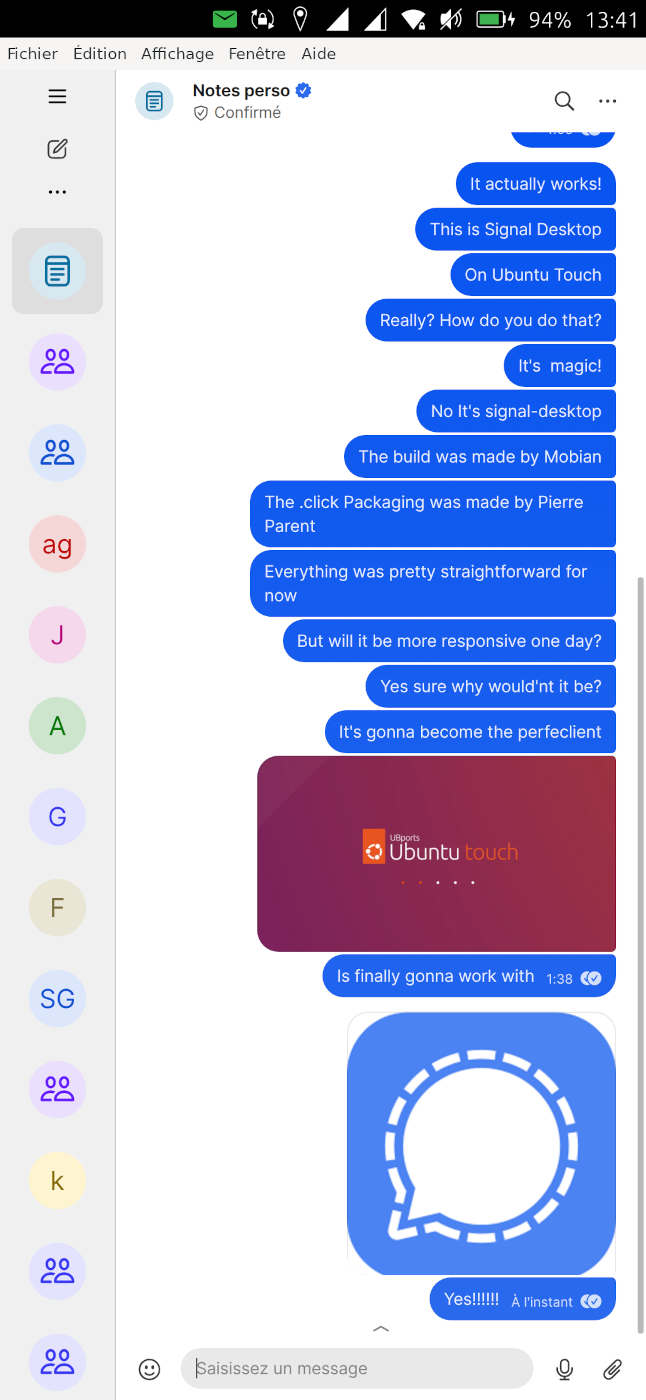
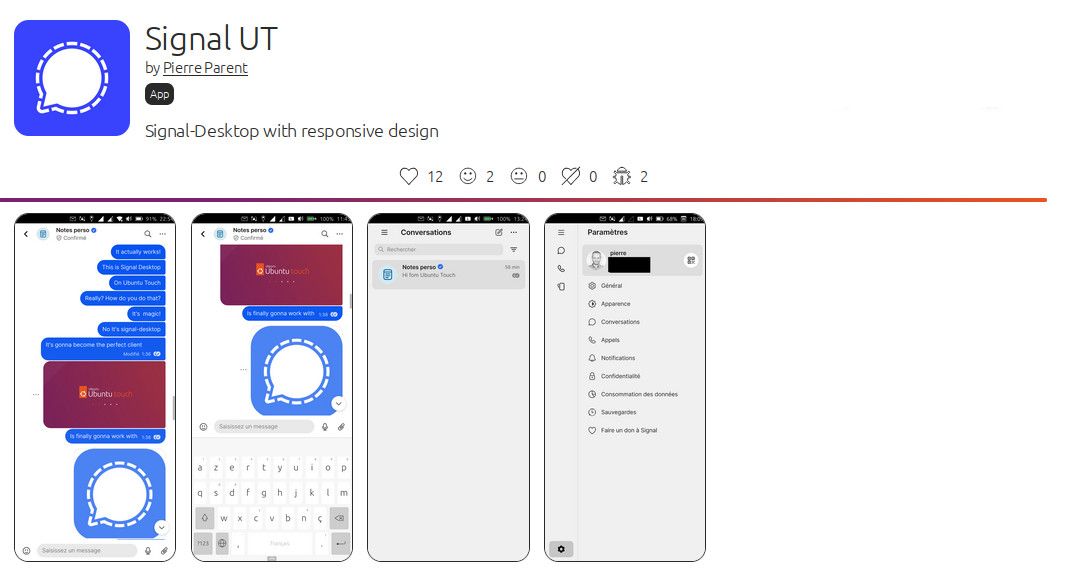
-
@pparent I can´t send pictures at the moment, but I try to describe it.
There is a possibilities to set an emoticon: direct on the left beside the text "(-:" This doesn't work on my phone.
But now I found out, that there is another possibility on the downside between "where you can change to numbers". The button shows like a "earth".
So for me is ok now, but first I did not know the second way to set a smiley. -
@bunt7 said in Signal UT: Signal-Desktop for Ubuntu Touch:
There is a possibilities to set an emoticon: direct on the left beside the text "(-:" This doesn't work on my phone.
Hum ok well that's strange, on my phone I can add a smiley both from Signal Panel, and from the keyboard (via the icon like a earth).
But it's true that even on my side the smiley panel is a bit buggy keyboard opens and closes many times, sometimes I need to click twice on the button, but other than that it is usable! (It seems it works more reliably if you first click click elsewhere to close the keyboard, and make the text-edit area be at the bottom of the screen) There might be a bug though I will see later.
-
By the way next release will focus on Importing/Uploading files.
-
@pparent very cool

-
I've published the new version v7.83.0-1 that allows uploading files.
For Christmas send a photo to your family with Signal UT, and let me know if it works!


Next release will focus on notifications! Though expect a delay as I will do a pause for Christmas holidays!
Ps: Import and export files through contentHub is currently done in a hacky way until we can switch to wayland and xdg_portal. It might occasionally/rarely fail (including application crash, or application loosing focus) in that case restart the app, and try again.
-
@pparent said in Signal UT: Signal-Desktop for Ubuntu Touch:
Next release will focus on notifications! Though expect a delay as I will do a pause for Christmas holidays!
Could you document the process, when you do? It will be of a lot of help for other developers
-
@CiberSheep said in Signal UT: Signal-Desktop for Ubuntu Touch:
@pparent said in Signal UT: Signal-Desktop for Ubuntu Touch:
Could you document the process, when you do? It will be of a lot of help for other developersThank you for your suggestion.
I would say, I guess the commits are the documentation of the process. It's not overly complex, and I would say is kind of self-explanatory for a developer.
https://github.com/pparent76/SignalUT/commits/main/
By the way the code in the Signal UT repo was already reused by someone for "Chromium for UT" App. (I also reused my own code for "Min Browser")
Now if there are specific questions about it I'm always open to answer!
 But for now, I'm not sure to see the point of investing work into translating the code into human words, that are going to be more vague, and less precise.
 -
@pparent said in Signal UT: Signal-Desktop for Ubuntu Touch:
I've published the new version v7.83.0-1 that allows uploading files.
Veeeeery nice! It looks slightly hacky, but yes it works. Another sweet improvement!

-
Can it be, that admin validation requests of people who want to join via a group link, are not displayed in the app? I didn't saw them, but did see them in Signal desktop on my laptop. Both linked, not primary devices.
-
I'm not sure what exactly this would look like, or where this would display. If you have a screenshot it could help!
-
@pparent When you send someone a group link to invite them, depending on the settings, they need to be validated by a group admin before they can join.
When you tap on the group name to open the details page and scroll to the bottom, there are invites and join requests listed. But I got a zero there, although I had 2 pending invites. Also nothing was listed on the page that opens after clicking that entry.
Just a minute later I checked at signal desktop and there I had a number 2 displayed. After clicking I saw the two requests and could process them.
Of course it could have been just bad timing and lack of syncing.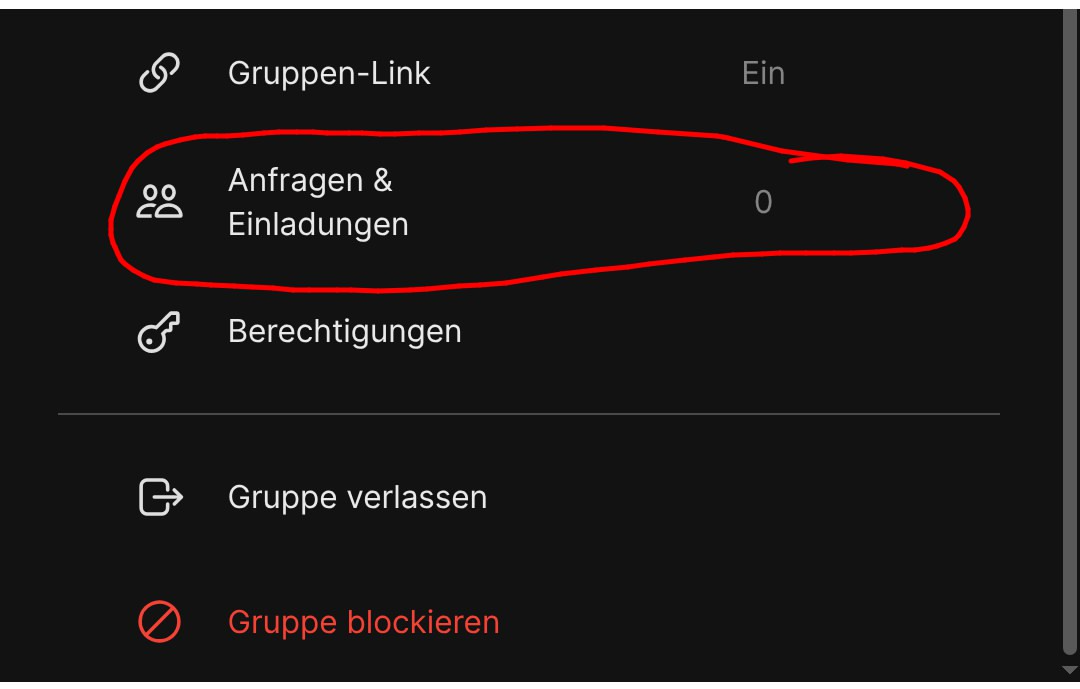
-
Well not sure, I've never done this process. It's possible that if the process uses a popup that requires subsurface, that it does not work properly! But other than that I don't really see why it wouldn't work, bur you never know.
-
@pparent No, it doesn't use a popup. After clicking that field another page does open. I do agree, I too don't see why this should fail. Its not a special function.
It might have been simply bad luck or rather bad timing. Maybe the requests had not been synced to this client but my laptop already had them.
But I decided to ask anyway, just in case you might have had an idea. So I guess lets not worry about this.
-
The OSK seems to have disappeared in Signal UT for (some) 2.x users. I know this UT version is not supported yet, but I wanted to mention it just in case. I added an issue to the tracker.
-
Yes I have heard that but unfortunately this is not specific to Signal UT, it concerns all Gtk/Xwayland apps ( uWolf, uFirefox, Chormium for UT, Min browser, Rocket.chat, ...).
This bug should be reported to the system devs, because it would be a real shame that it make its way to the stable release, as it would be a regression in usability for many users.
I have no way to investigate right now, because I have only one phone, and cannot afford to change to unstable version.
Ps: I'm working on notifications, a new release should be available quite soon.
-
@pparent Very cool to see that you are working on notifications!
I'll see if I can make a good description for the general tracker later today, if nobody has done it yet. It would be so sad to loose all of these great apps on a future stable release. I'm wondering if it has affected 1.x daily yet, or if it is a pure 2.x issue.
-
I think that it has been clearly said that there should be a 24.04-1.2 release; 24.04-2 is not destined to straight replace 24.04-1 in the following months.
@Ida_ said in Signal UT: Signal-Desktop for Ubuntu Touch:
I'm wondering if it has affected 1.x daily
definitely not.
-
@gpatel-fr Glad to hear it has not affected 1.x daily yet. As I understand it 2.0 or 2.1 is not coming anytime soon, no.
-
Anyway in the long run we will hopefully switch to Wayland when Mir2.x is included in the system, and then the OSK will be handled differently that it currently is. Not sure whether the 24.04.2 branch will include Mir2.x .
-
Notifications are available in version v7.86.0-1 !
In order to get notifications you need to keep the application opened. Somehow you don't need to un-suspend the application in Ubuntu Tweaks, it seems the Xwayland apps are not suspended by the system. So note it might affect a bit battery life.
Next version will focus on corrections of main remaining bugs or things that display not well in the UI, because not adapted to responsive design ( left menu, search message, medias of a group ), and if possible fix bugs with contentHub.





Hello! It looks like you're interested in this conversation, but you don't have an account yet.
Getting fed up of having to scroll through the same posts each visit? When you register for an account, you'll always come back to exactly where you were before, and choose to be notified of new replies (either via email, or push notification). You'll also be able to save bookmarks and upvote posts to show your appreciation to other community members.
With your input, this post could be even better 💗
Register Login