Daisy chain support
-
I have two monitors at work and I recently learnt about daisy chaining with DP connections so I though to try with UT and my phone.
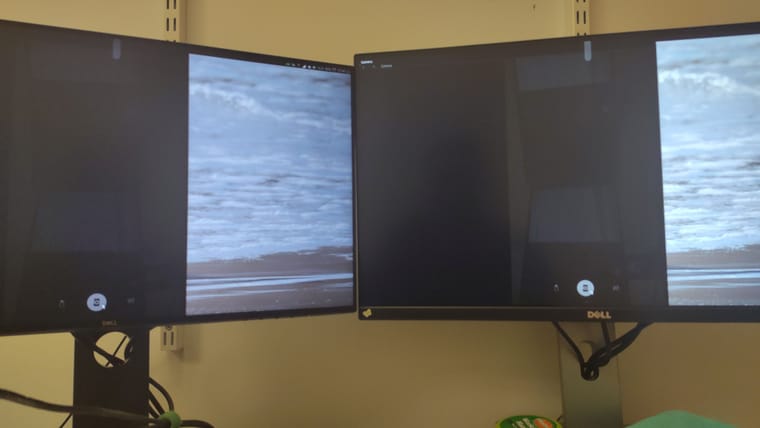
It almost works! With no effort at all, I got my screen to be mirrored on both monitors but I could not find a setting to allow for side-by-side displays.
Is there any support for this?UT 24.04 on FP5
-
@RJDan said in Daisy chain support:
I have two monitors at work and I recently learnt about daisy chaining with DP connections so I though to try with UT and my phone.
It almost works! With no effort at all, I got my screen to be mirrored on both monitors but I could not find a setting to allow for side-by-side displays.
Is there any support for this?UT 24.04 on FP5
Side-topic
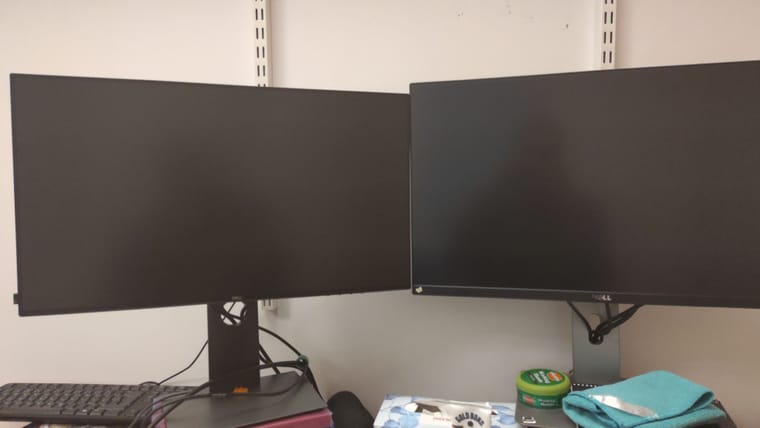
Could you take a picture of how it looks on the monitors?
I got a Volla Quintus which only have USB 2.0 and thus cannot run monitors, tad bit bummed but not sure if I am missing allot. -
@RJDan Interesting. I guess if the hardware supports this then it could work in UT. I wonder if Android phones could do this.
In UT however, single monitor might be the default behavior on phones and tablets. In Lomiri Plus via Ambot Installer, there's an option to use multi-display mode if you really want to try. I don't know if it'll work though and how well it'll work. The device screen will be a normal screen In this mode by the way, it won't be a touchpad.
-
@kugiigi
I dont see the option. Where should I look. -
@RJDan You mean in Lomiri Plus?
It's under Convergence > External Display.
The settings can be accessed via the Power/System Indicator Panel. -
@kugiigi Hey
My lomiri plus only has device configuration and accesibility. There is no option about convergence. -
@RJDan Oh okay. I guess you're on Noble and only the Essentials version is available for now
 The full version is available from the repo but it will be released in Ambot soon
-

Hello! It looks like you're interested in this conversation, but you don't have an account yet.
Getting fed up of having to scroll through the same posts each visit? When you register for an account, you'll always come back to exactly where you were before, and choose to be notified of new replies (either via email, or push notification). You'll also be able to save bookmarks and upvote posts to show your appreciation to other community members.
With your input, this post could be even better 💗
Register Login