[app]{public testing soon special}~UT_office
-

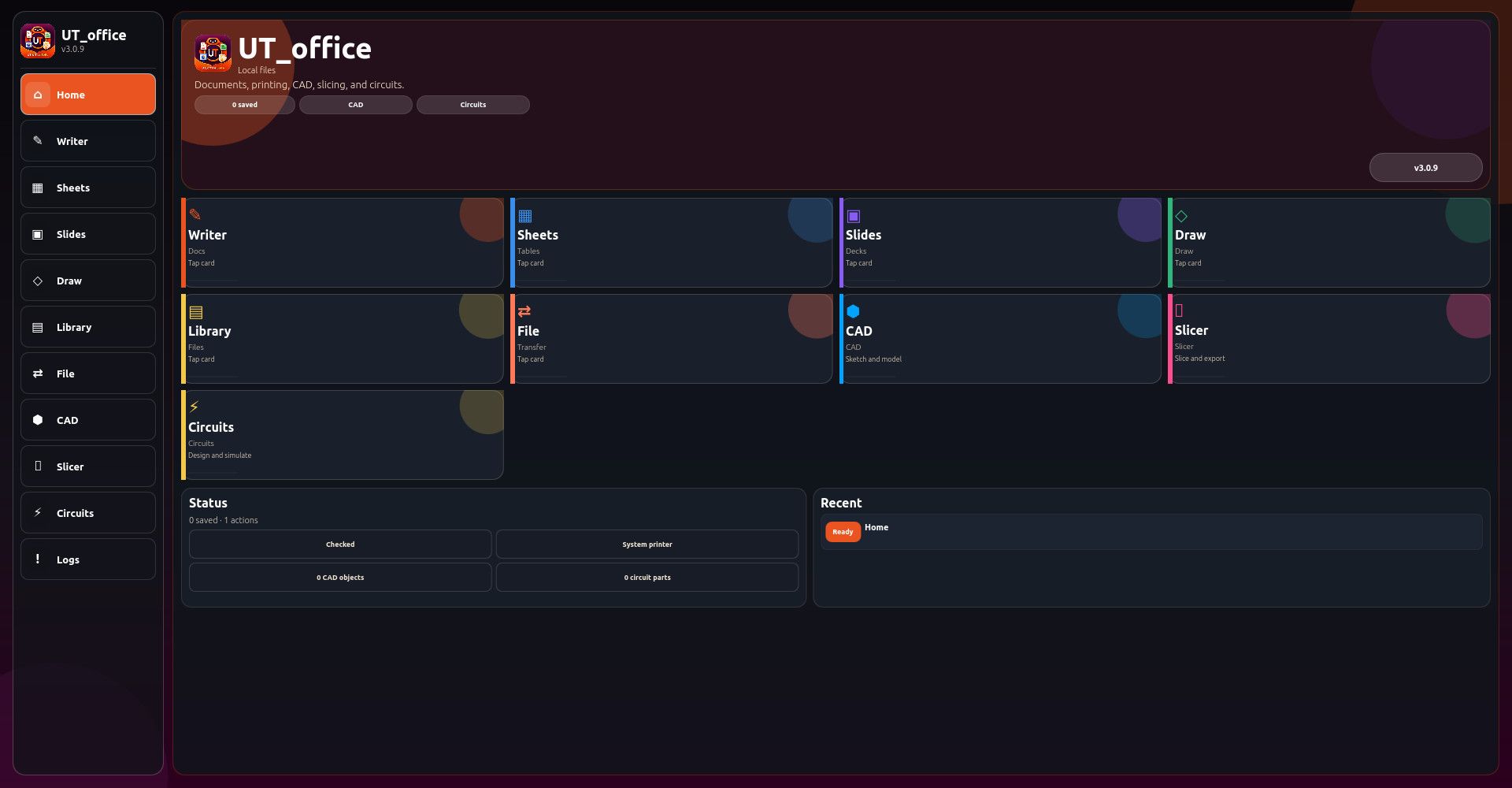
say hello to UT_office suite ....i would like to make it UT's premiere office program suite?? meant to be on par with and far exceed typical office program suites all rolled into a nice clickable app fully responsive and taking advantage of desktop convergence ....still alot of work to do yet much testing needed
Local-first office suite for Ubuntu Touch
Writer for rich-text documents
Writer formatting tools: headings, bold, italic, lists, tables, quotes, dividers, checklists, code blocks, signatures
Writer templates: report, meeting notes, letter, project document, appendix
Writer tools: find/replace, outline, statistics, reading time, word frequency, cleanup, case conversion
Writer exports: text, Markdown, HTML, JSON
Spreadsheet editor with editable cell grid
Spreadsheet formulas and recalculation
Spreadsheet range tools, fill down, sorting, locking, frozen headers
Spreadsheet templates: budget, calendar, inventory, profit/loss
Spreadsheet reports: stats, formula map, validation, charts
Spreadsheet exports: CSV, TSV, HTML, JSON
Slides editor with deck, slide, and notes support
Slide layouts: title, two-column, quote, blank, agenda, closing
Slide themes and aspect ratio options
Slide thumbnails, presenter tools, timing plan, notes export
Slide exports: outline, Markdown, HTML, JSON, SVG/handout-style previews
Drawing workspace with shape tools
Freehand drawing with pencil mode
Eraser and selection modes
Shape tools: rectangle, ellipse, diamond, note, connector
Drawing alignment, layering, duplication, grouping, snap grid, multi-select
Flowchart, org chart, grid, and wireframe drawing templates
Drawing exports: SVG, transparent SVG, HTML, JSON
Document library for saved Writer, Sheet, Slides, Draw, CAD, and Circuit files
Library search, filters, sorting, pinning, duplicate, trash, restore, and permanent delete
File Center for import/export workflows
Universal search across documents and commands
Print-ready HTML package generation
Print job ticket and printer setup notes
Workspace backup and restore-preview tools
Version history and manual checkpoints
Recovery snapshots and recovery restore
CAD workspace for simple 2D/3D design
3D primitives: cube, cylinder, sphere
CAD sketch tools: rectangle, circle, line, extrude
CAD object editing: move, resize, rotate, duplicate, center, snap, mirror, delete
CAD helpers: electronics enclosure, bracket, grid plate, vent slots, standoff pattern, mounting holes
CAD validation: dimensions, fit report, mesh quality, printability checks, design checklist
CAD exports: JSON, STL preview, OBJ preview, OpenSCAD, project packet
Separate 3D Slicer workspace
Prusa-style slicer workflow for print preparation
Slicer settings for printer, filament, layer height, nozzle, temperatures, infill, shells, speeds, cooling, supports, adhesion, seam, retraction
Slicer material presets: PLA, PETG, ABS, TPU
Slicer print presets: draft, detail, strength
Slicer preview modes and layer planning
Slice/preflight reports
G-code preview/export
Material usage estimates: filament length, mass, spool remaining
Cost estimates: material, electricity, total consumables
Slicer bed map and print bundle export
Electronics CAD / circuit designer workspace
Circuit components: voltage source, ground, resistor, LED, switch, capacitor, diode, potentiometer, transistor placeholder, probe, IC placeholder
Drag-and-place circuit components
Wire start/connect tools and auto-wire
Schematic and PCB-style modes
Real-time circuit simulation toggle
Animated signal-flow/voltage-current feedback
Circuit reports: simulation report, electrical check, trace report, breadboard plan
Circuit exports: JSON, SVG, netlist, SPICE-style report, BOM
Circuit templates: LED resistor circuit, voltage divider, RC timer
Command palette for quick tool access
Diagnostics and health-check reports
UI audit and package checks
Safe defaults and settings backup
Responsive UI for phone and desktop layouts
Horizontal scrolling ribbons and overflow popup menus for dense toolsets
LocalStorage-based offline data storage
Ubuntu Touch Click package structure with release/audit scriptsLocal-first office suite for Ubuntu Touch
Writer for rich-text documents
Writer formatting tools: headings, bold, italic, lists, tables, quotes, dividers, checklists, code blocks, signatures
Writer templates: report, meeting notes, letter, project document, appendix
Writer tools: find/replace, outline, statistics, reading time, word frequency, cleanup, case conversion
Writer exports: text, Markdown, HTML, JSON
Spreadsheet editor with editable cell grid
Spreadsheet formulas and recalculation
Spreadsheet range tools, fill down, sorting, locking, frozen headers
Spreadsheet templates: budget, calendar, inventory, profit/loss
Spreadsheet reports: stats, formula map, validation, charts
Spreadsheet exports: CSV, TSV, HTML, JSON
Slides editor with deck, slide, and notes support
Slide layouts: title, two-column, quote, blank, agenda, closing
Slide themes and aspect ratio options
Slide thumbnails, presenter tools, timing plan, notes export
Slide exports: outline, Markdown, HTML, JSON, SVG/handout-style previews
Drawing workspace with shape tools
Freehand drawing with pencil mode
Eraser and selection modes
Shape tools: rectangle, ellipse, diamond, note, connector
Drawing alignment, layering, duplication, grouping, snap grid, multi-select
Flowchart, org chart, grid, and wireframe drawing templates
Drawing exports: SVG, transparent SVG, HTML, JSON
Document library for saved Writer, Sheet, Slides, Draw, CAD, and Circuit files
Library search, filters, sorting, pinning, duplicate, trash, restore, and permanent delete
File Center for import/export workflows
Universal search across documents and commands
Print-ready HTML package generation
Print job ticket and printer setup notes
Workspace backup and restore-preview tools
Version history and manual checkpoints
Recovery snapshots and recovery restore
CAD workspace for simple 2D/3D design
3D primitives: cube, cylinder, sphere
CAD sketch tools: rectangle, circle, line, extrude
CAD object editing: move, resize, rotate, duplicate, center, snap, mirror, delete
CAD helpers: electronics enclosure, bracket, grid plate, vent slots, standoff pattern, mounting holes
CAD validation: dimensions, fit report, mesh quality, printability checks, design checklist
CAD exports: JSON, STL preview, OBJ preview, OpenSCAD, project packet
Separate 3D Slicer workspace
Prusa-style slicer workflow for print preparation
Slicer settings for printer, filament, layer height, nozzle, temperatures, infill, shells, speeds, cooling, supports, adhesion, seam, retraction
Slicer material presets: PLA, PETG, ABS, TPU
Slicer print presets: draft, detail, strength
Slicer preview modes and layer planning
Slice/preflight reports
G-code preview/export
Material usage estimates: filament length, mass, spool remaining
Cost estimates: material, electricity, total consumables
Slicer bed map and print bundle export
Electronics CAD / circuit designer workspace
Circuit components: voltage source, ground, resistor, LED, switch, capacitor, diode, potentiometer, transistor placeholder, probe, IC placeholder
Drag-and-place circuit components
Wire start/connect tools and auto-wire
Schematic and PCB-style modes
Real-time circuit simulation toggle
Animated signal-flow/voltage-current feedback
Circuit reports: simulation report, electrical check, trace report, breadboard plan
Circuit exports: JSON, SVG, netlist, SPICE-style report, BOM
Circuit templates: LED resistor circuit, voltage divider, RC timer
Command palette for quick tool access
Diagnostics and health-check reports
UI audit and package checks
Safe defaults and settings backup
Session handoff report for continuing development in a new chat/session
Responsive UI for phone and desktop layouts
Horizontal scrolling ribbons and overflow popup menus for dense toolsets
LocalStorage-based offline data storage
Ubuntu Touch Click package structure with release/audit scripts -
@developerbayman Great initiative. This must be a phenomenal amount of work. It is true that office tools are very lacking, first of all, a word processor. Tedit @danfro is still a great notes tool.
-
@domubpkm yeah its a lot of work .....my whipping hand is absolutely tired ....i have been working a small team of AI to death and auditing and testing their code full time ....i still get my hands dirty but i cant lie i wouldn't be able to do all this in a single lifetime without AI ....i must say going from grinding raw dog for the last 35 years to running your own coding team has absolutely changed the dynamic ....i have never gotten so much done ...in the years to come i would expect far superior and deeper software
-
i asked chatgpt "how do i treat you?" it came back with ...

-
@developerbayman So... where are you in the process ? initial thoughts ? working word processor ? you mentioned testing, which implies you have something WORKING which needs testing ?
-
@oldbutndy soon ...maybe tonight maybe a couple of days ill drop UT_office ....it will be all you need and more ....theoretically .....i dont plan on open sourcing while IT WILL BE FREE FOR UT USERS ....i plan on making it so good that others want it .....i have this fantasy whoever is in charge of ubports making money i get ahold of them and talk them into selling it .....i want 25% ....the rest can go to ubports foundation ....i couldnt sell a glass of water to someone sitting in the 7th circle of hell ....so i need help ....right now im pretty desperate for money ....im a developer ....im not a sales person i dont get i dont understand it im not good at it .....the current state of ubuntu touch community is estimated between 900,000 to 1.2 million ......if i can get all of you to give me five bucks at one time .....ill never ask for money again ....im used to be being poor so i can make that work for the rest of my life .......i could then spend my days gleefully developing apps for the community ...as of right now if one bad thing happens and i get asked to leave i would be homeless .....development would stop i would likely disappear for a few years .... im not trying to be dramatic but just being honest about some concerns i got ....idk im sitting here with a pit in my stomach because i dont know what im doing ....i have a job its not enough and im just waiting for the next bad thing ....i dont want to get rich i just want stability ....not to always worry about tomorrow ......im just saying some future apps will not be free .....but the plan is to package it for other platforms for like $50 one time fee with a "come check out ubuntu touch" advertisements .....75% of the pie for the taking ...anyways thats all in my mind i dont even know how to go about this ....im hoping that special guy or gal reads this
-
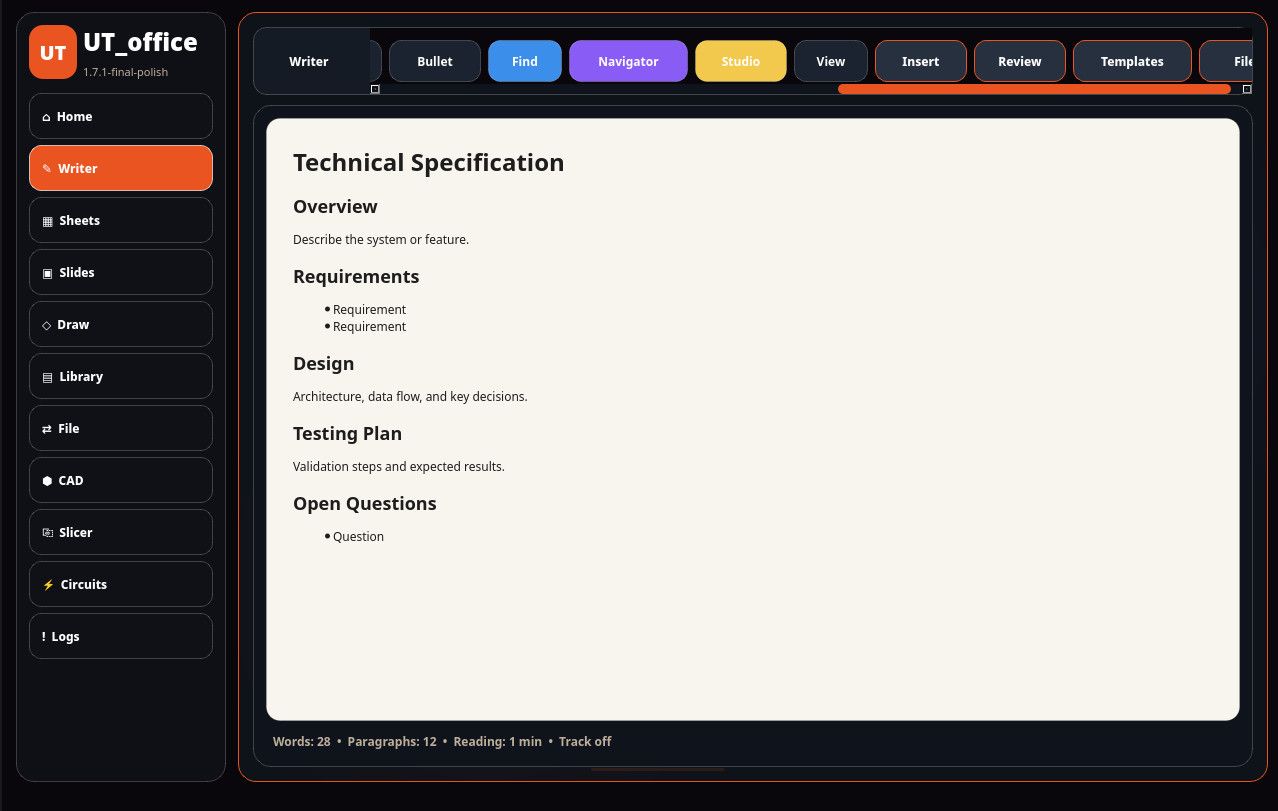
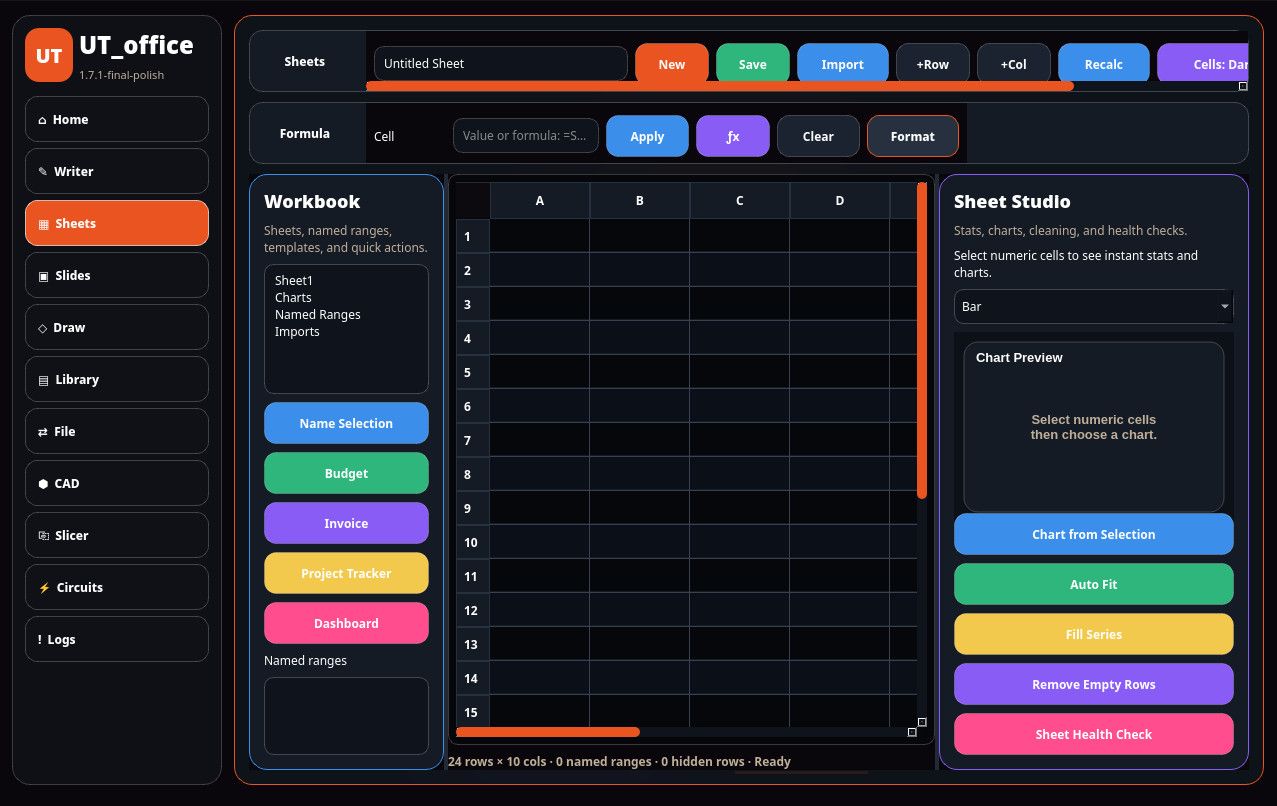
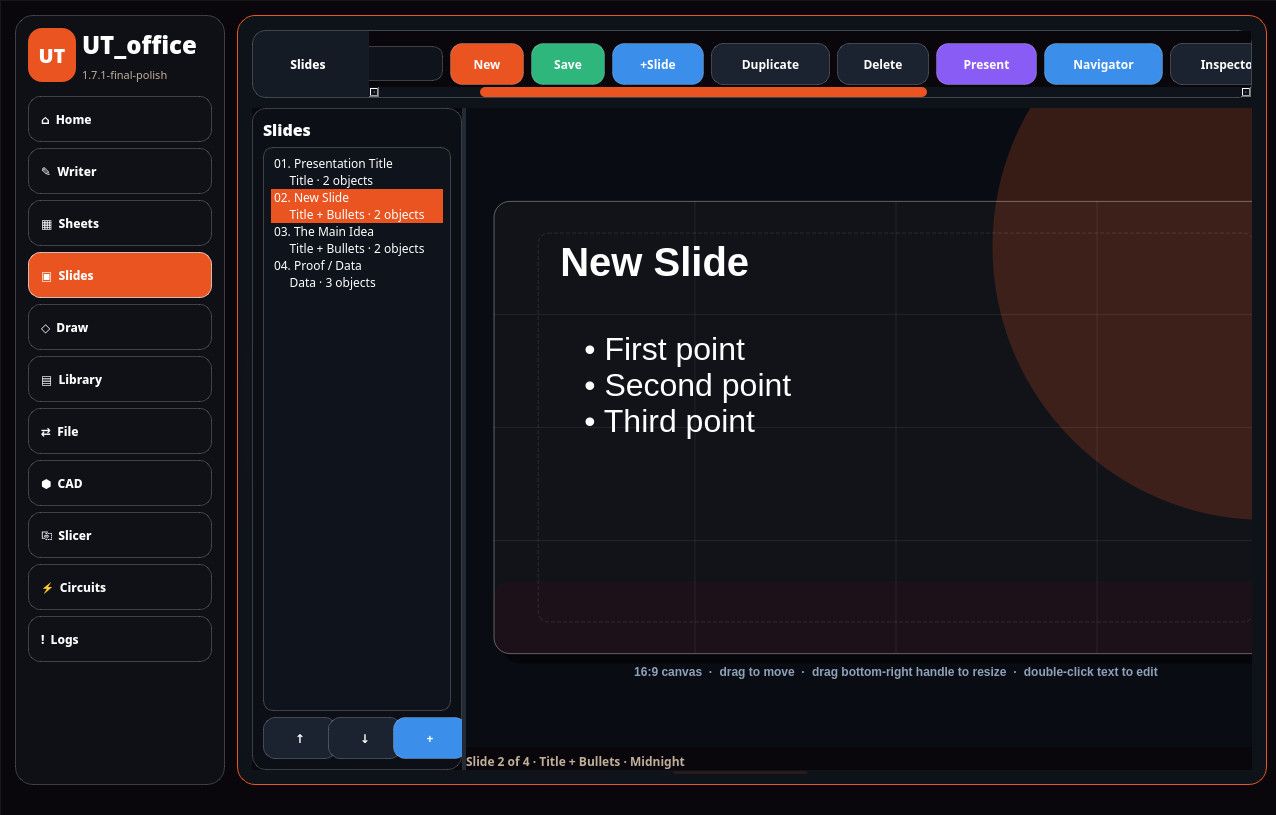
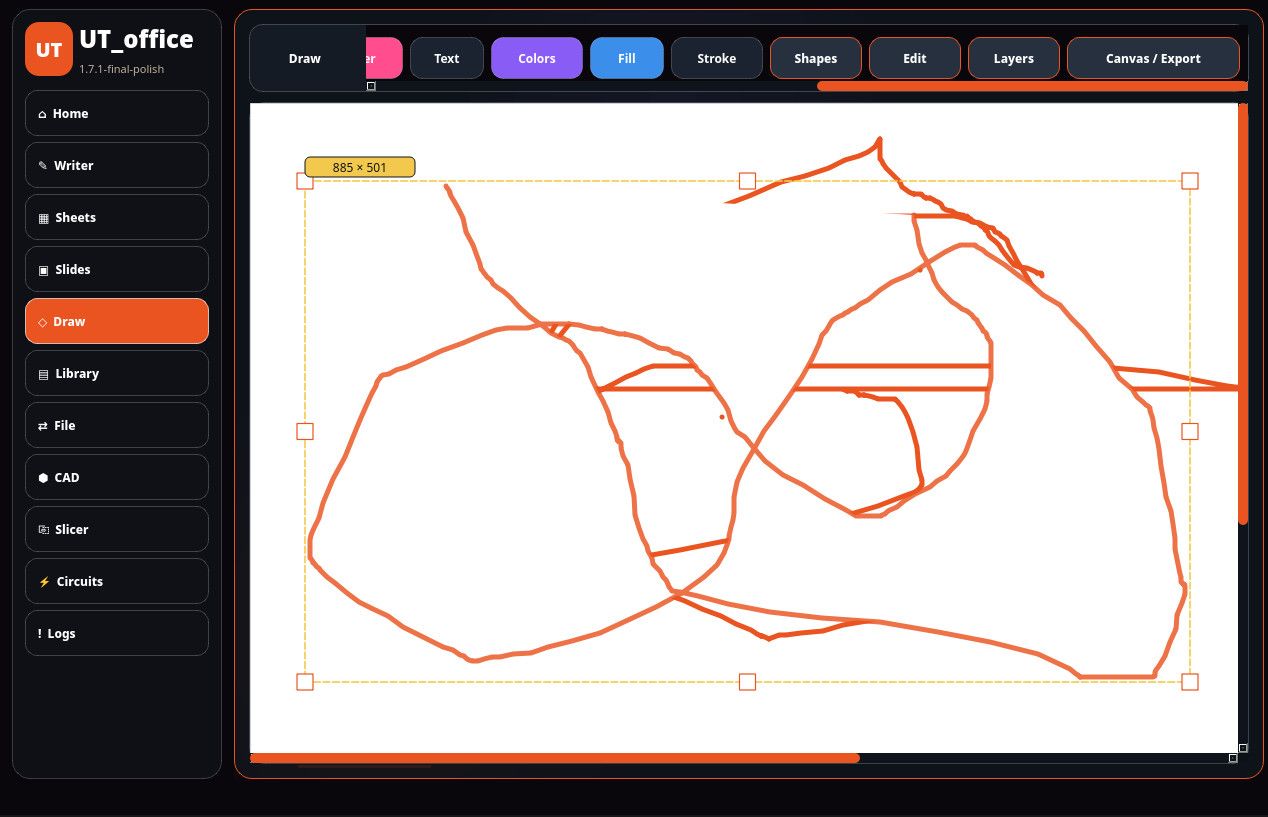
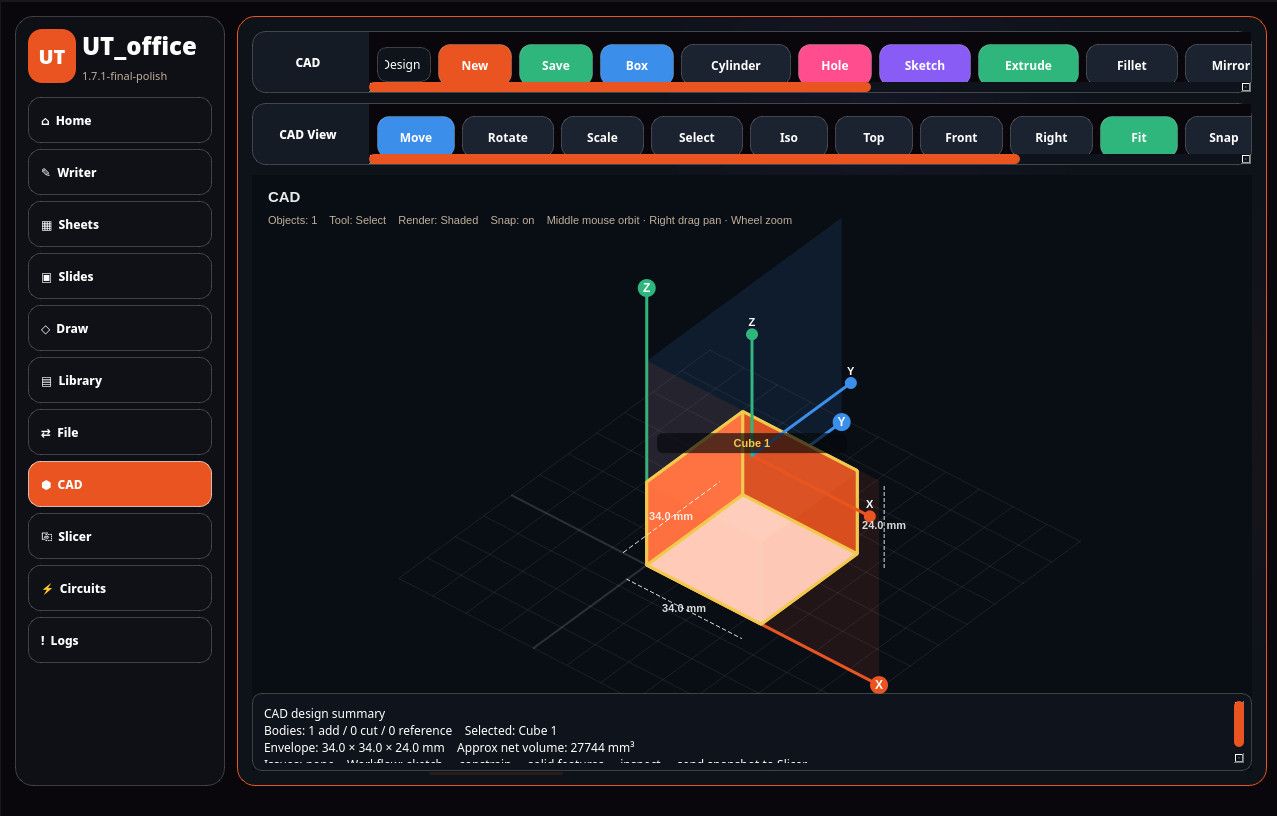
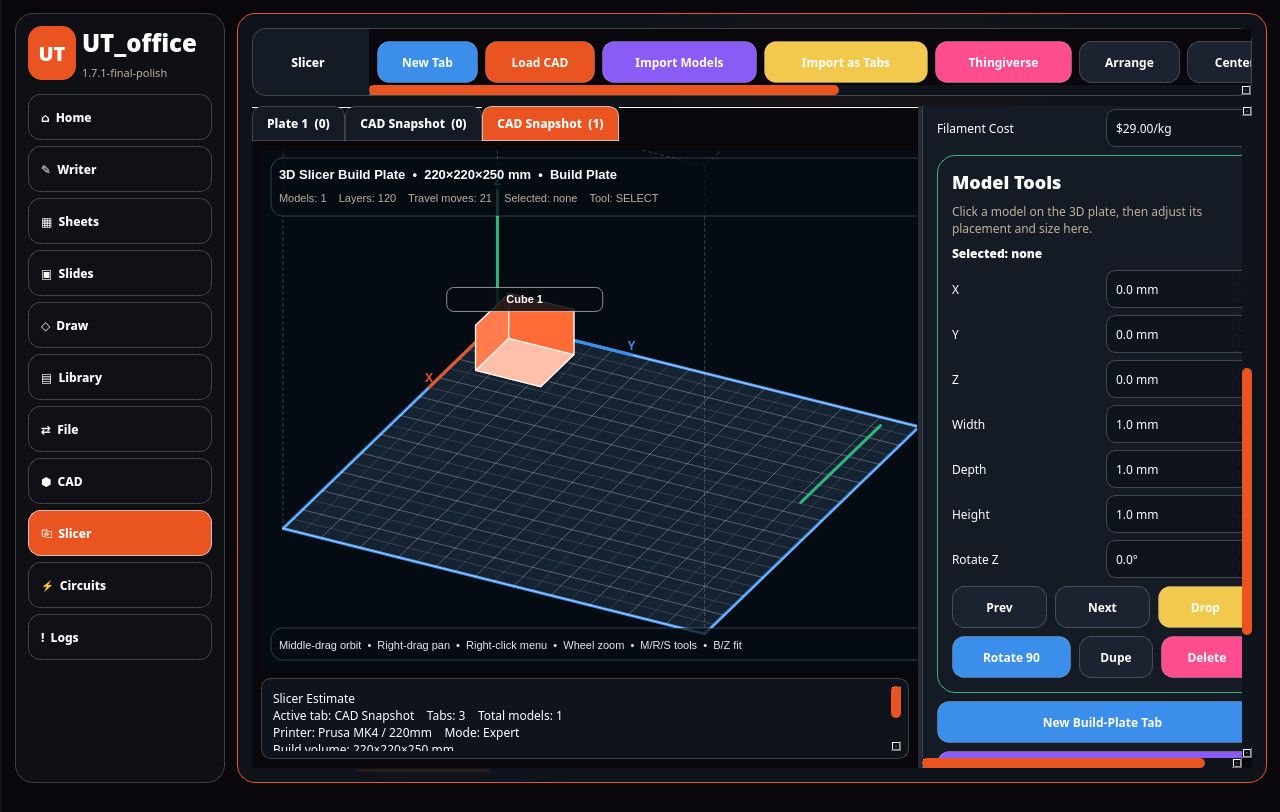
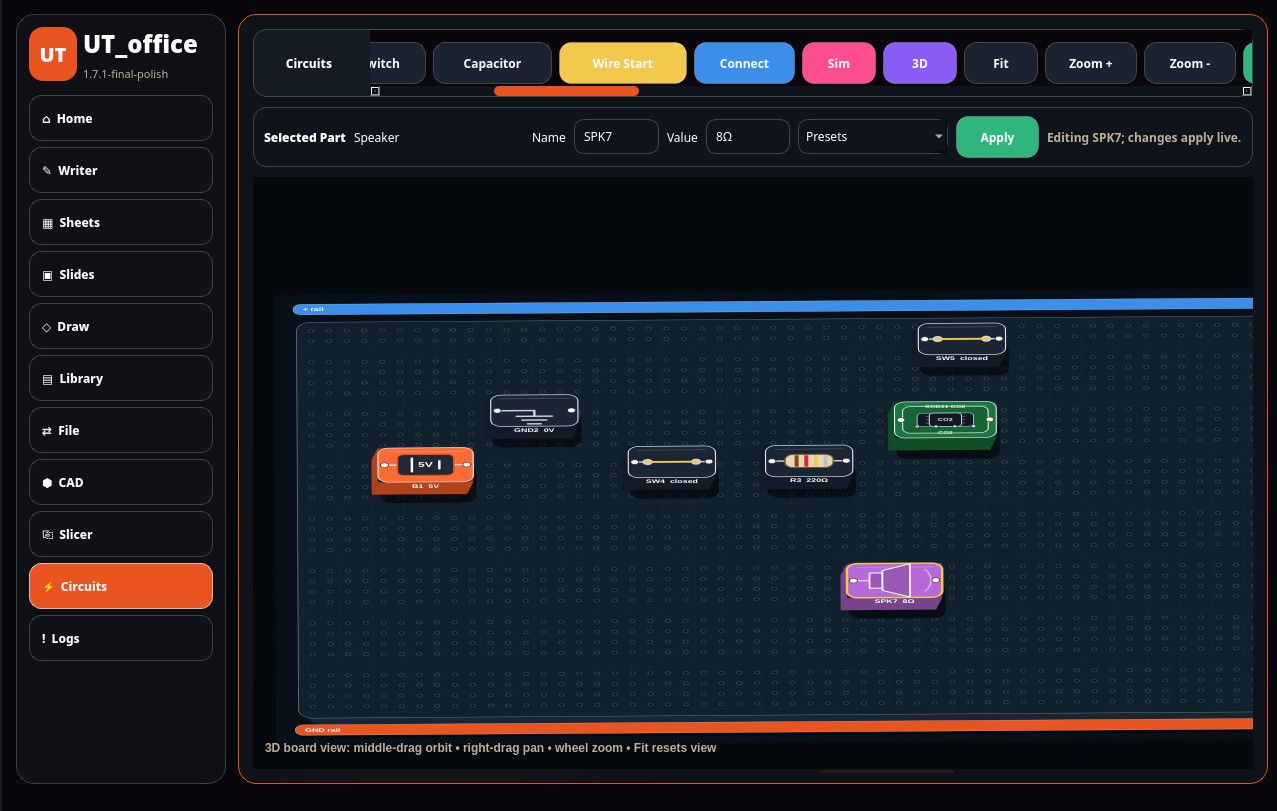
lots of bugs to fix yet
-
that is the desktop version which is actually further along than the ut app im developing them side by side with the pc version as the master copy but putting all these features into a clickable is not as bug free as it would seem lol
-
and yes it will be a confined app on ut
-
i must take my time i want it perfect

Hello! It looks like you're interested in this conversation, but you don't have an account yet.
Getting fed up of having to scroll through the same posts each visit? When you register for an account, you'll always come back to exactly where you were before, and choose to be notified of new replies (either via email, or push notification). You'll also be able to save bookmarks and upvote posts to show your appreciation to other community members.
With your input, this post could be even better 💗
Register Login