UBports Robot Logo UBports Forum
    • Categories
    • Recent
    • Tags
    • Popular
    • Users
    • Groups
    • Search
    • Register
    • Login

    UBports Black Logos. Update Now Avaible for BQ Aquaris U Plus and Volla Phone

    Scheduled Pinned Locked Moved Design
    40 Posts 13 Posters 14.0k Views 4 Watching
    Loading More Posts
    • Oldest to Newest
    • Newest to Oldest
    • Most Votes
      Reply
      • Reply as topic
      Log in to reply
      This topic has been deleted. Only users with topic management privileges can see it.
      • rubencarneiroR Offline
        rubencarneiro @Stefano
        last edited by

        @Stefano sorry i was not able to find a way to modify the logo.bin from meizu pro 5.

        S 1 Reply Last reply Reply Quote 1
        • rubencarneiroR Offline
          rubencarneiro @Ingo
          last edited by

          @Ingo yes sorry i will updat the post is also avaible for FP2.

          1 Reply Last reply Reply Quote 0
          • IngoI Offline
            Ingo
            last edited by

            @rubencarneiro no problem, in fact it didn't occur to me to first check the gitlab repo before asking... 😉

            1 Reply Last reply Reply Quote 0
            • S Offline
              Stefano @rubencarneiro
              last edited by

              @rubencarneiro that's ok, thanks anyway.

              rubencarneiroR 1 Reply Last reply Reply Quote 0
              • Josele13J Offline
                Josele13
                last edited by Josele13

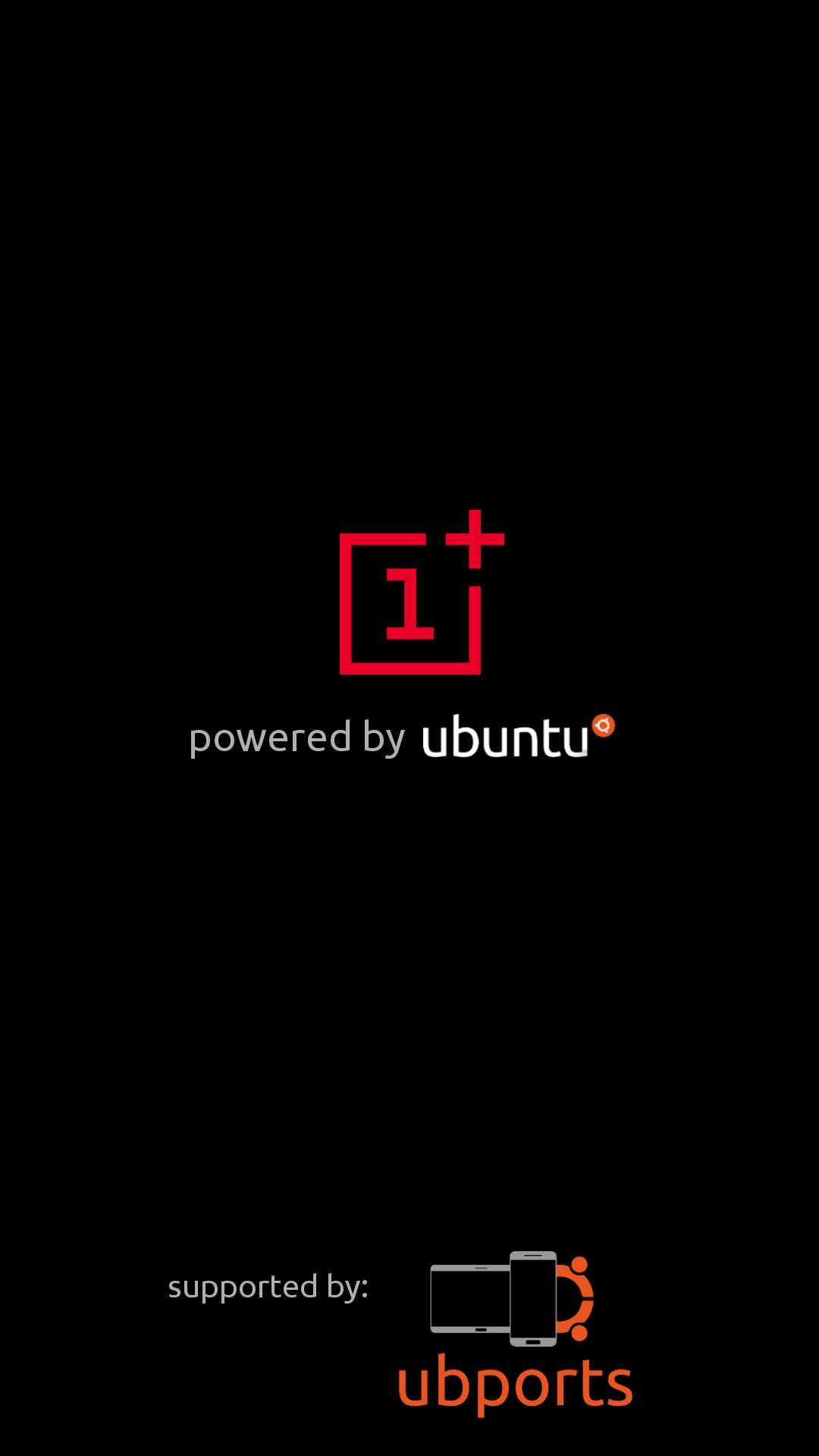
                Thanks to Ruben for this amount of logos, I love the result and makes our UT more beautiful. now I see smaller android.
                For those who do not know much about how to do things, I leave a small text to go step by step and use the terminal as you install the logos, is going the long way but sure.

                • Download the files to your PC,

                • Place the logo or image in the personal folder,
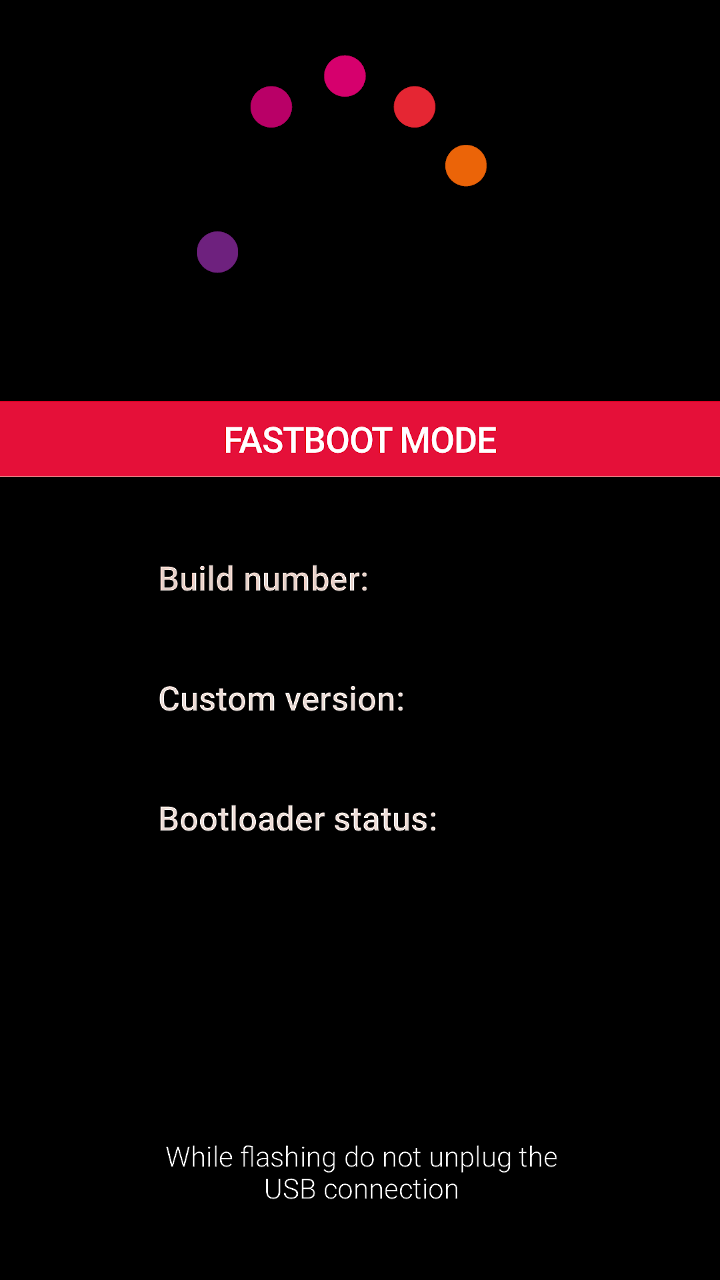
                  put the phone in fastboot mode, let's see if the computer detects it well

                • Set phone to developer mode,

                • we put in terminal with the phone connected and ignited:

                • sudo adb devices

                  ....... if it detects it and the numeration of the phone comes out we follow,

                • adb reboot bootloader

                  .... continue,

                • fastboot devices

                  ....... if it detects it we continue,

                • Give the command below exposed on the terminal, depending on which device,

                Nexus 5
                How to flash:
                • Reboot device to fastboot
                • fastboot flash imgdata imgdata.img
                Fairphone 2
                How to flash:
                • Reboot device to fastboot
                • In a terminal and do:
                • fastboot flash splash splash.img
                Meizu MX4
                How to flash:
                • Reboot device to fastboot
                • In a terminal and do:
                • fastboot flash logo logo.bin
                BQ E4.5
                How to flash
                • Reboot device to fastboot
                • In a terminal and do:
                • fastboot flash logo logo.bin
                BQ E5
                How to flash
                • Reboot device to fastboot
                • In a terminal and do:
                • fastboot flash logo logo.bin
                BQ M10HD
                How to flash
                • Reboot device to fastboot
                • In a terminal and do:
                • fastboot flash logo logo.bin
                BQ M10FHD
                How to flash
                • Reboot device to fastboot
                • In a terminal and do:
                • fastboot flash logo logo.bin
                OnePlus One
                How to flash
                • Reboot device to fastboot
                • In a terminal do:
                • fastboot flash LOGO logo.bin

                - When installation is complete, then you put in terminal

                • fastboot reboot

                the phone will start, the second time you start, you will have the logo changed.

                regards...

                Xiaomi Redmi Note 9 pro
                Oneplus Nord 100
                Xiaomi Redmi Note 7
                Nexus 5
                Bq E4.5 Ubuntu edition .... is dead

                1 Reply Last reply Reply Quote 1
                • rubencarneiroR Offline
                  rubencarneiro @Stefano
                  last edited by

                  @Stefano i will try to fins a way😅

                  1 Reply Last reply Reply Quote 1
                  • rubencarneiroR Offline
                    rubencarneiro @rubencarneiro
                    last edited by

                    @rubencarneiro OPO3T is ready.

                    ? 1 Reply Last reply Reply Quote 2
                    • ? Offline
                      A Former User @rubencarneiro
                      last edited by

                      @rubencarneiro Thanks!
                      Sadly I get:

                      FAILED (remote: Partition flashing is not allowed)
                      

                      I enable Developer-mode in Settings but it is disabled after every reboot. What am I doing wrong?

                      rubencarneiroR 2 Replies Last reply Reply Quote 0
                      • rubencarneiroR Offline
                        rubencarneiro @Guest
                        last edited by rubencarneiro

                        @thilov said in UBports Black Logos. Update OPO 3/3T:

                        @rubencarneiro Thanks!
                        Sadly I get:
                        FAILED (remote: Partition flashing is not allowed)

                        have you done fastboot flash LOGO logo.bin
                        logo all caps?

                        1 Reply Last reply Reply Quote 0
                        • rubencarneiroR Offline
                          rubencarneiro @Guest
                          last edited by

                          @thilov First ypour bootloader should be unlocked second you should flash in fastboot mode

                          LakotaubpL ? 2 Replies Last reply Reply Quote 0
                          • LakotaubpL Offline
                            Lakotaubp @rubencarneiro
                            last edited by Lakotaubp

                            @rubencarneiro Just tried with same result. Device unlocked and in fastboot (OP3) Partion flashing is not allowed

                            Edit: Could it be down to having to put dev mode back on after every reboot? Just a thought.

                            1 Reply Last reply Reply Quote 0
                            • ? Offline
                              A Former User @rubencarneiro
                              last edited by

                              @rubencarneiro

                              Bootloader is unlocked and I am in fastboot mode:

                              thilo@thilo-ESP:~$ cd Downloads/
                              thilo@thilo-ESP:~/Downloads$ fastboot flash LOGO logo.bin
                              < waiting for any device >
                              target reported max download size of 440401920 bytes
                              sending 'LOGO' (920 KB)...
                              OKAY [  0.060s]
                              writing 'LOGO'...
                              FAILED (remote: Partition flashing is not allowed)
                              finished. total time: 0.080s
                              
                              
                              rubencarneiroR 1 Reply Last reply Reply Quote 0
                              • rubencarneiroR Offline
                                rubencarneiro @Guest
                                last edited by rubencarneiro

                                @thilov try to flash trough recovery https://drive.google.com/file/d/1MBA7yJREcnQ_Pg8D3_cY_VNry-L4_aSc/view?usp=sharing

                                A friend already teste the update zip and it works.
                                But flashing trough fastboot should be working

                                sde17 16.777.216 LOGO 16,00 // The partition exists.

                                ? 1 Reply Last reply Reply Quote 0
                                • ? Offline
                                  A Former User @rubencarneiro
                                  last edited by A Former User

                                  @rubencarneiro You mean TWRP right?

                                  rubencarneiroR 1 Reply Last reply Reply Quote 0
                                  • rubencarneiroR Offline
                                    rubencarneiro @Guest
                                    last edited by

                                    @thilov yes.

                                    1 Reply Last reply Reply Quote 0
                                    • P Offline
                                      Pingu
                                      last edited by

                                      Hi, I just have Ubports recovery instead of TWRP. How can I flash (copy?) the update.zip through recovery? step by step - please. I would love to have that Logo....thanks a lot.

                                      UT since 2012 (also Sailfish)

                                      ? 1 Reply Last reply Reply Quote 0
                                      • ? Offline
                                        A Former User @Pingu
                                        last edited by A Former User

                                        @Pingu

                                        1. Save the recovery.zip on your device.
                                        2. Flash TWRP - see here.
                                        3. Boot the new recovery, go to install, select rubencarneiros recovery.zip and install it
                                        1 Reply Last reply Reply Quote 0
                                        • P Offline
                                          Pingu
                                          last edited by

                                          Now I have TWRP. Thanks, but howto save the recovery.zip on my Device using Fastboot?

                                          UT since 2012 (also Sailfish)

                                          1 Reply Last reply Reply Quote 0
                                          • P Offline
                                            Pingu
                                            last edited by

                                            I MADE IT !!! THANKS A LOT - nice Logo. Thank you so much...!

                                            UT since 2012 (also Sailfish)

                                            1 Reply Last reply Reply Quote 0
                                            • P Offline
                                              Pingu
                                              last edited by

                                              I had to adb push it, then it worked with twrp and install recovery.zip

                                              UT since 2012 (also Sailfish)

                                              1 Reply Last reply Reply Quote 0

                                              Hello! It looks like you're interested in this conversation, but you don't have an account yet.

                                              Getting fed up of having to scroll through the same posts each visit? When you register for an account, you'll always come back to exactly where you were before, and choose to be notified of new replies (either via email, or push notification). You'll also be able to save bookmarks and upvote posts to show your appreciation to other community members.

                                              With your input, this post could be even better 💗

                                              Register Login
                                              • First post
                                                Last post