Playlist often empty - how to save it?
-
Hello!
Is there a way to save a playlist in the Music app? Each time I create a playlist with my favorite songs, it works until... all the tracks disappear from the list. It is a bit boring to do it again and again.
Thank you for your help. -
@Teigneux hmm I've never used playlists but I'll try them later to see what's wrong with them.
If your issue is reproducible perhaps you should file an issue here https://gitlab.com/ubports/apps/music-app/issues to keep track of it.
-
Thank you for your answer. I saw this issue in different versions of Music and Ubports. I will report this issue.
-
@Teigneux I think that happened to me before but maybe just once or twice?
My guess is that it happens when you change the path of the music files in it. -
@kugiigi It happened to me many times. I didn't change the path of the files, they are ordered in a sd card. Maybe something happened when I added other files on the card? It is very curious...
-
I also noticed that today, all my playlists are empty, but it isn't the first time i think.. I don't know why. Also, i deleted cache, cookies and data with UTT, uninstalled Music App, rebooted the phone, reinstalled the app, and know i'll see if it happens again with next playlists..
-
After some user investigations, here the path to find the playlist file with File Manager :
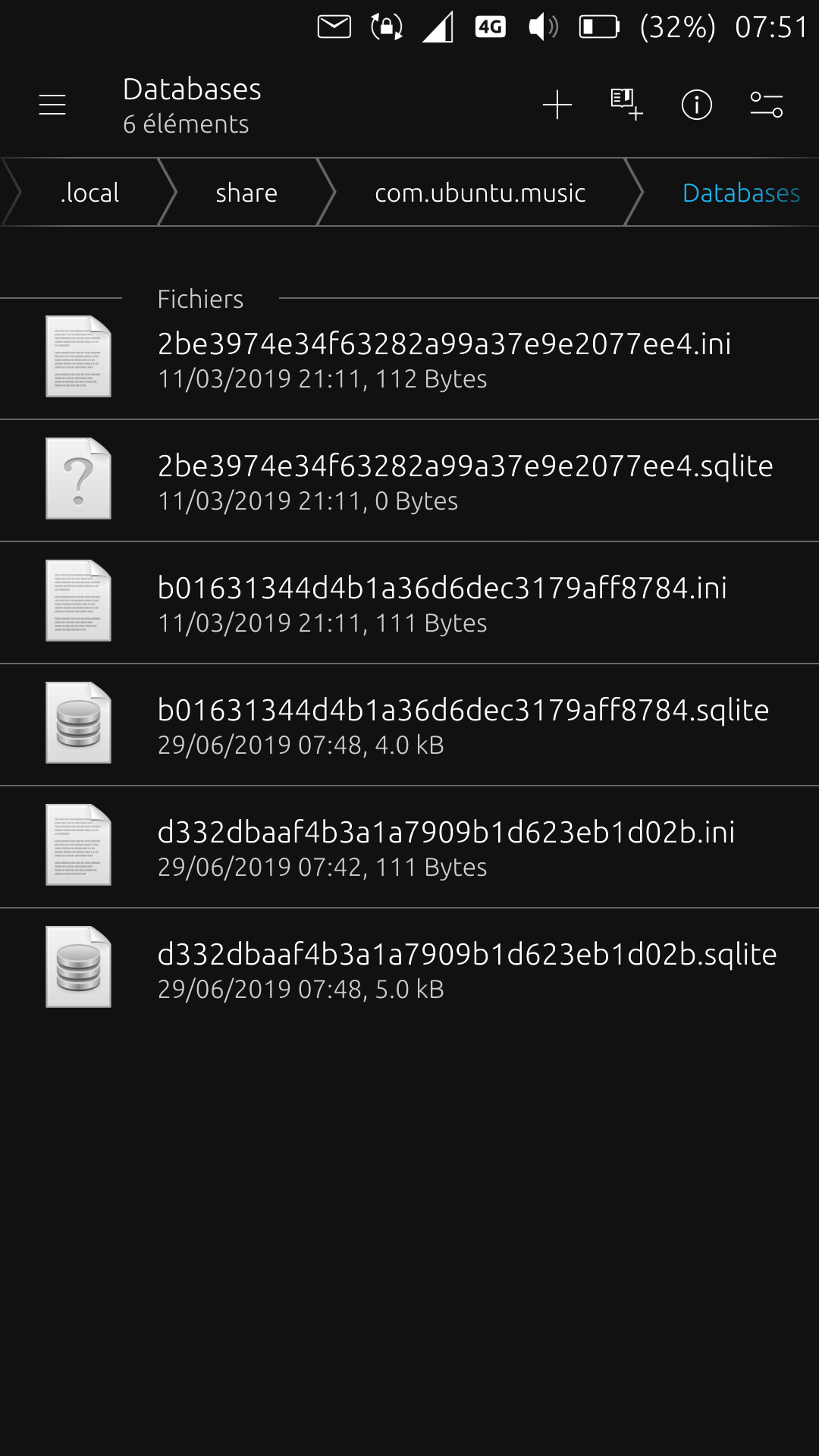
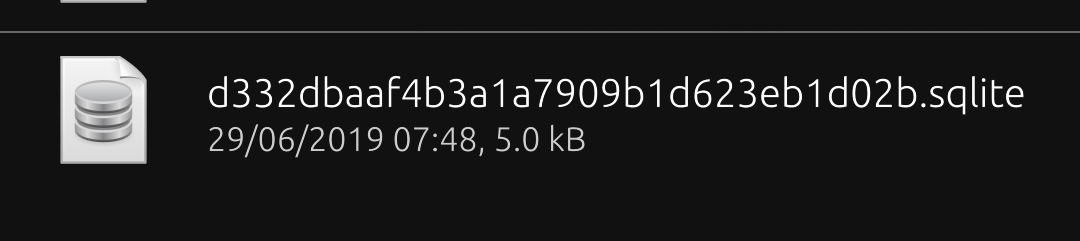
So, the playlist file (bottom of the screenshot), sqlite file with a barbaric name, which can be saved somewhere and restored if necessary is :
-
@domubpkm thank you so much!!! This will be very useful!
-
D domubpkm referenced this topic on

Hello! It looks like you're interested in this conversation, but you don't have an account yet.
Getting fed up of having to scroll through the same posts each visit? When you register for an account, you'll always come back to exactly where you were before, and choose to be notified of new replies (either via email, or push notification). You'll also be able to save bookmarks and upvote posts to show your appreciation to other community members.
With your input, this post could be even better 💗
Register Login