UBports Robot Logo UBports Forum
    • Categories
    • Recent
    • Tags
    • Popular
    • Users
    • Groups
    • Search
    • Register
    • Login

    Stuck at "Long swipe from the left edge to open the Application Drawer"

    Scheduled Pinned Locked Moved Support
    14 Posts 7 Posters 2.2k Views 1 Watching
    Loading More Posts
    • Oldest to Newest
    • Newest to Oldest
    • Most Votes
      Reply
      • Reply as topic
      Log in to reply
      This topic has been deleted. Only users with topic management privileges can see it.
      • AppLeeA Offline
        AppLee @Msquared
        last edited by

        @Msquared
        I have the same issue.
        My workaround is to lock the phone, wait a couple of minutes ands unlock it...

        M 1 Reply Last reply Reply Quote 0
        • M Offline
          Marathon2422 @AppLee
          last edited by

          @AppLee
          swiping left to right ,didnt they remove that. and then "maybe"not from the demo ?

          dobeyD AppLeeA 2 Replies Last reply Reply Quote 0
          • dobeyD Offline
            dobey @Marathon2422
            last edited by

            @Marathon2422 No. Swiping from left edge to open launcher and drawer is still a thing. However, there was an issue with the fix to the tutorial to ensure it gets played correctly, which is now fixed in git, and should be in tomorrow's image.

            1 Reply Last reply Reply Quote 1
            • AppLeeA Offline
              AppLee @Marathon2422
              last edited by

              @Marathon2422
              Swipe from left to right shows the drawer.
              Why would it be removed ?

              The same appears from swipe from the top down and I did the same to get rid of it.
              Once done you can reboot and it doesn't show up again.

              1 Reply Last reply Reply Quote 0
              • rikR Offline
                rik
                last edited by rik

                Not sure if this is still an issue, but a "work around" to not get prompted (if you have access to the filesystem) for tutorial swipes is to edit this file:

                /var/lib/AccountsService/users/phablet (or whatever username file is there)

                And add the missing elements to the DemoEdgesCompleted variable until it is like this:

                DemoEdgesCompleted=[‘left’, ‘top’, ‘right’, ‘left-long’]

                AppLeeA 1 Reply Last reply Reply Quote 0
                • AppLeeA Offline
                  AppLee @rik
                  last edited by

                  Thanks @rik
                  On the recent images the bug has been fixed.

                  1 Reply Last reply Reply Quote 0
                  • M Offline
                    metty
                    last edited by

                    Hello everybody

                    This is still an old post, but I got the same problem here with a fairphone 2. The display has a small scratch, so in my case it could be a hardware issue. But still the display is working fine with android. Is there a way to avoid this introduction or message? It seems, that i have no access to the file system (or I don't know howto). Also Locking, wait a few minutes an unlocking again did not help. Also reboot has no effect. Would be nice to have some "skip-Button" for future releases. A pity that this function blocks my phone now.

                    KenedaK 1 Reply Last reply Reply Quote 0
                    • KenedaK Offline
                      Keneda @metty
                      last edited by Keneda

                      @metty
                      The "Long swipe from the left edge to open the Application Drawer" is doable from any part of the screen top to bottom, so a little scratch should not be a problem.

                      2015-2023 : Meizu MX4 ☠️⚰️✝️
                      2023-2024 : Nexus 5 ☠️⚰️✝️
                      2024-***** : FPOS Fairphone 5
                      🇲🇫🇬🇧

                      M 2 Replies Last reply Reply Quote 0
                      • M Offline
                        metty @Keneda
                        last edited by

                        @keneda hmm.. so not the scratch. I thougt the Fairphone2 is for sure a phone were many peoble would have had and solved the same problem. But actually this ist the only forum I found with information about this problem.
                        Is there a way tho access the rootfs through usb?

                        KenedaK 1 Reply Last reply Reply Quote 0
                        • KenedaK Offline
                          Keneda @metty
                          last edited by

                          @metty i'm not sure for rootfs, but maybe with adb or ssh.

                          2015-2023 : Meizu MX4 ☠️⚰️✝️
                          2023-2024 : Nexus 5 ☠️⚰️✝️
                          2024-***** : FPOS Fairphone 5
                          🇲🇫🇬🇧

                          1 Reply Last reply Reply Quote 0
                          • M Offline
                            metty @Keneda
                            last edited by

                            @keneda Back again: I replaced the display with another fair-phone which had a broken electronic, but a display who was still fine. Still without cover I was able to swipe. Now I do not know, if it really was the display or the fact, that the cover border may influence the display sensor a little bit. So my problem with the "long swipe" seems to be solved. Thanks to everyone who helps improving ubuntu touch!

                            KenedaK 1 Reply Last reply Reply Quote 0
                            • KenedaK Offline
                              Keneda @metty
                              last edited by Keneda

                              @metty
                              Oh, you had a cover... Yes covers can block swipping from edges, it would have been usefull for us to help you to tell it from the beginning 😄

                              If you want to use this kind of covers you can use Ubuntu Touch Tweak Tool from openstore to tweak edge zones.

                              2015-2023 : Meizu MX4 ☠️⚰️✝️
                              2023-2024 : Nexus 5 ☠️⚰️✝️
                              2024-***** : FPOS Fairphone 5
                              🇲🇫🇬🇧

                              M 1 Reply Last reply Reply Quote 0
                              • M Offline
                                metty @Keneda
                                last edited by

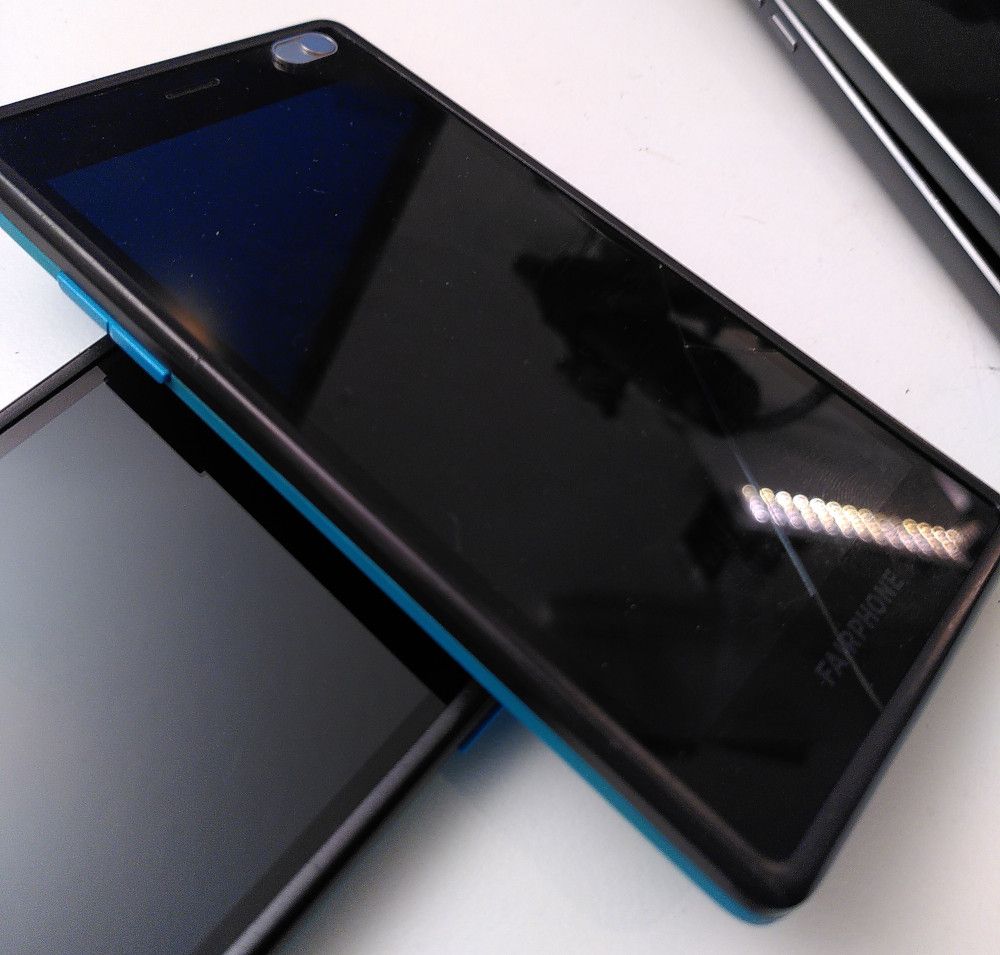
                                @keneda Oh, words are always so ambiguous :beaming_face_with_smiling_eyes: Without Cover: 2021-07-01 21.38.36.jpg
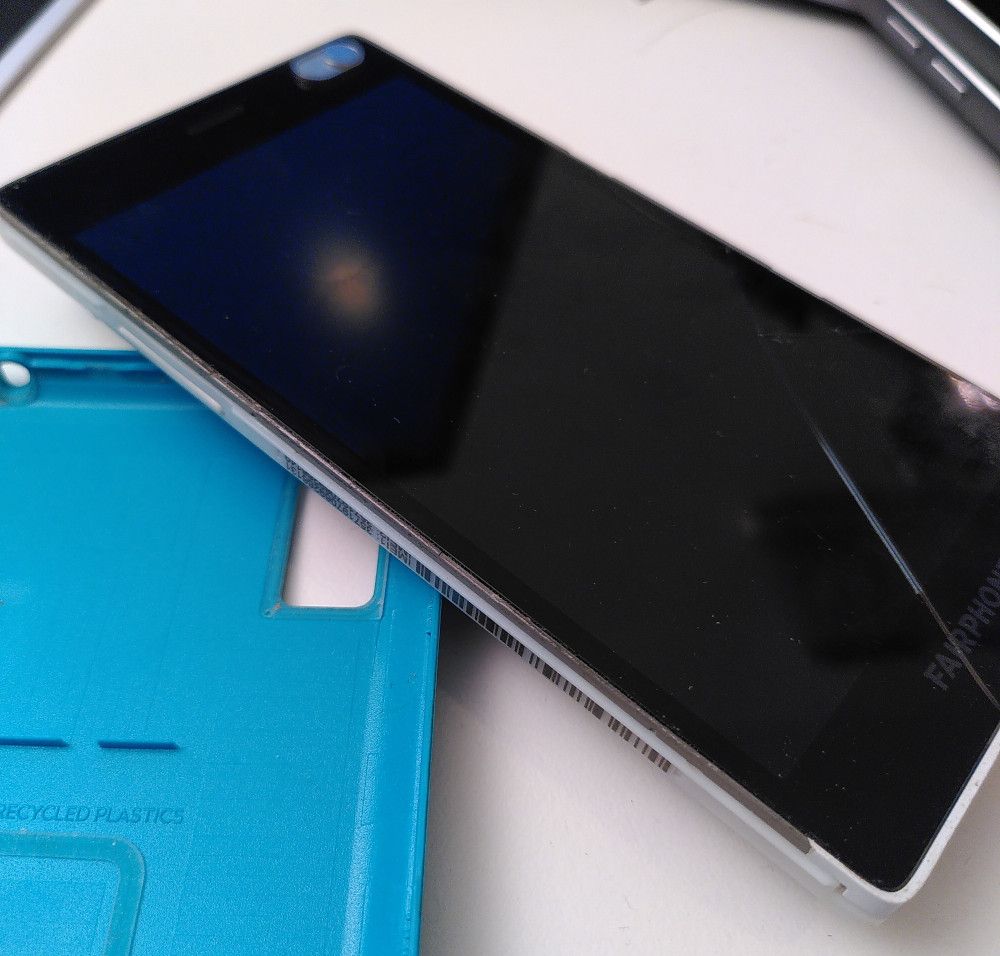
                                With Cover:
                                2021-07-01 21.39.06.jpg

                                The scratch is also visible...

                                1 Reply Last reply Reply Quote 0

                                Hello! It looks like you're interested in this conversation, but you don't have an account yet.

                                Getting fed up of having to scroll through the same posts each visit? When you register for an account, you'll always come back to exactly where you were before, and choose to be notified of new replies (either via email, or push notification). You'll also be able to save bookmarks and upvote posts to show your appreciation to other community members.

                                With your input, this post could be even better 💗

                                Register Login
                                • First post
                                  Last post