Screen rotation on the lock screen
-
Just like whenever I'm using any application, the screen rotates every four ways. I was wondering if that was possible even in the lock screen.
I don't have any phones to use ubuntu touch on so I'm using it on an Asus One Power and I don't even have the budget to buy a new mobile phone for this. the top half of the display isn't working so I just rotate the mobile and start using depending on where I'll have to click on the screen. But that is not possible on the lock screen like whenever I get a call, the answer button is on the top of the screen and I can't rotate if the phone is on the lock screen.
I could just wait for the call to get disconnected unlock the phone and call back. But the problem is when I get a message and the notification sticks on the top. I'll have to restart the phone every time to unlock the phone. So I need to know if I could at least disable that.
When I get notifications like these on the lock screen, I'll either have to use a mouse to close it but that will not be possible every time, or restart the phone which is annoying.
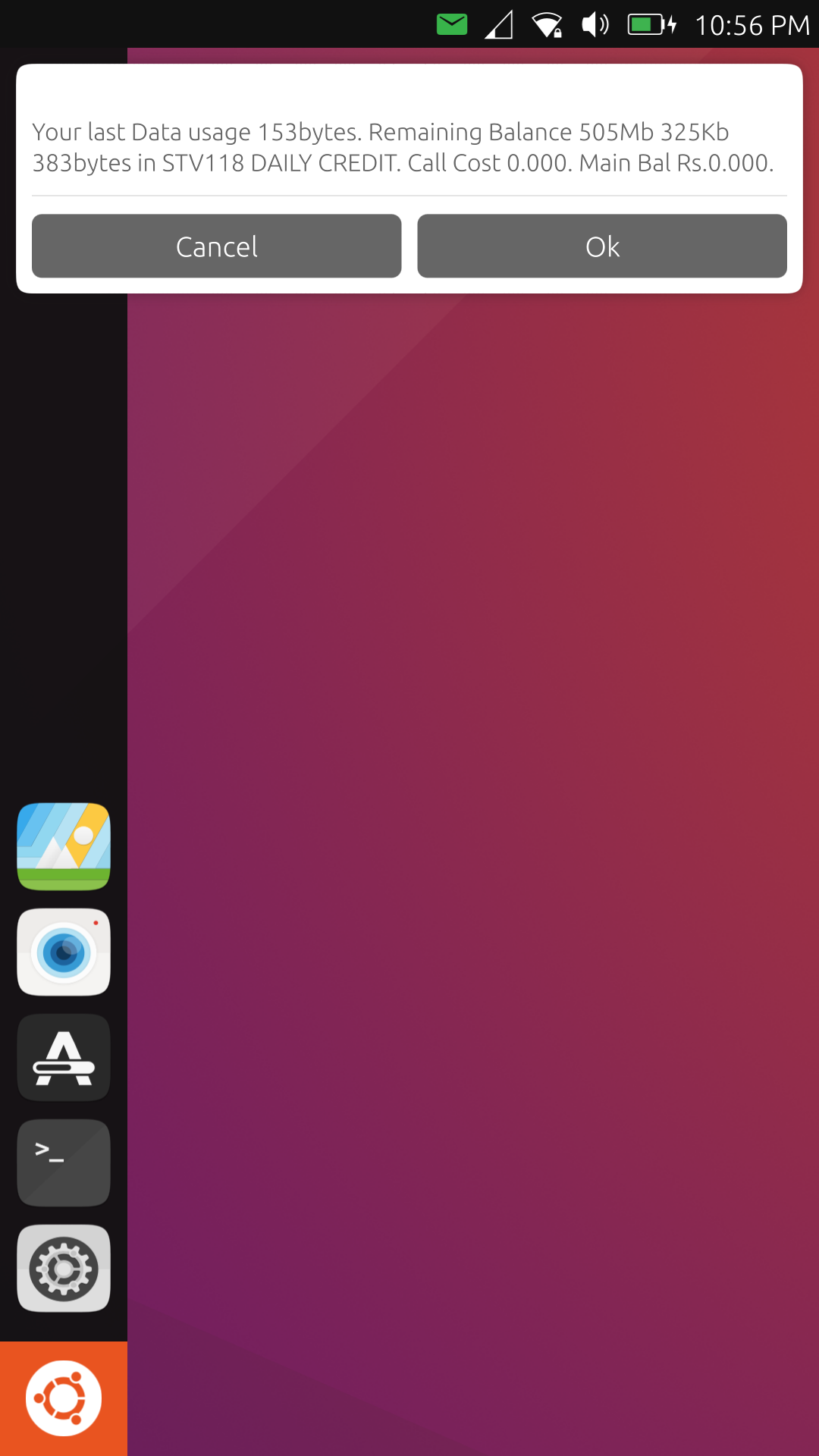
So I was wondering if there is anything else that I can do.
-
"I was wondering if that was possible even in the lock screen."
Indeed, you can go in the top bar menu, there's a screen rotation locker (just click on the icon).
-
"I was wondering if that was possible even in the lock screen."
Indeed, you can go in the top bar menu, there's a screen rotation locker (just click on the icon).
The rotation lock is switched off, but that doesn't rotate the screen when the phone is locked.
-
@somannak So it looks like the accelerometer sensor is not functional on your device, maybe an incomplete port (?)
Works well on all my devices though... -
@stanwood said in Screen rotation on the lock screen:
@somannak So it looks like the accelerometer sensor is not functional on your device, maybe an incomplete port (?)
Works well on all my devices though...How do I fix that? How do I check the ports? I get what might be the problem but am not sure what to do.
-
@somannak So I would suggest you to first go here:
https://devices.ubuntu-touch.io/
Find your device in this list, click on it and check if there is a "port resources" section.
Then try to contact the available channel(s) or maintainers (if any). Some ports (device progress) are currently inactive or even abandoned...
-
Rotation works perfectly the four ways on my devices: bq e5, m10 fhd and fp2. But the lock screen does not rotate. If i use my phone upside downthe screen will rotate and will be usable. If i lock the screen, the lock screen will be uoside down because it won t rotate. When i unlock i get back to the previous rotated screen. hope that makes sense
 Anyway i don t know if it is a bug or a feature...
 -
@redxxiii said in Screen rotation on the lock screen:
Anyway i don t know if it is a bug or a feature...
IIRC that is the current expected behavior.
And it's neither a bug nor a feature but more of a missing feature.Again IIRC there is a feature request for some time now but it's not on top of the list.
And I think it was the same back in the Canonical days...Work has been done on the lock screen recently so maybe something will come up for 20.04 ?
I think it has been discussed in the "Design" category of this forum. -
@applee ok thanks




Hello! It looks like you're interested in this conversation, but you don't have an account yet.
Getting fed up of having to scroll through the same posts each visit? When you register for an account, you'll always come back to exactly where you were before, and choose to be notified of new replies (either via email, or push notification). You'll also be able to save bookmarks and upvote posts to show your appreciation to other community members.
With your input, this post could be even better 💗
Register Login