deeper embed of libertine??
-
@developerbayman i might state the obvious but why not use the UI on the setting page?
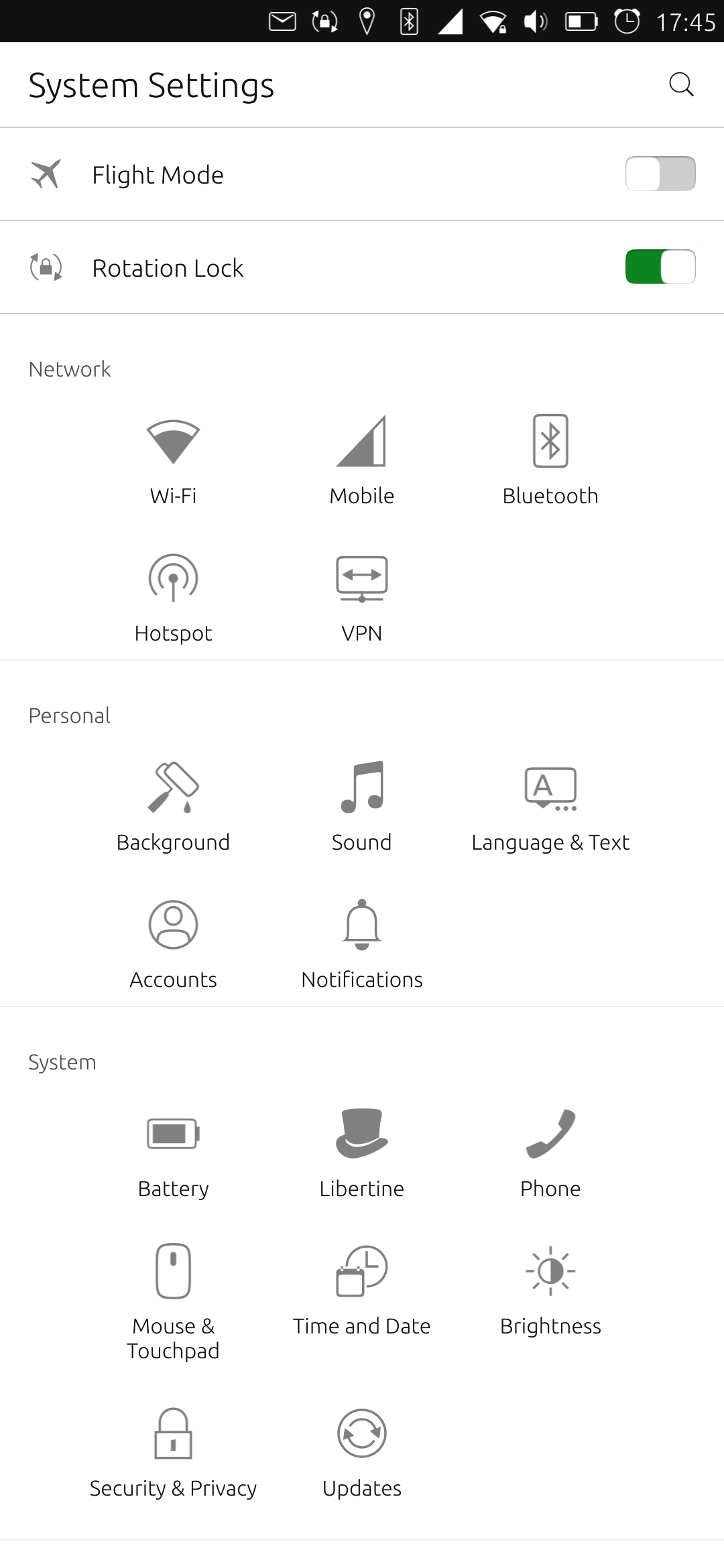

Top right corner + to add package
-
i did on creation it just spins then disappears
-
im thinking R/W permission issue need more info on my end will post back on any new info
-
@developerbayman I've never needed any command line for Libertine and it works nice !
Just do that
BR
Pulsar33Aquaris BQ E5 HD UBports OTA-25 (currently testing features)
Aquaris BQ E5 HD Ubuntu Edition Canonical OTA-15 (last Canonical version, daily use)
Raspberry Pi 4 B - 4 GB & 8 GB with various OS and Desktops (UBports not OK) -
@pulsar33 i did.... it dont work
-
@pulsar33 ill try to post some logs when i get a chance
-
@developerbayman said in deeper embed of libertine??:
@pulsar33 i did.... it dont work
Hi @developerbayman , Do not let the screen go to sleep.

15-25: BQ Aquaris E4.5 Ubuntu edition ☠️?
23-25: BQ Aquaris E5 HD ☠️?
16-Now (Daily use) : BQ Aquaris M10 FHD Betatester
20-Now: PinePhone Braveheart & CE UBports(Family/Daily use)
20-Now: Vollaphone Noble
22-Now: Vollaphone22 Noble -
@bolly oh i did that too then tried executing from the command line After unpacking all the packages, it tries to execute a chroot command dpkg debootstrap and fails
-
@bolly actually we need to get my buddy seth a ubuntu touch phone the guy is a linux god who pwn's the cmd like nobody ......
-
@developerbayman If you install libertine-tweak-tool, you can enable a tool called "lish" (libertine shell) - just type lish (or lirsh for root access) and then you may execute commands from inside the container. It's better than using xterm, it's better than using convoluted command lines - that's what I always use and I believe that's whats you're asking for.
-
@emphrath sweet i didnt know that existed until you just said so!
-
@emphrath nice!



Hello! It looks like you're interested in this conversation, but you don't have an account yet.
Getting fed up of having to scroll through the same posts each visit? When you register for an account, you'll always come back to exactly where you were before, and choose to be notified of new replies (either via email, or push notification). You'll also be able to save bookmarks and upvote posts to show your appreciation to other community members.
With your input, this post could be even better 💗
Register Login