• libreoffice, gedit installation/opening errors

    8
    4
    1 評價
    8 貼文
    3k 瀏覽
    W
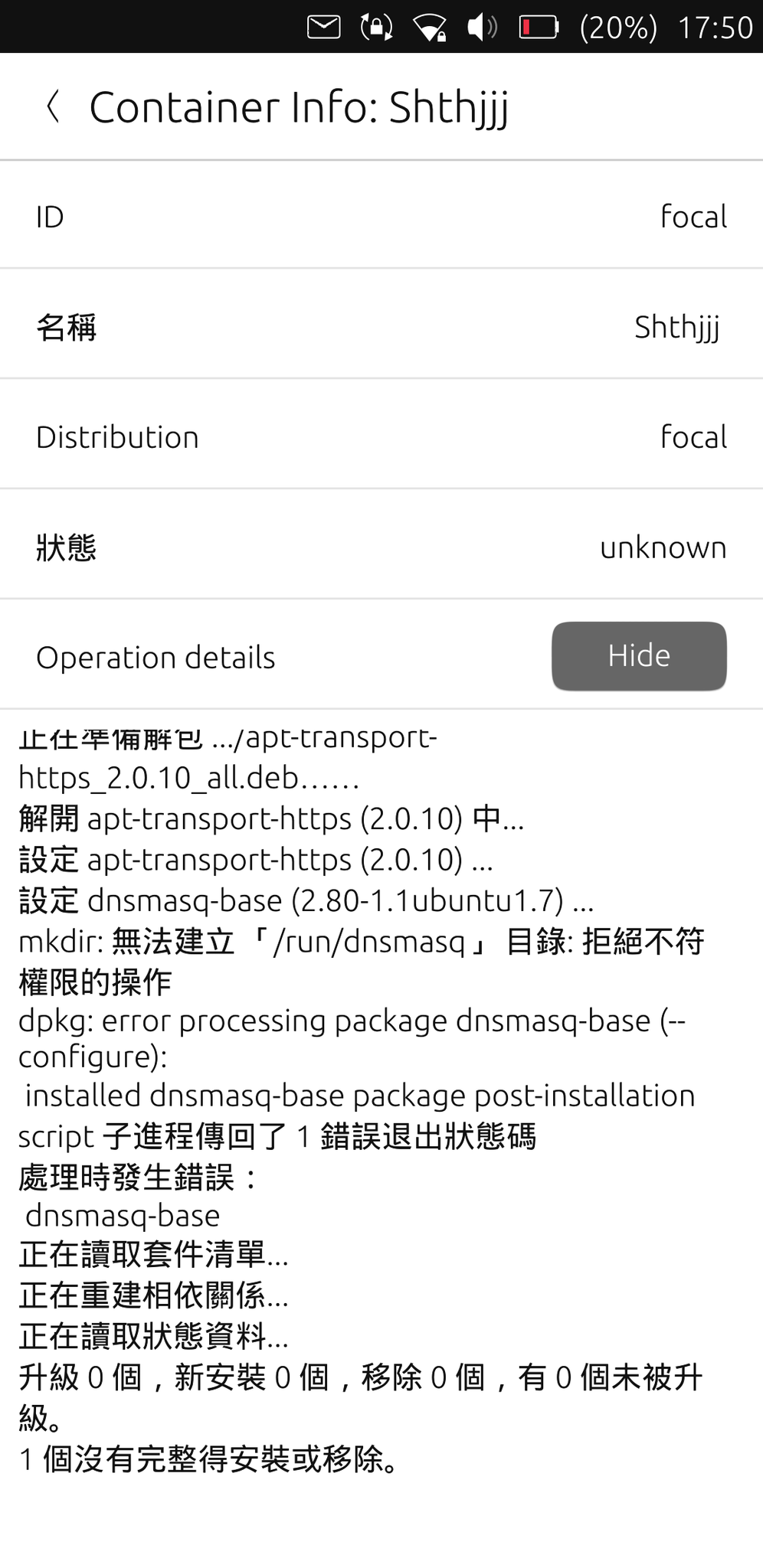
    @gudaoxuri For dnsmasq-base problem, check this solution https://forums.ubports.com/post/79496 And following the step 4~6 should solve the problem.
  • Libertine OTA-3 always failed in dnsmasq

    7
    3
    0 評價
    7 貼文
    2k 瀏覽
    P
    @wynn1212 Awesome! It works! Thank you.
  • How to remove shortcut icons added from Libertine?

    2
    0 評價
    2 貼文
    485 瀏覽
    W
    It was in /home/phablet/.cache/libertine-container/focal/rootfs/usr/share/applications. Beware, everytime when you perform the package update or container update, those icons may reappear again.
  • Cannot get root shell in new Libertine container

    6
    0 評價
    6 貼文
    2k 瀏覽
    F
    @Georg I had similar problems with Libertine. Instead of editing the file from "within" the chroot, i just edited it from outside (as the user "phablet"): nano /home/phablet/.cache/libertine-container/focal/rootfs/etc/nsswitch.conf also I highly recommend using the ADB Shell or SSH
  • libertine Focal don't find group ID

    3
    0 評價
    3 貼文
    1k 瀏覽
    C
    @Bouleetbil I struggled with getting a root shell as well and tried many things, but suddenly found a quite easy way: after logging in to the libertine focal container with libertine-container-manager exec -i focal -c "/bin/bash" type the command "fakeroot" and press return. I could then run apt within the container without the dpkg "requires superuser" errors. or it is possible to use the following command to log in to libertine with user root: libertine-container-manager exec -i focal -c "/bin/fakeroot" EDIT: it might only work for libertine containers of type 'chroot'. (-t chroot when creating the container)
  • Failure to finish creating Libertine container on OTA-3

    libertine installing error ota-3 oneplus
    12
    0 評價
    12 貼文
    2k 瀏覽
    arubislanderA
    @ancientsounds said in Failure to finish creating Libertine container on OTA-3: ... the network I was using was better for downloads Probably that.
  • Libertine display error?

    1
    0 評價
    1 貼文
    305 瀏覽
    尚無回覆
  • Falkon as browser as a tip

    4
    0 評價
    4 貼文
    757 瀏覽
    R
    @naumi if you use libertine tweektools fron open store you can scale things up to make firefox better. Also, have a look around at all the add-ons you can try. Sush as "scroll anyware". For Falkon, if you install plasma window manager, you will get settings to mess around with. themes and button size. However. Having that setup is messing with firefox, making things too big if you want to have booth firefox and falkon. (for example as isolated browsing) So, a bit tricky there.
  • Open off

    1
    0 評價
    1 貼文
    278 瀏覽
    尚無回覆
  • Install package to Ubuntu touch

    2
    0 評價
    2 貼文
    464 瀏覽
    arubislanderA
    @zhennik26 Maybe you could tell us a bit more about what you want to achieve, then we could more easily help you, either by suggesting a supported way to achieve your goal, or adjusting your expectations.
  • Libertine app stuck on black "X11 support" window

    5
    0 評價
    5 貼文
    1k 瀏覽
    G
    @blackwizard_BE I never managed to fix the issue, so I gave up on X11 apps which is a shame. It would be useful to at least know how to debug this issue but I couldn’t figure it out.
  • Read only file system: '/root/.local' when using -t lxc

    3
    0 評價
    3 貼文
    498 瀏覽
    V
    Thank you. Actually, since the type chroot is the default, I don't write it. And yes, it works with or without sudo. Regards
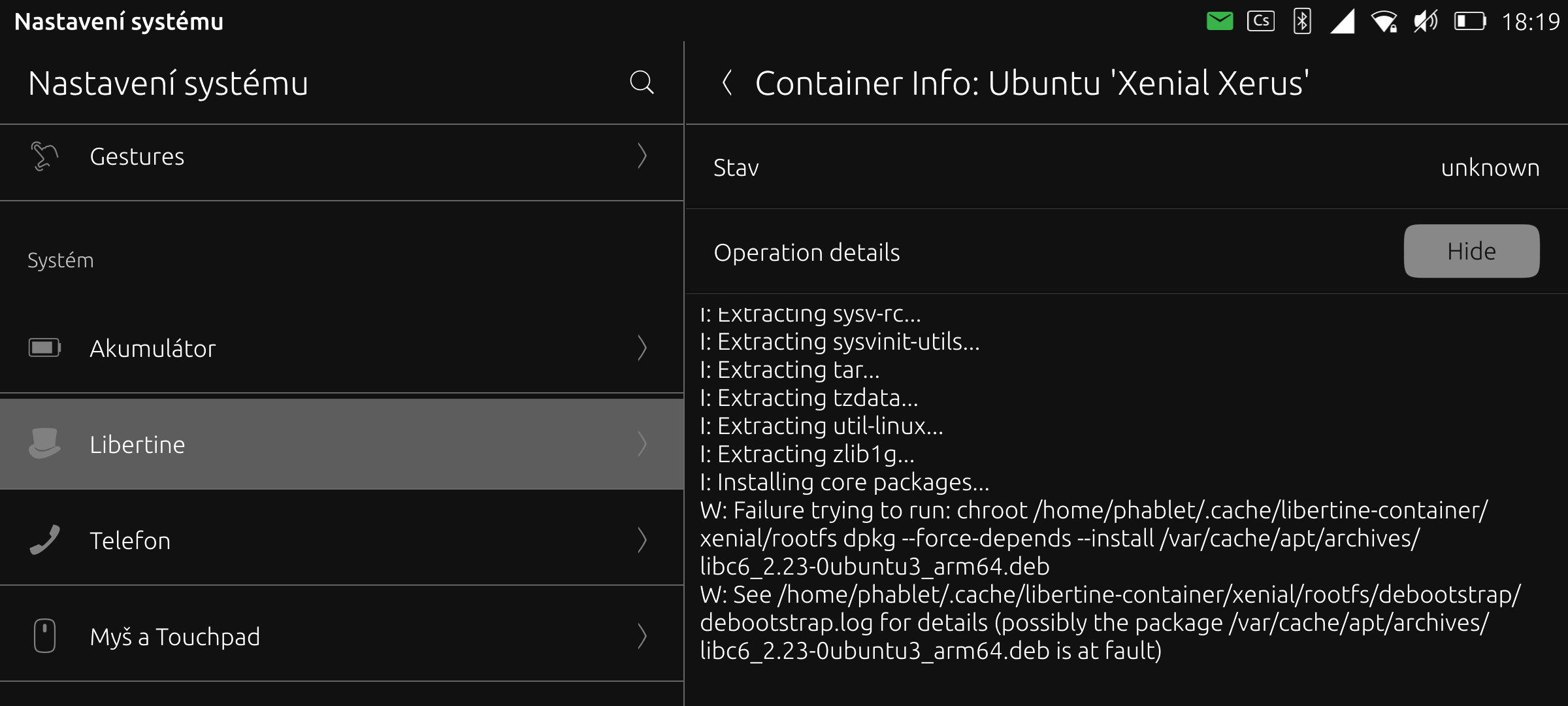
  • w: failure to run:chroot

    error
    9
    1
    0 評價
    9 貼文
    2k 瀏覽
    S
    This fix worked for me, with Redmi Note 9 Pro. Thanks!
  • 此主題已被刪除!

    1
    0 評價
    1 貼文
    3 瀏覽
    尚無回覆
  • 此主題已被刪除!

    1
    0 評價
    1 貼文
    3 瀏覽
    尚無回覆
  • 此主題已被刪除!

    1
    0 評價
    1 貼文
    3 瀏覽
    尚無回覆
  • 此主題已被刪除!

    1
    0 評價
    1 貼文
    3 瀏覽
    尚無回覆
  • 此主題已被刪除!

    1
    0 評價
    1 貼文
    3 瀏覽
    尚無回覆
  • Settings > Libertine on Focal OTA-2 refuses to do anything

    Solved
    13
    0 評價
    13 貼文
    2k 瀏覽
    arubislanderA
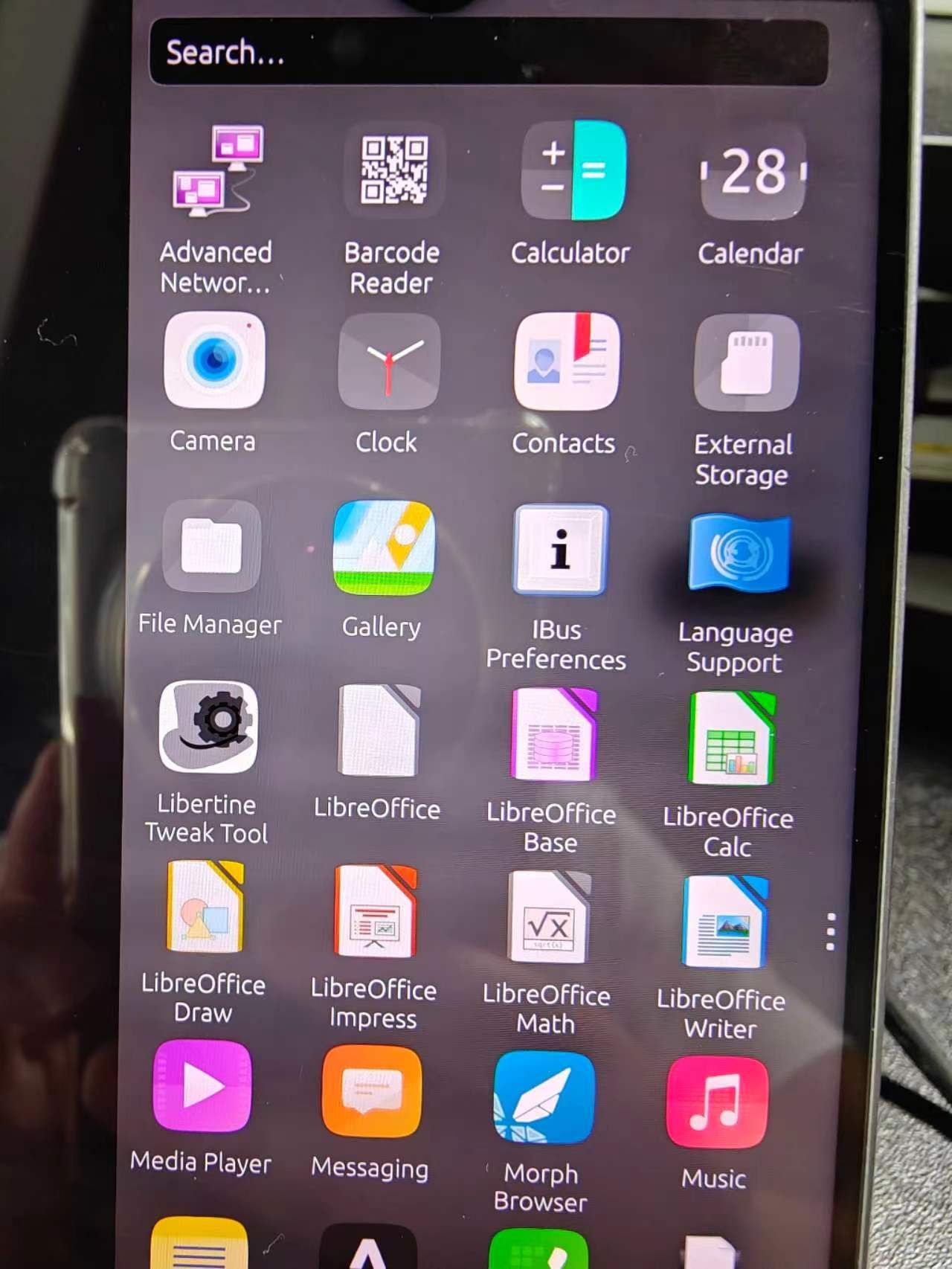
    @dln949 The libertine settings app is somewhat fragile at the moment. (Improvement suggestions and PR's are welcomed.) ... an application like mousepad appeared to be installed, but I cannot find the icon for it in the "app drawer". After installing an application in a Libertine container, it is sometimes necessary to refresh the app drawer to see the new icons. You can do this by swiping down in the opened app drawer. if I tap on the plus sign and select "Choose Debian package to install", I get this message: "No Debian packages available". This is the expected behavior. That option is for installing downloaded deb packages. It displays any .deb files that are present in the Downloads folder. If you know the exact name of the package you want to install, you can use the second button. I almost exclusively use the third button to search the repositories for the package I am looking for. But be careful, one stray tap will have you installing an unintended app. And the best course of action is to let the install run its course, before deleting the package and trying again.
  • Installing .jar desktop apps

    jar jar files install issue installation java
    4
    0 評價
    4 貼文
    697 瀏覽
    arubislanderA
    @user_profile555 I might not be understanding you correctly: Are you trying to install a .jar file with the libertine-container-manager command line tool? That is not going to work, the install-package subcommand only understands how to deal with .deb packages. This .jar file, how would you go about running it on Ubuntu Desktop? That might give us an idea as to how you should go about this, if it is possible at all.