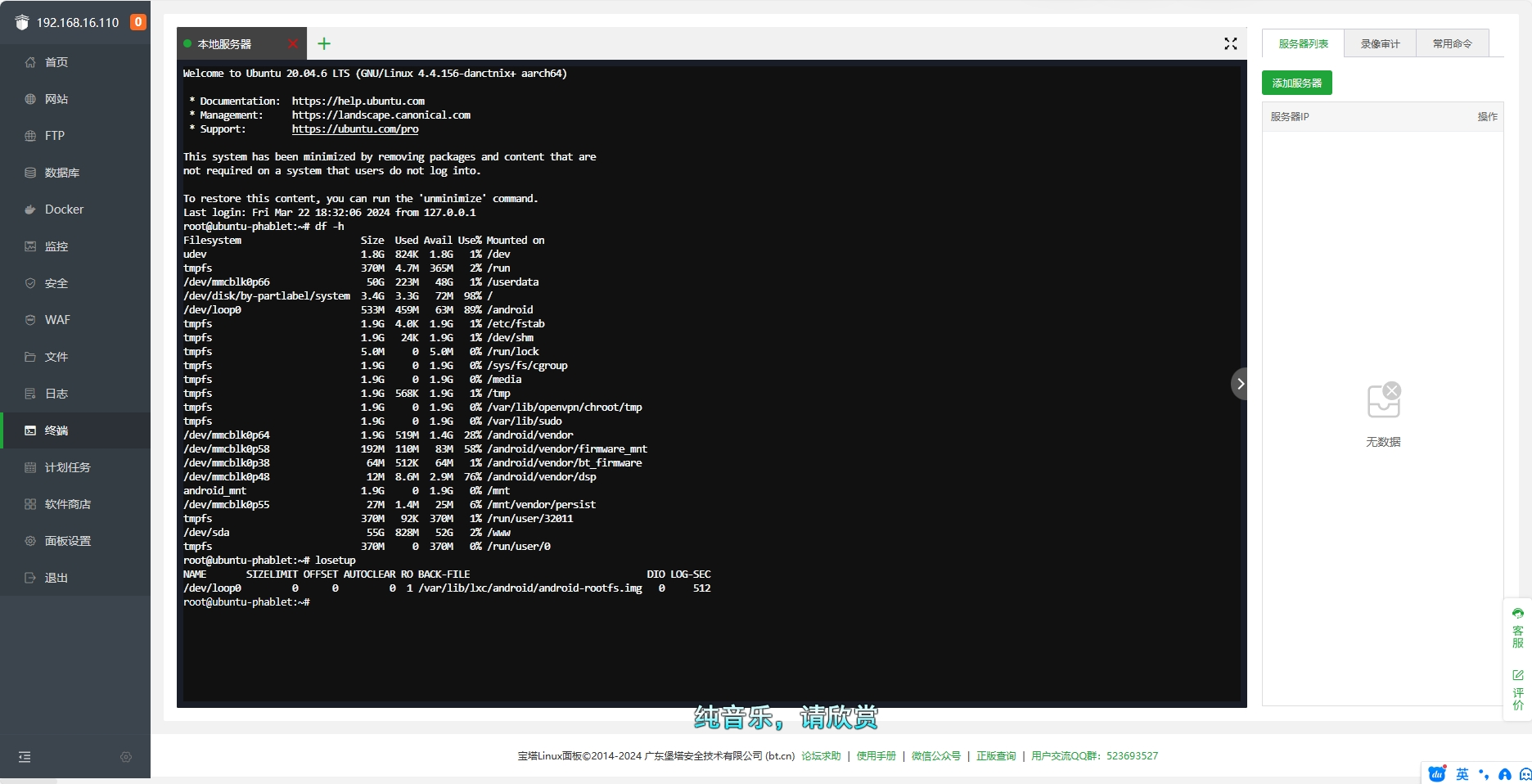
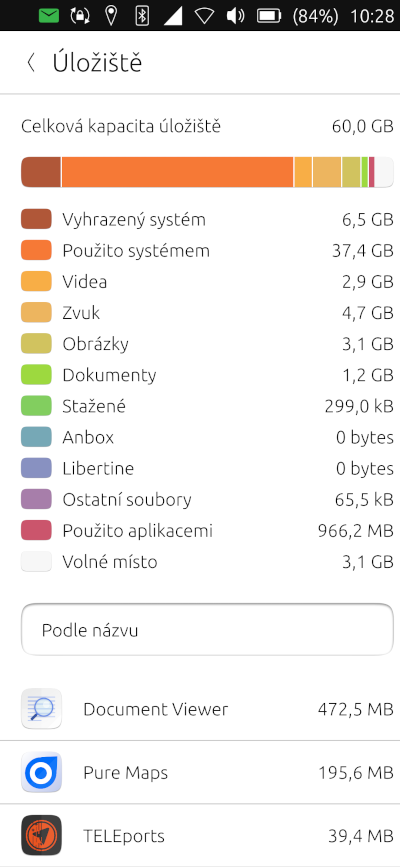
I don't have the Redmi Note 7 but the Note 9 Pro. But the storage space was not displayed correctly in Xiaomi's UT anyway. With the predecessor model Redmi Note 9 it was the same with the storage space. However, I always deleted the data completely during a new installation. You can also reset your data with the UT program on the PC without losing it
@MrT10001 Too bad, and I do agree. I did like Lubuntu, but my favorite was KDE for a slick Desktop, but I assumed, ignorantly that Lubuntu would be identical just with out the same desktop. but yeah. Thanks
@MrT10001 just someone needs to create a merge request, with a new feature file for focal, like this:
https://gitlab.com/ubports/infrastructure/devices.ubuntu-touch.io/-/blob/main/data/devices/lavender/releases/xenial.md?ref_type=heads
@OtaDr I think it may be an issue with the bootloader. Whenever I switch any Xiaomi phone off with UT on it, it will boot to a blank screen which is usually fastboot mode. I leave it for about 20 minutes and then it boots up normally.
[image: 1707326045931-note7issues.jpg]
Offline charging wasn't supported on Xenial, so looks like that issue has been carried over to Focal.
@Deathmon So is the data partition formatted to EXT4? Had you installed the correct version of Android?
The above two things will stop your install at that point and are what you have to do before you start the UT install.
@MrT10001 said in Execution apps closing issue:
@rocky58 INot seeing this on mine. I would do a reinstall busing the UT installer and wiping data ( back up anything you need first).
I tryed all other channels (No success), reinstalled UBPorts (No success). I must only reboot... but after some time the issue is there