Signal UT: Signal-Desktop for Ubuntu Touch
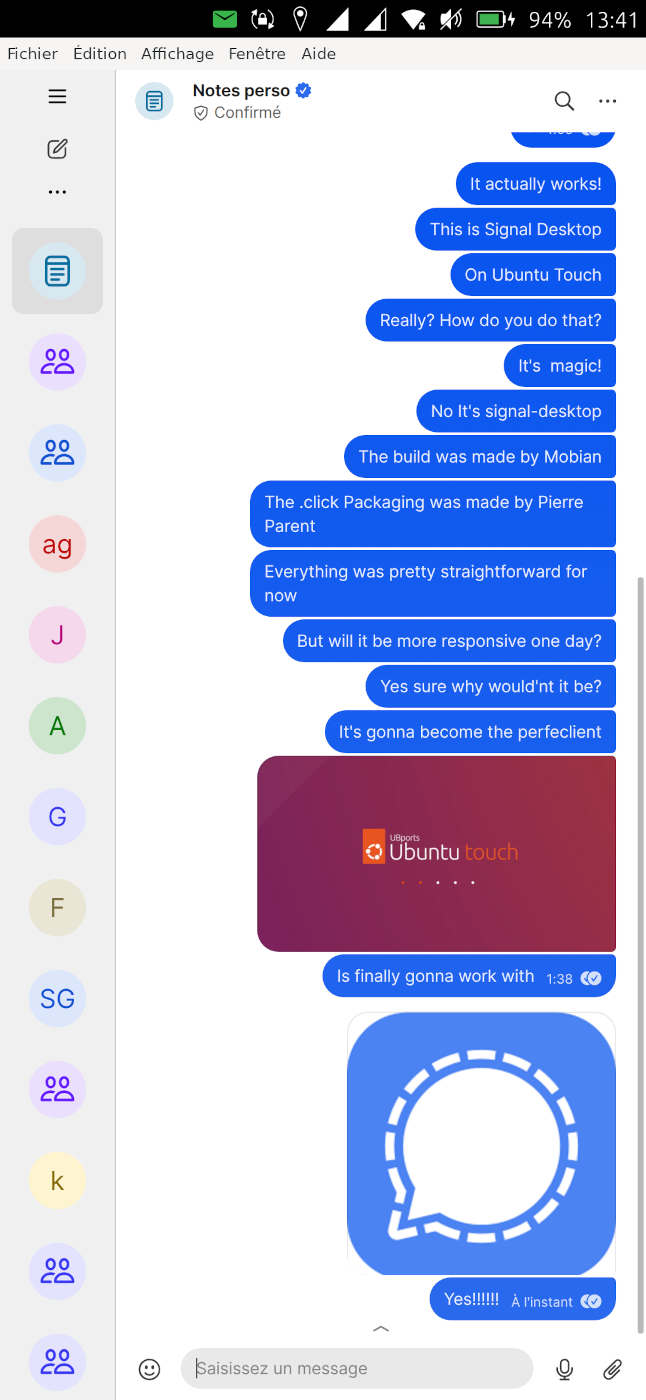
-
Some hacks found after a lot of debuging, investigation, trial and error, and perseverance!
I've realized that simulating a keypress from an external keyboard in the window will unlock the enter and back button
-
I've release a the new version 7.80.1-1 with the following improvements:
-Allow microphone
-Allow downloading files with contenthub
-Bump to signal-desktop 7.80.1: includes support for pollsPlease read the new "tips and tricks" section, and if you see a significant bug not mentioned in this section, and not previously reported, please report here or in github! Thank you!
You can also report if everything is working fine (new features)!

-
Now the microphone is enabled, if some people can test calls, it would be nice to know the level of usability, the presence or not of echo, and the audio quality!

-
@pparent I am very happy to have the voicemail option now, because I prefer them instead of typing.
The recording in terms of presence, echo, and the audio quality is very good.
-
@pparent Maybe in the near future the Signal Icon (it is an X in this case) will be function on a xaomi pocco x3 nfc.
-
@pparent the emoticons are usable square but not up ride
-
@pparent Volla Quintus, 24.04.1.1 stable. I made a call and sound was very good on both sides. Thanks btw for your amazing work
-
This post is deleted! -
@bunt7 said in Signal UT: Signal-Desktop for Ubuntu Touch:
@pparent Maybe in the near future the Signal Icon (it is an X in this case) will be function on a xaomi pocco x3 nfc.
I the future yes, in yes near future no. It will not happen before the system upgrades to Mir.2.x and we can switch to Wayland which might not be, before another 6 month (or more). It depends on the Ubuntu Touch roadmap. Until then, there is nothing that I can do on my side. In the mean time you can pin the icon while exporting to content-hub.
the emoticons are usable square but not up ride
I'm not sure to understand, can you explain more?
-
@pparent I can´t send pictures at the moment, but I try to describe it.
There is a possibilities to set an emoticon: direct on the left beside the text "(-:" This doesn't work on my phone.
But now I found out, that there is another possibility on the downside between "where you can change to numbers". The button shows like a "earth".
So for me is ok now, but first I did not know the second way to set a smiley. -
@bunt7 said in Signal UT: Signal-Desktop for Ubuntu Touch:
There is a possibilities to set an emoticon: direct on the left beside the text "(-:" This doesn't work on my phone.
Hum ok well that's strange, on my phone I can add a smiley both from Signal Panel, and from the keyboard (via the icon like a earth).
But it's true that even on my side the smiley panel is a bit buggy keyboard opens and closes many times, sometimes I need to click twice on the button, but other than that it is usable! (It seems it works more reliably if you first click click elsewhere to close the keyboard, and make the text-edit area be at the bottom of the screen) There might be a bug though I will see later.
-
By the way next release will focus on Importing/Uploading files.
-
@pparent very cool


