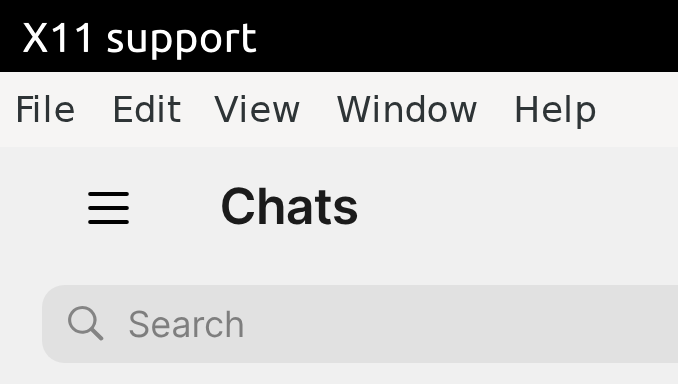
Solved by clicking on the kebab menu on the top left and then clicking on the cog on the bottom left. Then click General and tick "Hide menu bar" under System.
 A
Offline
A
Offline
Latest posts made by autostatic
-
RE: Signal UT: Signal-Desktop for Ubuntu Touch
-
RE: Signal UT: Signal-Desktop for Ubuntu Touch
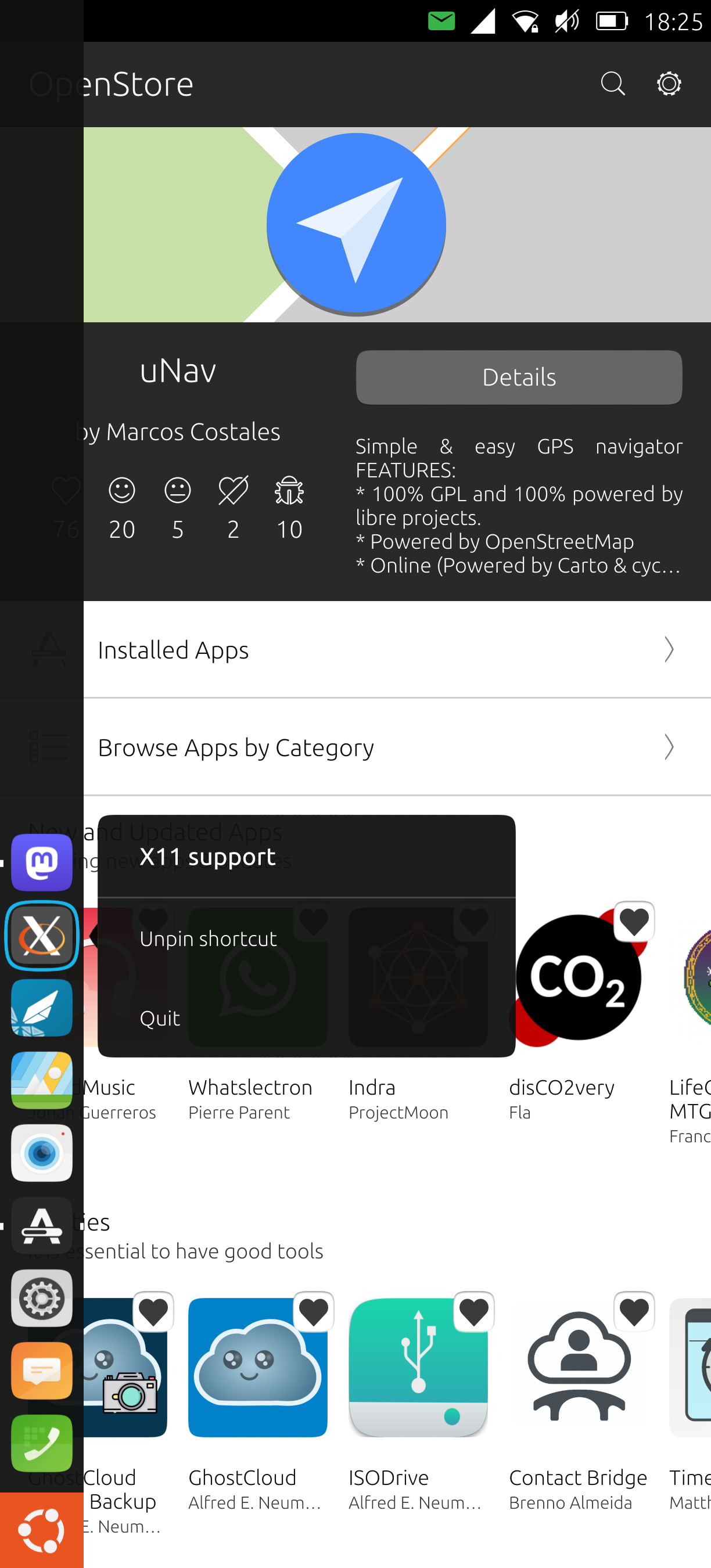
Ah thanks, silly me, I was actually trying to import a picture instead of exporting. I can pin the icon now but when I start Signal UT the X.Org logo appears again. If I then select the Signal UT icon the app starts a new instance and doesn't go back to the already opened app. I have to select the X.Org logo to go back to the already opened Signal UT app. So you can pin the icon and start the app with it but it doesn't allow you to take you back to the app if it's already open when you select it.
-
RE: Signal UT: Signal-Desktop for Ubuntu Touch
If I reinstall after having disabled Microphone permissions for Signal UT I don't get asked anything either.
-
RE: Signal UT: Signal-Desktop for Ubuntu Touch
@Ida_ Thanks! But I also tried reinstalling which didn't make a difference. If I uninstall the app the Microphone permission gets removed but when I reinstall again I'm not being asked for granting permissions and the Microphone permission gets added automatically.
-
RE: Signal UT: Signal-Desktop for Ubuntu Touch
@pparent Thanks, but where can I export a file? Is "Open with another app" exporting? If I do this and swipe to the left I don't see a Signal UT icon, I get the app pager then. If I select Signal UT in the "Open with" window the X.Org logo appears again after a while. When I do this with Signal UT open it crashes by the way.
-
RE: Signal UT: Signal-Desktop for Ubuntu Touch
@pparent I would also like to hide the top menu but I can't access File - Preferences - General - System - Hide menu bar. If I click on an item in the menu bar the app shifts a little but shows no dropdown entries.
-
RE: Signal UT: Signal-Desktop for Ubuntu Touch
@pparent Thanks for getting back to me so fast! And thanks for providing the app! Pinning the app when I'm in System Settings - Security & Privacy - App permissions - Microphone doesn't make a difference. Exporting a file to the content hub can be done with opening File manager, selecting a file and then selecting "Open with another app" and then selecting Signal UT? That doesn't work either. Also when I rotate the screen I see "X11 support" on top on the left. With other apps this name on the top left corresponds with the actual name of the app.
-
RE: Signal UT: Signal-Desktop for Ubuntu Touch
Hello,
After having installed Signal UT on a Fairphone 5 with Ubuntu Touch 24.04.1 the shortcut in the Lomiri menu for the app is called "X11 support" with an X icon. Is there something I could do about that? I assume it's supposed to be a Signal icon with a designation like "Signal UT". Thanks!
Jeremy