@kugiigi The screenshot and screen recording feature of my phone both suddenly stopped working for some reason....
Anyway I managed to get a screenshot
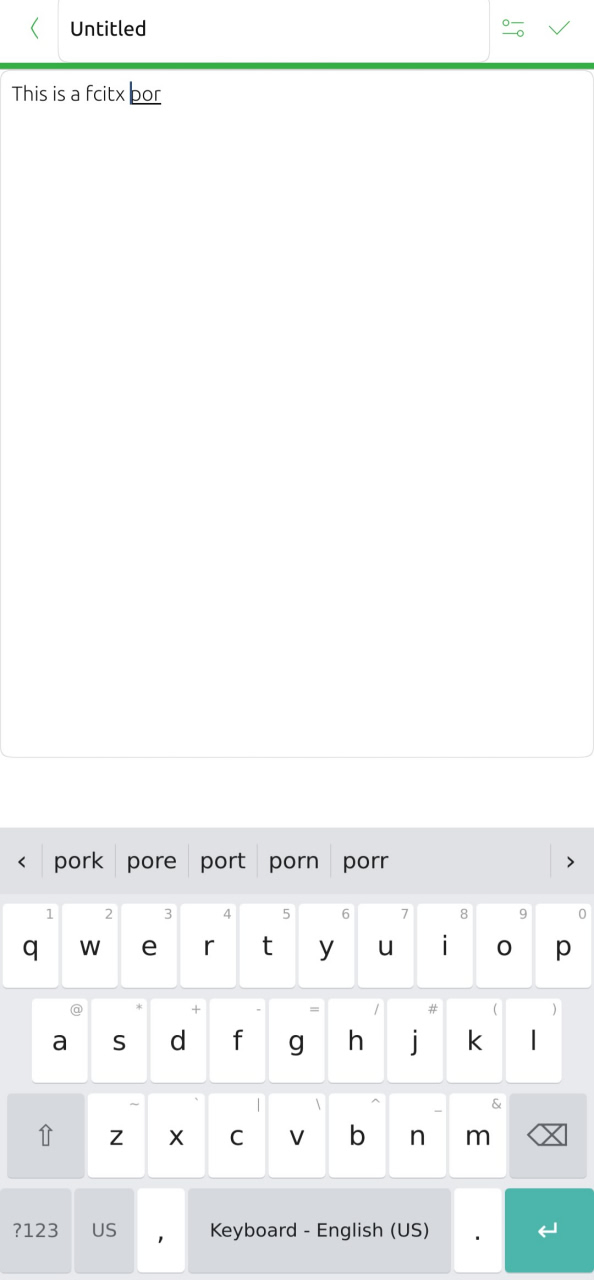
@kugiigi The screenshot and screen recording feature of my phone both suddenly stopped working for some reason....
Anyway I managed to get a screenshot
@gpatel-fr said in Fcitx-ub: a new keyboard for ubuntu touch:
Yes, I could not repro it with Morph. However I can repro it every time with Min (min.pparent is a minimalist Chromium browser with OSK added with a hack, like for LibreWolf). I'd guess that's the only browser that can start with a truly blank page. I tried it again with the default system keyboard and the problem don't exist.
I see, interesting.
@gpatel-fr said in Fcitx-ub: a new keyboard for ubuntu touch:
well, the FP5 with 8 Mb ram is one of the more powerful phones running UT
This is surprising. My oneplus n10 takes much less time. Anyway I'll design a UI for this.
@gpatel-fr said in Fcitx-ub: a new keyboard for ubuntu touch:
the 'AZ' button now refuses to do anything. I selected an Azerty keyboard that displays in Qwerty
I see.. Indeed I didn't test for french keyboards. The next main step of development will be testing for different languages. However this won't happen before next next weekends I am afraid....
@projectmoon It is now set to 30% of screen height. Please create issues if you want it adjustable and hopefully it will come in some future release.
@gpatel-fr Sorry for not documenting this. I think only restarting the fcitx daemon in the app should be able to install/restore. Reboot is not necessary.
Thanks for you detailed review and feedback!
Regarding your minor points:
For making the setting in system preference, I am afraid it is beyond my current knowledge. Even on android, all keyboards have their own config menu instead of showing up in android keyboard settings. Of course since ubuntu touch is still ubuntu I can hack the system deeper to put the setting there but this will be strongly against open-store policy I guess.
BTW, I would be truly grateful if you are willing to create issues. I am a stupid forgetting person living a chaotic life I lose track of everything easily 

It brings more advanced word complete/fuzzy match and other features fcitx have to replace the current Maliit keyboard.
Notice it is highly beta at the moment, and require using quite several privileged/non-intended-for-click-to-use APIs to do its job. It is far from thoroughly test, and may break in all kinds of ways on all kinds of occasions, or upon system updates. If stability and reliable usability is what you prefer, you should keep using system keyboard.
Tappable tag chips now appear below the tags field in both the add and edit forms. Chips toggle tags in/out of the field and show filled when active. A new Settings → Tag shortcuts page lets you choose which tags appear (or show all by default).
Undo the last Taskwarrior operation from the overflow menu on the main page.
Each task row now has a slim colored bar on its left edge indicating urgency: red (≥10), orange (≥6), yellow (≥3), green (≥0), gray below. Fully customizable in Settings → Urgency colors.
v0.2.0 is released
Changelog:
UBflux is a miniflux client for ubuntu touch. (miniflux is a rss self-host project)
@kugiigi Upon install, the daemon file will be installed but not enabled/started by systemd, that inside the app does enable+start. On update, the daemon file under systemd's ExecStart will be replaced, but due to the nature of systemd, the newer version will not be executed upon next restart/reinstall daemon.
What do you mean totally broke the system? What are your observations? How do you arrive at the conclusion it is caused by UBConnect? Could you share some logs and also create an issue?
At least on my device the clipboard is still working without problem.
@kugiigi The app update will update the daemon at the same time, I think.

It works, including sync. That's all.
@kugiigi There were certain corner cases like multiple devices in same LAN and not reliable network and clipboard happening all the time etc. Thanks for the feedback, good to know it works.
v0.1.1 has been released on open-store. The battery consumption of UBConnect should now be negligible (and there is now an icon).
@kugiigi I think some change on system is indeed needed. Android also introduced restriction to clipboard some years ago, and force KDE Connect to change to using persistent notification with a send clipboard button. The problem is Ubuntu Touch doesn't even allow apps to write to clipboard in background in a confined way. I tried (in a non-public branch) to use indicator to achieve a similar behaviour of persistent notification to abandon the daemon, however the allowed behavior of the indicator on Ubuntu Touch seems to be also rather limited (I could be wrong, I am new to Ubports and am still learning).
UBConnect is a KDE Connect compatible client for Ubuntu Touch. It ships a background daemon and a QML-based UI that work together for LAN discovery, clipboard sync, notifications, and file transfer.
v0.2.0 is released
Changelog:
This project is highly beta, highly privileged, and highly unconfined. The author will be using it every day so one might expect the author to be noticing and fixing bugs, but use at your own risk.
Especially, this project have following behavior you might concern:
common/: shared C++ helpers (logging, protocol, keystore, device info).daemon/: background service, DBus bridge, networking, clipboard, notifications.ui/: Qt/QML UI client and device model.ui/qml/ and daemon/qml/: QML assets for each component.manifest.json.in, *.apparmor: packaging and confinement templates.cmake -S . -B build
cmake --build build
Install into the staging prefix (useful for packaging):
cmake --install build
clickable build
clickable run
Build outputs include:
ubconnect-daemon: background service.ubconnect-ui: QML UI client.On-device service helpers:
daemon/install.sh
daemon/uninstall.sh
manifest.json and AppArmor policies are generated from templates during the
CMake configure step. The Click framework selection comes from the environment
(CLICKABLE_FRAMEWORK, SDK_FRAMEWORK, or CLICK_FRAMEWORK).

https://github.com/nylar357/nord_oem might help you. But I have to warn you I haven't tried it.
