UBports Robot Logo UBports Forum
    • Categories
    • Recent
    • Tags
    • Popular
    • Users
    • Groups
    • Search
    • Register
    • Login
    1. Home
    2. fairose
    3. Posts
    F
    Offline
    • Profile
    • Following 0
    • Followers 0
    • Topics 2
    • Posts 18
    • Groups 0

    Posts

    Recent Best Controversial
    • RE: No internet connection since update to 24.04-1.1 on FP4

      I can't realy remember what I did to end up here but the following command solved the problem:

      sudo nmcli c dwn wg0
      

      With that command I was able to disable wireguard. I don't know why but for some reason that old wireguard profile got activated by the update. Now websites, emails and apps work again.

      Thank you all very much.

      posted in Support
      F
      fairose
    • RE: No internet connection since update to 24.04-1.1 on FP4

      Thank you for all the answers.

      Yes, I think I had wireguard installed at some point. But I didn't edit the configuration in a long time. Now I am not realy sure how/where I did the edits. I don't have any VPN or wireguard-specific app installed. And as meantined above the VPN-menu in the setings is empty. I am not sure if the wireguard-VPN was in use or even working before the update.

      Where could I remove/deactivate the wireguard-config and go back to direct internet connection?

      posted in Support
      F
      fairose
    • RE: No internet connection since update to 24.04-1.1 on FP4

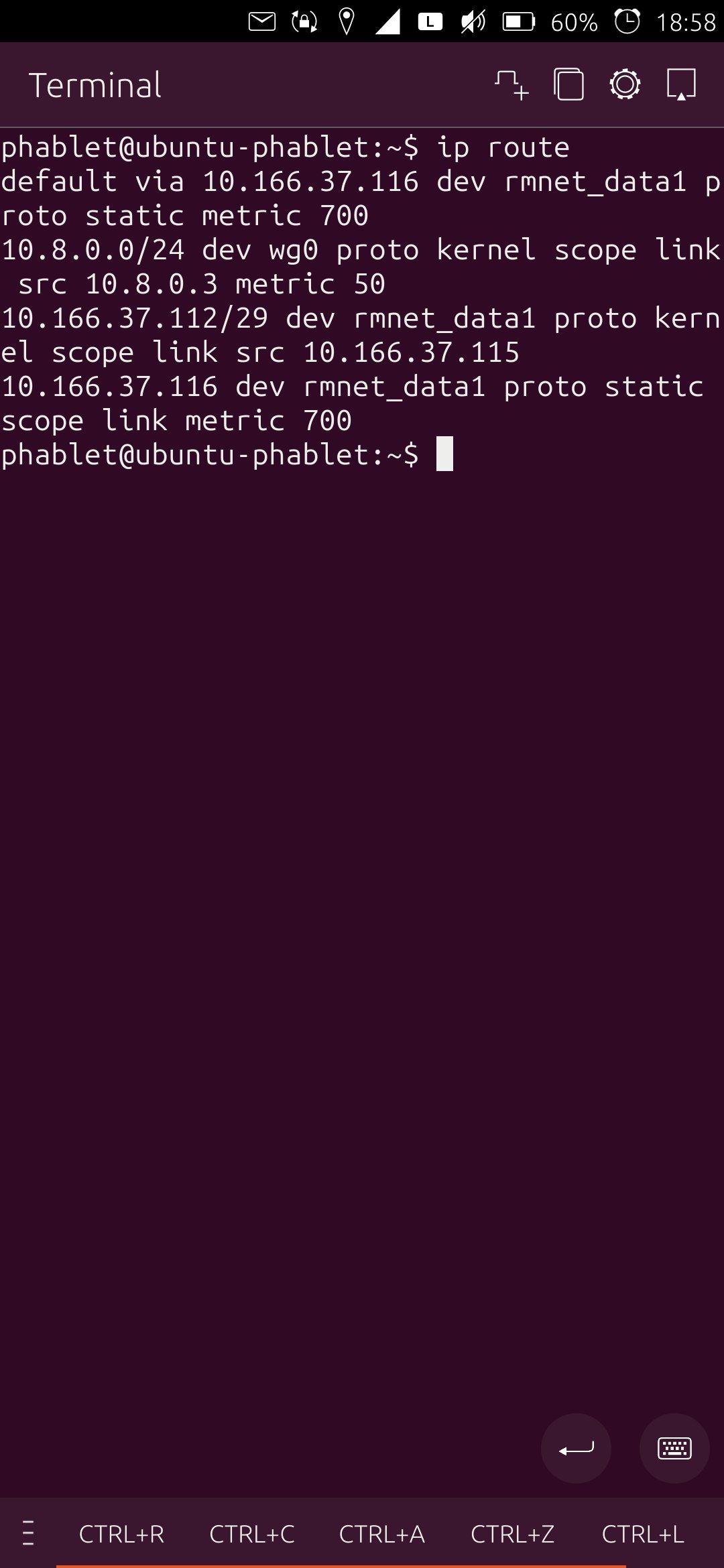
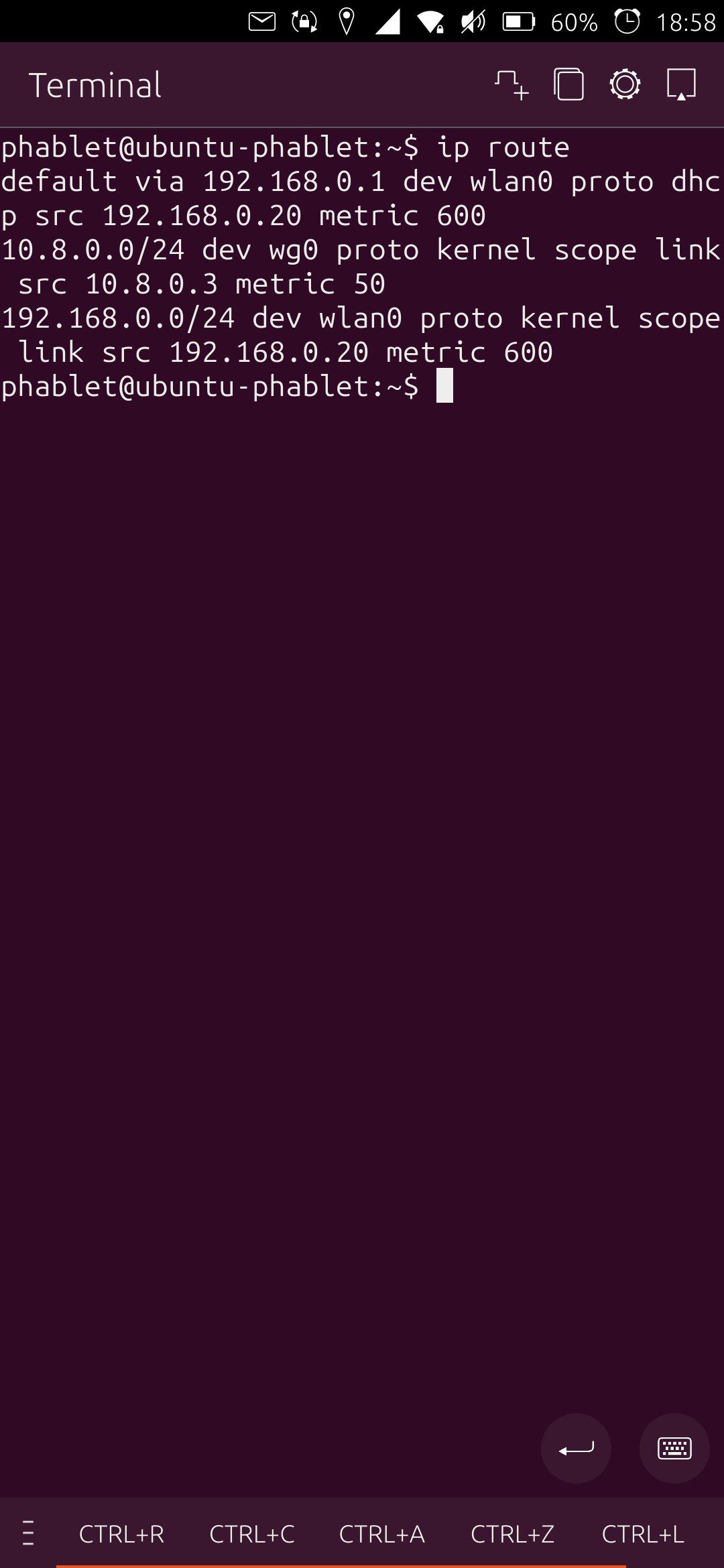
      ip route givees me (on sim and wifi):
      photo_2025-12-08_18-59-00.jpg

      photo_2025-12-08_18-59-01.jpg

      So on wifi I have something with "dev wlan0" on my wifi. But that disapperas when I switch to the sim.

      I am changing between cellular data and wifi over the top menu, so that ist not the problem.

      posted in Support
      F
      fairose
    • RE: No internet connection since update to 24.04-1.1 on FP4

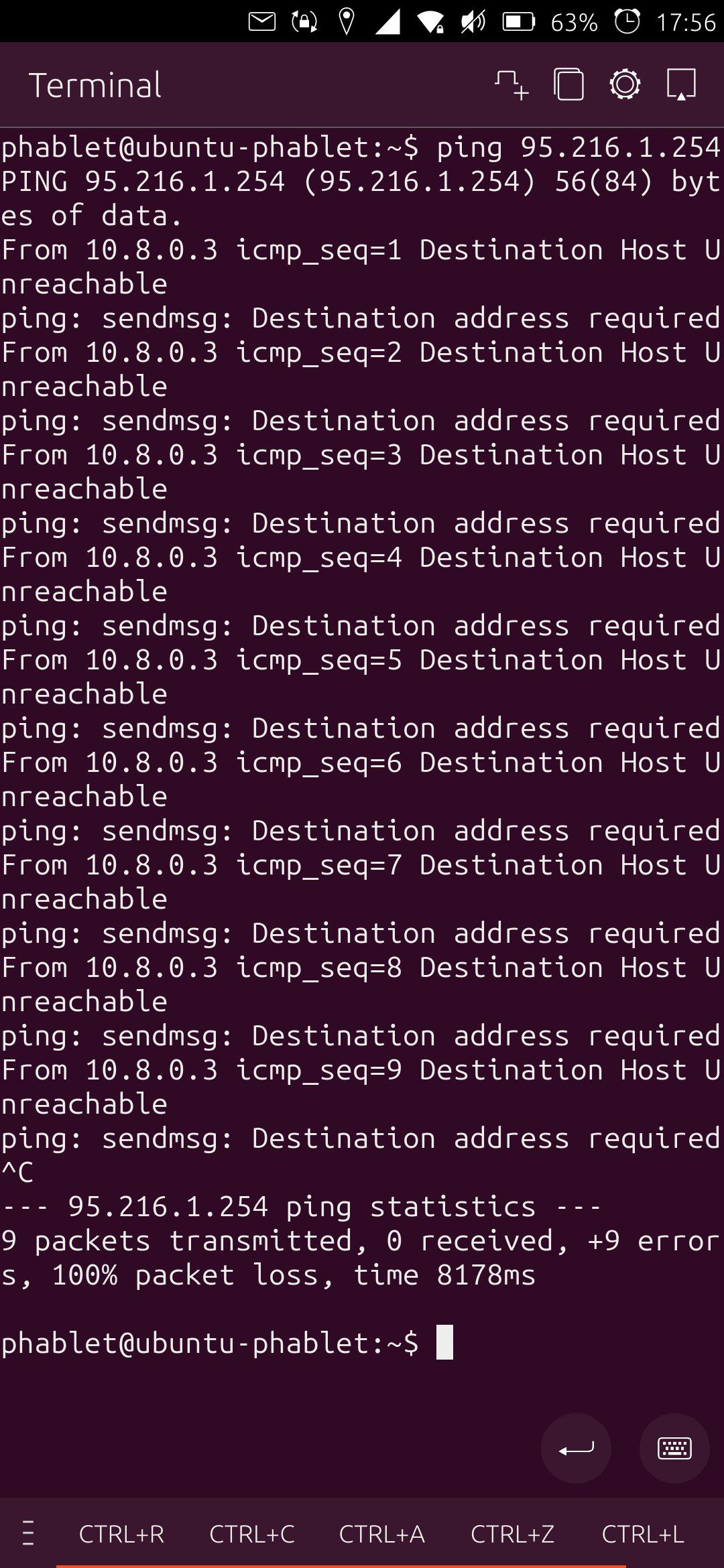
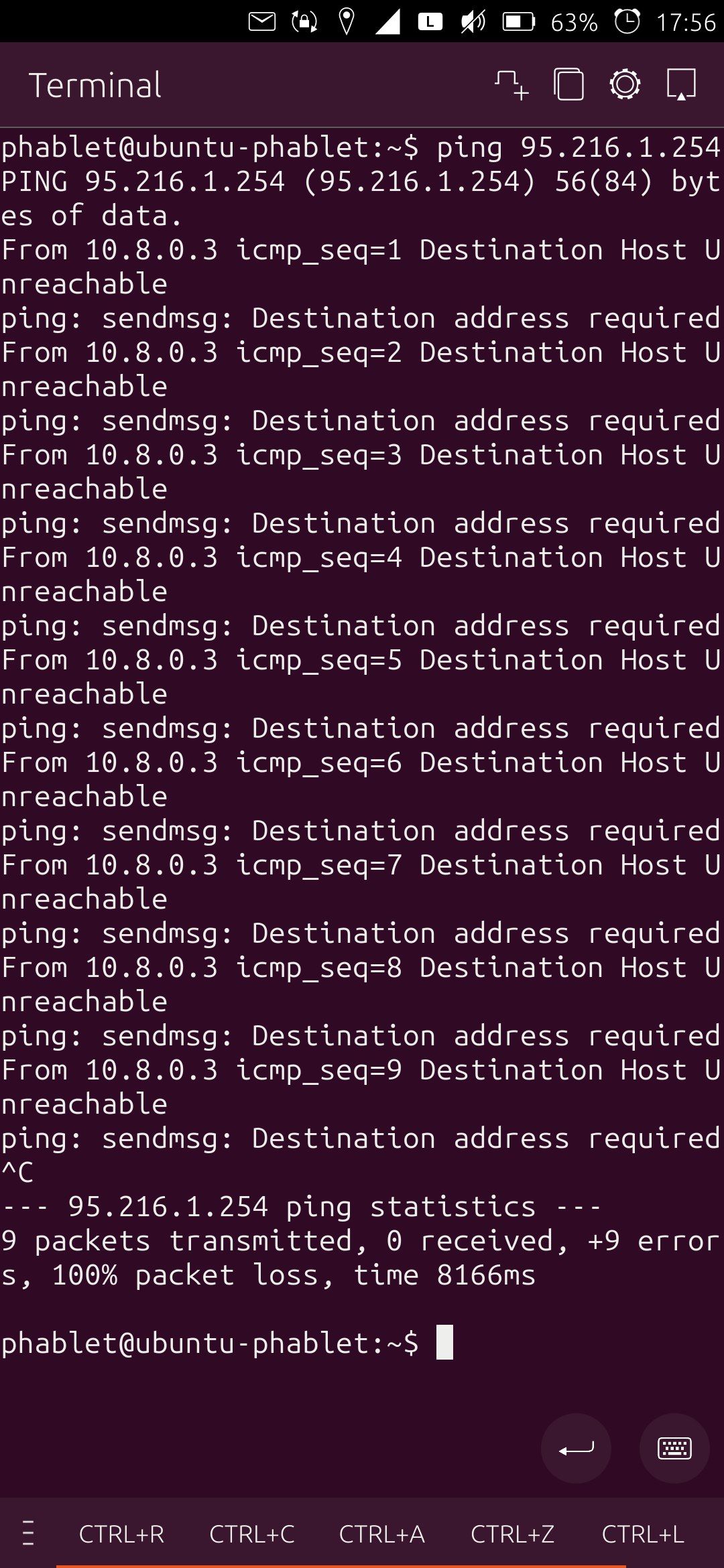
      Here you can find the results of the commands. I executed both commands on wifi and on SIM-connection.
      photo_2025-12-08_17-58-05.jpg

      photo_2025-12-08_17-58-06.jpg

      photo_2025-12-08_17-58-07 (2).jpg

      photo_2025-12-08_17-58-07.jpg

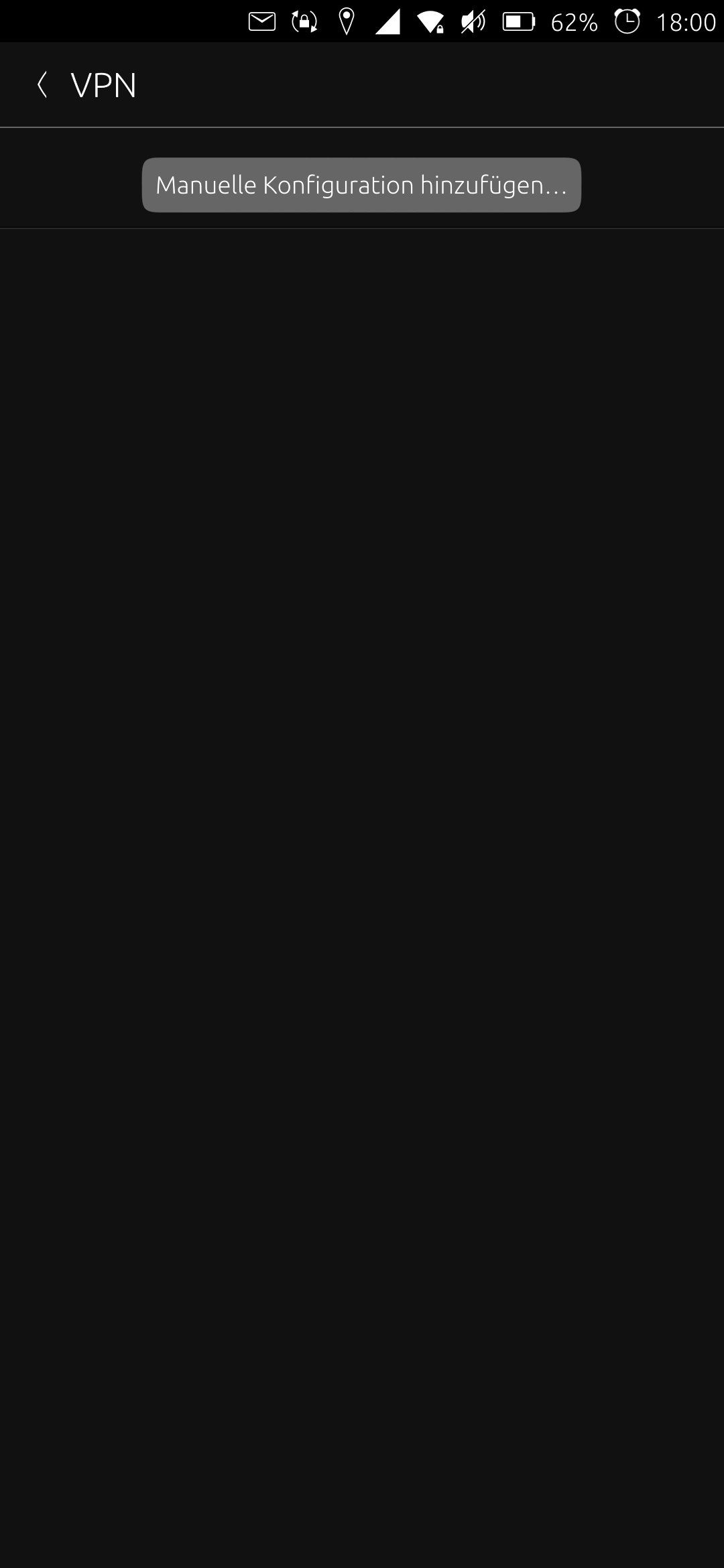
      I think at some point I had a VPN set up. But that was a long time ago. My Settings-page for VPN looks like that:
      photo_2025-12-08_18-00-56.jpg

      Does this information help?

      posted in Support
      F
      fairose
    • RE: No internet connection since update to 24.04-1.1 on FP4

      @pparent Thanks for the reply.

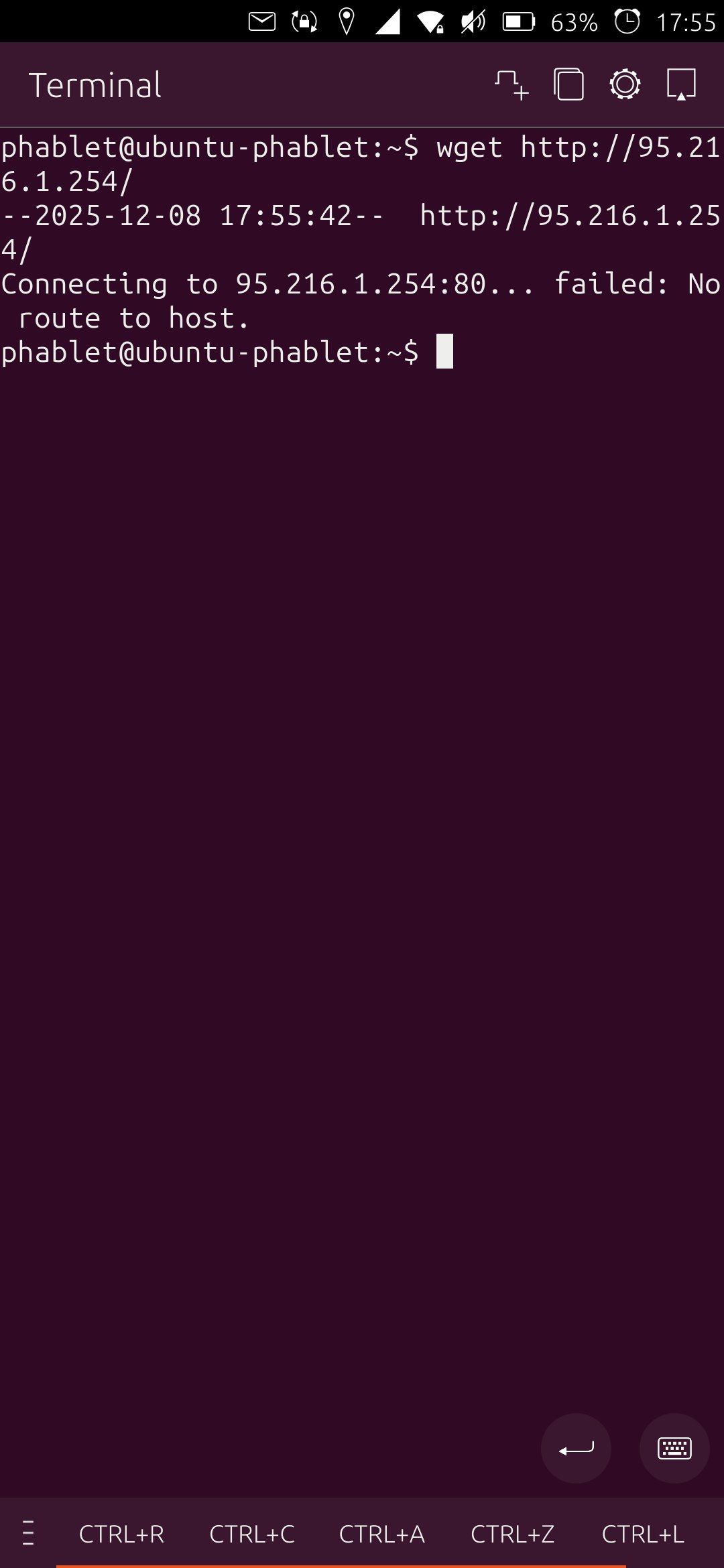
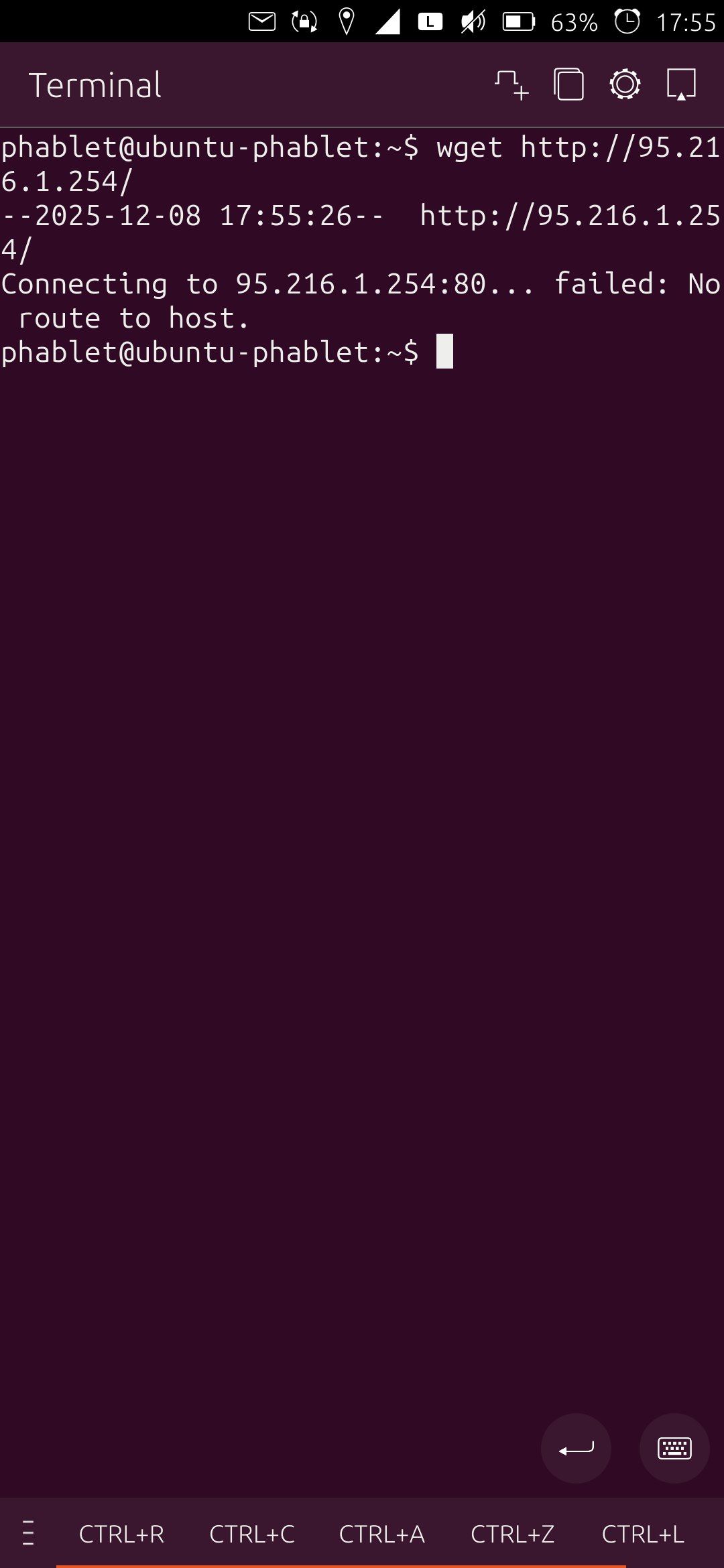
      I tryed the IP http://95.216.1.254/ but I get the same error:

      Error: net::ERR_ADDRESS_UNREACHABLE
      

      I changed the DNS-Server-Settings in my router back to default instead of using PiHole. That does not change anything. Other devices in the network still work fine while my phone has no connection.

      I just noticed that TELEports only works when I am on my my wifi. With a connection via SIM Telegram is not able to connect to the web.

      I barely remember that I tried installing an adblocker on my phone but I can't find anything. Are there any settings in the menu or in UT Tweak Tool that could be related?

      posted in Support
      F
      fairose
    • No internet connection since update to 24.04-1.1 on FP4

      I recently updated to Version 24.04-1.1 on my Fairphone 4. The update went without any problems as always. But since I executed the update, I can't reach websites anymore.

      It does not matter if I use the SIM-card or wifi for the connection. I always get an error when I try to reach the internet.
      Morph Browser gives me

      Error: net::ER_NAME_NOT_RESOLVED
      

      and Sapot Browser gives me

      Error: net::ERR_ADDRESS_UNREACHABLE
      

      The browser in Waydroid gives me

      net::ERR_NAME_NOT_RESOLVED
      

      However, when I am in my wifi I can reach websites on my local server (192.168.xxx.yyy) without problems. I also tryed to visit 20.43.161.105 (the ip of duckduckgo.com) but that isn't working eighter.
      The OpenStore does not load anything. Sending Messenges via TELEports works just fine for some reason. Calls going in and out also work as usual.

      Has anyone an idea on how to fix that?

      posted in Support
      F
      fairose
    • RE: Status of VoLTE (Voice over LTE 4G) implementation?

      @JohnB said in Status of VoLTE (Voice over LTE 4G) implementation?:

      I found an active open source bounty website that supports multi-user bounties, and talked to them in their discord

      Thank you for that work!

      @JohnB said in Status of VoLTE (Voice over LTE 4G) implementation?:

      I think this is a setting where a lot of small bounties could add up

      I am not a programmer. Do you have an idea of how exactly these "small bountys" could look like?

      posted in Support
      F
      fairose
    • RE: Nextcloud calendar sync not working

      I tryed using this way, DO NOT TRY YOURSELF, I MAY HAVE DAMAGED MY INSTALLATION:

      # make the root file system writable
      sudo mount -o remount,rw /
      # copy certificate
      cp /home/.../nextcloud.pem /usr/share/ca-certificates
      # run this command
      dpkg-reconfigure ca-certificates
      

      I tinkered around a little bit and moved the certificate between /usr/share/ca-certificates and /usr/share/ca-certificates/mozilla. I also renamed it "nextcloud.pem", "cert.pem" or "nextcloud.crt".

      After the dpkg-reconfigure ca-certificates there is a question shown if I want to trust the new certificates. The answer-options are "yes", "no" and "ask". I ran the command multiple times. Sometimes I choose "yes", sometimes "ask". The next page shows a list with all the certificates. Unfortunatly the screen is croped and I can't read all the text. But I can select my new certificate.

      I tryed navigating to https://192.168.x.x:1234 (my nextcloud instance) in the morph-browser to check if there is a warning about an untrusted certificate. Unfortunatly there still is. And additionally sudo dpkg-reconfigure ca-certificates now shows the error message /usr/sbin/dpkg-reconfigure: ca-certificates is broken or not fully installed and exits after the error.

      I am not sure where I went wrong with my tinkering. Any Ideas of how to repair the damage in the sudo dpkg-reconfigure ca-certificates?
      posted in Support
      F
      fairose
    • RE: Nextcloud calendar sync not working

      @arubislander That my be the problem.

      Is there a way to trust a certificate in UT? I found ths 4 years old thread:
      https://forums.ubports.com/post/16216
      Is there a better way of trusting a certificate by now? Or could I use a trusted certificate on my local server?

      @zlamalp Did you have any trouble with your method of trusting the certificate of your nextcloud server?

      posted in Support
      F
      fairose
    • RE: Nextcloud calendar sync not working

      @TheBird Thank you for your answer. Good to know that the deprecation warning does not matter.

      If I type http://192.168.x.x in my browser I get "Error: net::ERR_CONNECTION_REFUSED". https://192.168.x.x leads me to the nextcloud login page. So I think 192.168.x.x is my "base url". I now tried ownCloud, Nextcloud and Generic CalDAV with http://192.168.x.x and https://192.168.x.x. If I choose ownCloud or Nextcloud I get an error saying that the host-URL is invalid and I can't create the account at all. With Generic CalDAV I can create the account but the calender does not sync.

      I synced my new phone with my old nextcloud server. I noticed that my old nextcloud server is reachable through http and https while my new one is only reachable via https. I am only in my local network so https is not that important. Are there any known issues with CalDAV and https on UT?

      posted in Support
      F
      fairose
    • RE: Nextcloud calendar sync not working

      Additional info:

      With the command account-console list I can find out the id of the currently existing account (28). If I type account-console show 28 into the terminal I get the following text:

      account: id 28, enabled, provider: generic-caldav
      Global settings:
      /usr/bin/account-console:244: DeprecationWarning: Accounts.AccountSettingIter.next is deprecated
      (ok, key, value) = iterator.next()
      CredentialsId: 28 (<class 'int'>)
      auth/mechanism: password (<class 'str'>)
      auth/method: password (<class 'str'>)
      enabled: True (<class 'bool'>)
      host: http://192.168.x.x/remote.php/dav/calendars/"Nextloud-username"/"Calendar-name" (<class 'str'>)
      name: "Nextcloud-username"@192.168.x.x/remote.php/dav/calendars/"Nextloud-username"/"Calendar-name" (<class 'str'>)

      What does this deprecation warning mean?

      posted in Support
      F
      fairose
    • Nextcloud calendar sync not working

      Hello everyone,

      I am trying to set up my calendar on my UT-Fairphone 4 OTA-2 stable. I have a nextcloud calendar running that syncs with no problems with my thunderbird calendar. But I can't get the calendar to show up on ubuntu touch. My phone and the server are both in the same network.

      I had a running setup with a different nextcloud server and a Fairphone 2. From that I remember, that I had to use"Genereric CalDAV" instead of "Nextcloud" in the calendar-account settings.

      I tried the stup with the following URLs already because I think in the past the URL was the problem:
      http://192.168.x.x/remote.php/dav
      https://192.168.x.x/remote.php/dav
      http://192.168.x.x/remote.php/dav/calendars/"Nextcloud-username"/"Calendar-name"
      https://192.168.x.x/remote.php/dav/calendars/"Nextcloud-username"/"Calendar-name"

      I always get a notification-popup that says that the sync finished. If I use https the popup apperas nearly instantly. If I use http it takes a few minutes. No appointment is shown in the calendar. The CalDAV-account is listed in the phones settings. In the calendar-app overview of calendars my nextcloud-calendar is not listed.

      Does anyone know what I am doing wrong? I remember that it was a lot of work setting up the calendar on the Fairphone 2 but somehow now I can't get it to work at all with the FP4.

      Thank you in advance.

      posted in Support
      F
      fairose
    • RE: UBports try to reboot in fastbootd

      @MrT10001 I am using Windows.
      @beyolf Thank you for the advice. Now the installation worked. This is how I did it:

      I let the installer run again until the installer stopped at "Rebooting to fastbootd". I manually updated two optional drivers in the Windows Update settings. They are called:

      • LeMobile - Other hardware - Android Composite ADB Interface
      • LeMobile - Other hardware - Android Bootloader Interface

      After the installation of these two drivers finished the installation process finished automatically.

      I don't know if both drivers were necessary or if one of them would have been enough.

      Thank you for everyone who answered here.

      posted in Support
      F
      fairose
    • RE: UBports try to reboot in fastbootd

      @arubislander I've seen that already too. But my question/problem is still the same:
      Why does the UBports Installer (0.10.0) stop at "Rebooting to fastbootd" when the device successfully boots into fastbootd? I am using a fairphone 4.

      posted in Support
      F
      fairose
    • RE: UBports try to reboot in fastbootd

      Hi @biba,
      sorry for answering to this old thread but I have a similar problem. Did you find a solution for this problem?

      posted in Support
      F
      fairose
    • RE: Status of VoLTE (Voice over LTE 4G) implementation?

      Does anyone know where in the world I could currently use my UT-Device to make a call? In which countrys is VoLTE absolutely needed to make a call? In which countrys will 2G/3G be turned off in near future so that VoLTE will be the only option?
      Is there a map or a table that shows the different available networks worldwide and maybe even planed dates for turning of 2G/3G?

      posted in Support
      F
      fairose
    • RE: Status of VoLTE (Voice over LTE 4G) implementation?

      I am also interested in supporting VoLTE-development with a donation. Is there any special equipment needed? Or something that needs to be done by a company? Or anything else that could be founded by the community? If someone working on VoLTE for UT is reading this maybe describing the current state and specific problems would be great.

      posted in Support
      F
      fairose
    • RE: Ubuntu Touch Q&A 124 call for questions.

      What is the current state about the Fairphone 4 with preinstalled Ubuntu Touch? In the Q&A122 (https://ubports.com/de/blog/ubports-blogs-nachrichten-1/post/ubuntu-touch-q-a-122-3877) it was mentined that some tests need to be passed first.
      Is it still planned to sell these? If so, is there an expected date for when I can buy a fairphone 4 with preinstalled ubuntu touch?

      Thank you all for putting so much effort in developing this free operating system.

      posted in News
      F
      fairose