UBports Robot Logo UBports Forum
    • Categories
    • Recent
    • Tags
    • Popular
    • Users
    • Groups
    • Search
    • Register
    • Login

    Godot 3D Test

    Scheduled Pinned Locked Moved App Development
    54 Posts 22 Posters 19.9k Views 3 Watching
    Loading More Posts
    • Oldest to Newest
    • Newest to Oldest
    • Most Votes
      Reply
      • Reply as topic
      Log in to reply
      This topic has been deleted. Only users with topic management privileges can see it.
      • A Offline
        abmyii @AppLee
        last edited by

        @applee Ah, makes sense. A bit of a shame though... Are there any "distros" that use the GPU for Pinephone?

        AppLeeA 1 Reply Last reply Reply Quote 0
        • AppLeeA Offline
          AppLee @abmyii
          last edited by

          @abmyii
          I'm not sure, but I think it's a driver integration problem so maybe with other kernel versions it can work.
          I guess it could be different with other distros but if it work on one it's good news for the others.

          1 Reply Last reply Reply Quote 1
          • Josele13J Offline
            Josele13
            last edited by Josele13

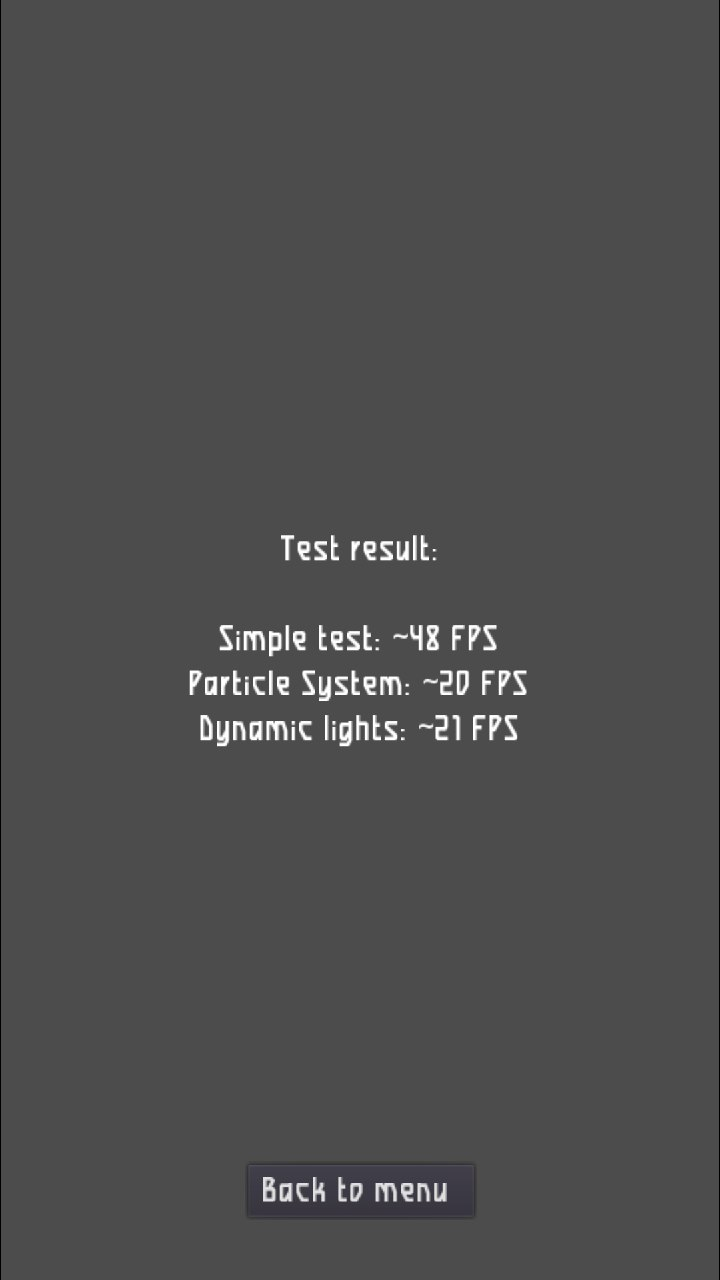
            To whoever uses Goggle pixel 3a ..... congratulations, it's a great phone,
            I show the test of the Xiaomi Note 7,
            Regards...
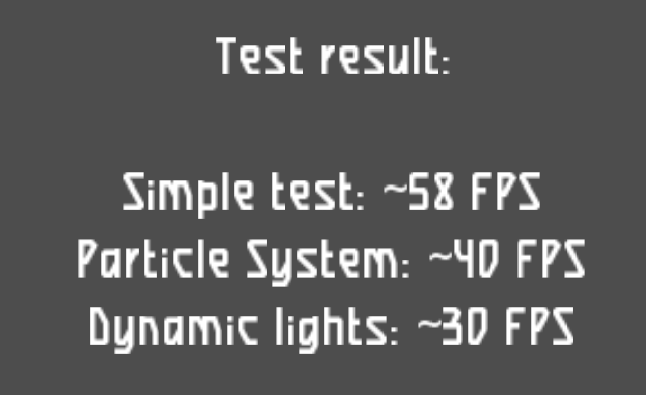
            screenshot20210709_225626343.png

            Xiaomi Redmi Note 9 pro
            Oneplus Nord 100
            Xiaomi Redmi Note 7
            Nexus 5
            Bq E4.5 Ubuntu edition .... is dead

            1 Reply Last reply Reply Quote 1
            • D Offline
              domubpkm @kugiigi
              last edited by

              @kugiigi I took my Pinephone out of the dust and spiders and updated it: so as we see, it is possible to test Godot on it. In an easy way ? Can you put a link of a non official .click for Pinephone ? as currently, the last official @pavelprosto .click crashes. Thanks

              K 1 Reply Last reply Reply Quote 1
              • K Offline
                kugiigi @domubpkm
                last edited by

                @domubpkm I used the SDL library that @abmyii provided. There's no prebuilt click though. I just manually copied.

                1 Reply Last reply Reply Quote 2
                • ? Offline
                  A Former User
                  last edited by

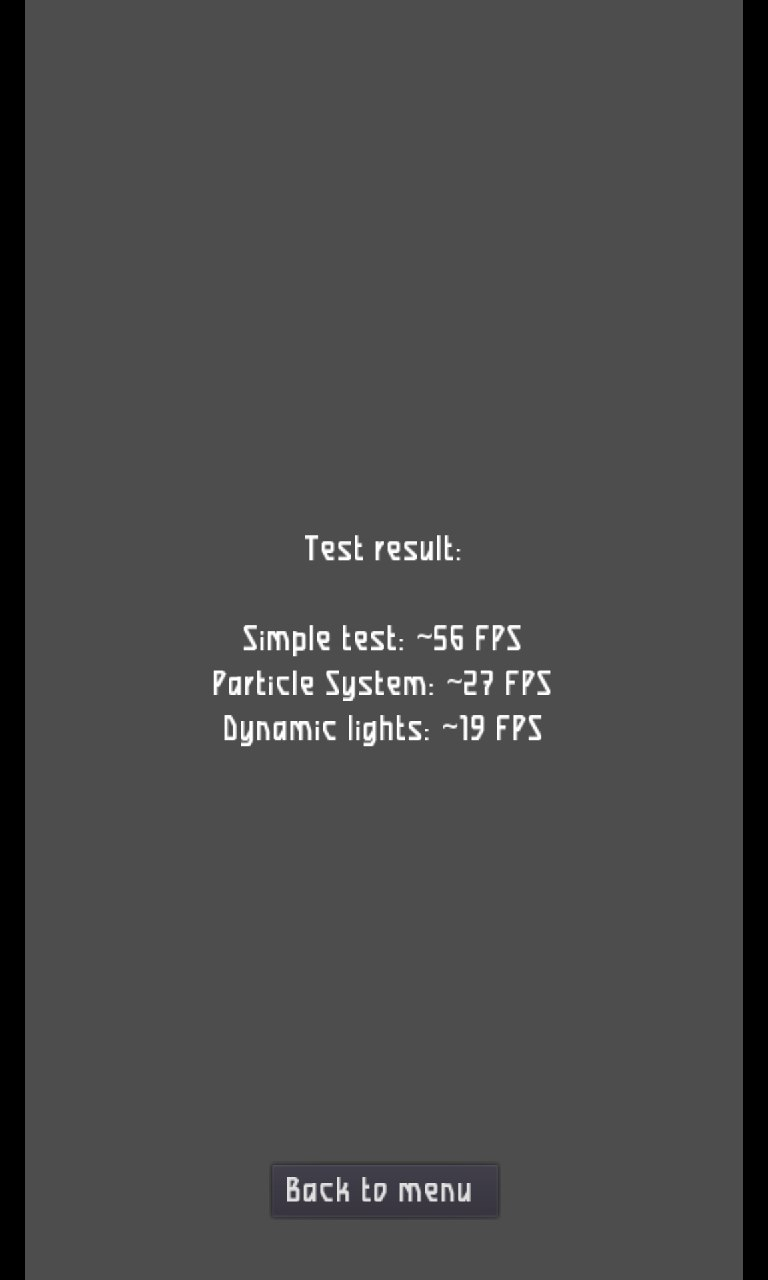
                  Planet Cosmo, but still can't figure out how to take a proper screenshot...
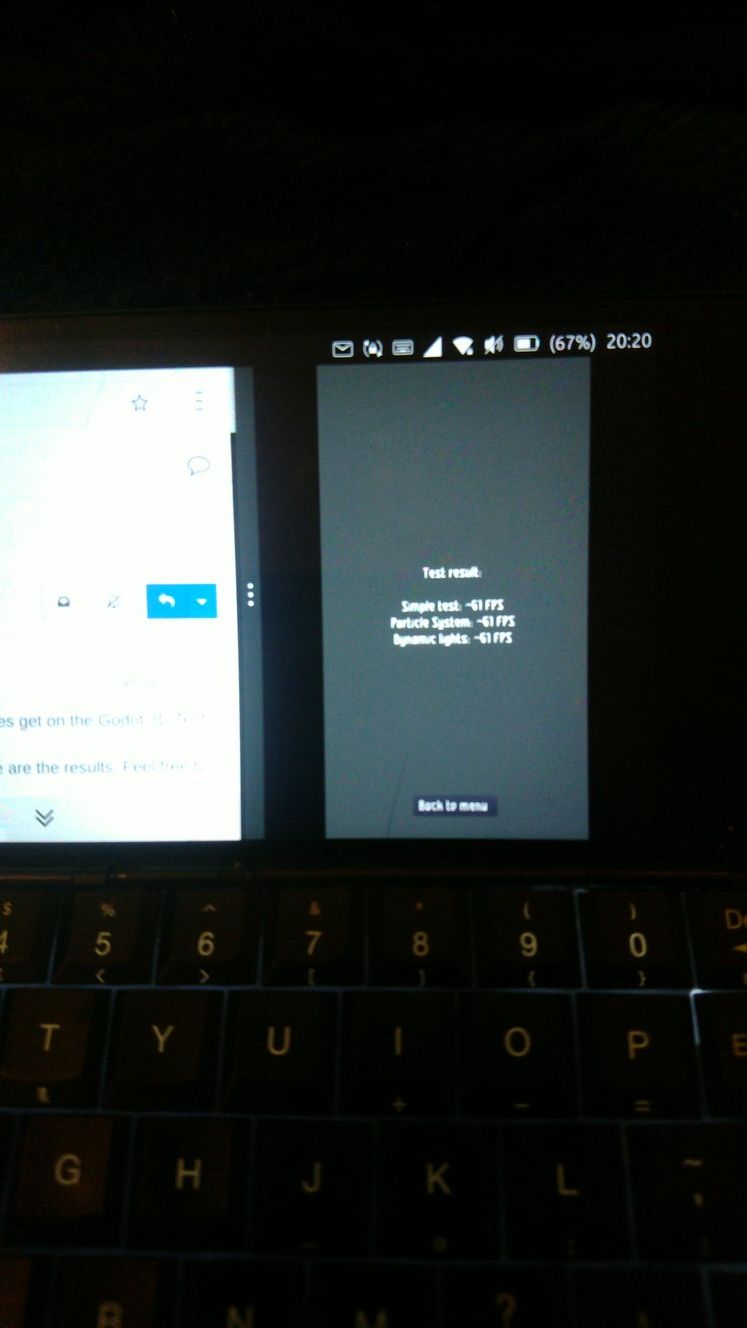
                  Planet Cosmo Godot.jpg

                  LuksusL 1 Reply Last reply Reply Quote 2
                  • LuksusL Offline
                    Luksus @Guest
                    last edited by

                    @moncon said in Godot 3D Test:

                    but still can't figure out how to take a proper screenshot...

                    1. press volume up and down together.
                    2. long press on power until shutdown/restart options appear, then take the third option "screenshot".

                    Devices: BQ e4.5, Fairphone 2, Fairphone 3, Lenovo X605F, Pinephone, Moto Z2 Force, OnePlus5T

                    ? 1 Reply Last reply Reply Quote 2
                    • ? Offline
                      A Former User @Luksus
                      last edited by

                      @luksus
                      Thanks for that, the Cosmo being the Cosmo it wasn't that simple, but I've finally worked it out.
                      On the Cosmo, volume is a proper toggle switch, so it's impossible to press both at the same time.
                      Long pressing on the power key, (Esc), eventually just goes straight to reboot without the options. 😕
                      I have two shortcuts for volume up volume down on the keyboard, FN+C FN+V, but FN+C+V doesn't seem to do it either.
                      There is also a power off option from the pull down settings menu which opens up a window with options that include screenshot, but then the pull down menu itself gets in the way when you take the shot.
                      Eventually I realised that on the Cosmo, long press Esc=Power On, long press FN+Esc=Power Off, so I tried long press FN+Esc, success. My bad, I was long pressing 'Power On' instead of 'Power Off'

                      AppLeeA 1 Reply Last reply Reply Quote 2
                      • AppLeeA Offline
                        AppLee @Guest
                        last edited by AppLee

                        @moncon
                        Rapidly toggling volume up and down should also work to take a snapshot.
                        Maybe that is easier on your device, but glad you figured it out.

                        1 Reply Last reply Reply Quote 0
                        • S Offline
                          suoko
                          last edited by

                          alt text
                          Redmi 4x

                          1 Reply Last reply Reply Quote 1
                          • LuksusL Offline
                            Luksus
                            last edited by

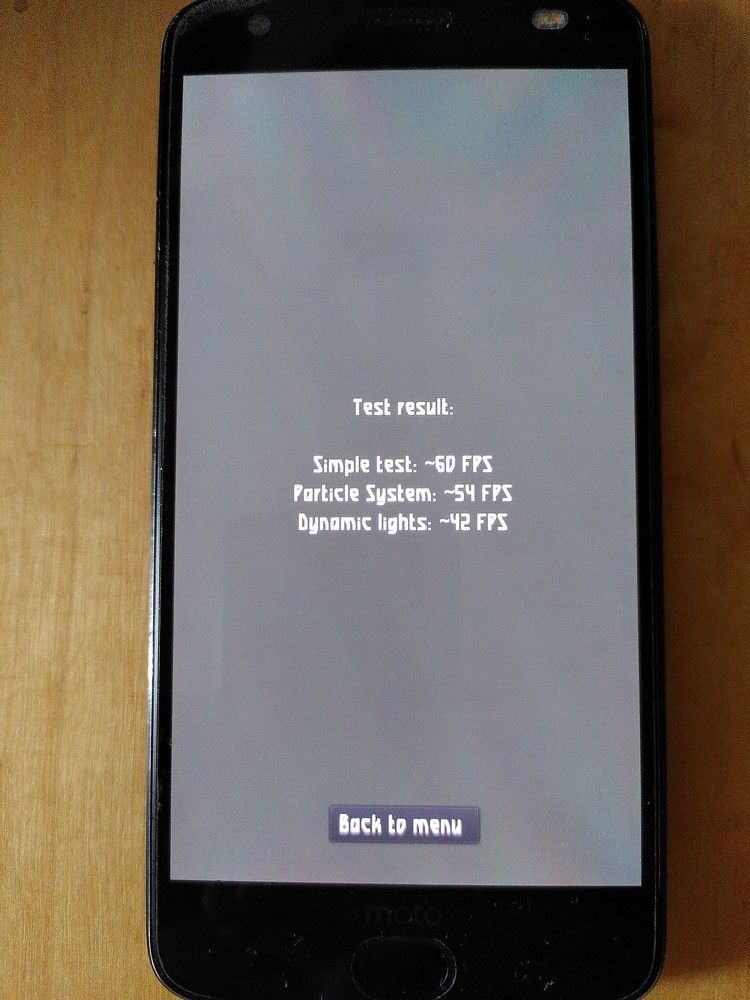
                            Motorola Z2 Force
                            motoz2.jpg

                            Devices: BQ e4.5, Fairphone 2, Fairphone 3, Lenovo X605F, Pinephone, Moto Z2 Force, OnePlus5T

                            B 1 Reply Last reply Reply Quote 1
                            • B Offline
                              bradman1171 @Luksus
                              last edited by

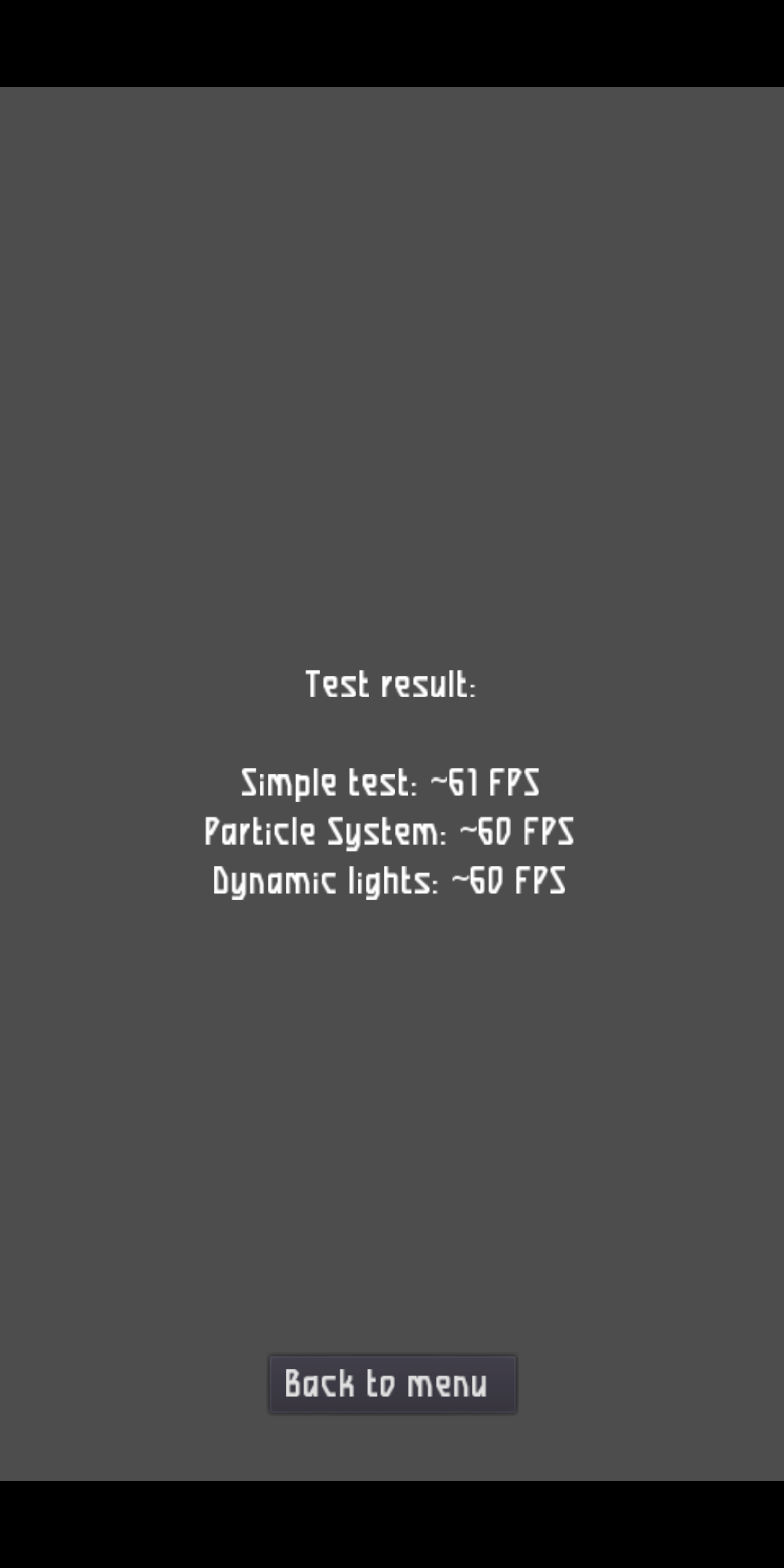
                              Pixel 3a
                              Simple test 61 fps
                              Particle system 60 fps
                              Dynamic lights 60fps

                              1 Reply Last reply Reply Quote 1
                              • T Offline
                                thousandtopics
                                last edited by

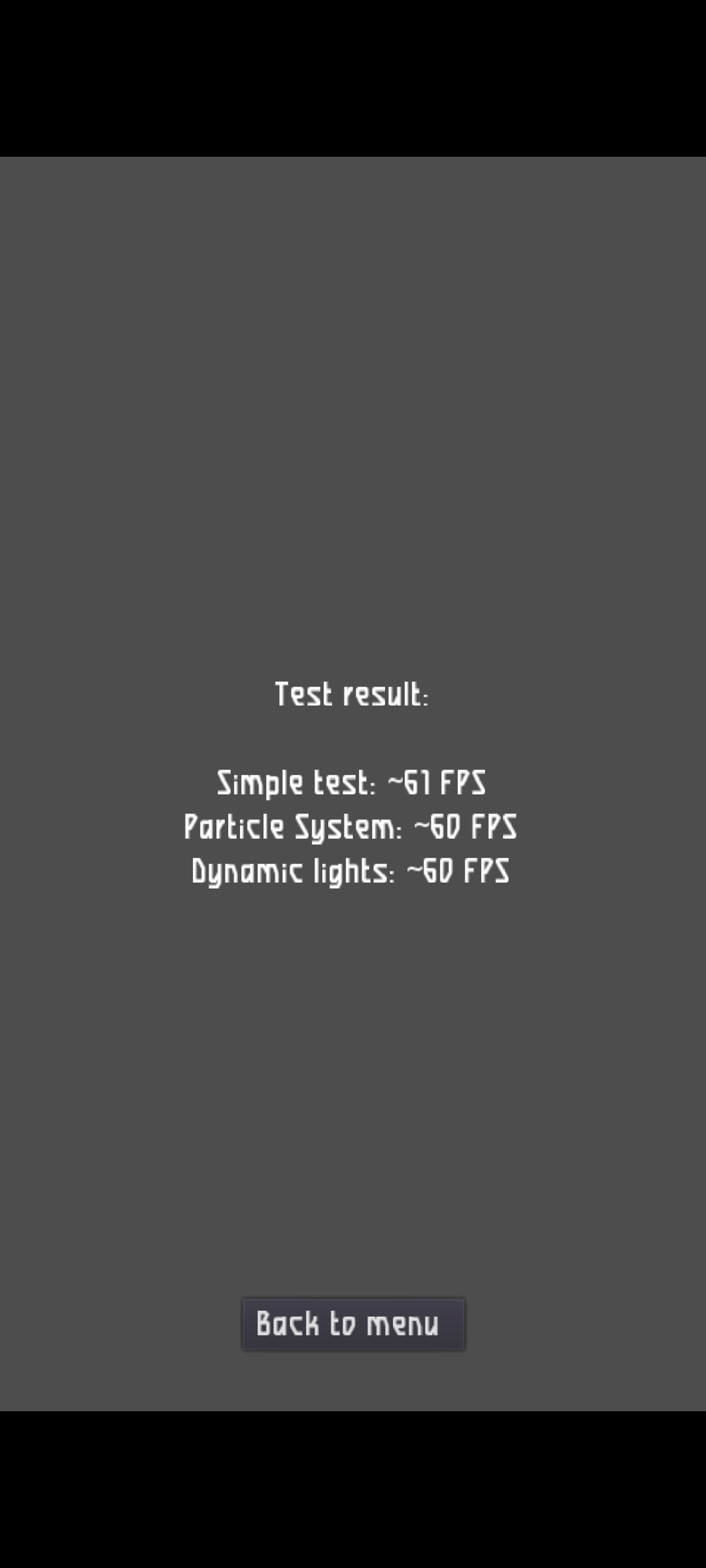
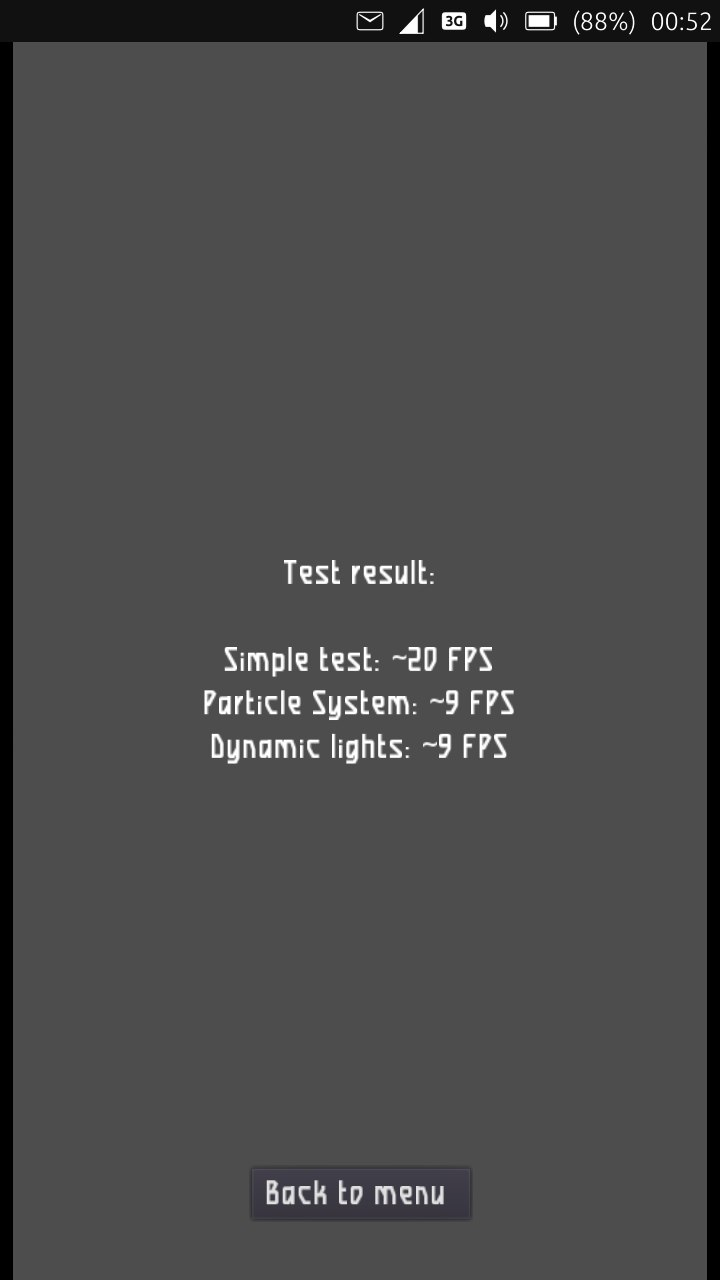
                                Pixel 3a XL
                                screenshot20210919_094836451.png

                                1 Reply Last reply Reply Quote 1
                                • J Offline
                                  johndoe
                                  last edited by

                                  Here is a similar thread for CPU performance tests with sysbench: https://forums.ubports.com/topic/6750/ut-sysbench-qt-gui-compare-cpu-performance-of-different-devices

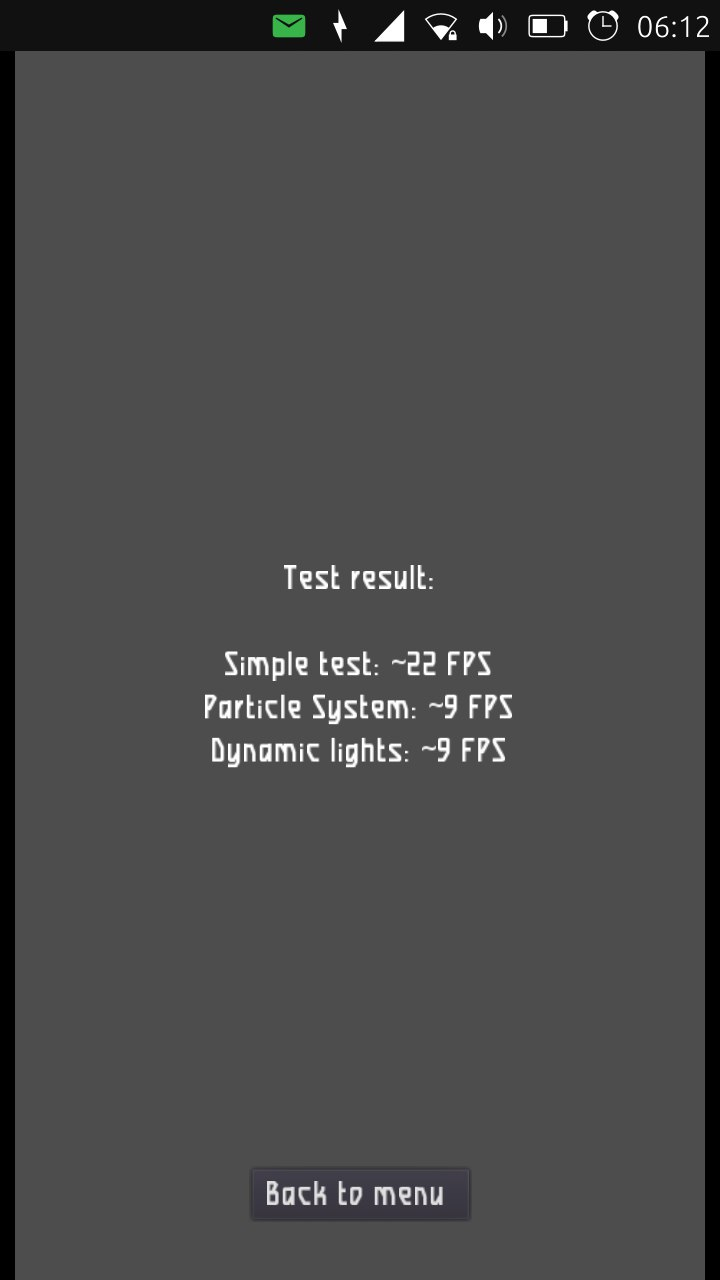
                                  Result of the graphic test of my LG Nexus 4:
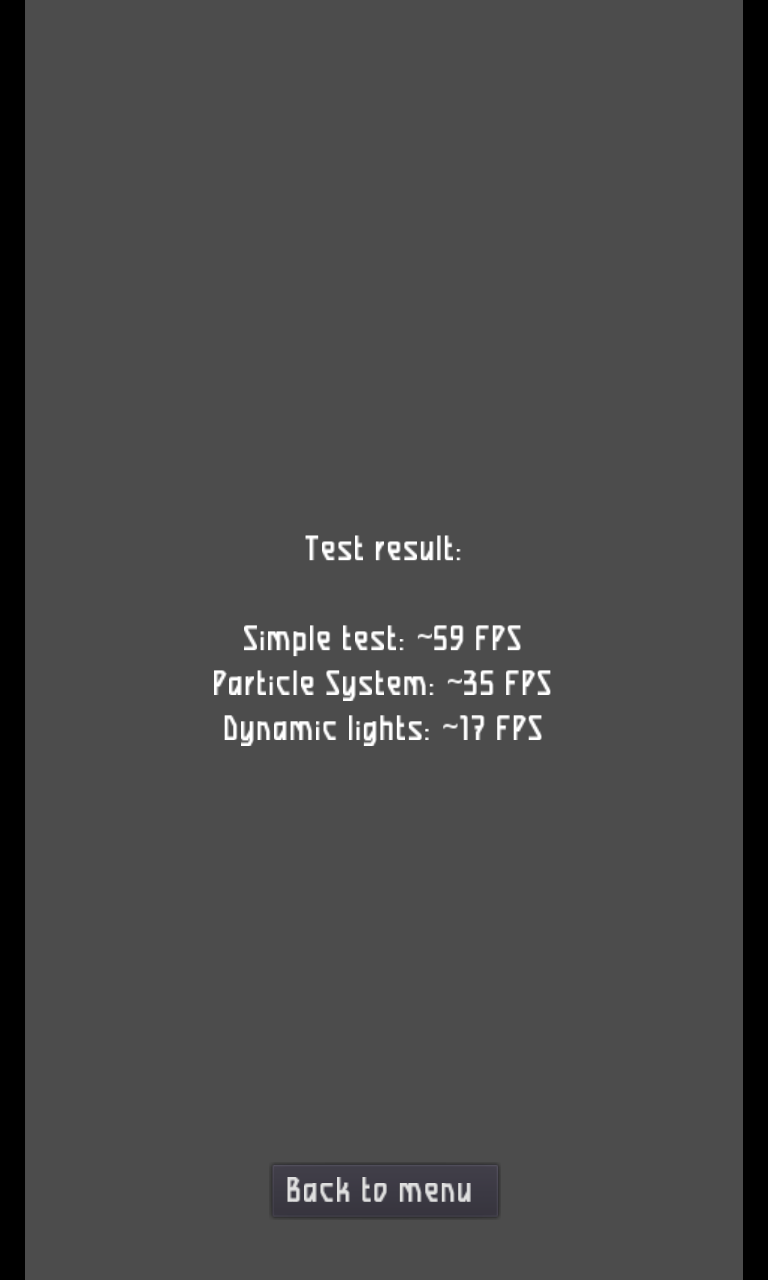
                                  screenshot20210925_193703377.png

                                  1 Reply Last reply Reply Quote 1
                                  • Josele13J Offline
                                    Josele13
                                    last edited by

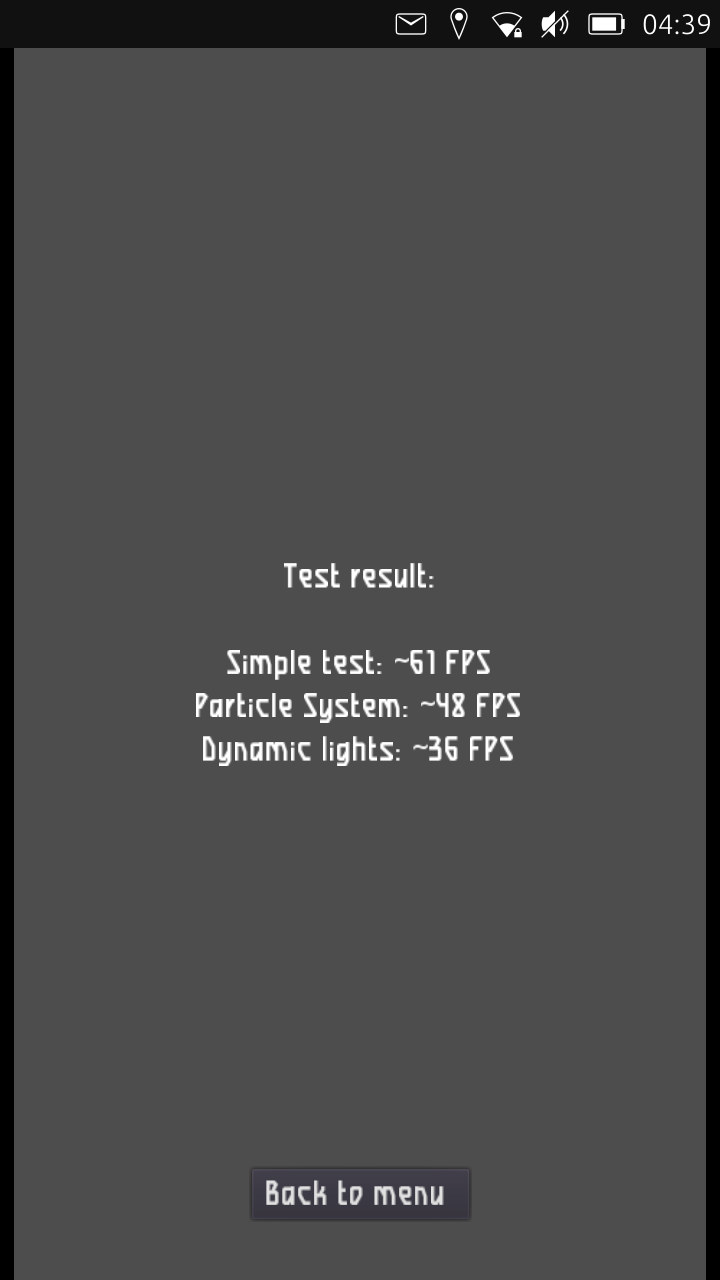
                                    Xiaomi Redmi Note 9 pro

                                    screenshot20220116_164638104.png

                                    Xiaomi Redmi Note 9 pro
                                    Oneplus Nord 100
                                    Xiaomi Redmi Note 7
                                    Nexus 5
                                    Bq E4.5 Ubuntu edition .... is dead

                                    1 Reply Last reply Reply Quote 0
                                    • KenedaK Keneda referenced this topic on

                                    Hello! It looks like you're interested in this conversation, but you don't have an account yet.

                                    Getting fed up of having to scroll through the same posts each visit? When you register for an account, you'll always come back to exactly where you were before, and choose to be notified of new replies (either via email, or push notification). You'll also be able to save bookmarks and upvote posts to show your appreciation to other community members.

                                    With your input, this post could be even better 💗

                                    Register Login
                                    • First post
                                      Last post