UBports Robot Logo UBports Forum
    • 版面
    • 最新
    • 標籤
    • 熱門
    • 使用者
    • 群組
    • 搜尋
    • 註冊
    • 登入

    Godot 3D Test

    已排程 已置頂 已鎖定 已移動 App Development
    54 貼文 22 Posters 18.5k 瀏覽 3 Watching
    正在載入更多貼文
    • 從舊到新
    • 從新到舊
    • 最多點贊
      回覆
      • 在新貼文中回覆
      登入後回覆
      此主題已被刪除。只有擁有主題管理權限的使用者可以查看。
      • AppLeeA 離線
        AppLee @abmyii
        最後由 編輯

        @abmyii
        I'm not sure, but I think it's a driver integration problem so maybe with other kernel versions it can work.
        I guess it could be different with other distros but if it work on one it's good news for the others.

        1 條回覆 最後回覆 回覆 引用 1
        • Josele13J 離線
          Josele13
          最後由 Josele13 編輯

          To whoever uses Goggle pixel 3a ..... congratulations, it's a great phone,
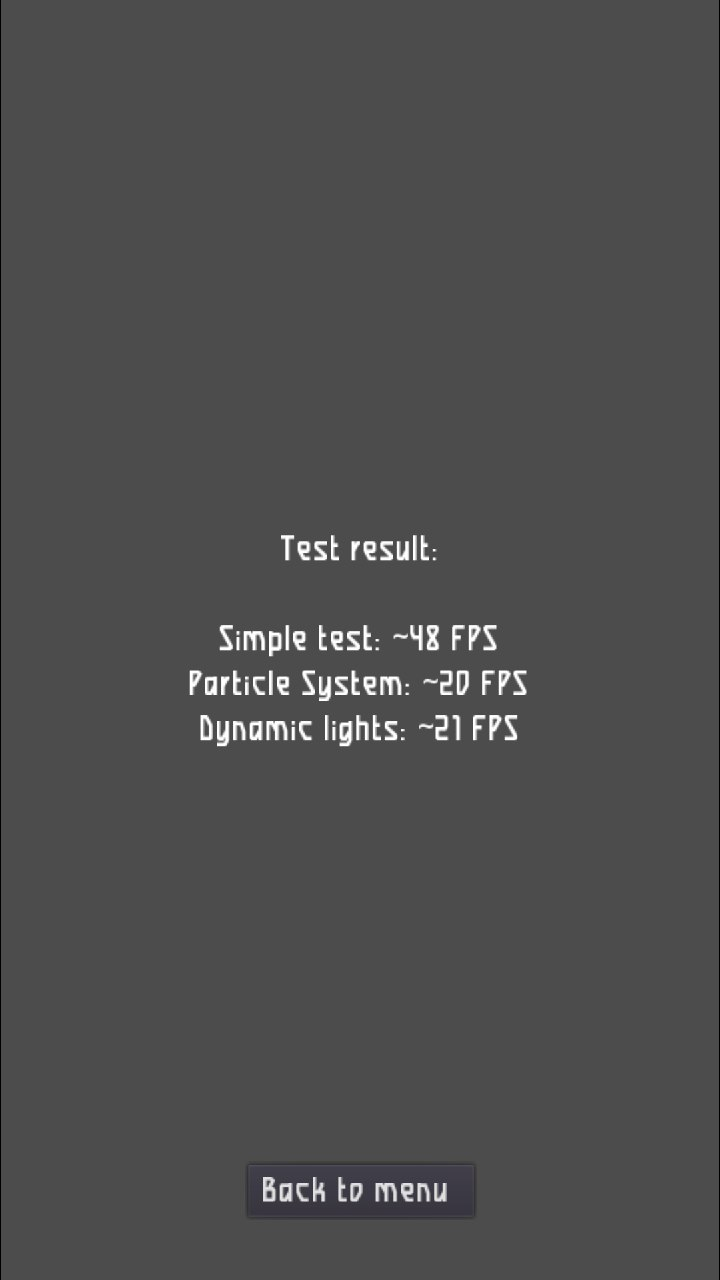
          I show the test of the Xiaomi Note 7,
          Regards...
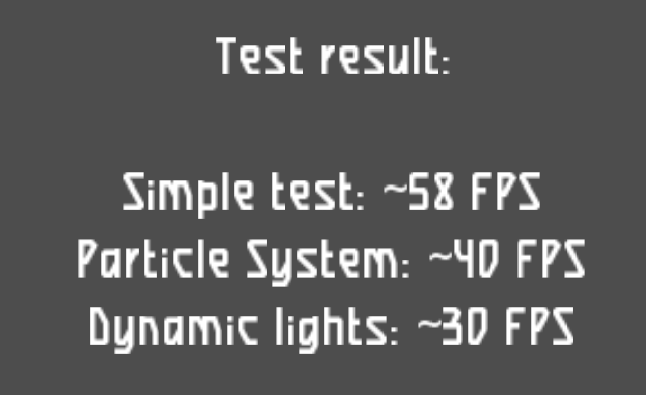
          screenshot20210709_225626343.png

          Xiaomi Redmi Note 9 pro
          Oneplus Nord 100
          Xiaomi Redmi Note 7
          Nexus 5
          Bq E4.5 Ubuntu edition .... is dead

          1 條回覆 最後回覆 回覆 引用 1
          • D 離線
            domubpkm @kugiigi
            最後由 編輯

            @kugiigi I took my Pinephone out of the dust and spiders and updated it: so as we see, it is possible to test Godot on it. In an easy way ? Can you put a link of a non official .click for Pinephone ? as currently, the last official @pavelprosto .click crashes. Thanks

            K 1 條回覆 最後回覆 回覆 引用 1
            • K 離線
              kugiigi @domubpkm
              最後由 編輯

              @domubpkm I used the SDL library that @abmyii provided. There's no prebuilt click though. I just manually copied.

              1 條回覆 最後回覆 回覆 引用 2
              • ? 離線
                舊使用者
                最後由 編輯

                Planet Cosmo, but still can't figure out how to take a proper screenshot...
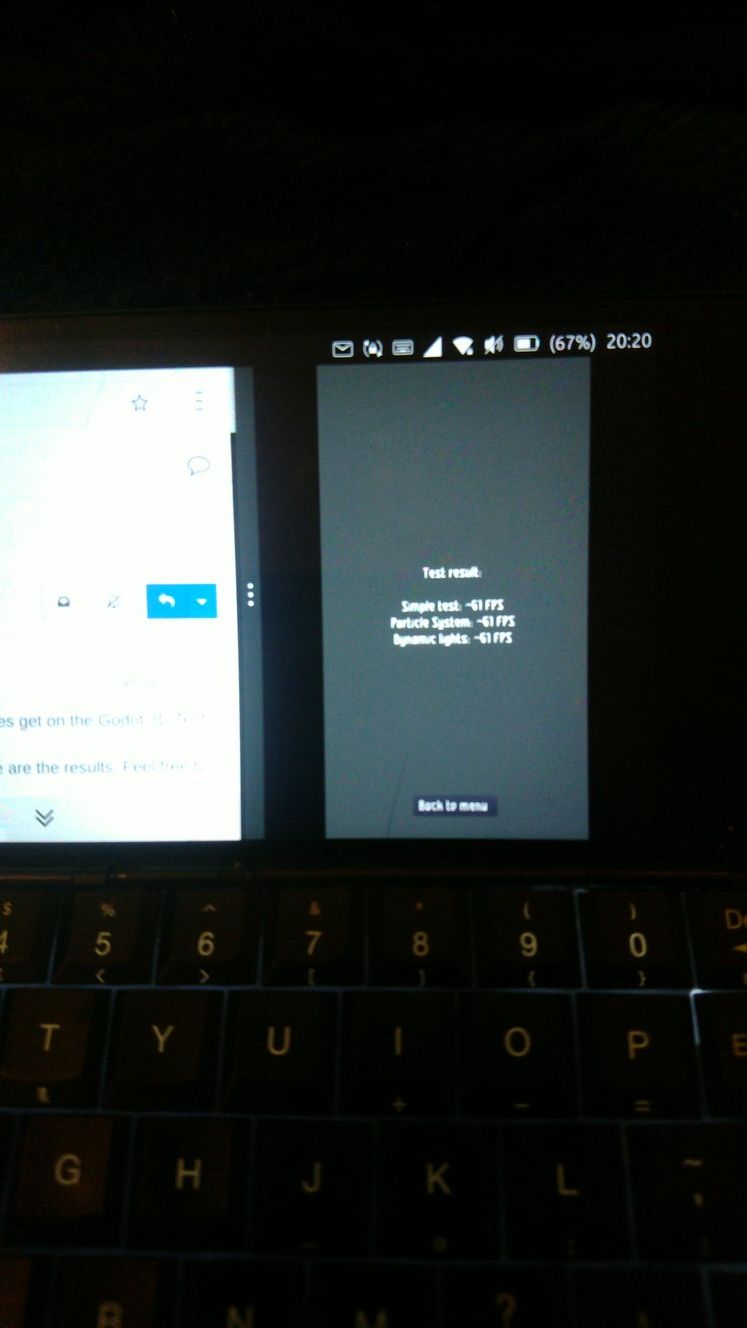
                Planet Cosmo Godot.jpg

                LuksusL 1 條回覆 最後回覆 回覆 引用 2
                • LuksusL 離線
                  Luksus @訪客
                  最後由 編輯

                  @moncon said in Godot 3D Test:

                  but still can't figure out how to take a proper screenshot...

                  1. press volume up and down together.
                  2. long press on power until shutdown/restart options appear, then take the third option "screenshot".

                  Devices: BQ e4.5, Fairphone 2, Fairphone 3, Lenovo X605F, Pinephone, Moto Z2 Force, OnePlus5T

                  ? 1 條回覆 最後回覆 回覆 引用 2
                  • ? 離線
                    舊使用者 @Luksus
                    最後由 編輯

                    @luksus
                    Thanks for that, the Cosmo being the Cosmo it wasn't that simple, but I've finally worked it out.
                    On the Cosmo, volume is a proper toggle switch, so it's impossible to press both at the same time.
                    Long pressing on the power key, (Esc), eventually just goes straight to reboot without the options. 😕
                    I have two shortcuts for volume up volume down on the keyboard, FN+C FN+V, but FN+C+V doesn't seem to do it either.
                    There is also a power off option from the pull down settings menu which opens up a window with options that include screenshot, but then the pull down menu itself gets in the way when you take the shot.
                    Eventually I realised that on the Cosmo, long press Esc=Power On, long press FN+Esc=Power Off, so I tried long press FN+Esc, success. My bad, I was long pressing 'Power On' instead of 'Power Off'

                    AppLeeA 1 條回覆 最後回覆 回覆 引用 2
                    • AppLeeA 離線
                      AppLee @訪客
                      最後由 AppLee 編輯

                      @moncon
                      Rapidly toggling volume up and down should also work to take a snapshot.
                      Maybe that is easier on your device, but glad you figured it out.

                      1 條回覆 最後回覆 回覆 引用 0
                      • S 離線
                        suoko
                        最後由 編輯

                        alt text
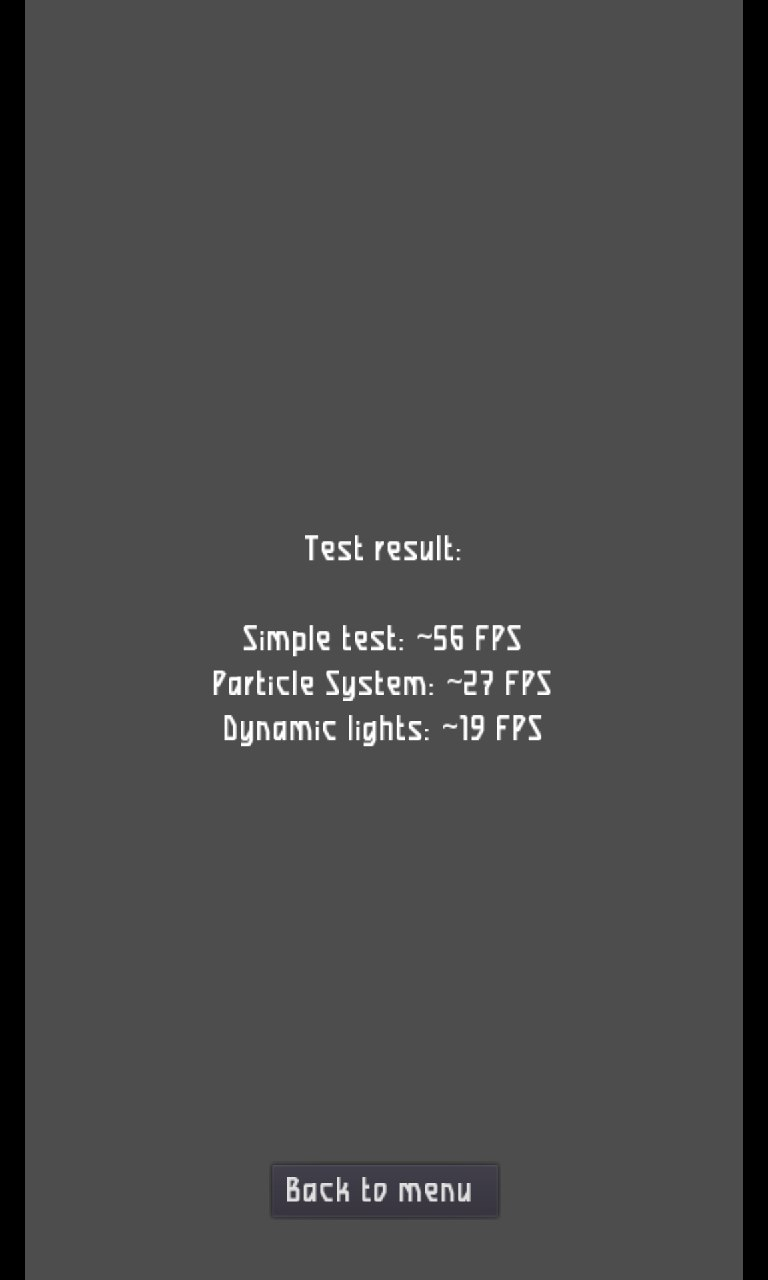
                        Redmi 4x

                        1 條回覆 最後回覆 回覆 引用 1
                        • LuksusL 離線
                          Luksus
                          最後由 編輯

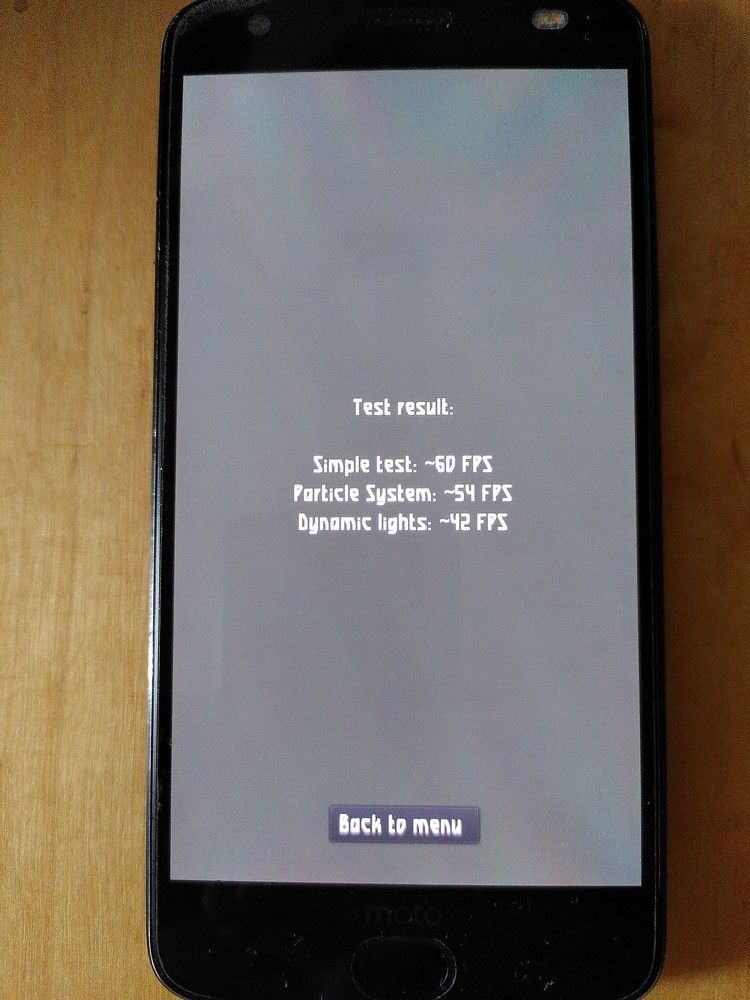
                          Motorola Z2 Force
                          motoz2.jpg

                          Devices: BQ e4.5, Fairphone 2, Fairphone 3, Lenovo X605F, Pinephone, Moto Z2 Force, OnePlus5T

                          B 1 條回覆 最後回覆 回覆 引用 1
                          • B 離線
                            bradman1171 @Luksus
                            最後由 編輯

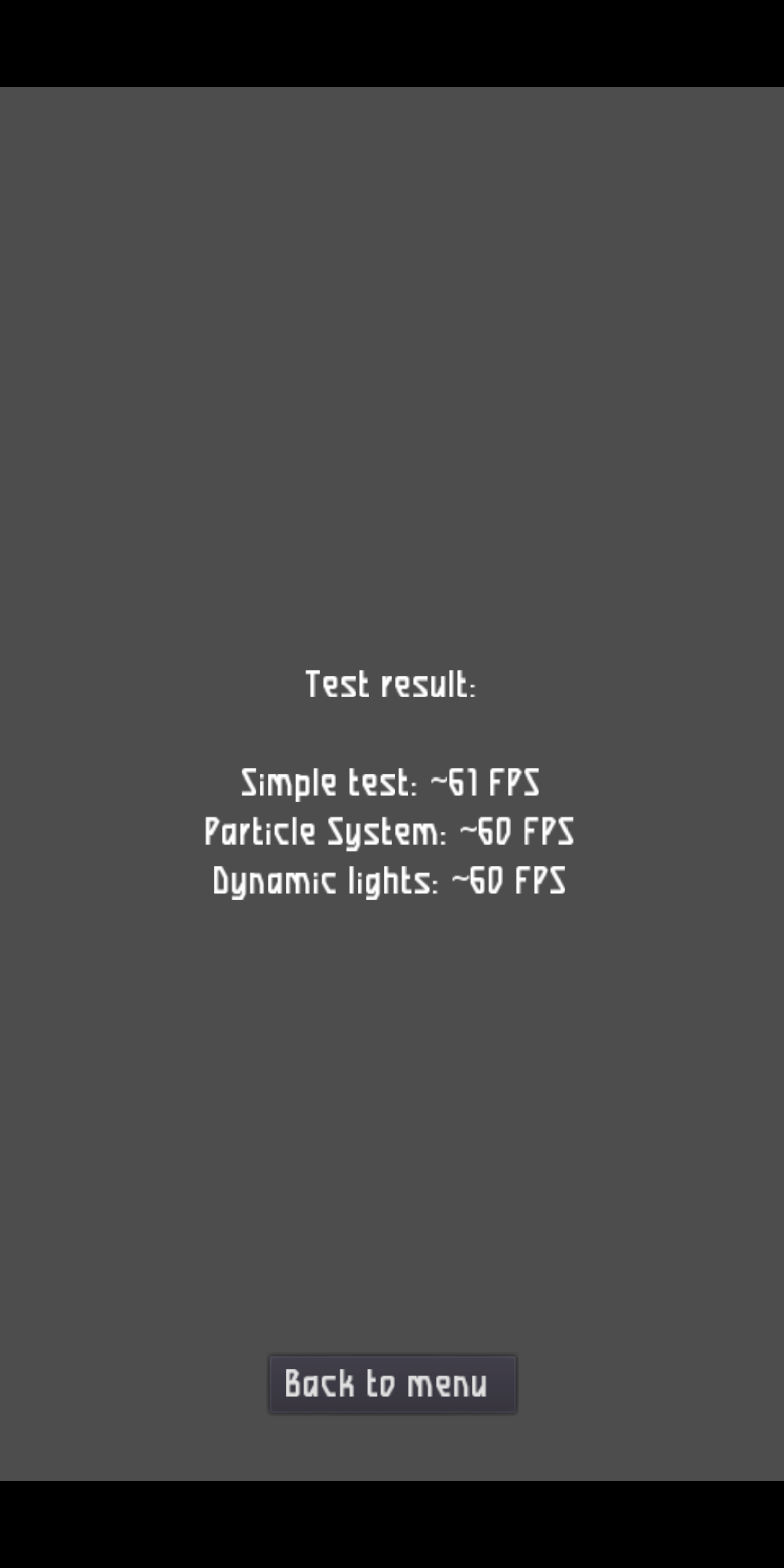
                            Pixel 3a
                            Simple test 61 fps
                            Particle system 60 fps
                            Dynamic lights 60fps

                            1 條回覆 最後回覆 回覆 引用 1
                            • T 離線
                              thousandtopics
                              最後由 編輯

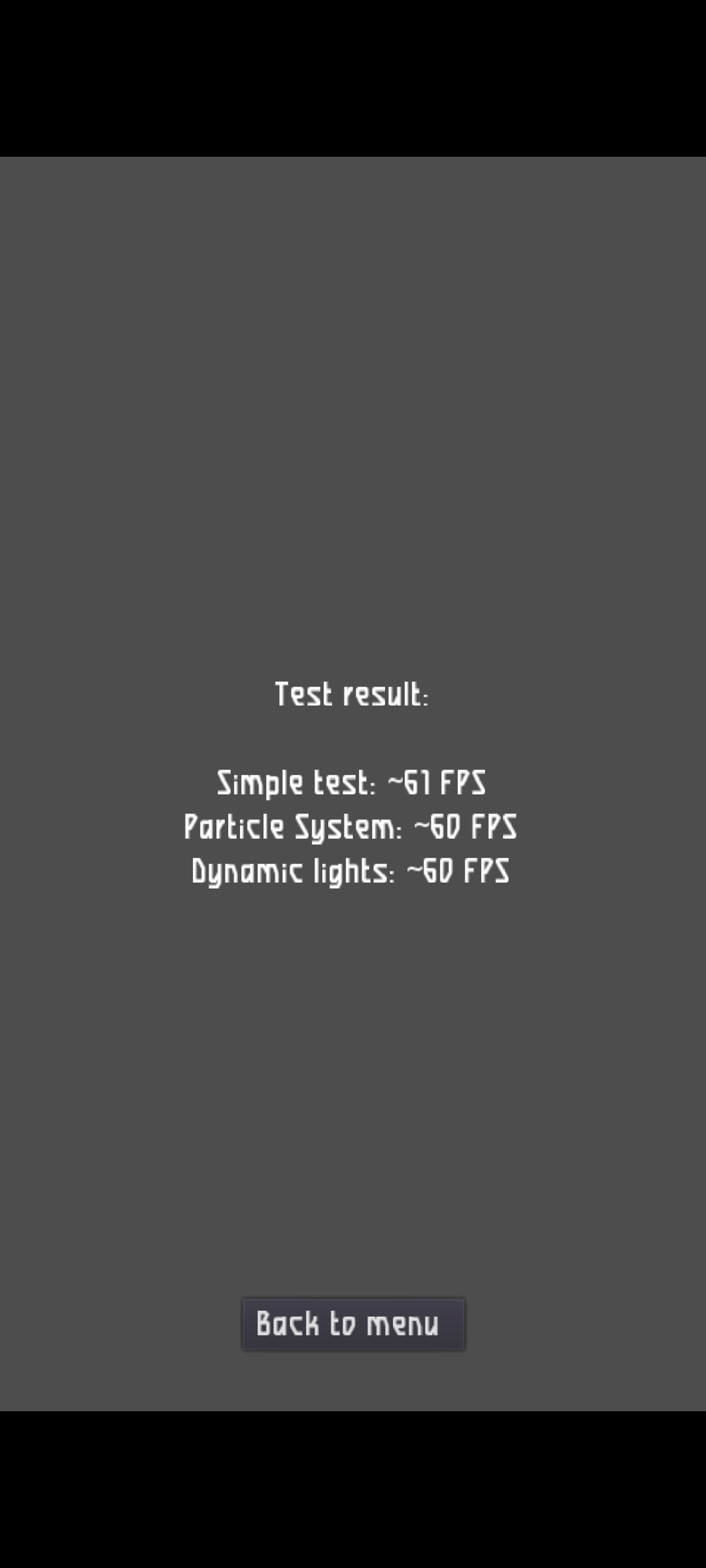
                              Pixel 3a XL
                              screenshot20210919_094836451.png

                              1 條回覆 最後回覆 回覆 引用 1
                              • J 離線
                                johndoe
                                最後由 編輯

                                Here is a similar thread for CPU performance tests with sysbench: https://forums.ubports.com/topic/6750/ut-sysbench-qt-gui-compare-cpu-performance-of-different-devices

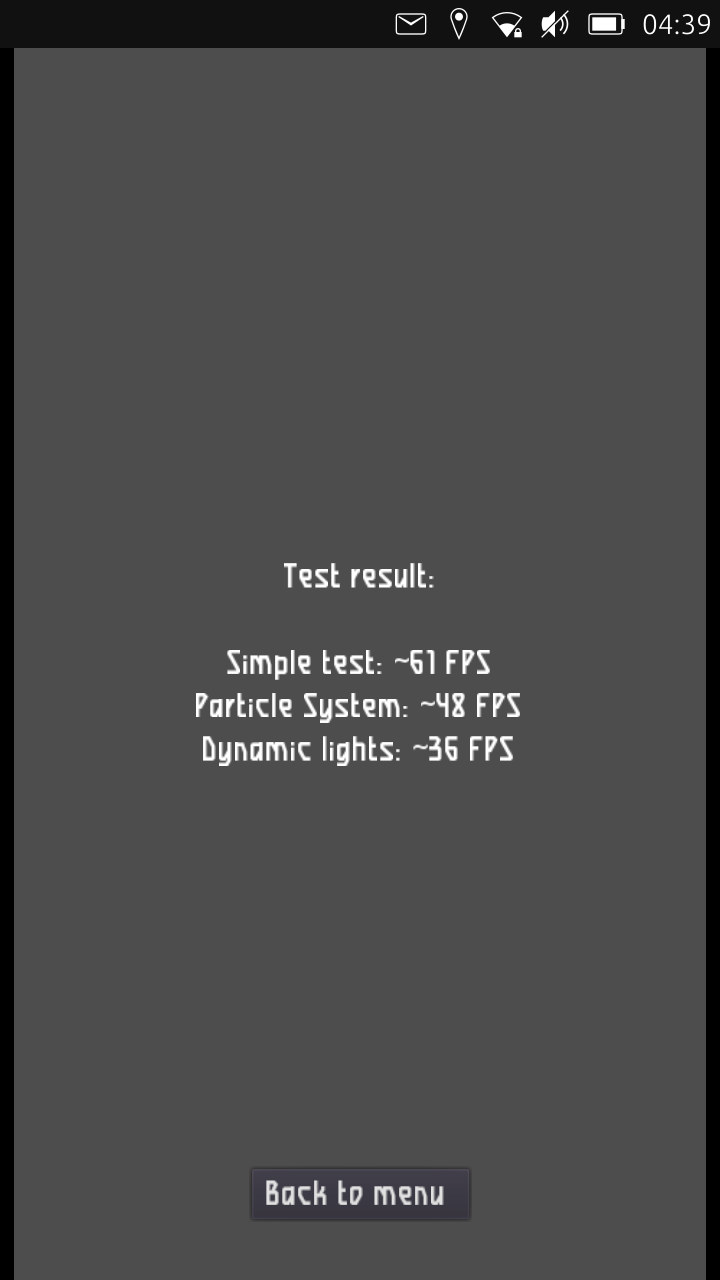
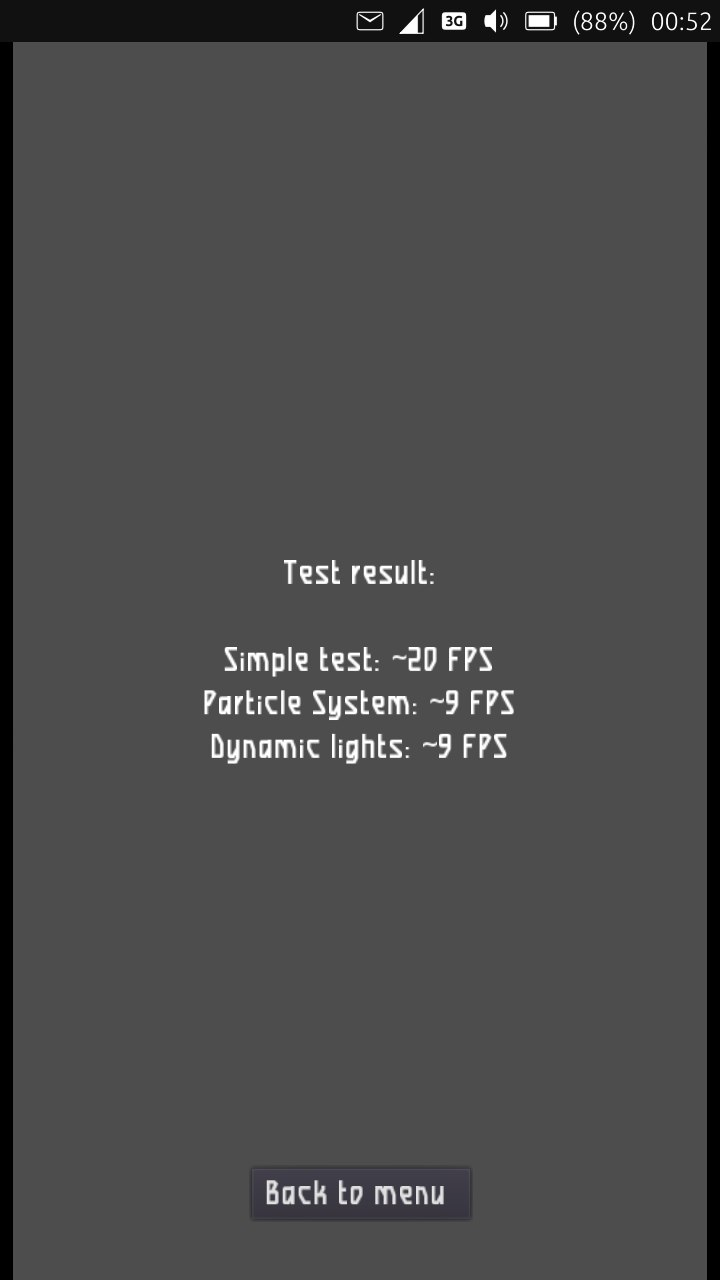
                                Result of the graphic test of my LG Nexus 4:
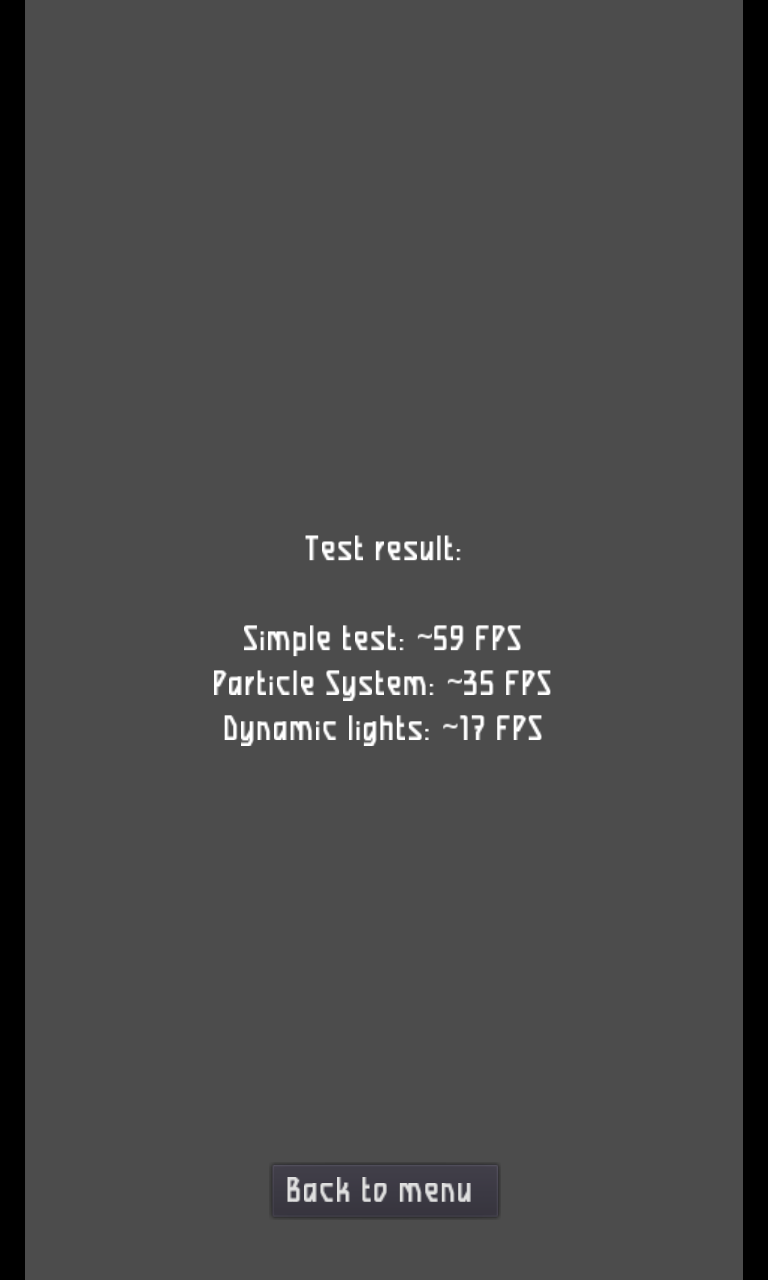
                                screenshot20210925_193703377.png

                                1 條回覆 最後回覆 回覆 引用 1
                                • Josele13J 離線
                                  Josele13
                                  最後由 編輯

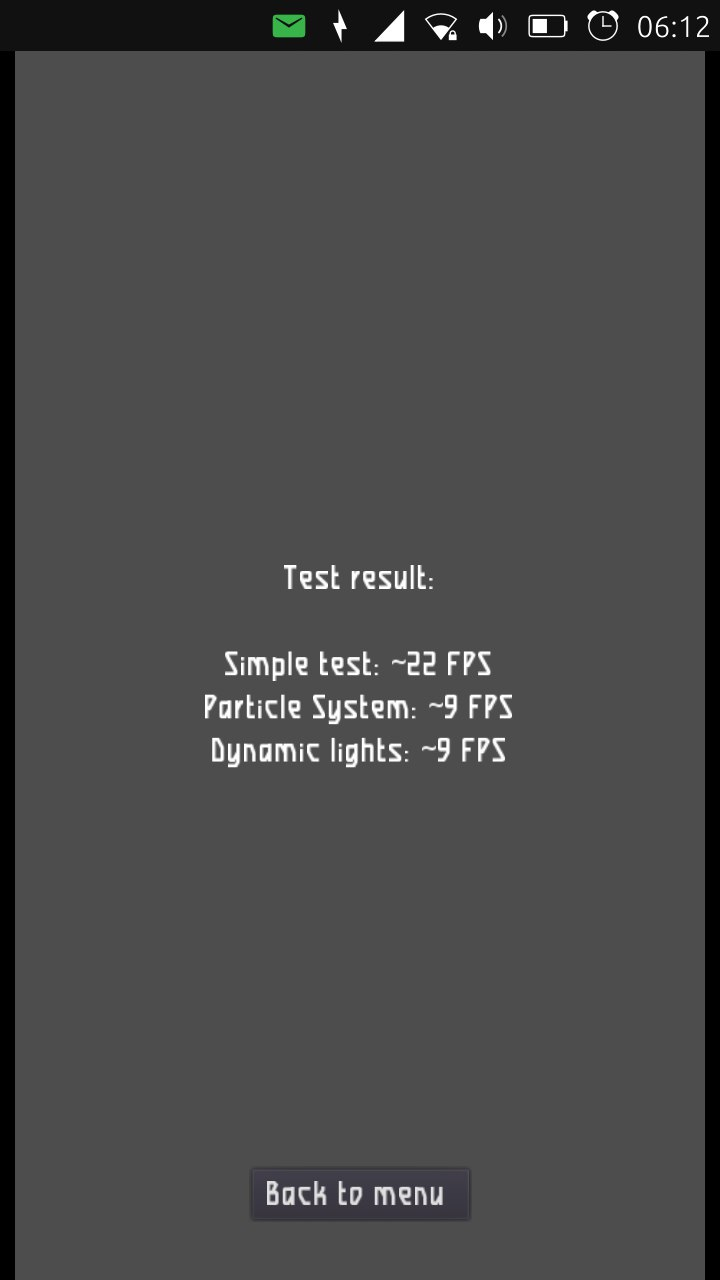
                                  Xiaomi Redmi Note 9 pro

                                  screenshot20220116_164638104.png

                                  Xiaomi Redmi Note 9 pro
                                  Oneplus Nord 100
                                  Xiaomi Redmi Note 7
                                  Nexus 5
                                  Bq E4.5 Ubuntu edition .... is dead

                                  1 條回覆 最後回覆 回覆 引用 0
                                  • KenedaK Keneda referenced this topic on
                                  • 第一個貼文
                                    最後的貼文