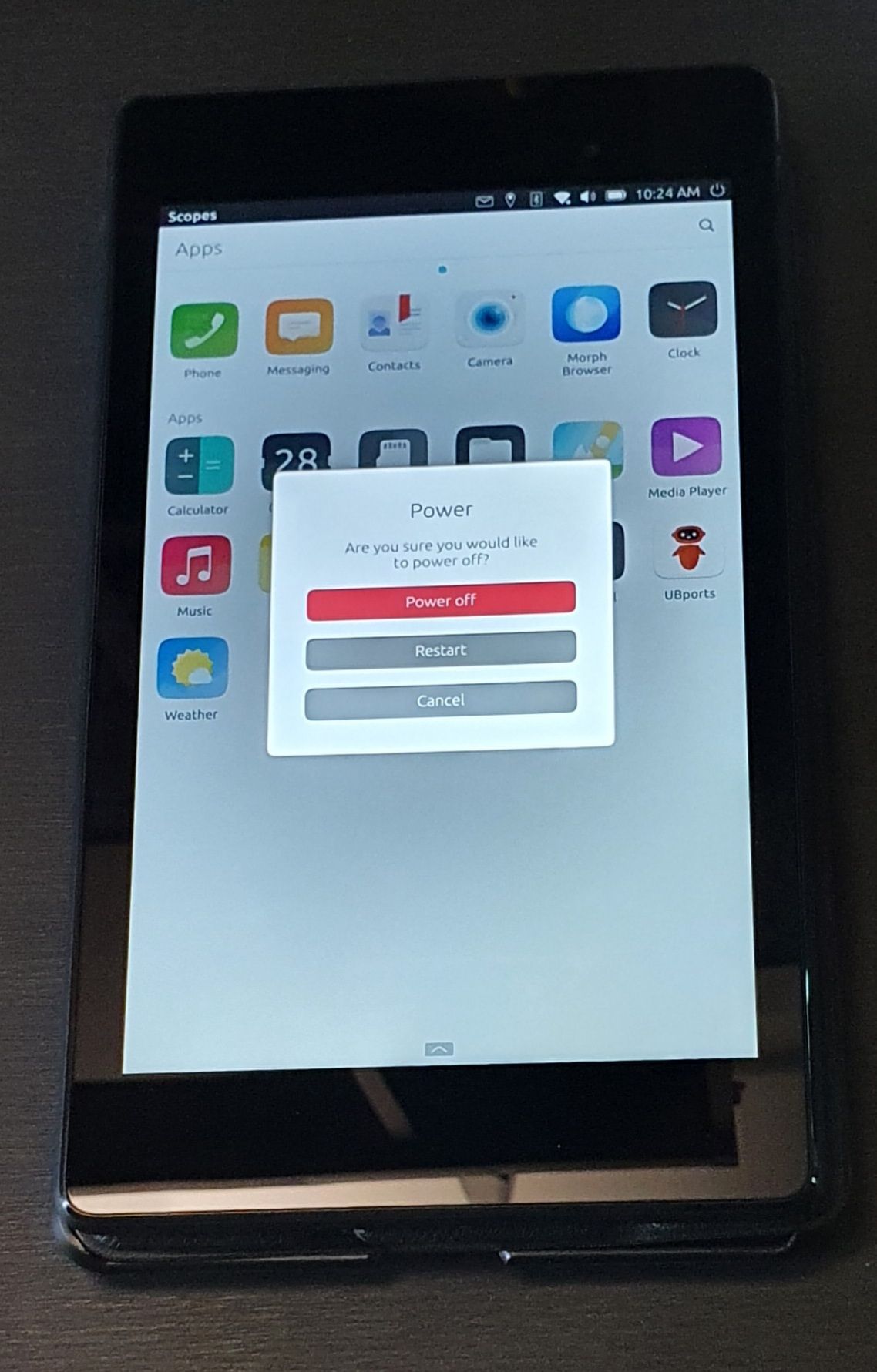
@Alain This featute isn't in UT/Lomiri yet. Simplest way is to make something like a home screen app and there are some that exists already like Launcher Modular. Not sure they have app groups though. You can contribute to them if you don't want to make your own. However, they obviously act like a normal app. Best you can do is pin it to the Launcher for easy access.
Or you can contribute to Lomiri and implement it in the App drawer which definitely needs some love
There's even a bounty for it so there's money to get
@Eric-H said in No GPS access from inside Waydroid:
First can I ask you which version of MIUI did you flash before installing Ubuntu Touch?
While I seem to have solved the GPS problem, maybe the MIUI version I flashed might have impacted Waydroid's reliability or other things? I'd be happy to start a new thread for that, if you want? Just in case, this is the version I flashed:
surya_global_images_V12.0.9.0.QJGMIXM_20210508.0000.00_10.0_global_1b411d7477
(IIRC it was the oldest supported image I could find, which I assumed would be the best since it would have had the longest time for bugs to be found & fixed.)
@TobsEnd
Sorry, I didn't use chmod, but used a nautilus function to set it executable
ls -la in the directory tells me:
rwxr-xr-x 1 heinrich heinrich 631 Mär 15 19:30 anboxtoggle.sh
for the skript, so I guess you would have to use the sudo version.
Thank You Ernest... it seems all I had to do was set the 'Edge drag areas width' up to '6' in the 'UT Tweak Tool' and now it works fine. Worth knowing in future.
@mito77 Please don't post links to sites that have nothing to do with Ubuntu Touch, UBports or a specific source of info for a problem you are having such as git hub, git lab. I am going to remove your link. It looks like Spam, please don't do it again.
@Flohack said in Not getting emergency messages via GSM..?:
cannot be tested 100% without a real message
Yeah that's what I had in mind. Mocking is doable, but that one..
I tried my m10fhd on Android
"dioxidOS v2.1 ".
In settings i get the option to switch HDMI on ,then the auto or about 10 manual settings for resolution and hz options , all I got was a grey screen, I did try all the screen sizes and settings in the tv ,no luck!
I try it with a laptop next
No ,no difference there either
Could it be that this commit broke anbox support for the FP2?
https://github.com/ubports/anbox/commit/e117ed1af2f47469eba8db5510d1ce547c9a0a94
It adds a change of the device name to lowercase. Which might be ok for most devices but obviously not for the FP2.
Edit: I opened an issue on github about it
https://github.com/ubports/anbox/issues/39
@StandUpMobile All I know is it goes quick when it goes without warning. Sorry but can't help with the other info. You will need someone else for that, but think your assumptions are right.
@domubpkm Have not tried in Libertine, but you should be able to do it with LibreOffice, depending on type of PDF potentially though: open PDF in Draw, select all, copy, open new Writer, paste, save as M*#+@S Word
Yeah, it works!!!! ssh is working and the static IP is set with the nmcli commands I'm not as stupid as I thought,
I figured out that you can't copy or create files or folders (via USB) directly to the User's home( tried to copy the keys via usb), it only works in the Downloads, Documents etc. folders, it would be nice to correct the instructions on docs.ubports
Thanx
@dobey
that makes more sense, I was confused by the alpine package thing. I might have to give it a try, and gtk be damned as I only use CL apps in a container anyways.
@arubislander
OK, thanks alot! So small wonder I can't seem to find any differences!
With a mouse connected it makes sense, I'll check what happens when I play around with the settings. It works even if the device is not connected to an external display.
The mouse is only mention in "small print", and I didn't make the right connection when reading it...