Subcategories

  • This section is specifically useful for new contributors on the project

    7 Topics
    27 Posts
    libremaxL
    @wqyeo There is a telegram group dedicated to quality assurance: https://t.me/ubports_qa_team Hope it may be useful for you
  • Discuss and solve problems with other users

    99 Topics
    690 Posts
    H
    The issue was me not having a screen lock passcode defined. Not sure if this is the best way to approach this, a settings page for editing user information (including name and root password) would be useful, that one could then opt out for the screenlock.
  • 161 Topics
    1k Posts
    C
    @R66F root, you'd probably need to use a custom waydroid gsi with SU binaries. from there just install one of the many root modules/frameworks that let you spoof app id's
  • Edit VPN settings file

    2
    0 Votes
    2 Posts
    712 Views
    A
    I edited the file that was created specific to the VPN server I was using. After you navigate to the file as described in your post, type at the prompt: sudo nano filename "filename" will be that file name specific to the VPN server that was created. Change my generic "filename" to your specific filename. My VPN uses alot of servers in various places and I have to modify each Terminal file created if I want to use them. After you type that, you will be prompted for your password. I type in the password and press enter. Then I press enter again and the file appears using the editor app "nano". To the left of my Terminal screen near the bottom there are control keys that include an option to use "nano" specific keys. The option menu appears as three rows of horizontal short dashes stacked on each other. Press this, and while holding it down, slide your finger on the screen to select "nano" at the top. This will give you the control keys you can use for nano. I just use the control-x key to save and eventually exit. Follow the directions on the screen after your selections. It was described elsewhere that you cannot use your VPN editor to make changes after you save the Terminal file because it will write over the file and you have to start over. I did the VPN editor setup first, then the Terminal file mod and it has worked fine so far. You can use your finger on the screen to control the cursor. It took a little practice for me to get it right.
  • WebRTC test fails with Morph browser, etc.

    5
    0 Votes
    5 Posts
    1k Views
    A
    The WebRTC test passes (no IP info given out) for certain servers with PIA VPN. There have been no connection issues. I used the VPN Editor app on Open Store and edited the system-connections file in Terminal as described elsewhere. The VPN still will not work with wifi, but I'm happy it works with the cell data part of the phone.
  • Telegram app does not download files/photos anymore

    6
    0 Votes
    6 Posts
    1k Views
    G
    Magically both, the old Canonical tg app and tg-cli, started working again downloading files and photos. Don't know why, but they do work again. Fine.
  • 0 Votes
    8 Posts
    2k Views
    IngoI
    Glad it worked out in the end
  • support for sony xperia x and oneplus 3t

    4
    0 Votes
    4 Posts
    705 Views
    PhoenixLandPiratP
    @nobhobbor they are in the ubports installer, so it should be just as easy or hard to install on the OP3 as the OP1. Though after the install, it is harder to use with the fact that there aren't to many arm64 apps available, there's no openstore, hopefully we'll get it in the not to distant future, but that's not got anything to do with installing the OS, but installing applications on the OS. I'm assuming that's the miscommunication, however if I'm wrong then please correct me!
  • Google sheets

    9
    0 Votes
    9 Posts
    2k Views
    dobeyD
    @AppLee said in Google sheets: developped to work with chrome, I'm not sure it's W3C compliant. Morph uses QtWebEngine which is a fork of Chromium, so this is basically irrelevant. Though indeed it is not clear what @wdnp2 is trying to say here. It seems there is no webapp in the store for Google Sheets (or Docs), but they should all be accessible from the Drive, Mail, or Calendar webapps (since Google has links directly to such places on those web sites).
  • Stuck on start screen (Fairphone)

    3
    1
    0 Votes
    3 Posts
    416 Views
    J
    @Ingo Thanks a lot, I managed to get it into recovery and then install an update with the installer software to resolve the issue!
  • Oneplus3 UBports installer issue

    2
    1 Votes
    2 Posts
    623 Views
    ?
    @banderson5586 Hi! A few of us are having similar problems with the installer and the issues are being looked at in the Porting category: https://forums.ubports.com/topic/3253/oneplus-3-3t/28
  • This topic is deleted!

    3
    0 Votes
    3 Posts
    54 Views
  • help with manual install.

    4
    0 Votes
    4 Posts
    865 Views
    IngoI
    Different operating systems store simple text files differently. If you are using linux, it will automatically create text files with "LF" (line feed). If you are on windows, it will create "CRLF" (carriage return + line feed). On Mac OS it will create "CR" (carriage return). So, on linux, you don't have to worry. On windows and mac you have to explicitly convert the text file to "LF". On windows for example, notepad cannot do that but notepad++ for example. In case you want to know more: https://en.wikipedia.org/wiki/CRLF
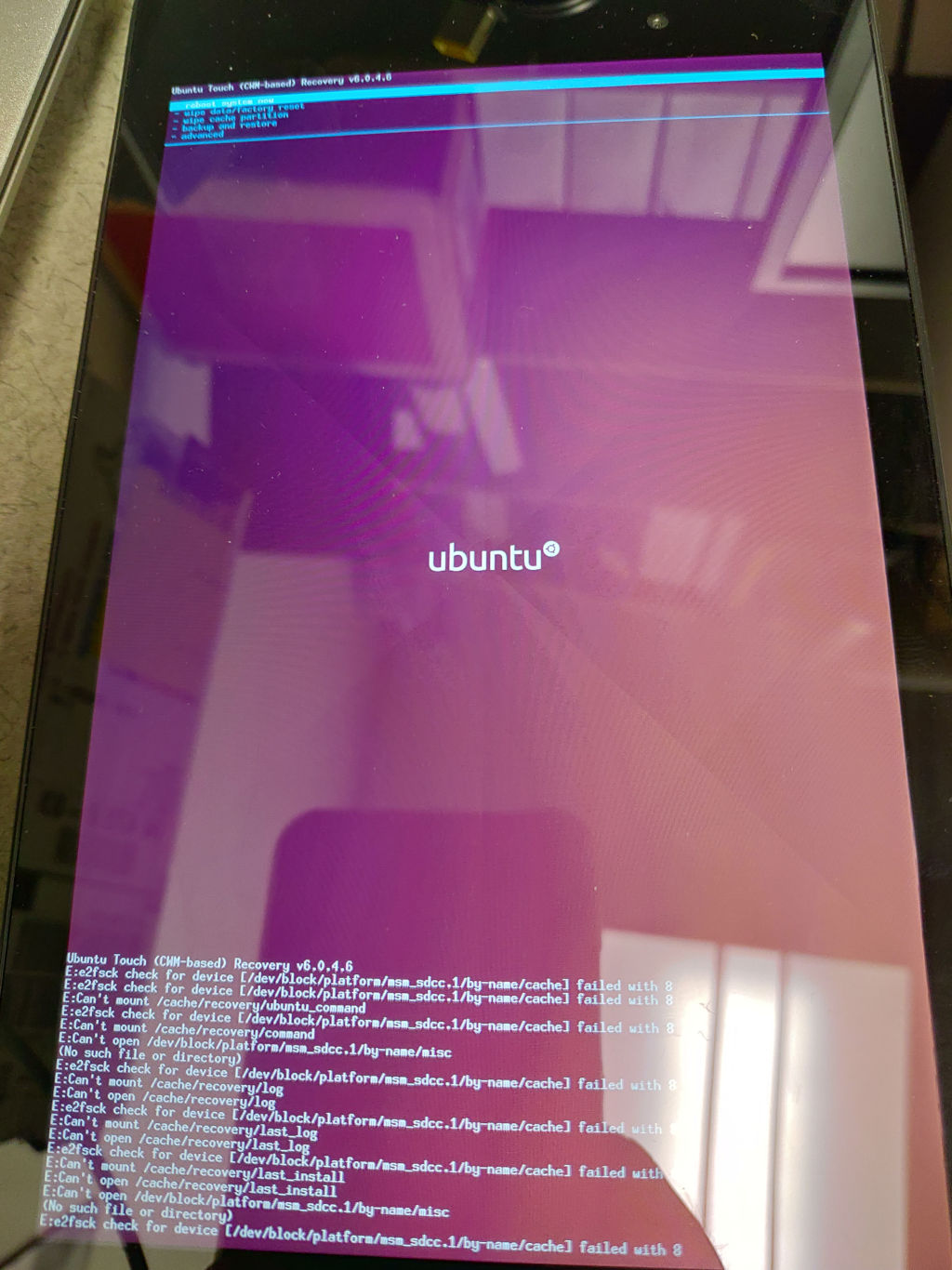
  • BQ Aquaris M10 FHD - Recovery Stuck At "Installing Ubuntu Update"

    3
    1
    0 Votes
    3 Posts
    431 Views
    R
    [image: 1572986948161-log-resized.jpg] According to this recovery log. There is no disk space left, despite having wiped/formatted cache and data prior to installation.
  • This topic is deleted!

    1
    1
    0 Votes
    1 Posts
    1 Views
    No one has replied
  • How to hide/show my ID on phone calls?

    10
    0 Votes
    10 Posts
    4k Views
    AppLeeA
    @utouchuser as @guru said it is provider specific. so something can be figured out, but will require a config file to update missing providers or specific needs. It can be tricky but probably doable.
  • 0 Votes
    3 Posts
    2k Views
    LakotaubpL
    @Fla The thread you just posted to is two years old so very out of date. In fact I will lock it shortly. Ubports do not support dual boot, though some have tried. If your still interested I would perhaps start a new thread in Off Topic and see if it gets picked up. Thanks.
  • No sim card detected on Nexus 5

    4
    0 Votes
    4 Posts
    778 Views
    K
    @nobhobbor Thanks, I'll give that a try. I've been using a nano-sim adapter and further research is showing that the adapters can often damage the pins. I might end up trying to push them up a bit to see if they contact better. @Lakotaubp Did that twice already. Was really hoping it would do the trick.
  • Morph Browser issue, edge channel

    Moved
    12
    2
    1 Votes
    12 Posts
    2k Views
    K
    @Giiba Yeah it seems so I guess it's a problem with Morph.Web since Demo Browser doesn't use it and uses the vanilla QtWebEngine.
  • Minetest in Anbox

    5
    0 Votes
    5 Posts
    1k Views
    ?
    The deb version has the same errors for me.
  • BQ E4.5: only white screen with bq logo after flashing

    17
    0 Votes
    17 Posts
    999 Views
    LakotaubpL
    @guru Glad you are getting somewhere still not sure what the change may have been though.
  • ping round-trip time to BQ E4.5 depends on trafic from the device

    6
    1 Votes
    6 Posts
    418 Views
    G
    jEzEk, thanks for undertaking the tests. They show two things: the RT values are as high as mine, up 100++ ms in one test (the first) they went down to a normal value of 2-3ms I think the problem in general is reverse DNS or ARP related. When I ping from my laptop my AP 192.168.178.1 I see constant values of 2-3 ms. When I ping some other laptop (an Ubuntu 18.04) I see this: guru@c720-r342378 ~]$ ping 192.168.178.36 PING 192.168.178.36 (192.168.178.36): 56 data bytes 64 bytes from 192.168.178.36: icmp_seq=0 ttl=64 time=2.897 ms 64 bytes from 192.168.178.36: icmp_seq=1 ttl=64 time=2.993 ms 64 bytes from 192.168.178.36: icmp_seq=2 ttl=64 time=3.610 ms 64 bytes from 192.168.178.36: icmp_seq=3 ttl=64 time=2.852 ms 64 bytes from 192.168.178.36: icmp_seq=4 ttl=64 time=3.022 ms 64 bytes from 192.168.178.36: icmp_seq=5 ttl=64 time=3.024 ms 64 bytes from 192.168.178.36: icmp_seq=6 ttl=64 time=5.926 ms 64 bytes from 192.168.178.36: icmp_seq=7 ttl=64 time=3.230 ms 64 bytes from 192.168.178.36: icmp_seq=8 ttl=64 time=3.015 ms 64 bytes from 192.168.178.36: icmp_seq=9 ttl=64 time=343.706 ms 64 bytes from 192.168.178.36: icmp_seq=10 ttl=64 time=2.999 ms 64 bytes from 192.168.178.36: icmp_seq=11 ttl=64 time=3.006 ms 64 bytes from 192.168.178.36: icmp_seq=12 ttl=64 time=2.923 ms 64 bytes from 192.168.178.36: icmp_seq=13 ttl=64 time=5.357 ms 64 bytes from 192.168.178.36: icmp_seq=14 ttl=64 time=12.376 ms 64 bytes from 192.168.178.36: icmp_seq=15 ttl=64 time=2.988 ms 64 bytes from 192.168.178.36: icmp_seq=16 ttl=64 time=3.066 ms 64 bytes from 192.168.178.36: icmp_seq=17 ttl=64 time=3.007 ms 64 bytes from 192.168.178.36: icmp_seq=18 ttl=64 time=2.986 ms 64 bytes from 192.168.178.36: icmp_seq=19 ttl=64 time=317.896 ms 64 bytes from 192.168.178.36: icmp_seq=20 ttl=64 time=634.518 ms i.e. only a few peeks up to 600 ms. Now I went to the other laptop in question and inserted a line for my source IP 192.168.178.22 and for the laptop itself 192.168.178.36 in the /etc/hosts file as: guru@m4400:~$ cat /etc/hosts 127.0.0.1 localhost 127.0.1.1 m4400 192.168.178.1 fritz 192.168.178.22 ubguru 192.168.178.36 ubuntu and magically, the RT goes down to normal: [guru@c720-r342378 ~]$ ping 192.168.178.36 PING 192.168.178.36 (192.168.178.36): 56 data bytes 64 bytes from 192.168.178.36: icmp_seq=0 ttl=64 time=3.010 ms 64 bytes from 192.168.178.36: icmp_seq=1 ttl=64 time=2.900 ms 64 bytes from 192.168.178.36: icmp_seq=2 ttl=64 time=3.124 ms 64 bytes from 192.168.178.36: icmp_seq=3 ttl=64 time=3.141 ms 64 bytes from 192.168.178.36: icmp_seq=4 ttl=64 time=3.422 ms 64 bytes from 192.168.178.36: icmp_seq=5 ttl=64 time=3.081 ms 64 bytes from 192.168.178.36: icmp_seq=6 ttl=64 time=2.919 ms 64 bytes from 192.168.178.36: icmp_seq=7 ttl=64 time=2.897 ms 64 bytes from 192.168.178.36: icmp_seq=8 ttl=64 time=3.005 ms 64 bytes from 192.168.178.36: icmp_seq=9 ttl=64 time=3.016 ms 64 bytes from 192.168.178.36: icmp_seq=10 ttl=64 time=2.888 ms 64 bytes from 192.168.178.36: icmp_seq=11 ttl=64 time=3.011 ms 64 bytes from 192.168.178.36: icmp_seq=12 ttl=64 time=2.923 ms 64 bytes from 192.168.178.36: icmp_seq=13 ttl=64 time=2.867 ms To be investigated further ...
  • paste long wlan password?

    1
    0 Votes
    1 Posts
    219 Views
    No one has replied